
WebToBook - Send any article to Kindle
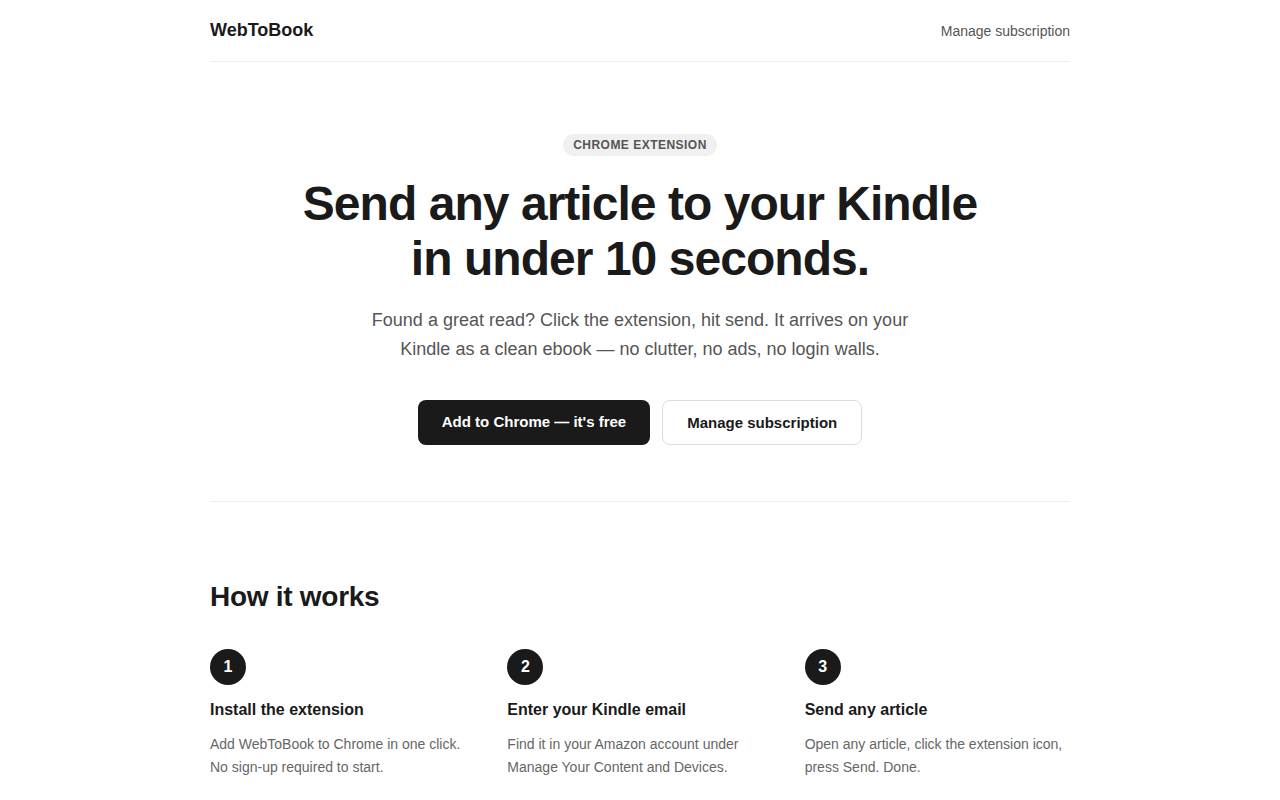
Your reading list, on your Kindle in 10 seconds.
A Chrome extension lets users convert any web article into a clean ebook and deliver it directly to their Kindle device. After installing the extension, the user enters their Kindle email address, then clicks the extension icon on any article and selects “Send.” The service formats the content as an EPUB (or PDF with a paid tier) without ads, clutter, or login walls, and forwards it to the Kindle’s email address for immediate reading.
The tool targets readers who prefer offline, distraction‑free consumption of web content on their Kindle. It is aimed at individuals who curate a personal reading list and want a quick, low‑effort way to transfer articles from the browser to the e‑reader.
The offering includes a free tier that allows up to twelve articles per month, with optional paid subscriptions for unlimited sends, PDF delivery, and priority support. No account creation or credit‑card information is required to start using the extension.
Reviews
Loading reviews…
Similar apps
Bookmarks & Read Later
q2Kindle
Turn articles into a Kindle ebook on your schedule

Bookmarks & Read Later
Instapaper
A service that saves articles and web pages for offline reading on any device.
Bookmarks & Read Later
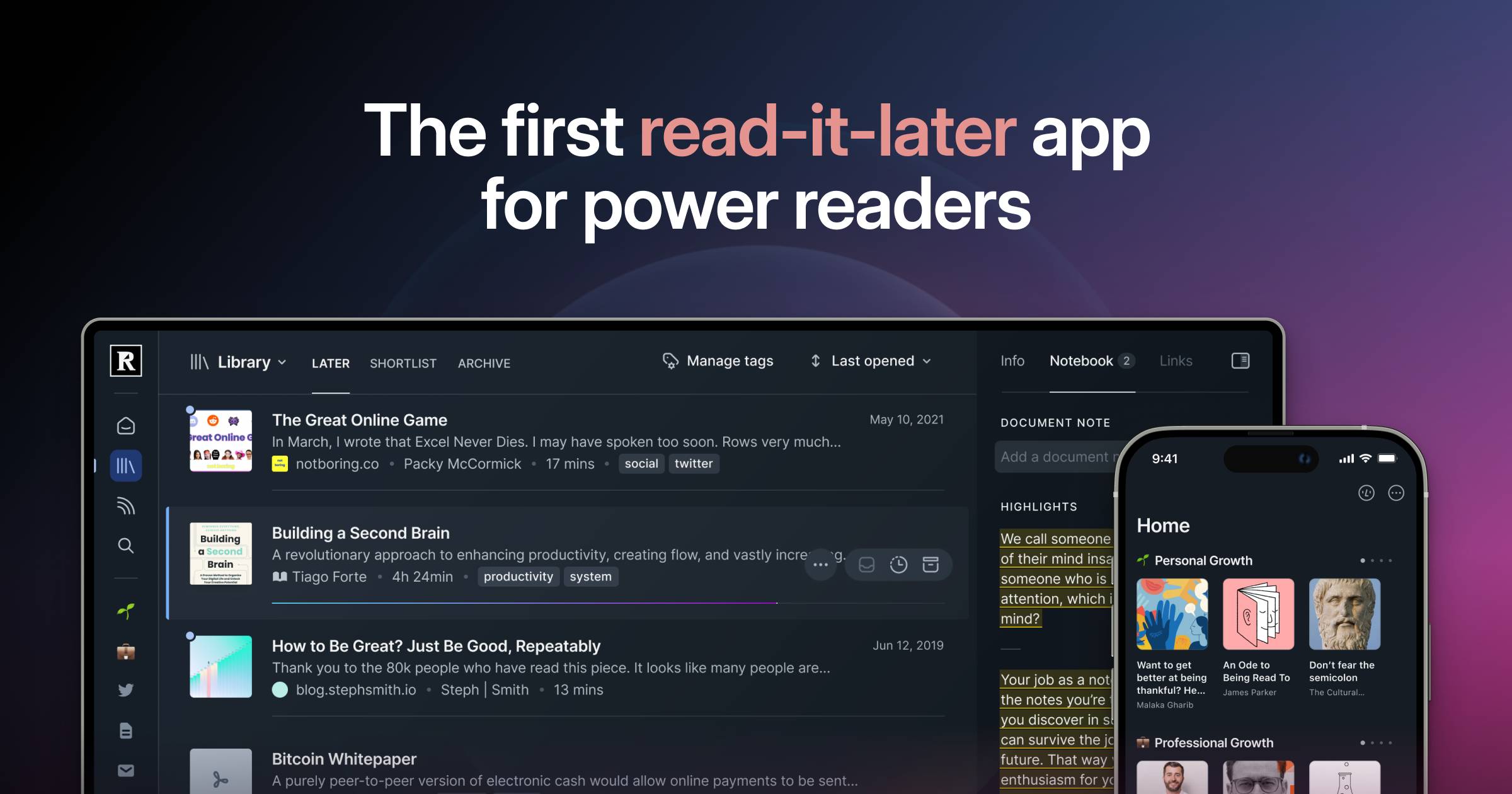
Readwise Reader
A web app that aggregates and displays articles, newsletters, and PDFs for offline reading.
Bookmarks & Read Later
Readeck
Save the precious readable content of web pages you like and want to keep forever. See it as a bookmark manager and a read later tool.
Documents, Forms & Contracts
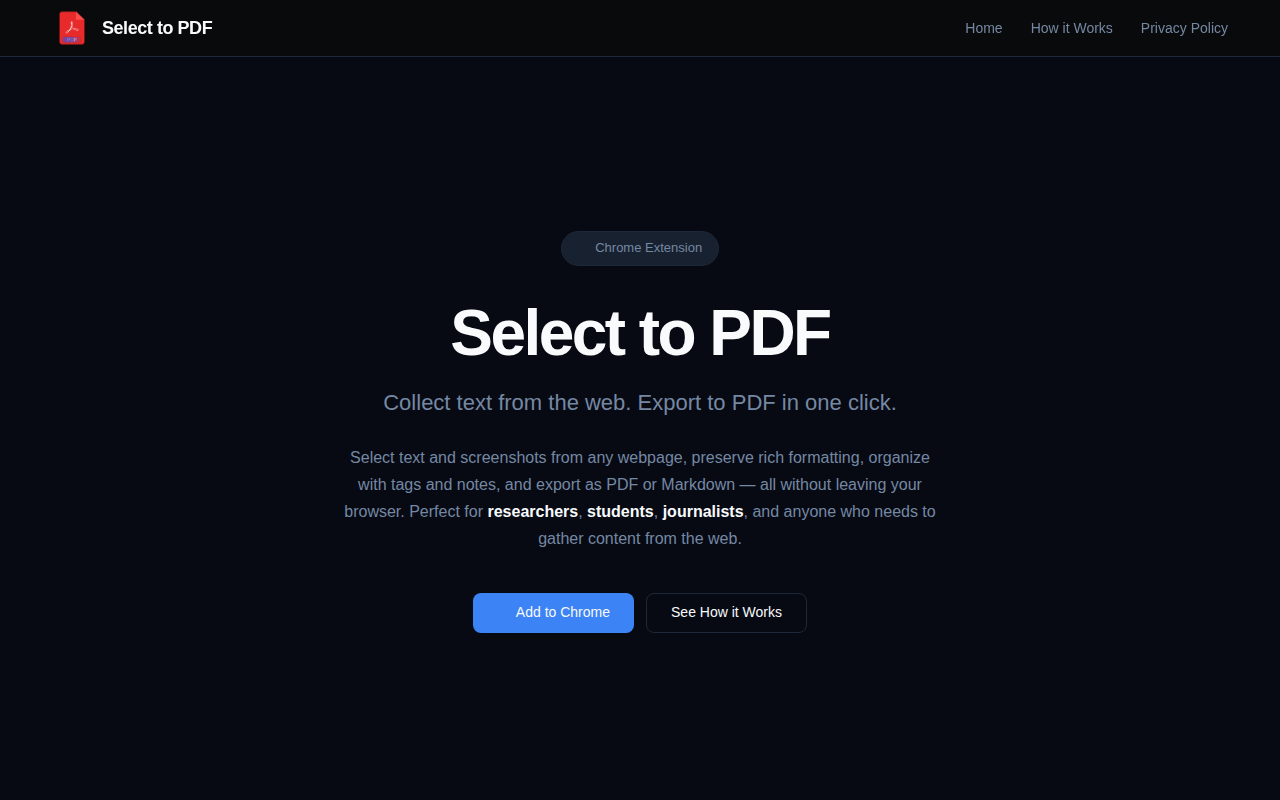
Select to PDF
Collect web snippets and export to PDF, all local
Bookmarks & Read Later
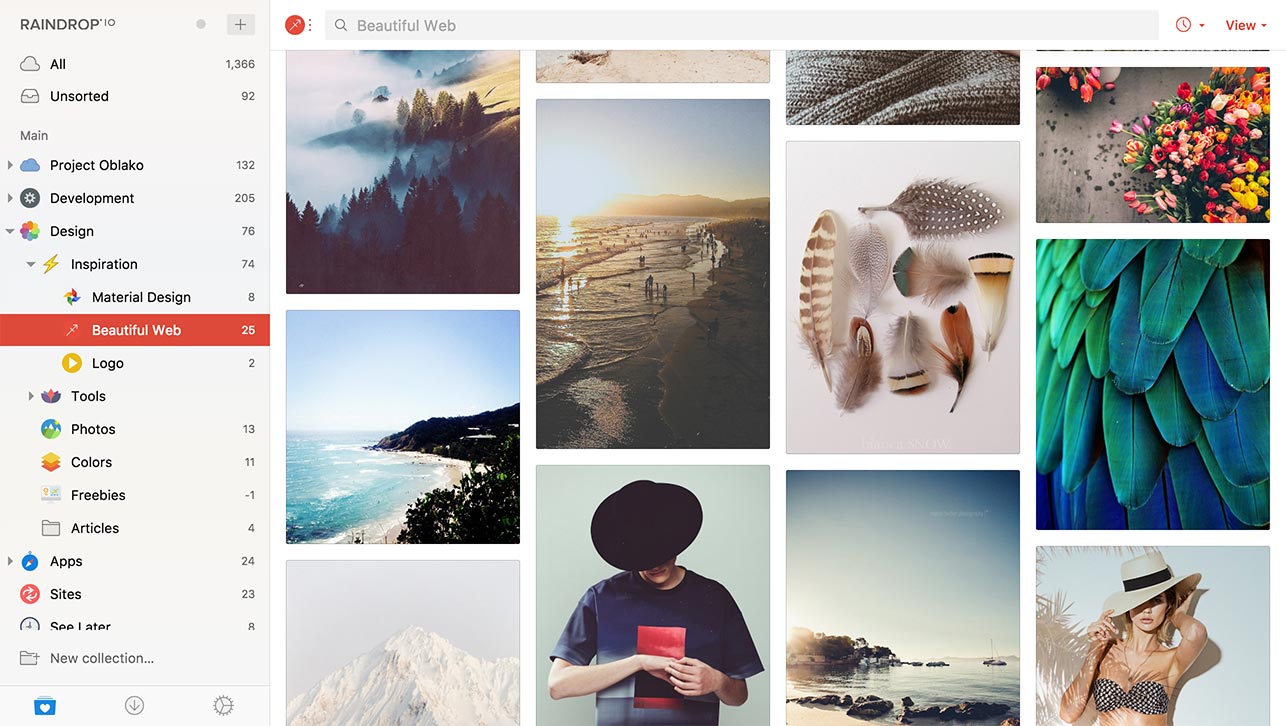
Raindrop.io
A web-based bookmark manager for organizing, tagging, and syncing saved links across devices.