
WidgetToggler
Tool to toggle the visibility of homescreen widgets
WidgetToggler is a lightweight tray‑bar utility for macOS Sonoma and later that lets users hide or show all homescreen widgets with a single action. It is particularly useful during screen‑sharing sessions, where widgets can be concealed while the user continues to see them. The application integrates with macOS Focus Filters and offers a global keyboard shortcut (⌘⌃w) to toggle widget visibility instantly.
The tool supports individual toggles for both Desktop and Stage Manager environments, and it can be configured to launch automatically at login. Advanced users may also control widget visibility from the command line by writing to the appropriate system defaults keys.
WidgetToggler requires macOS 14.0+ and Xcode 15.0+ for building, and it is distributed under the Apache 2.0 license. Installation involves downloading the release archive, unzipping it, and dragging the app into the Applications folder.
Reviews
Loading reviews…
Similar apps

Terminals & CLI
OnlySwitch
⚙️ All-in-One menu bar app, hide 💻MacBook Pro's notch, dark mode, AirPods, Shortcuts
Window & Desktop Management
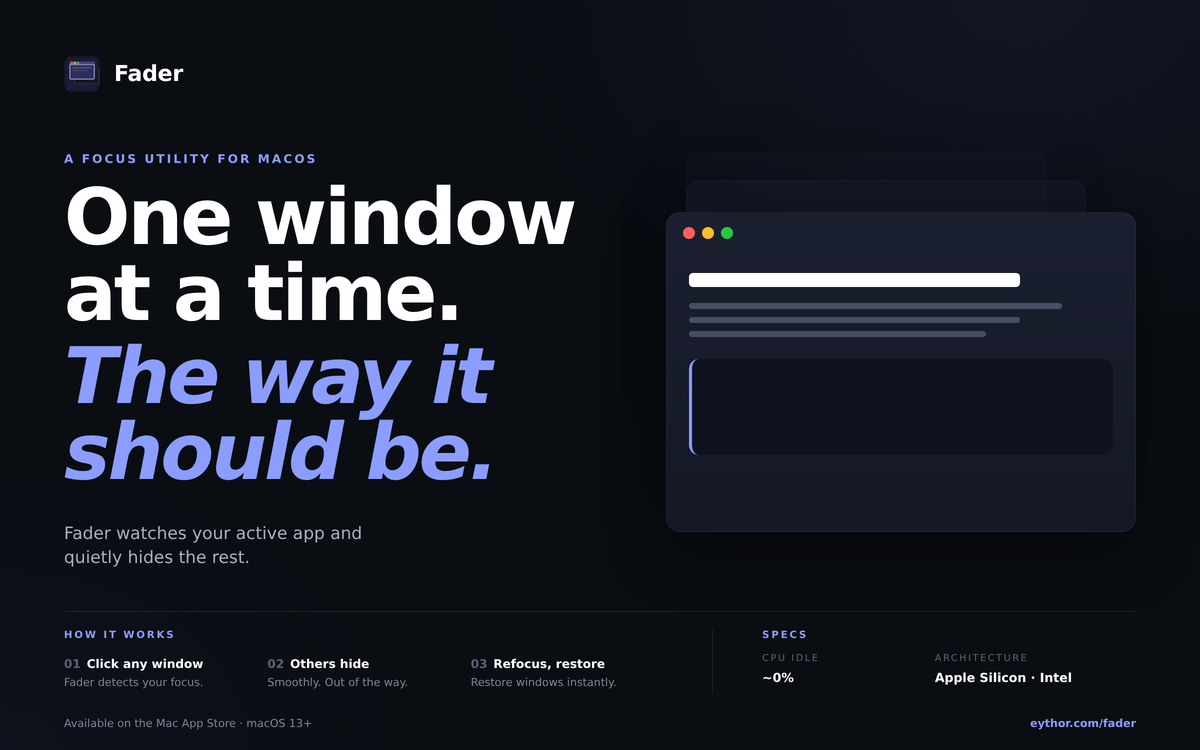
Fader
Minimize windows when you switch apps automatically
Window & Desktop Management
Dozer
Hide MacOS menubar items.
Window & Desktop Management
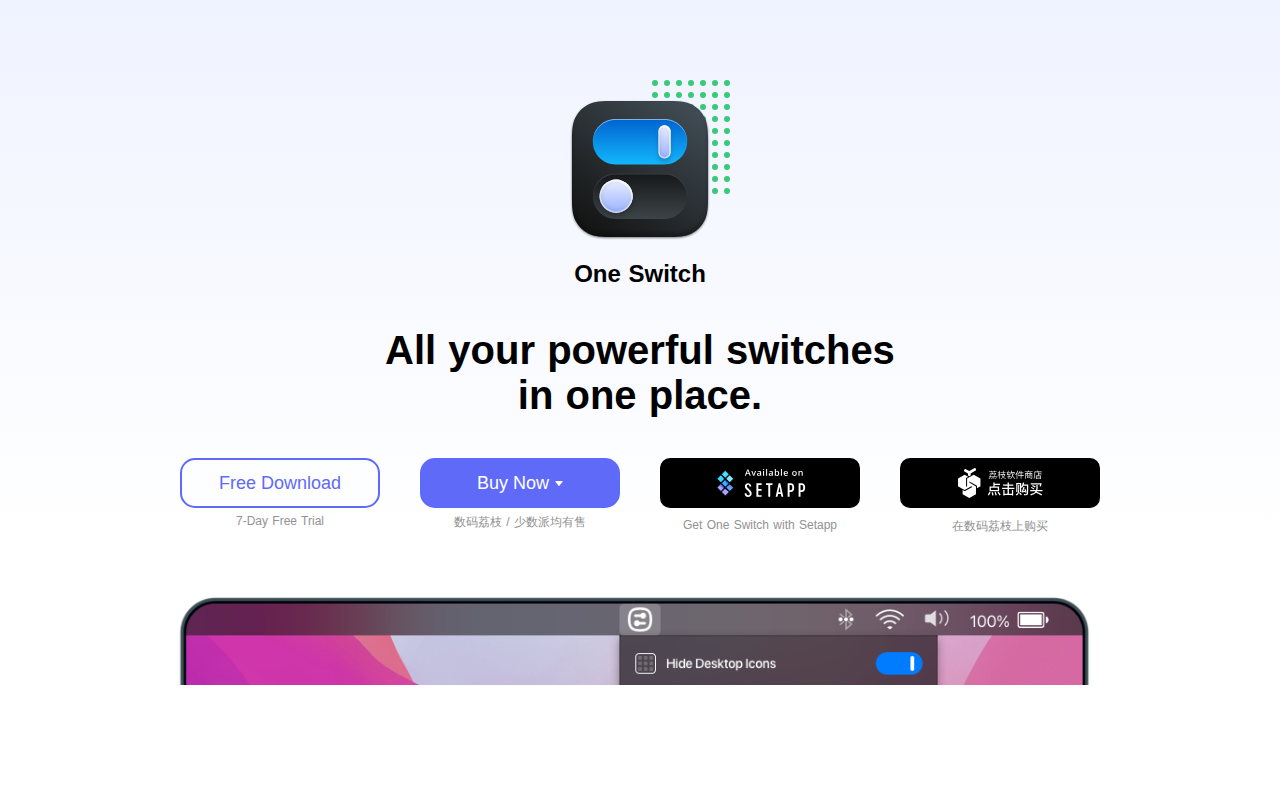
One Switch
Mac menu bar app that adds various switches to the Mac's menu bar.
Window & Desktop Management
SwiftQuit
Enables automatic quitting of macOS apps when closing their windows.
Window & Desktop Management
Convoker
Type an app name, press Enter, all its windows come to you.