
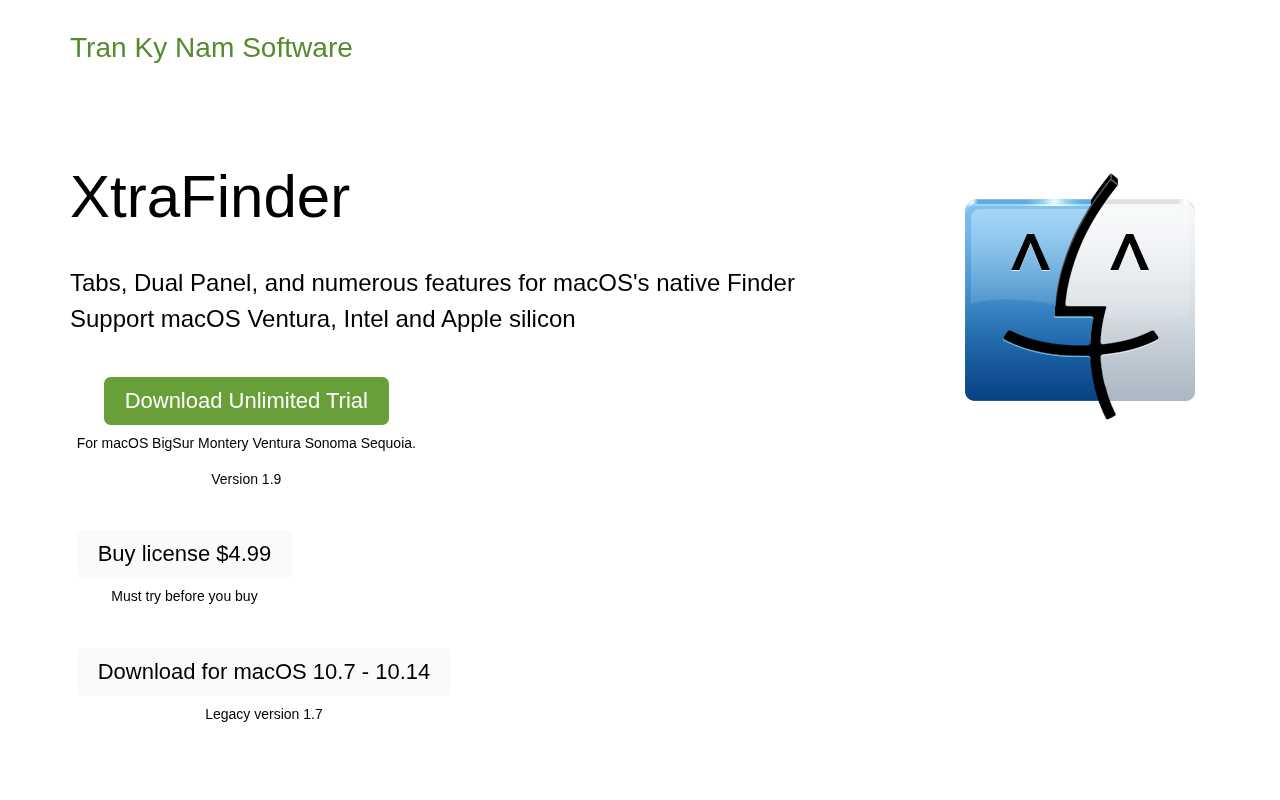
XtraFinder
Adds tabs and cut to Mac Finder. ![Freeware][Freeware Icon]
XtraFinder extends macOS Finder with tabbed and dual‑panel interfaces, allowing users to keep multiple locations open simultaneously or view two directories side‑by‑side. It introduces a set of quick commands such as copy path, new terminal here, new file, copy or move to, compress/expand, permanent delete, and hide desktop. The utility also implements a natural cut‑and‑paste workflow using Command + X and Command + P, and it queues copy and move operations so subsequent shortcuts are processed without waiting for previous tasks to finish.
File organization is enhanced by options that keep folders above files across all sort types, automatically adjust column widths to show full names, and display item counts and selected‑item sizes in the status bar. Visual tweaks include legacy‑style label drawing, full‑row labels, custom coloring, colorful sidebar icons, and transparent windows.
The software is offered as freeware, maintained in a stable release, and provides a preferences pane for configuring its many features. It is aimed at macOS users who want richer file‑management capabilities within the native Finder without adopting a separate file manager.
Reviews
Loading reviews…
Similar apps
File Management & Transfer
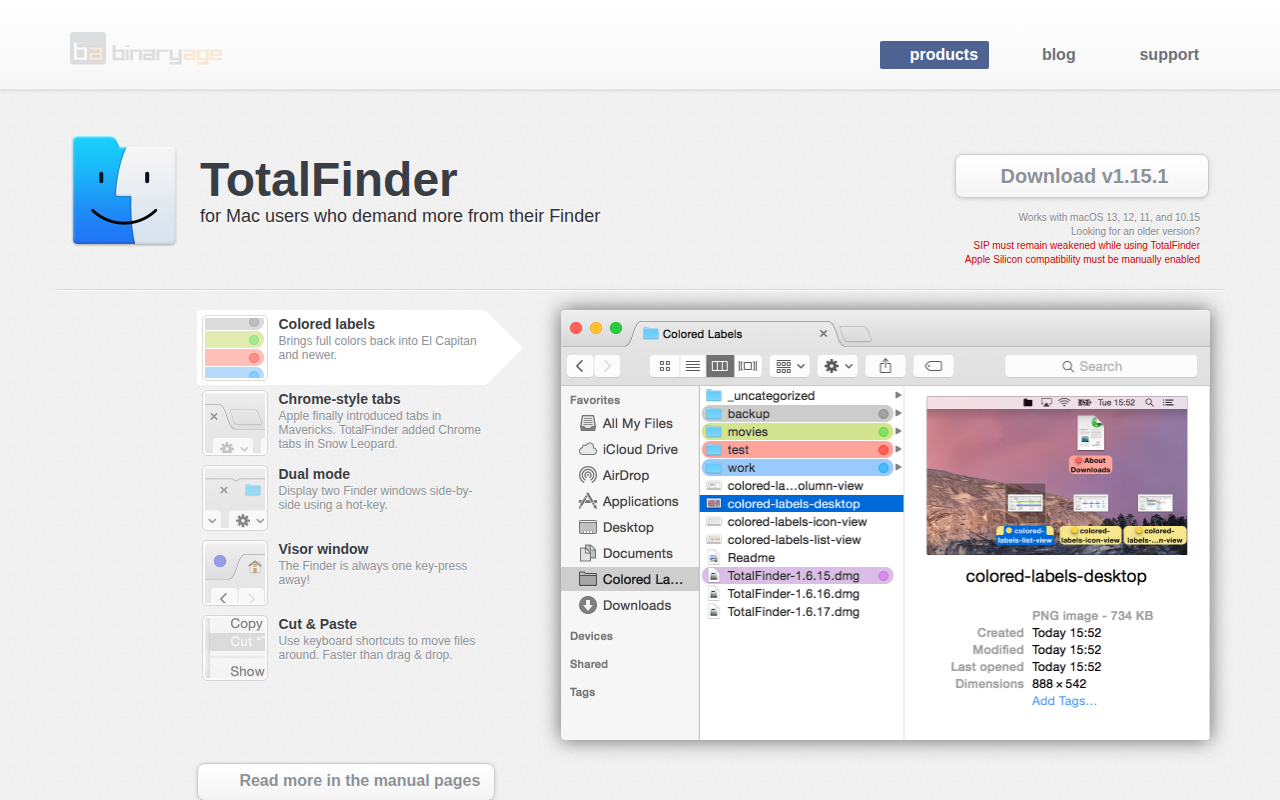
TotalFinder
Chrome-styled Finder substitute.
File Management & Transfer
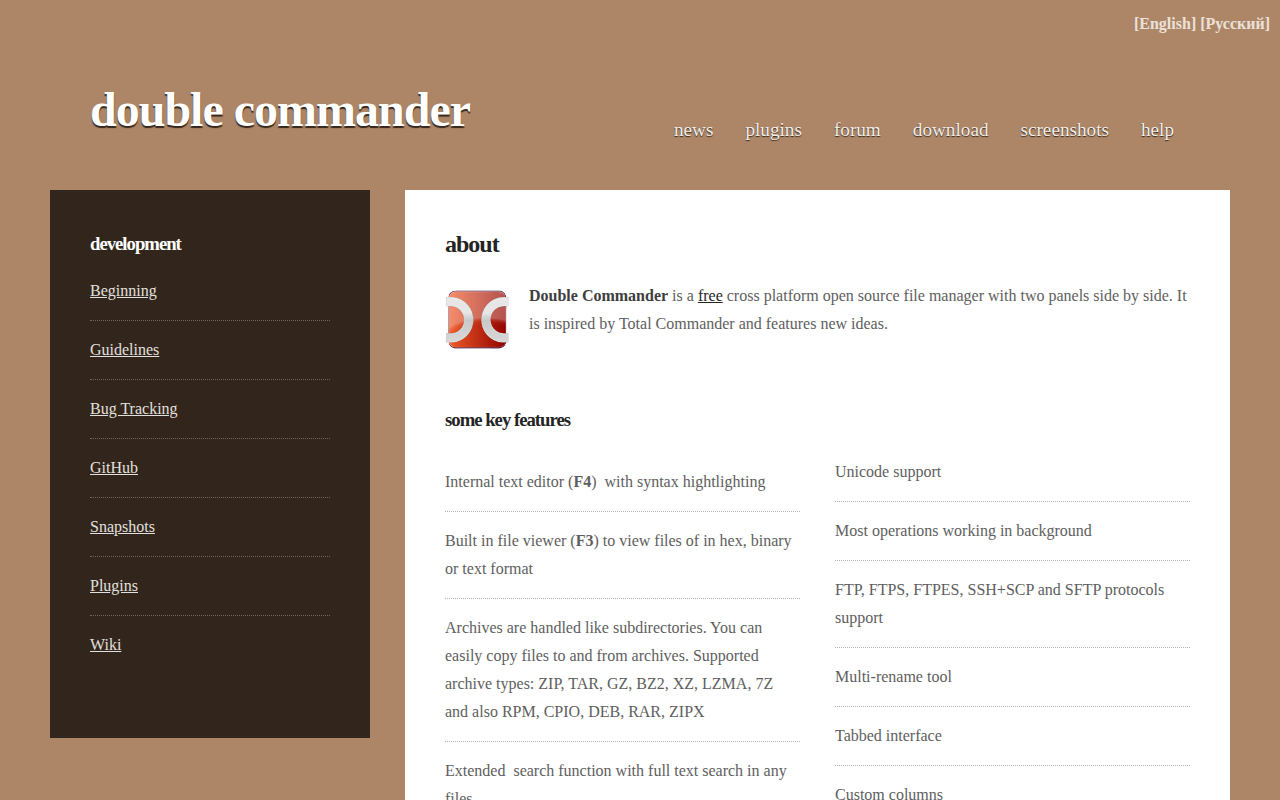
Double Commander
File manager with two panels

File Management & Transfer
Path Finder
File management app.

File Management & Transfer
Path Finder
File manager

File Management & Transfer
FinderFix
Finally, a lasting solution for Finder windows size and position. ![Freeware][Freeware Icon].
File Management & Transfer
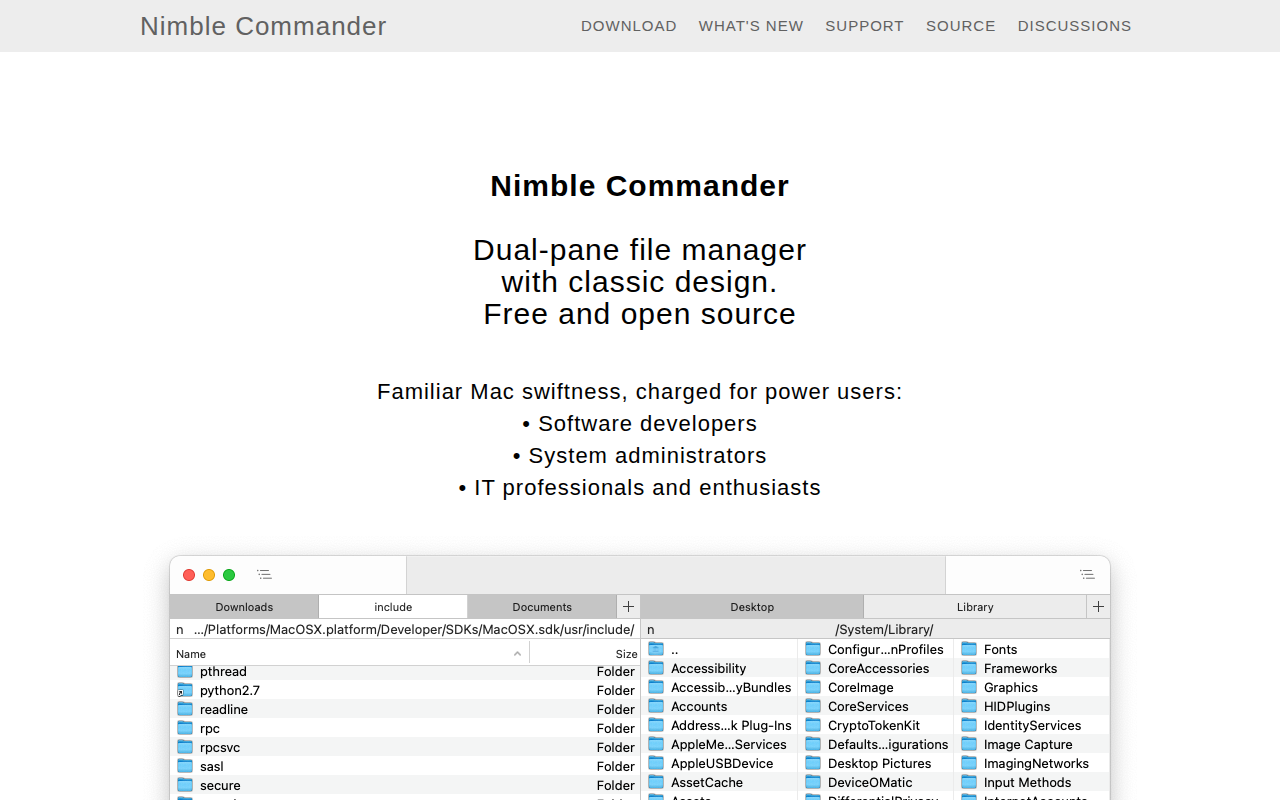
Nimble Commander
Dual-pane file manager