
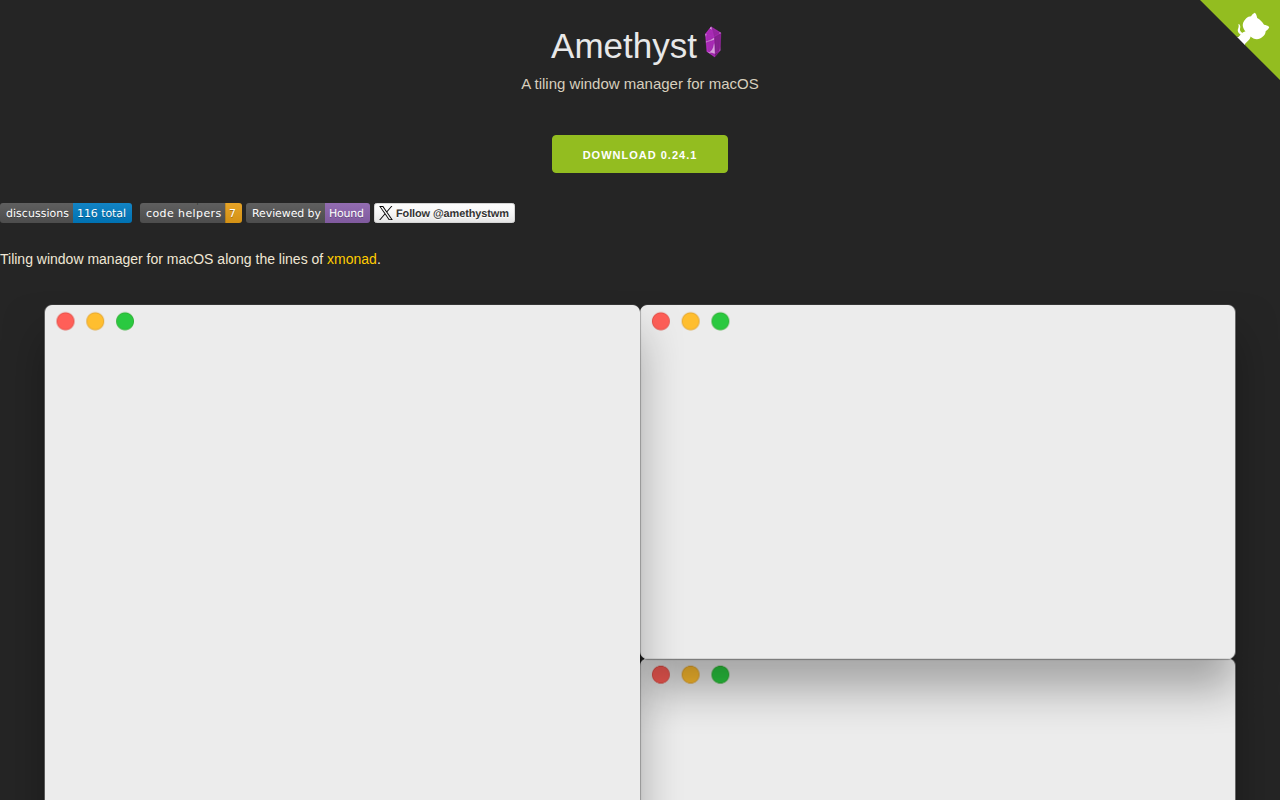
Amethyst
Tiling window manager.
Amethyst provides a tiling window manager for macOS, arranging application windows in non‑overlapping frames automatically. It follows the design of xmonad, offering multiple built‑in layouts and allowing users to switch between them with keyboard shortcuts. The manager relies on macOS accessibility APIs, requiring the user to grant appropriate permissions and to disable the default “Automatically rearrange Spaces” setting for predictable navigation.
The tool is distributed as open‑source software and can be installed either from the project’s release page or via Homebrew Cask. It supports macOS 10.15 and later, and configuration is performed through a plain‑text file that defines modifier keys, layout preferences, and custom shortcuts. Users can manipulate window size, focus, and placement across multiple displays and virtual spaces using the predefined key combinations.
Amethyst targets developers and power users who prefer keyboard‑driven workflows and want to increase productivity on macOS without relying on a graphical window manager. Its stable release status and community‑maintained documentation make it a practical option for those familiar with tiling window concepts.
Reviews
Loading reviews…
Similar apps
Window & Desktop Management
AeroSpace
i3-like tiling window manager for macOS.

Window & Desktop Management
Sempliva Tiles
Window manager
Window & Desktop Management
ShiftIt
Managing window size and position in OSX.

Window & Desktop Management
Rectangle-app
Rectangle is a window management app based on Spectacle, written in Swift.
Window & Desktop Management
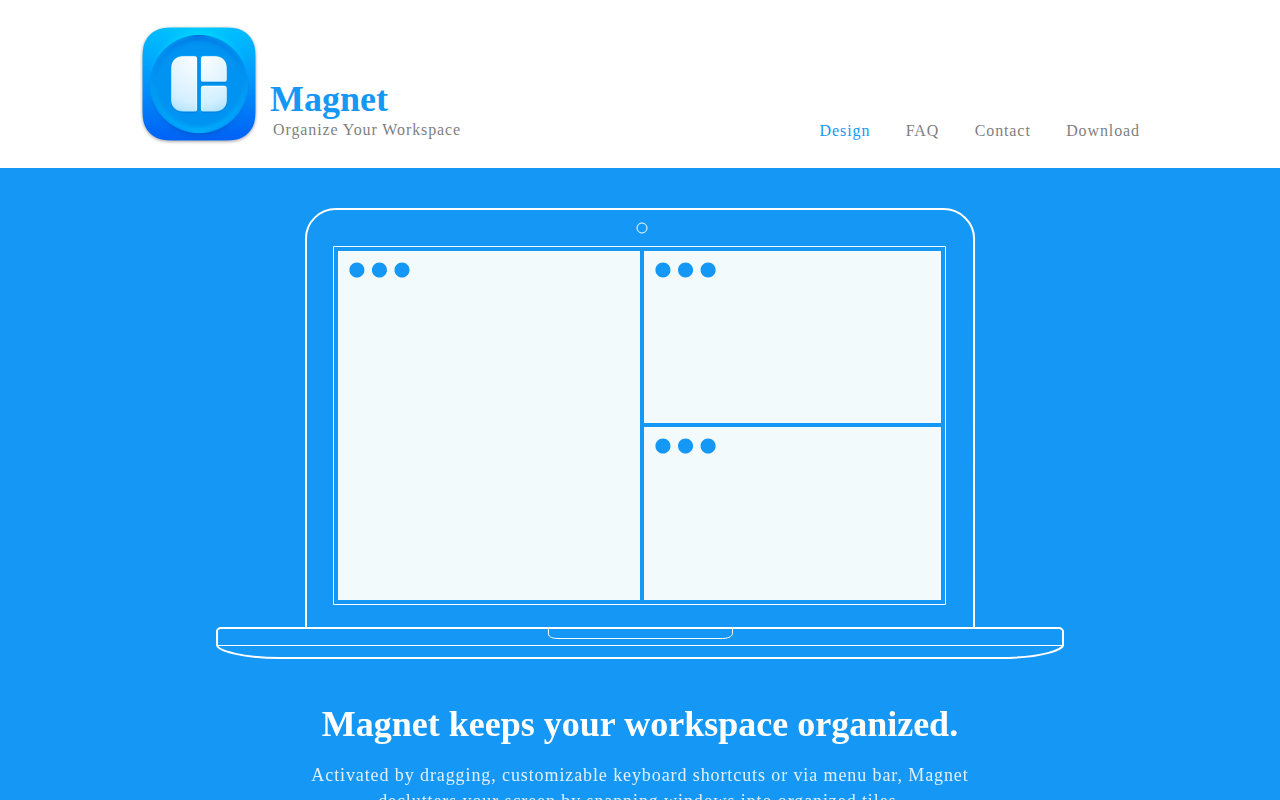
Magnet
Window manager that keeps your workspace organized.
Window & Desktop Management
yabai
Keyboard-driven tiling window manager.