
Bananas Screen Sharing
Cross-platform screen sharing tool
Bananas Screen Sharing enables peer‑to‑peer screen sharing across macOS, Windows, and Linux without requiring accounts or server‑side storage. Users generate a unique connection URL that can be exchanged via any external channel, and the application establishes a direct WebRTC link for the session. The tool supports multiple cursors, allowing participants to see each other's pointer movements in real time.
The design emphasizes privacy: no screen data is retained on intermediate servers, and only the minimal signaling infrastructure needed for connection negotiation is used. A “ping” feature lets a remote cursor highlight specific areas on the shared screen, facilitating focused collaboration. Because the software operates with zero configuration, participants can start a session immediately after sharing the URL.
Targeted at individuals and small groups who need quick, ad‑hoc visual collaboration, the application provides a lightweight alternative to traditional remote‑desktop solutions, focusing on ease of use and data protection.
Reviews
Loading reviews…
Similar apps
Calendar & Scheduling
CoScreen
Collaboration tool with multi-user screen sharing

Video & Voice
Screego
Screego is a simple tool to quickly share your screen to one or multiple people via web browser.
Calendar & Scheduling
Berrycast
Screen recorder

Video & Voice
Yandex Telemost
Yandex video calls and meetings platform
Team Chat & Messaging
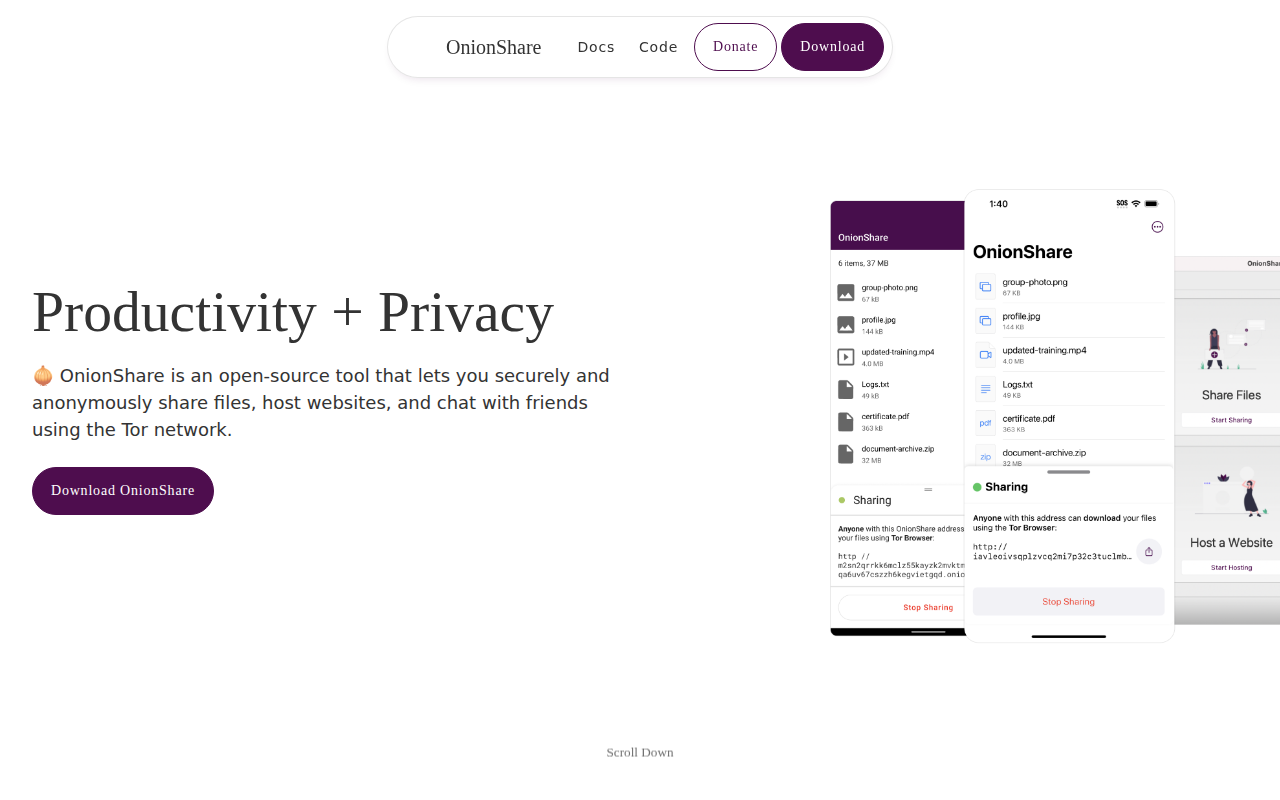
OnionShare
Securely and anonymously share files, host websites, and chat with friends

Calendar & Scheduling
Sunsama
Daily planner and calendar