
Beamer
Desktop casting/streaming app for Apple TV and Chromecast
Beamer enables macOS users to stream video files directly from their desktop to Apple TV or Chromecast without needing to convert or transfer the media first. The application accepts a wide range of video formats—including AVI, MKV, MP4, MOV, HEVC, H264, H265, VP8, VP9, and many others—and supports both text‑based and bitmap subtitles, allowing playback in multiple languages. Users can simply drag a file onto the Beamer window, after which the software handles any necessary transcoding and streams the content to the selected TV device, providing native‑quality video and optional surround‑sound enhancement.
The interface is built for quick, one‑click operation: after dropping a file, playback begins instantly on the TV, and remote‑control commands can be sent from the Mac. Beamer also offers features such as “Keep in Dock” for easy access and a redesigned UI that streamlines the streaming workflow. The app is positioned for individuals who want a straightforward way to turn their television into a media center for movies and other video content stored on a Mac.
Reviews
Loading reviews…
Similar apps

Remote Access & VPN
AirParrot
Tool to wirelessly mirror the screen or stream media files
Remote Access & VPN
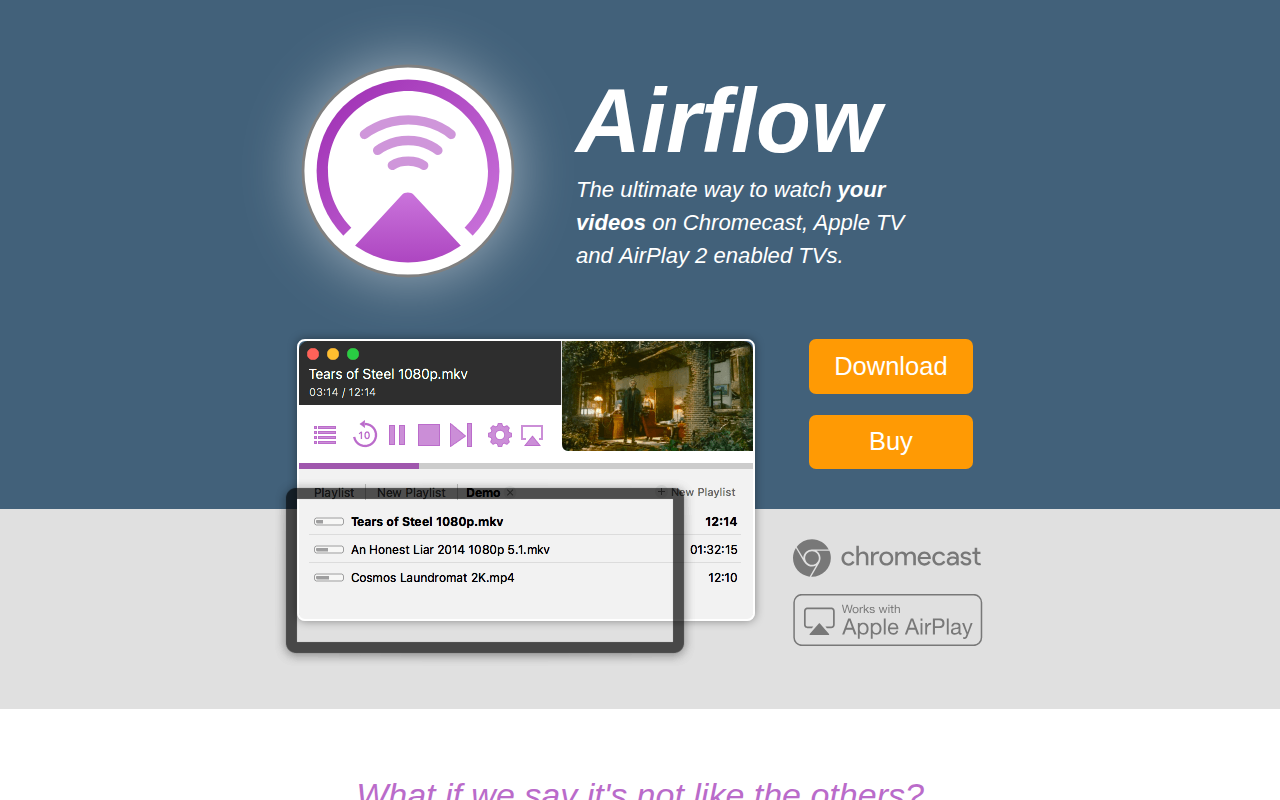
Airflow
Watch local content on Apple TV and Chromecast
Media Players & Streaming
Elmedia Player
Media player with broad audio and video format support.
DevOps & Infrastructure
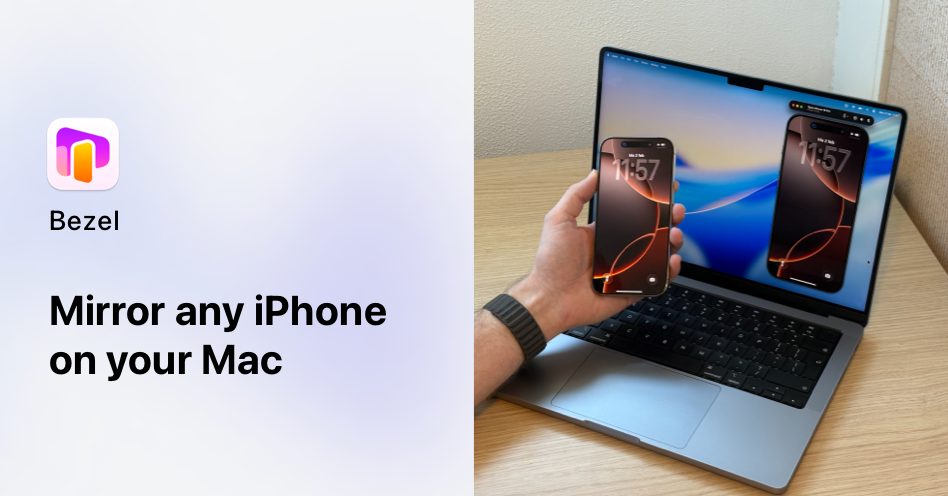
Bezel
iOS screen output recorder
System Monitoring & Maintenance
Stremio
Open-source media center
Remote Access & VPN
Air Video Server HD
Tool to stream videos to Apple devices