
BitBar
Utility to display the output from any script or program in the menu bar
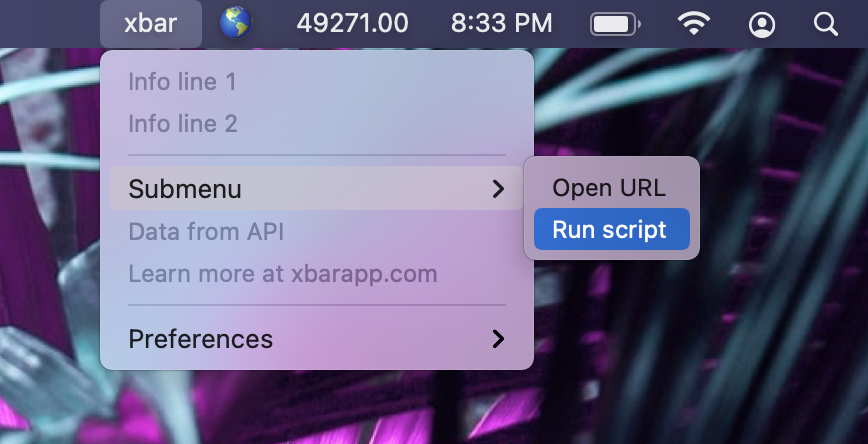
xbar lets macOS users place the output of any script or program directly in the menu bar, turning arbitrary command‑line results into clickable menu items. The application is a complete rewrite of the original BitBar project, built in Go with the Wails framework, and runs on macOS Catalina (10.15) or newer. Users install plugins by placing them in a designated folder or by browsing the online plugin repository, and can also create custom plugins following the provided guide.
The tool is aimed at developers, system administrators, and power users who want quick, at‑a‑glance information—such as system metrics, weather, or custom alerts—without opening a terminal or separate window. Its plugin architecture supports scripts written in any language, and the menu automatically refreshes according to each plugin’s schedule.
xbar is fully open source, with a stable release and a community‑maintained plugin directory. Contributions are encouraged through the separate plugin repository, while the core application remains maintained by its original authors.
Reviews
Loading reviews…
Similar apps
Window & Desktop Management
Xbar
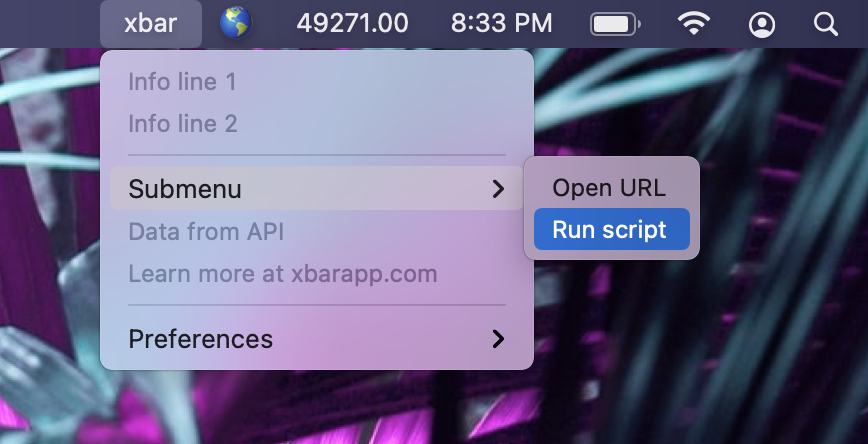
Put the output from any script or program into your macOS Menu Bar (the BitBar reboot).

Window & Desktop Management
SwiftBar
Powerful macOS menu bar customization tool.
Window & Desktop Management
TextBar
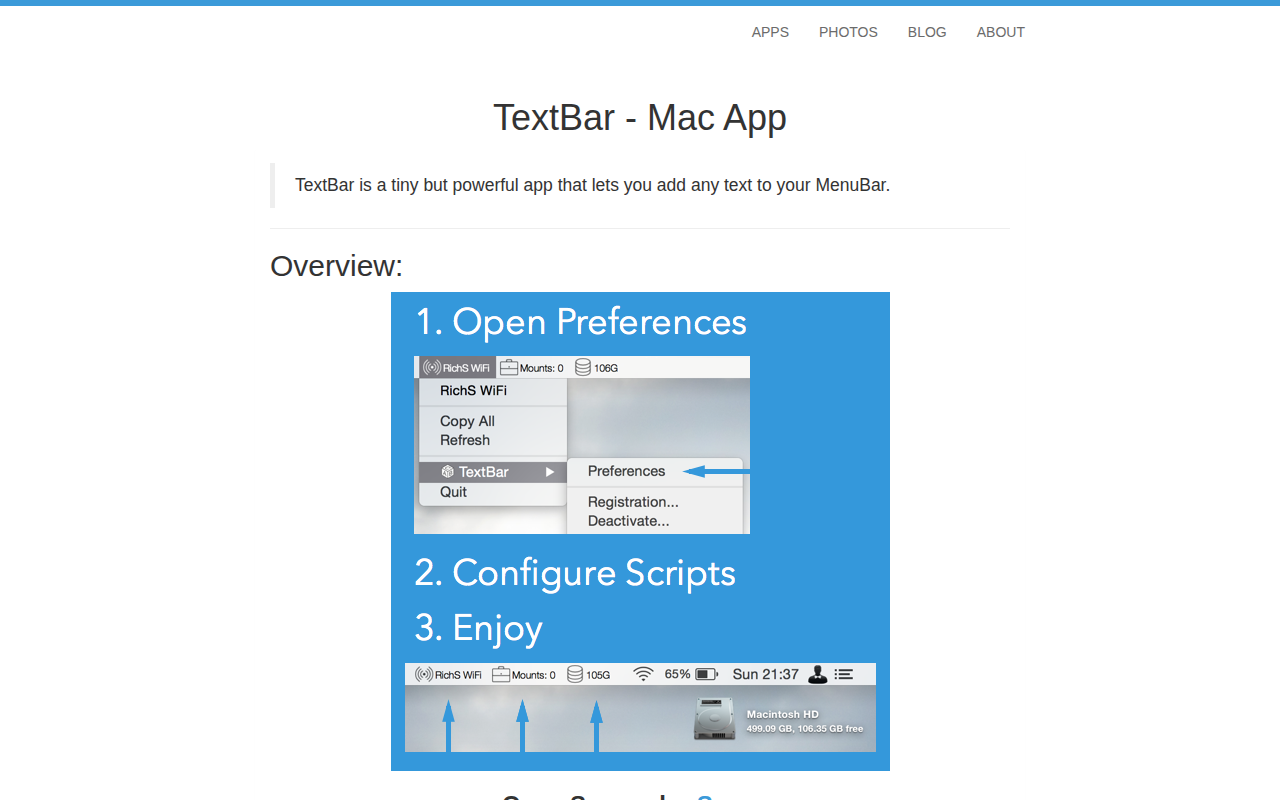
Add any text to menu bar

Window & Desktop Management
SwiftBar
Menu bar customization tool
Window & Desktop Management
SketchyBar
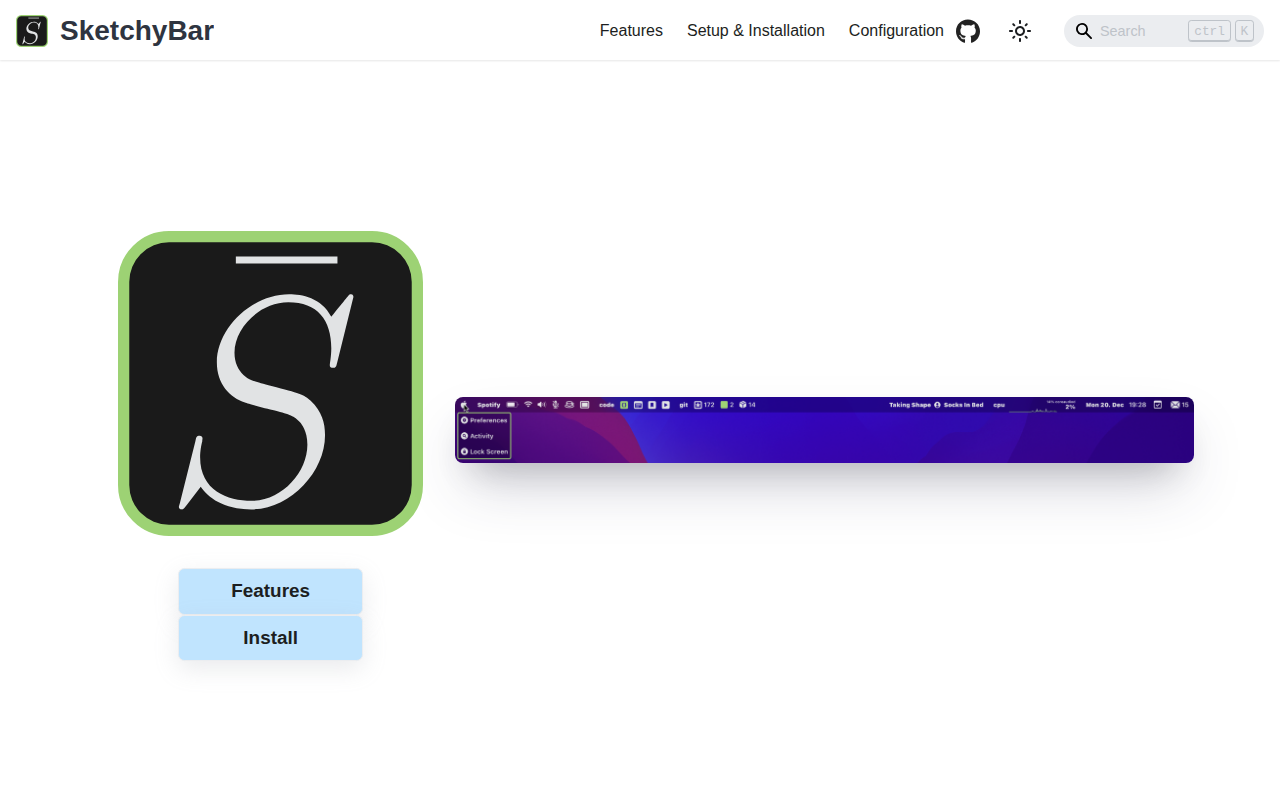
A highly customizable macOS status bar replacement.
Window & Desktop Management
AnyBar
Menu bar status indicator