
AnyBar
Menu bar status indicator
AnyBar runs as a tiny macOS menubar app that shows a single colored dot. The dot’s color or style can be changed at runtime, allowing users to encode arbitrary status information—such as build results, server health, or personal reminders—directly in the menubar. The application listens on a UDP port (default 1738) and accepts simple text commands like “red”, “green”, “question”, “filled”, or “quit” to update the indicator.
Control is performed from the command line or scripts using tools such as `nc` or the `/dev/udp` pseudo‑device, making it easy to integrate with shell scripts, CI pipelines, or other automation. A small set of default commands is provided, and the dot automatically adapts to macOS appearance changes (e.g., Big Sur’s light/dark menubar) when using the “filled” or “hollow” styles.
Because the protocol is language‑agnostic, many client libraries exist for Bash, Zsh, Fish, Go, Node, Python, Ruby, Rust, and other ecosystems, enabling developers to update the indicator from virtually any programming environment. The app is distributed as a zip archive or via Homebrew Cask, and it runs stably on macOS.
Reviews
Loading reviews…
Similar apps

Window & Desktop Management
SwiftBar
Powerful macOS menu bar customization tool.
Window & Desktop Management
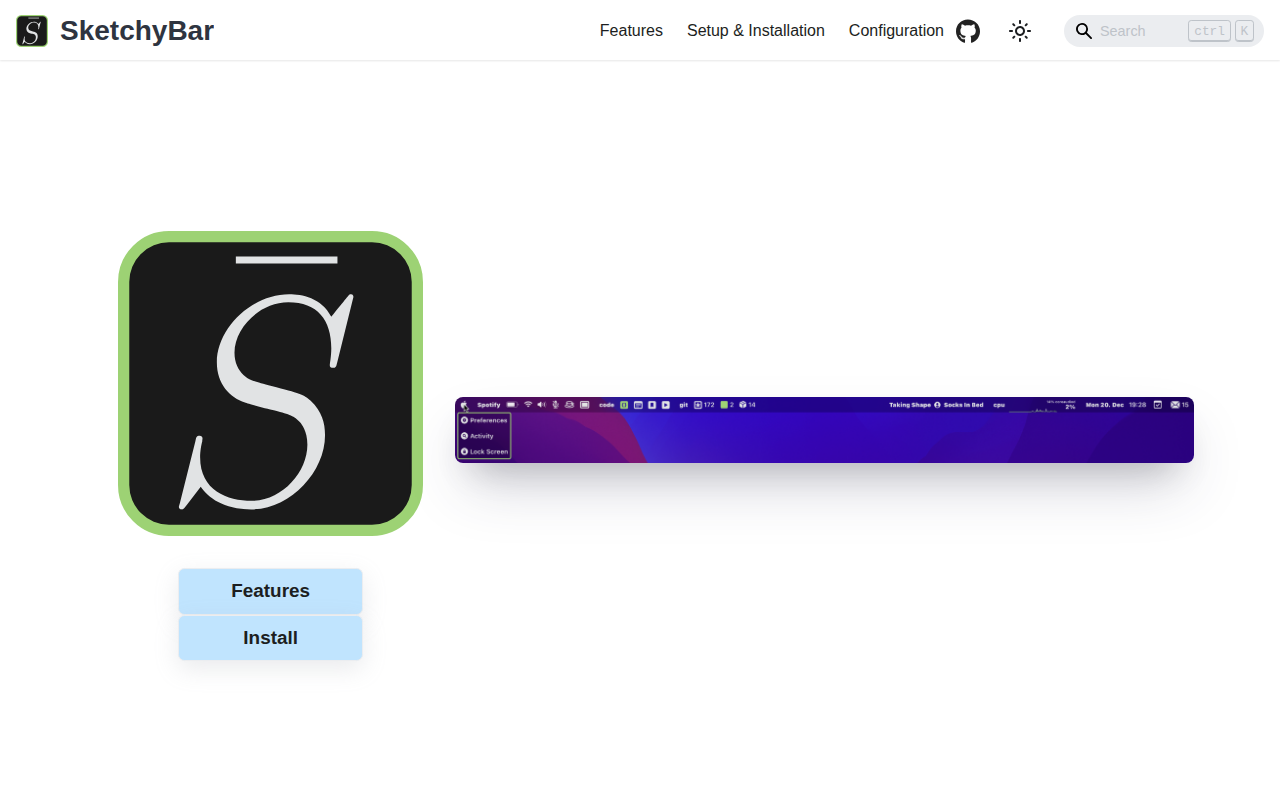
SketchyBar
A highly customizable macOS status bar replacement.
Window & Desktop Management
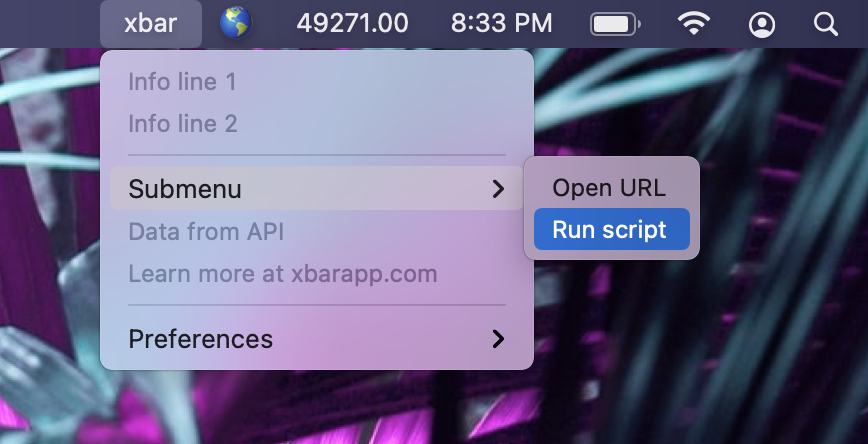
BitBar
Utility to display the output from any script or program in the menu bar
Display & Accessibility
Menubar Colors
Menu bar app for convenient access to the system colour panel
System Monitoring & Maintenance
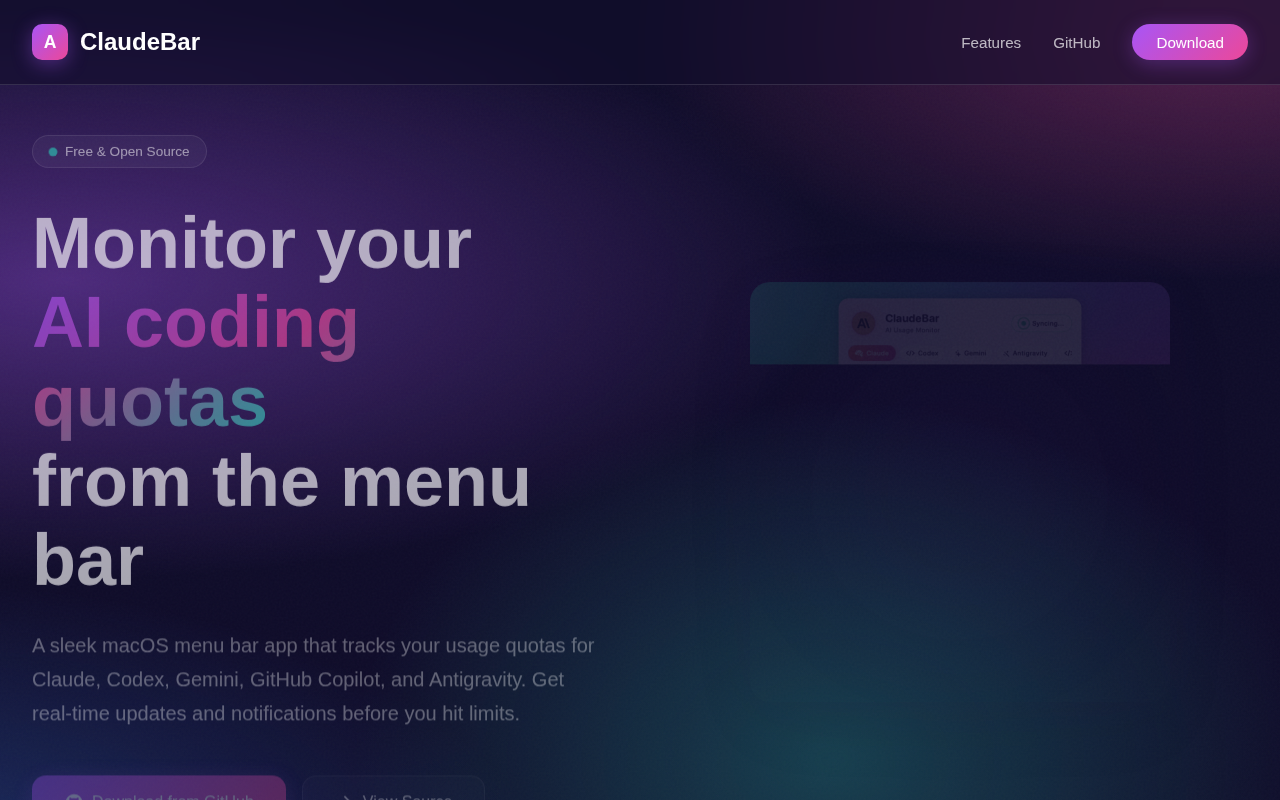
ClaudeBar
Menu bar app for monitoring AI coding assistant usage quotas
Window & Desktop Management
LunarBar
Lunar calendar for menu bar