
Menubar Colors
Menu bar app for convenient access to the system colour panel
Menubar Colors is a macOS utility that resides in the system menubar and provides quick access to the built‑in system color panel. A left‑click on the menubar icon toggles the visibility of the color panel, while a right‑click reveals a small menu with additional options. The app relies on the native macOS color picker, allowing users to take advantage of its extensibility without requiring a custom implementation.
The software targets designers and developers who frequently need to choose or adjust colors while working on other applications. By keeping the color panel a single click away, it reduces the steps required to open the picker from the standard system preferences or other dialogs.
Installation is available through a direct download of the latest release or via Homebrew Cask. The project is released under the MIT License, permitting free modification and redistribution.
Reviews
Loading reviews…
Similar apps
Fonts, Colors & Assets
System Color Picker
The macOS color picker as an app with more features.
Display & Accessibility
Pixel Picker
Menu bar application to pick colours from your screen
Fonts, Colors & Assets
Material Design
Colour picker
Fonts, Colors & Assets
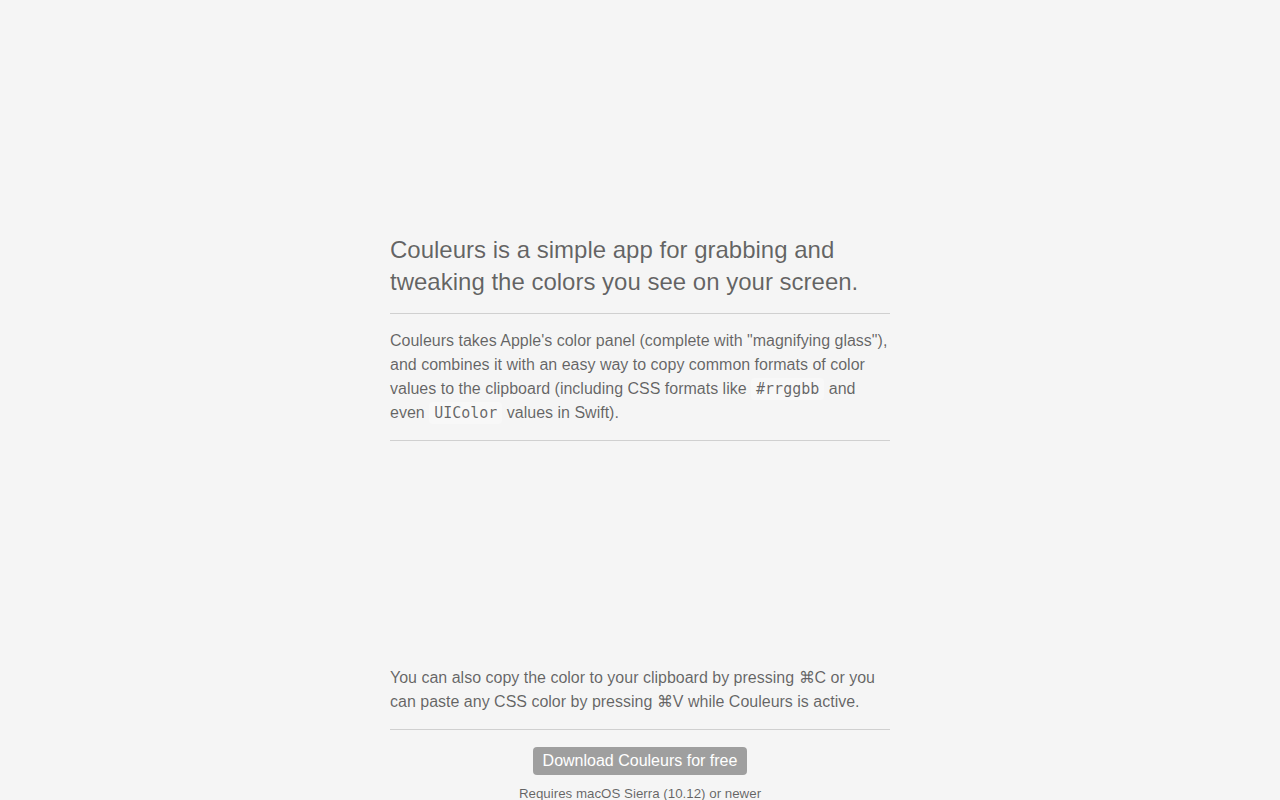
Couleurs
Simple app for grabbing and tweaking the colors you see on your screen. ![Freeware][Freeware Icon]
Display & Accessibility
Nightfall
Menu bar utility for toggling dark mode
Fonts, Colors & Assets
ColorSnapper 2
Colour picker