
Material Design
Colour picker
Material Design Color Picker is a macOS plug‑in that adds a custom color selection panel based on Google’s Material Design palette. After installing the .colorPicker bundle into ~/Library/ColorPickers/, the palette appears in any macOS app that uses the standard NSColorPanel, allowing users to browse predefined swatches and pick exact Material colors.
The tool targets designers, developers, or anyone working with graphics on macOS who needs quick access to the Material color system while using applications such as Acorn, Pixelmator, iWork suite, Keynote, Pages, Numbers, Mail, Preview, TextEdit, or other third‑party software that relies on the native color panel.
It is built with Swift 5, requires macOS 10.13 or later, and is distributed under the MIT license. Source code can be compiled with Xcode 11+ and includes a playground for experimentation.
Reviews
Loading reviews…
Similar apps
Fonts, Colors & Assets
System Color Picker
The macOS color picker as an app with more features.
Fonts, Colors & Assets
Color Studio
Coherent colour scheme creator
Display & Accessibility
Menubar Colors
Menu bar app for convenient access to the system colour panel
Fonts, Colors & Assets
ColorSnapper 2
Colour picker
Fonts, Colors & Assets
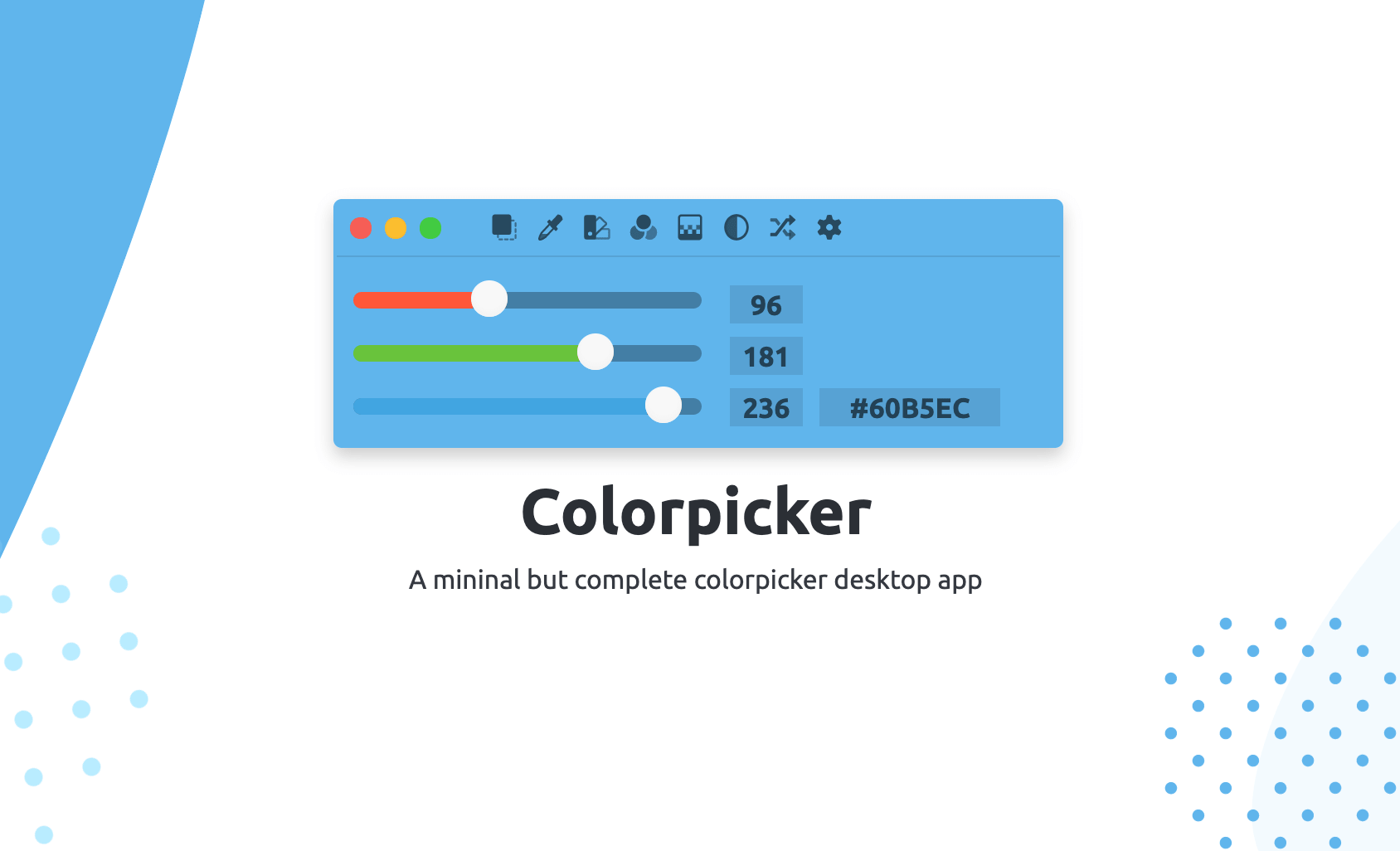
Colorpicker
Colorpicker is a complete open-source colors manipulation tool with picking!
Fonts, Colors & Assets
Pro Picker
Colour picker