
Color Studio
Coherent colour scheme creator
Color Studio assists designers and developers in generating coherent colour schemes by focusing on three key roles: Primary, Background, and Surface. Background can follow Material Design’s dark‑theme recommendation automatically, while Surface is derived from Background with a slight lightness increase using the HSLuv colour space. The app lets users toggle “auto” mode for Background and Surface, and its architecture is built for easy extension of colour roles.
In addition to scheme creation, the tool evaluates contrast against WCAG guidelines, showing whether text and icons meet the required ratios for accessibility. It also offers eight simulated colour‑blindness scenarios, helping users verify that information is not conveyed by colour alone.
The application is a macOS‑only, stable release that emphasizes dark‑mode design and provides an intuitive alternative to generic colour pickers, aiming to reduce trial‑and‑error when defining consistent visual themes.
Reviews
Loading reviews…
Similar apps
Fonts, Colors & Assets
Material Design
Colour picker
Fonts, Colors & Assets
System Color Picker
The macOS color picker as an app with more features.
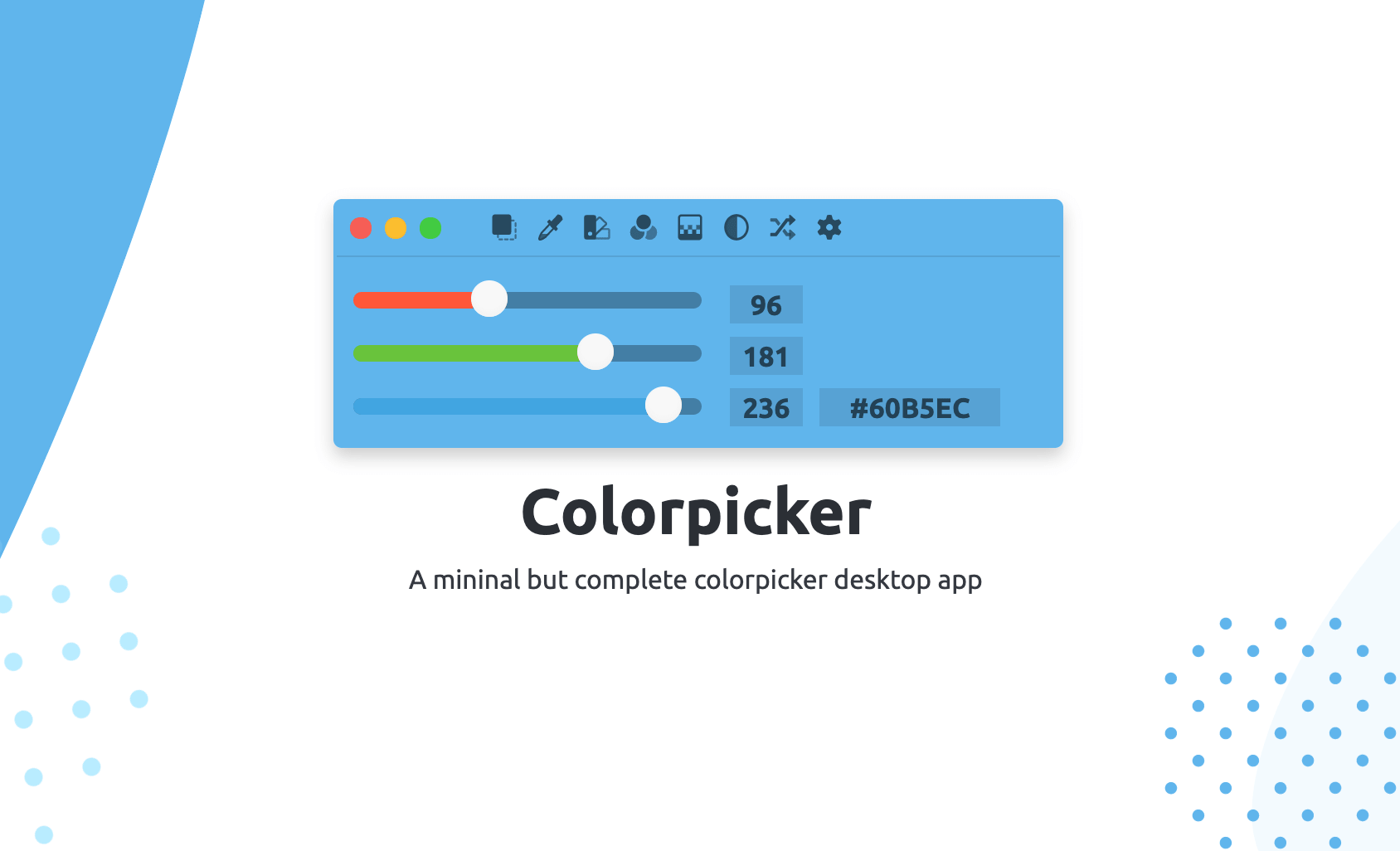
Fonts, Colors & Assets
Colorpicker
Colorpicker is a complete open-source colors manipulation tool with picking!
Code Editors & IDEs
MacSystemColors
Mac app that shows all system colors in light and dark mode for Cocoa developers.
Display & Accessibility
Menubar Colors
Menu bar app for convenient access to the system colour panel

DevOps & Infrastructure
Colour Contrast Analyser
Colour contrast checker