
MacSystemColors
Mac app that shows all system colors in light and dark mode for Cocoa developers.
MacSystemColors is a macOS utility that presents the complete set of system‑provided NSColor values in both light and dark appearance modes. The interface lists each color with its name and visual swatch, allowing developers to see how the palette adapts to the current system theme. It is intended for Cocoa developers who need a quick reference while designing or debugging UI elements that rely on system colors.
The application is open source and distributed at no cost, with a stable release status. It runs natively on macOS and requires no additional dependencies beyond the standard development environment. By exposing the full range of NSColor constants, it helps developers ensure visual consistency across different appearance settings without manually inspecting documentation or code.
MacSystemColors serves as a straightforward reference tool, reducing the need to search external resources for system color definitions. Its focus on accurate, real‑time rendering of both light and dark mode variants makes it a practical aid during UI development and testing.
Reviews
Loading reviews…
Similar apps
Fonts, Colors & Assets
System Color Picker
The macOS color picker as an app with more features.

Code Editors & IDEs
react-desktop
React UI Components for macOS Sierra.
Code Editors & IDEs
XCSnippetsApp
Explore, view, and edit Swift and iOS code snippets for Xcode.
Code Editors & IDEs
DevToysMac
Offline toolbox that helps developers in daily tasks. ![Open-Source Software][OSS Icon] ![Freeware][Freeware Icon]
Display & Accessibility
Menubar Colors
Menu bar app for convenient access to the system colour panel
Fonts, Colors & Assets
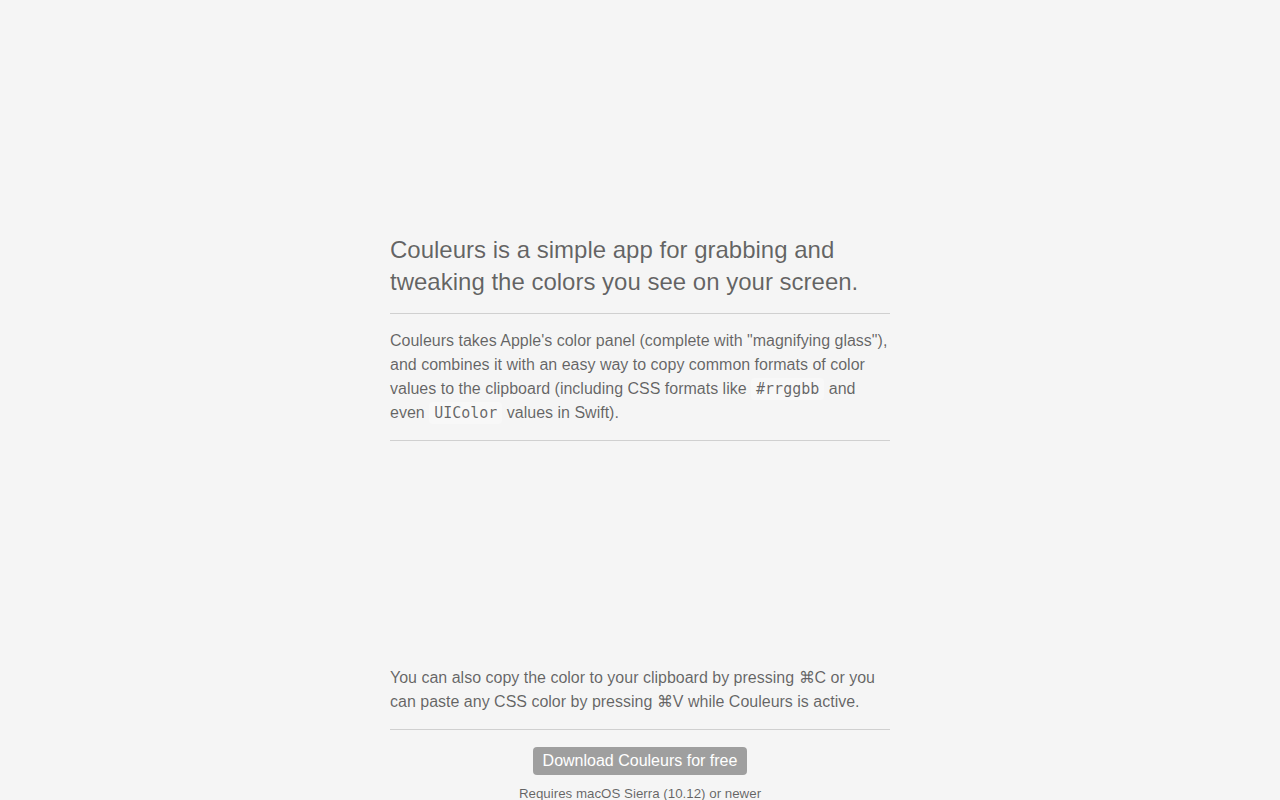
Couleurs
Simple app for grabbing and tweaking the colors you see on your screen. ![Freeware][Freeware Icon]