
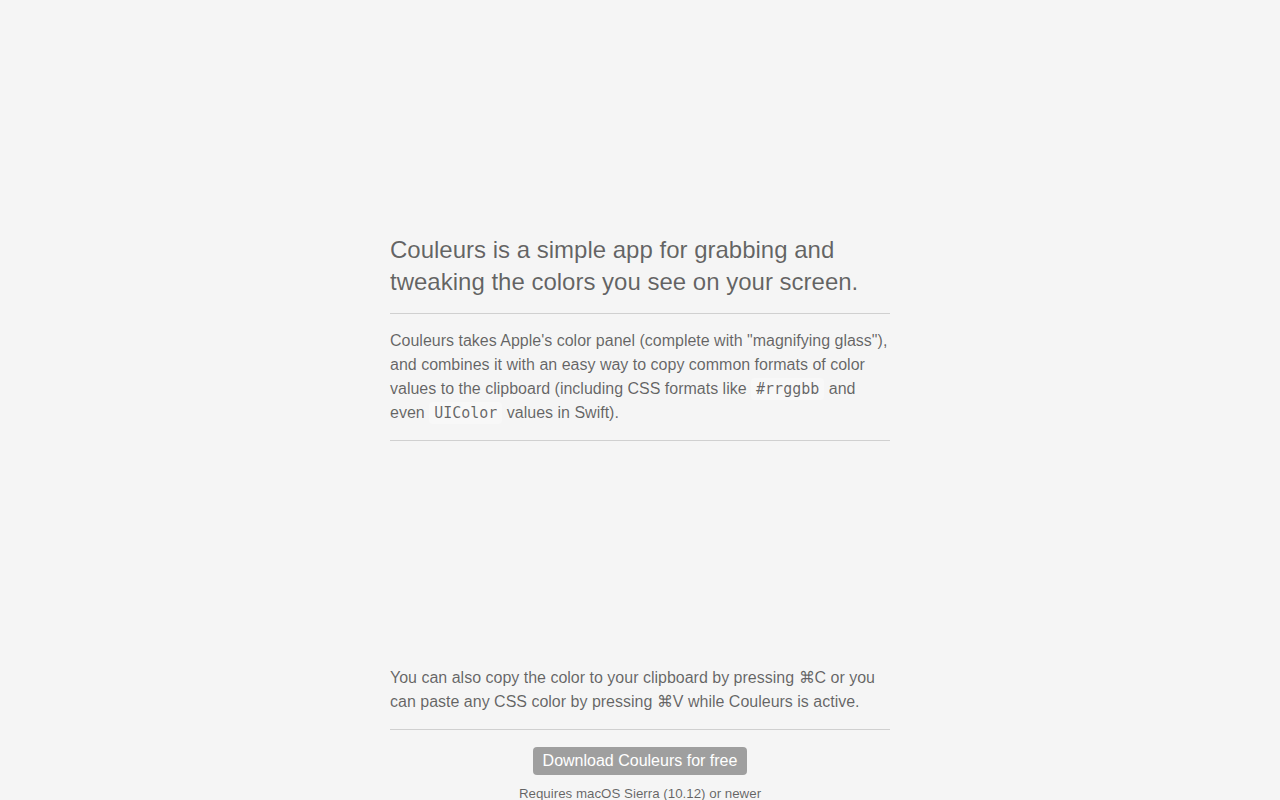
Couleurs
Simple app for grabbing and tweaking the colors you see on your screen. ![Freeware][Freeware Icon]
Couleurs is a macOS utility that lets users capture any color displayed on the screen and adjust it directly within the app. It incorporates Apple’s native color panel, including the magnifying glass tool, to provide precise color selection. After picking a color, the software offers quick copying of the value in several common formats such as hexadecimal CSS (#rrggbb) and Swift’s UIColor representation.
The interface supports keyboard shortcuts for streamlined workflow: pressing ⌘ C copies the current color to the clipboard, while ⌘ V pastes a CSS color string when Couleurs is active. This enables designers, developers, and any users who need to extract and reuse screen colors without leaving the application.
Couleurs runs on macOS Sierra (10.12) or later and is distributed as freeware. It is positioned as a stable, core‑tier tool for simple color‑picking and format conversion tasks.
Reviews
Loading reviews…
Similar apps
Fonts, Colors & Assets
ColorSnapper 2
Colour picker
Fonts, Colors & Assets
System Color Picker
The macOS color picker as an app with more features.
Fonts, Colors & Assets
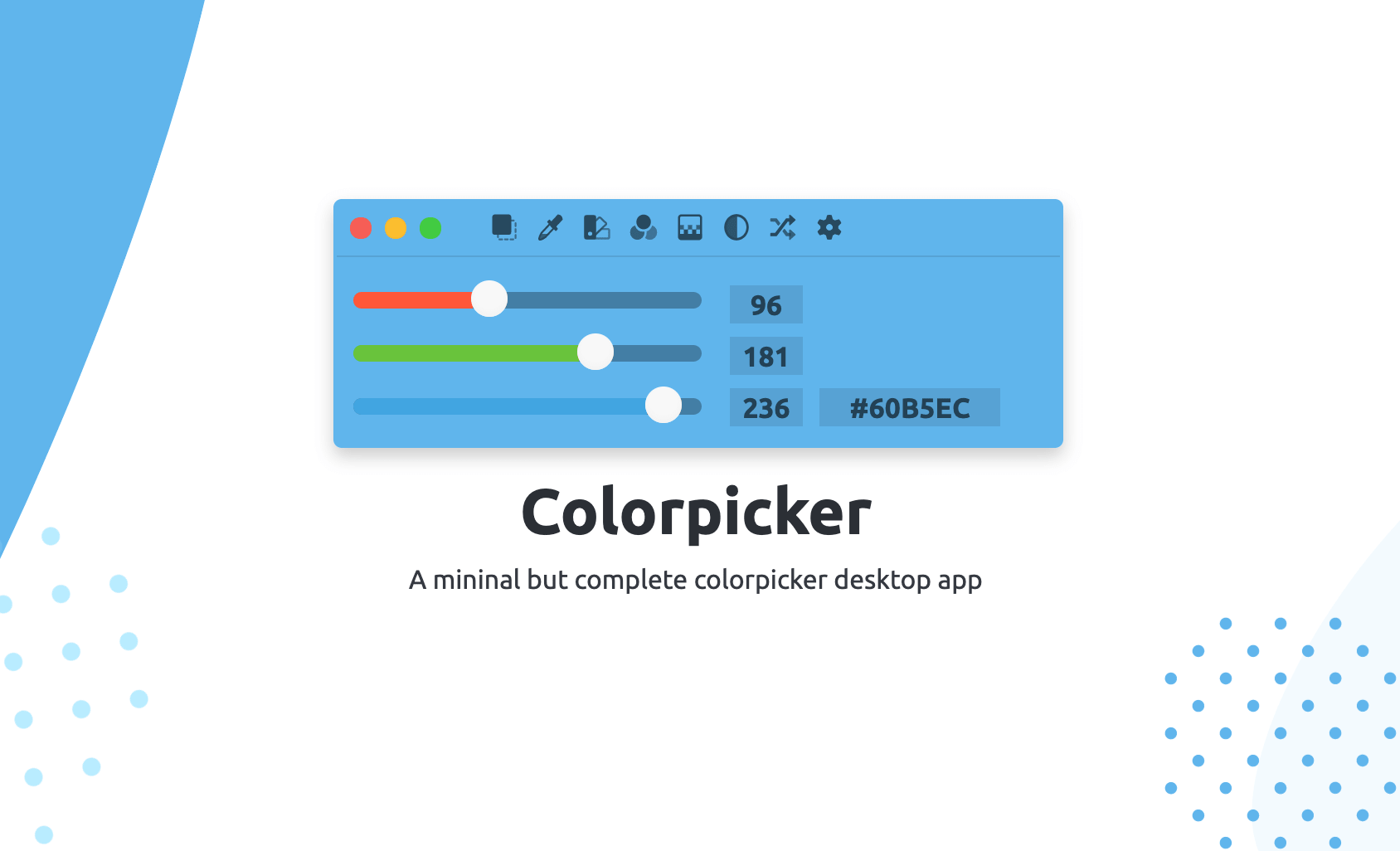
Colorpicker
Colorpicker is a complete open-source colors manipulation tool with picking!
Display & Accessibility
Menubar Colors
Menu bar app for convenient access to the system colour panel
Fonts, Colors & Assets
Pro Picker
Colour picker
Code Editors & IDEs
MacSystemColors
Mac app that shows all system colors in light and dark mode for Cocoa developers.