
Brightness Sync
Utility to synchronise the brightness of LG UltraFine display(s)
Brightness Sync is a macOS menu‑bar utility that keeps the brightness of LG UltraFine monitors in line with the built‑in display of a Mac. It reads the ambient‑light‑driven brightness of the MacBook or iMac and applies the same level to supported UltraFine models (22MD4KA, 24MD4KL, 27MD5KA, 27MD5KL) using a private macOS framework, preserving true backlight contrast rather than merely dimming the image.
The tool is aimed at users of first‑generation UltraFine displays that lack native automatic brightness control, as well as mixed setups that include second‑generation units. It offers an offset slider for fine‑tuning relative brightness, and the polling interval can be adjusted via a user preference. The application stops polling when no UltraFine displays are attached and does not run on battery power.
Brightness Sync is distributed as a signed, notarized app for macOS Catalina and later, and can be installed directly or via Homebrew Cask. It is stable, macOS‑only, and does not include automatic update checks.
Reviews
Loading reviews…
Similar apps
Display & Accessibility
Brisync
Utility to automatically control the brightness of external displays
Display & Accessibility
MonitorControl
Control external display brightness and volume directly.
Display & Accessibility
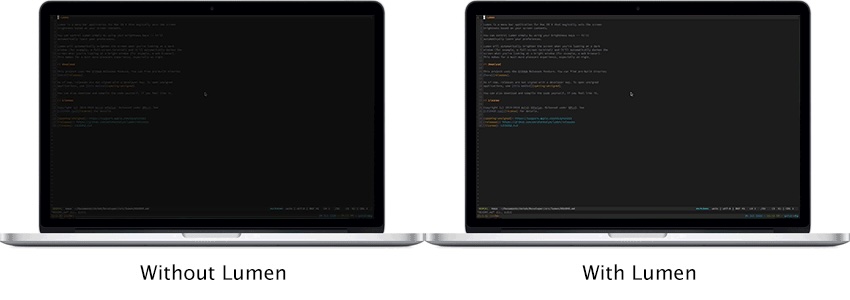
Lumen
Magic auto brightness based on screen contents
Display & Accessibility
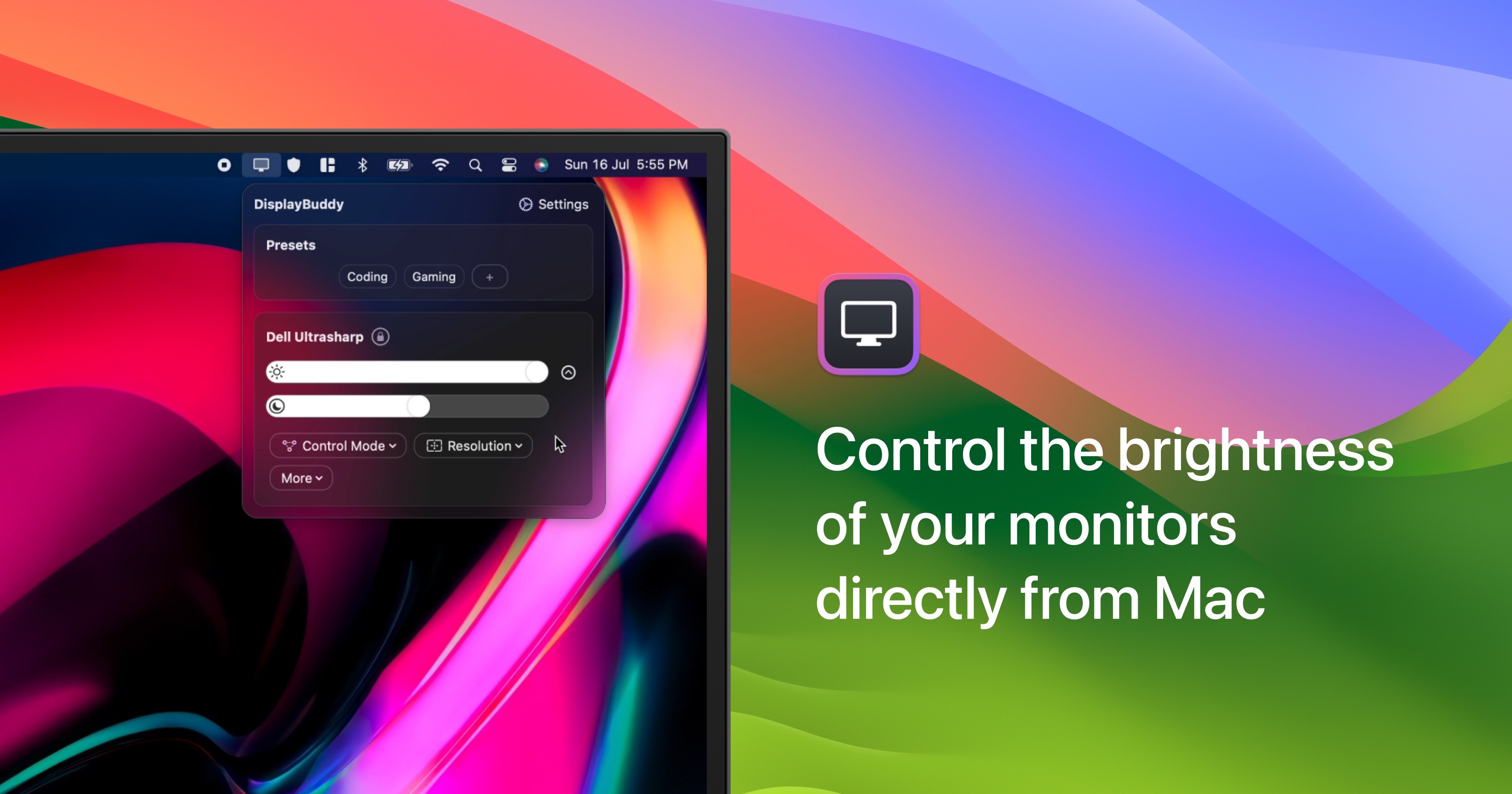
DisplayBuddy
Control external display brightness, contrast, and input source.
Display & Accessibility
DarkModeBuddy
Automatically switch between light and dark modes based on ambient light sensor
Display & Accessibility
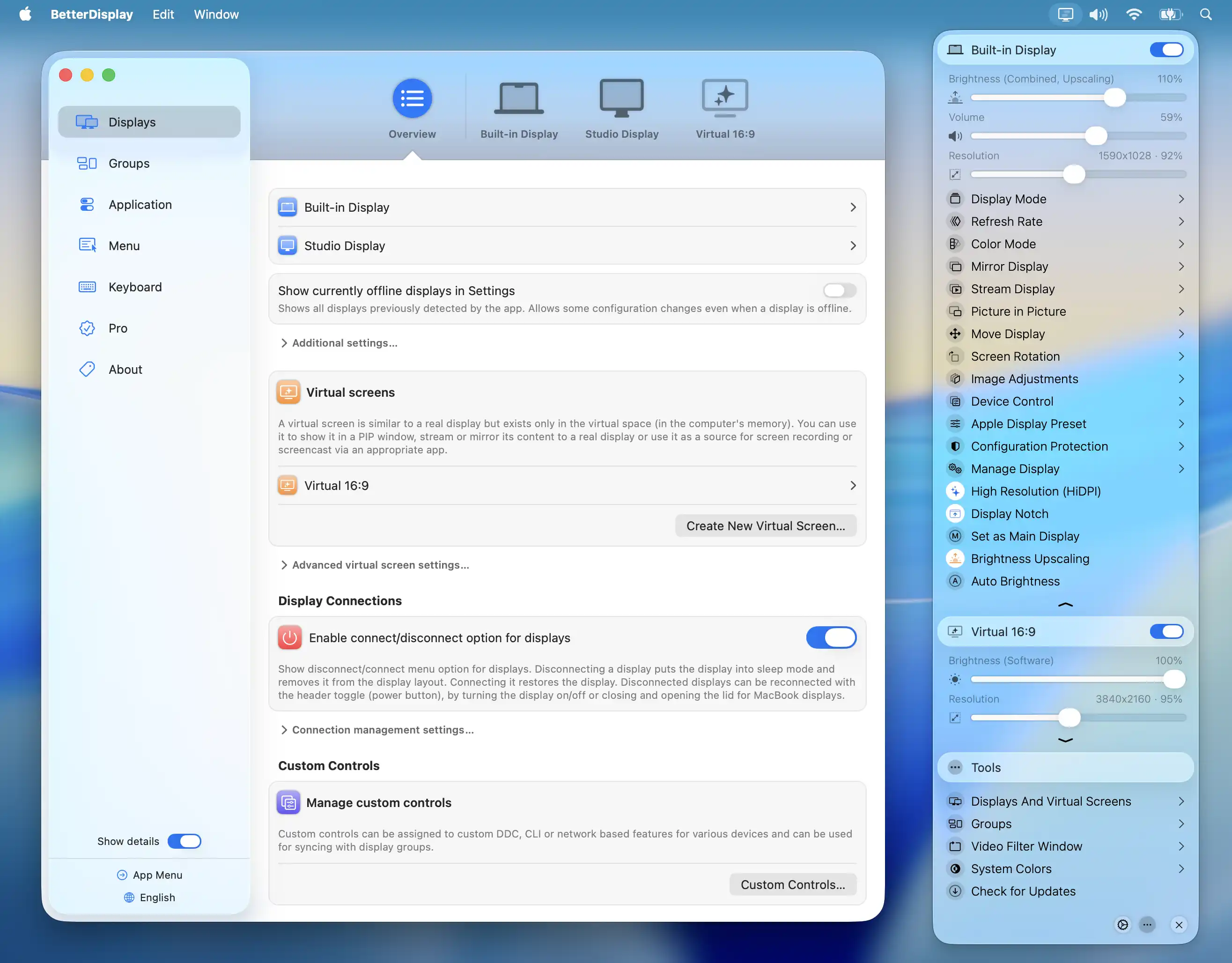
BetterDisplay
Display management tool