
Brisync
Utility to automatically control the brightness of external displays
Brisync runs as a macOS menu‑bar utility that watches the brightness setting of the built‑in display and sends corresponding DDC/CI commands to any connected external monitors. By translating the internal brightness level through a user‑defined curve, it adjusts each external screen in real time, keeping the overall visual experience consistent across devices.
The application lets users create separate brightness curves for each monitor, allowing fine‑grained calibration that accounts for differing panel characteristics. Changes are applied instantly via the hardware‑level DDC/CI protocol, so the external displays follow the Mac’s brightness adjustments without noticeable lag.
Brisync is compatible with macOS 10.11 and newer, supporting both Intel‑based and Apple Silicon Macs. It can be installed via Homebrew or by manually copying the app bundle into the Applications folder, and it requires standard system permissions for accessibility and display control.
Reviews
Loading reviews…
Similar apps
Display & Accessibility
Brightness Sync
Utility to synchronise the brightness of LG UltraFine display(s)
Display & Accessibility
MonitorControl
Control external display brightness and volume directly.
Display & Accessibility
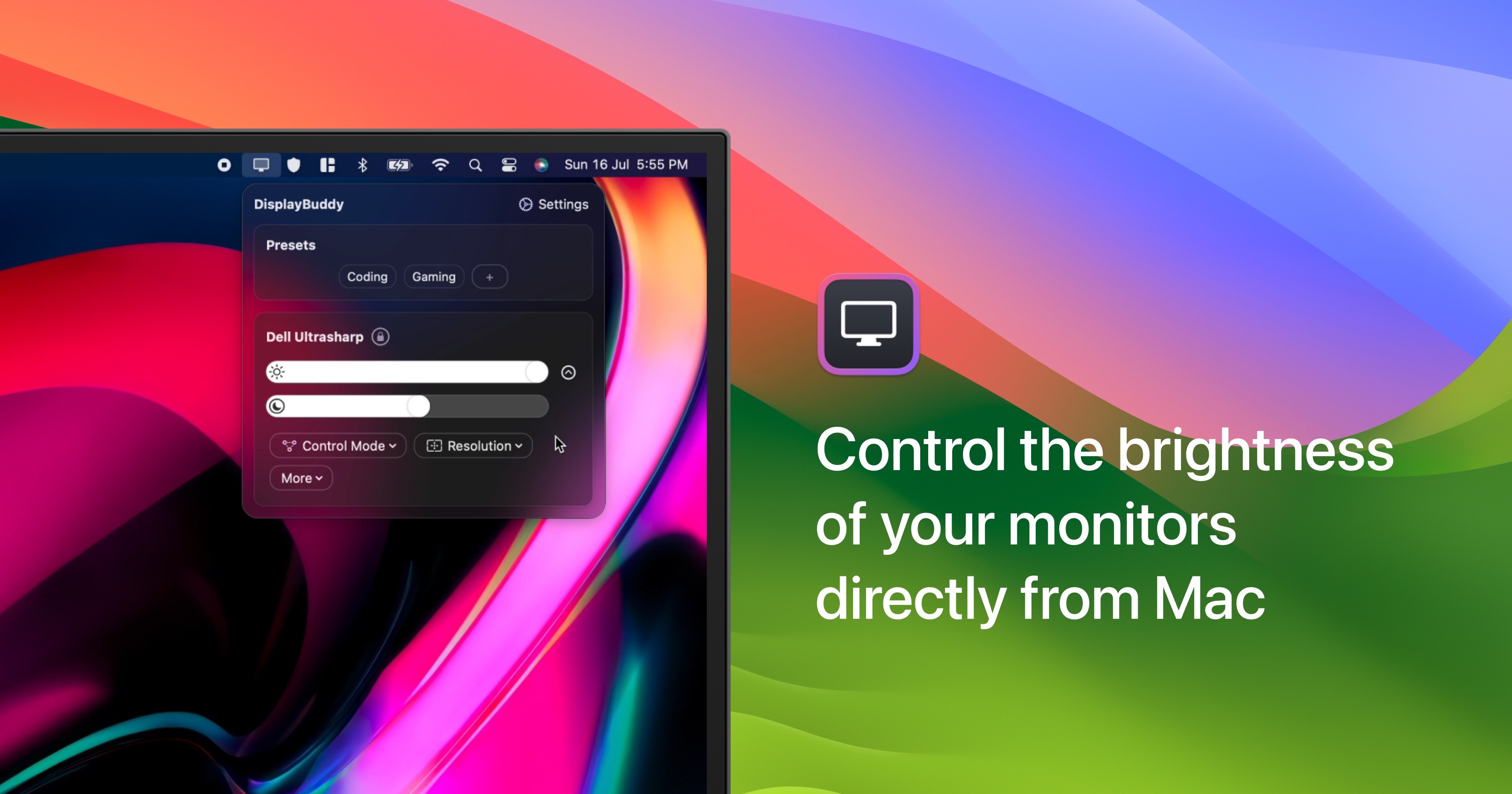
DisplayBuddy
Control external display brightness, contrast, and input source.
Display & Accessibility
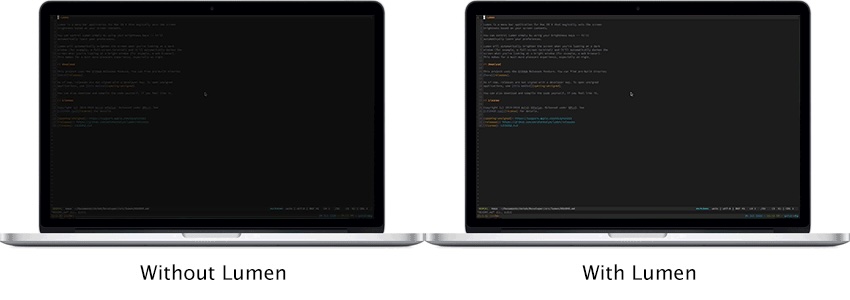
Lumen
Magic auto brightness based on screen contents
Display & Accessibility
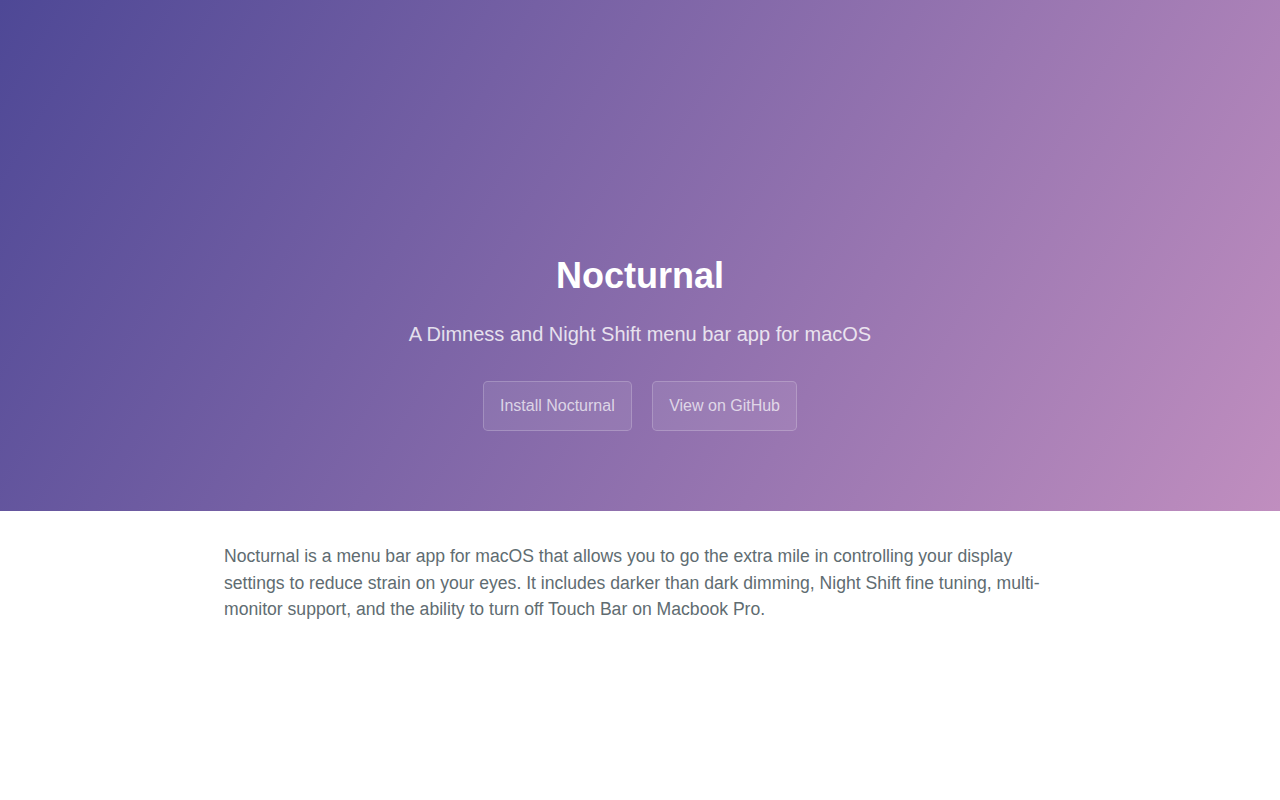
Nocturnal
Dimness and night shift menu bar app
Display & Accessibility
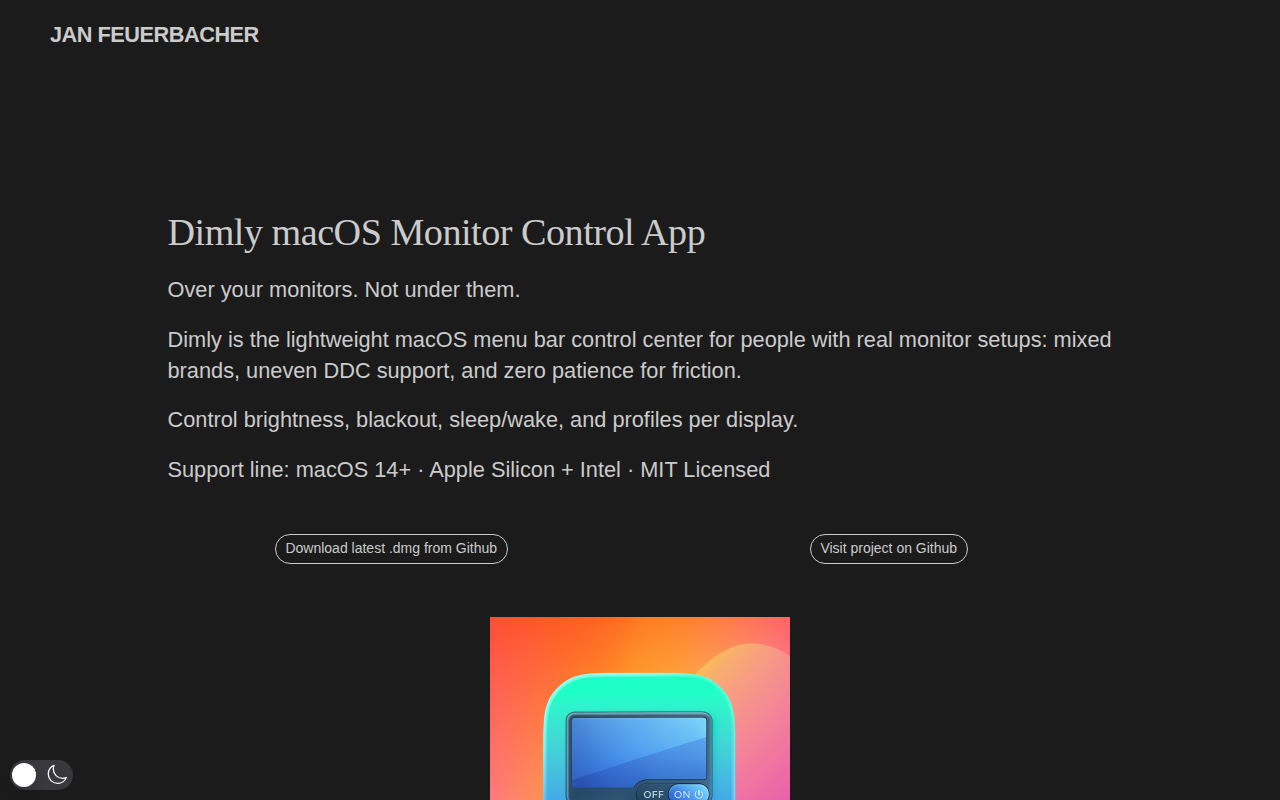
Dimly
Control brightness across mixed monitor setups from one menu bar app.