
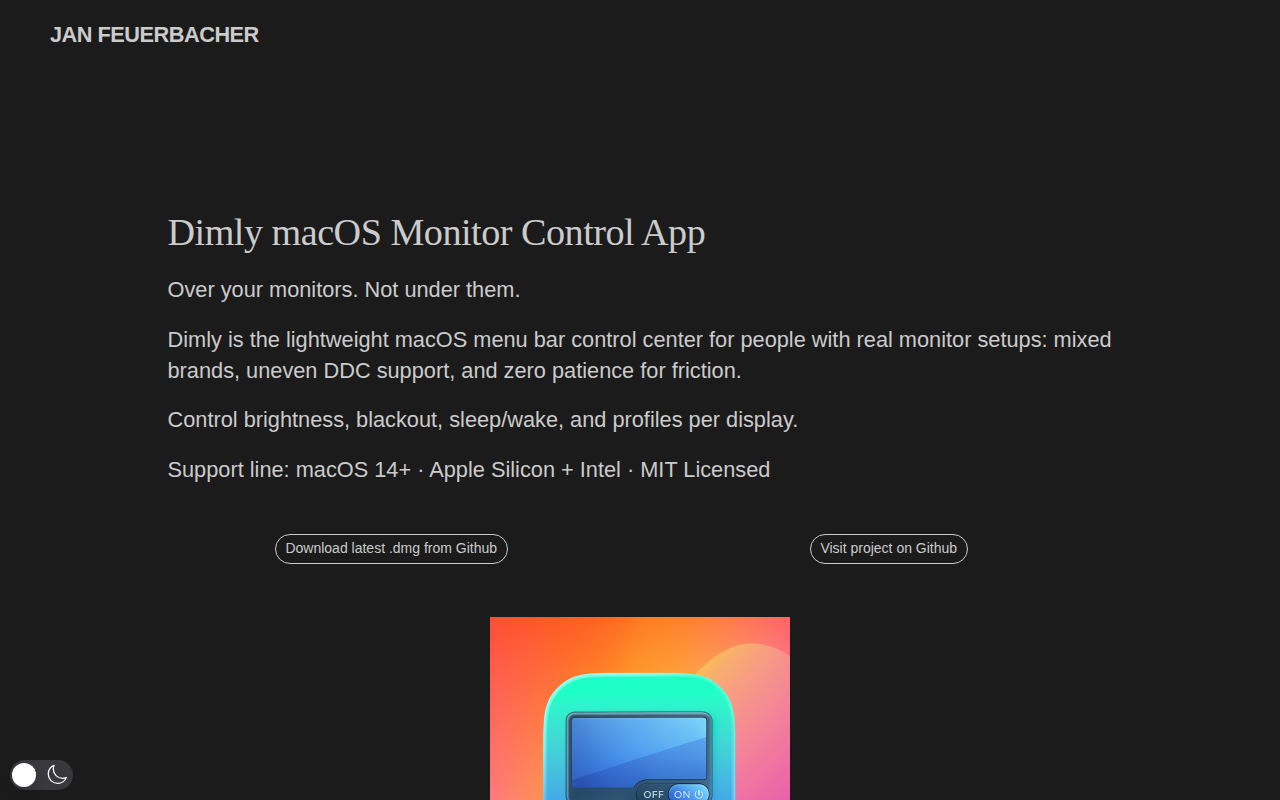
Dimly
Control brightness across mixed monitor setups from one menu bar app.
Dimly provides a single macOS menu‑bar interface for managing brightness, blackout, sleep, and wake functions on each monitor in a mixed‑brand setup. It attempts hardware DDC/CI control when the display supports it and automatically falls back to an overlay method for displays without DDC, keeping the experience consistent across all screens.
The app includes smart profile buttons that store and restore monitor states, and it can auto‑apply profiles when external displays are connected. Global hotkeys let users adjust individual or all displays, with a dedicated panic shortcut to instantly revert changes. Users can also rename displays, hide selected ones from the menu, and merge ordering for a cleaner list.
Designed for daily use, Dimly runs on macOS 14+ on both Apple Silicon and Intel machines. Updates are delivered via Sparkle with signature verification, and the software contains no telemetry or background daemons, preserving privacy while offering a lightweight, open‑source solution for multi‑monitor workflows.
Reviews
Loading reviews…
Similar apps
Display & Accessibility
MonitorControl
Control external display brightness and volume directly.

Display & Accessibility
Lunar
Help you adujst brightness, contrast and volumn of your external display.
Display & Accessibility
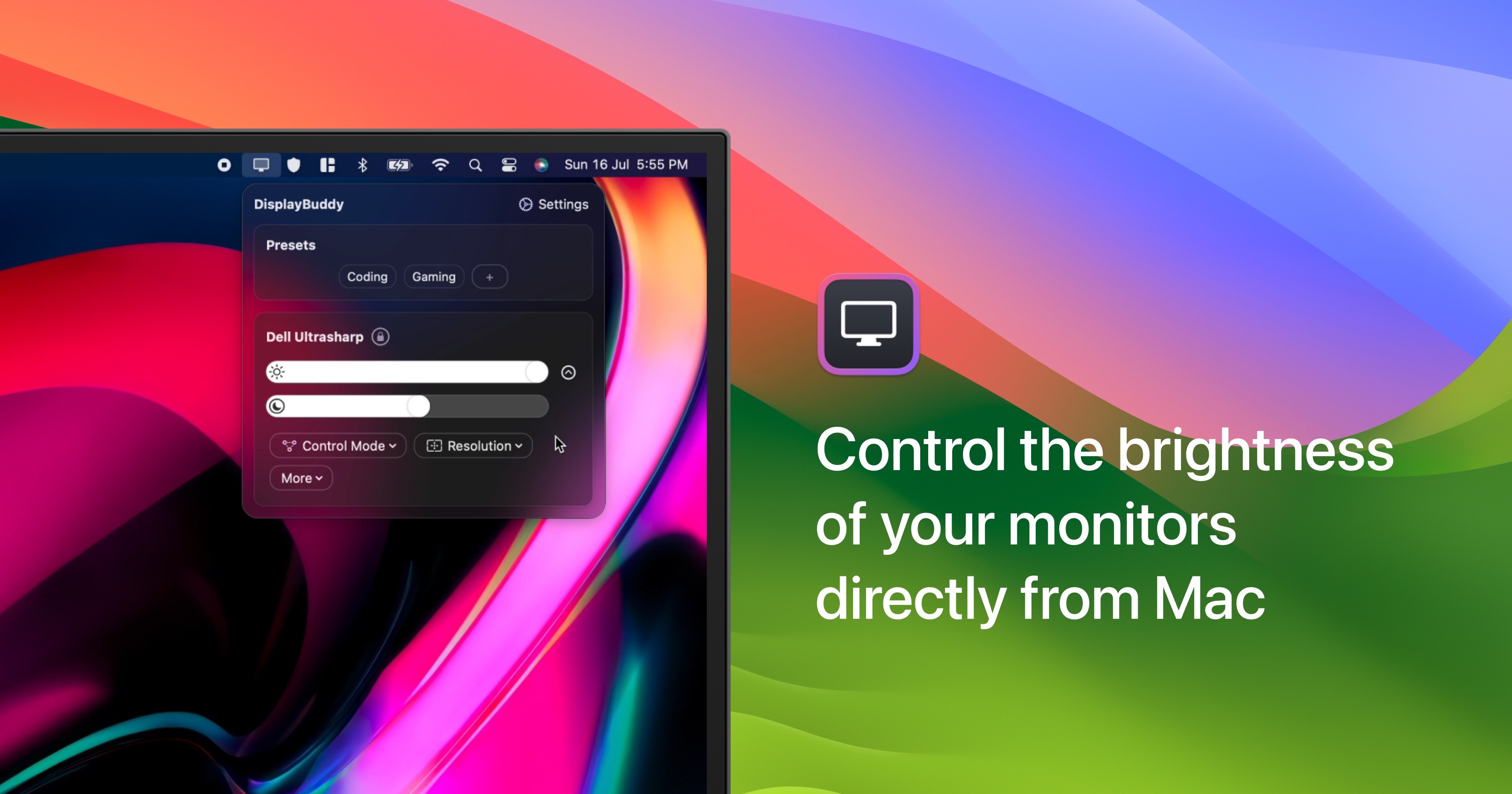
DisplayBuddy
Control external display brightness, contrast, and input source.
Display & Accessibility
Brisync
Utility to automatically control the brightness of external displays
Display & Accessibility
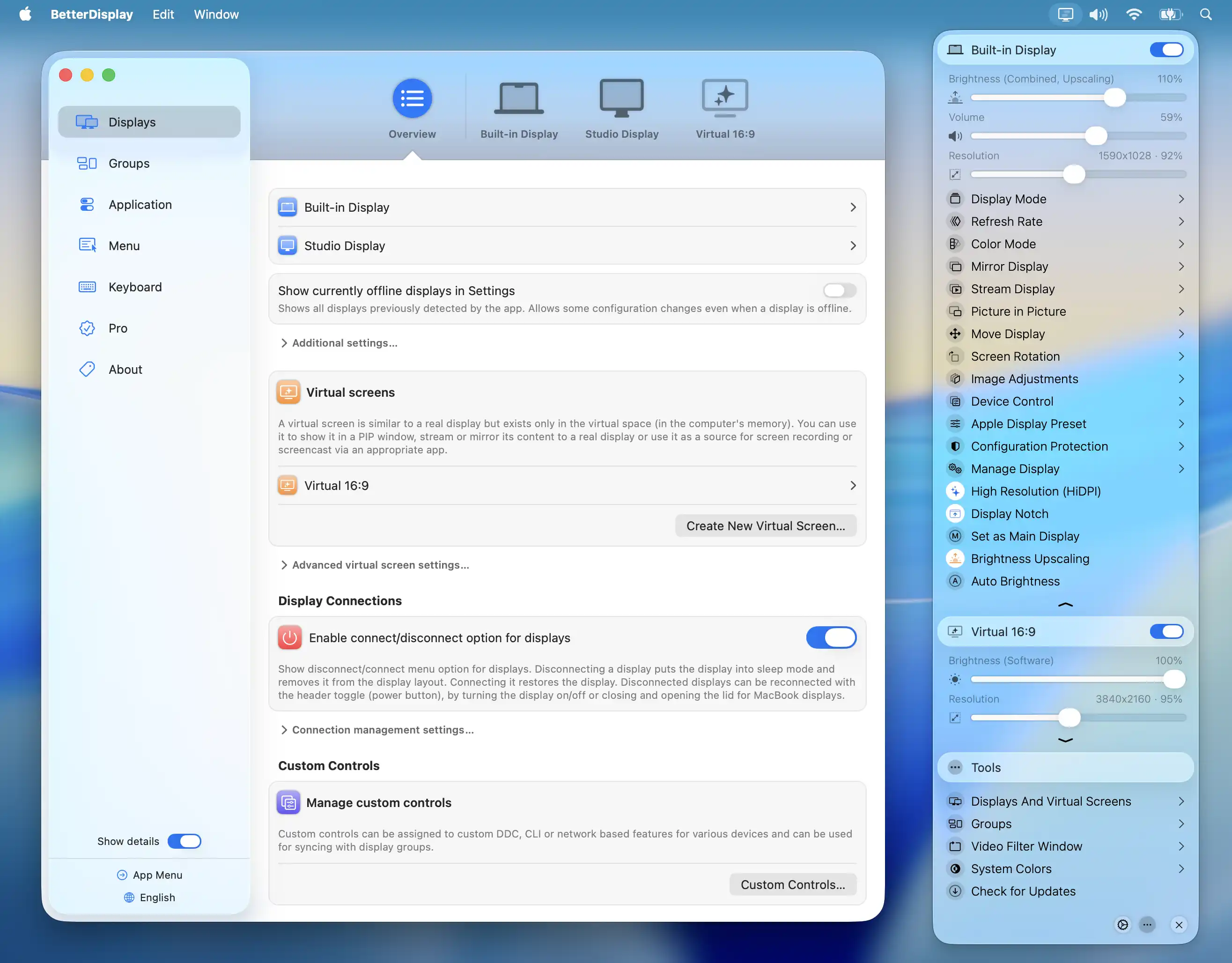
BetterDisplay
Display management tool
Display & Accessibility
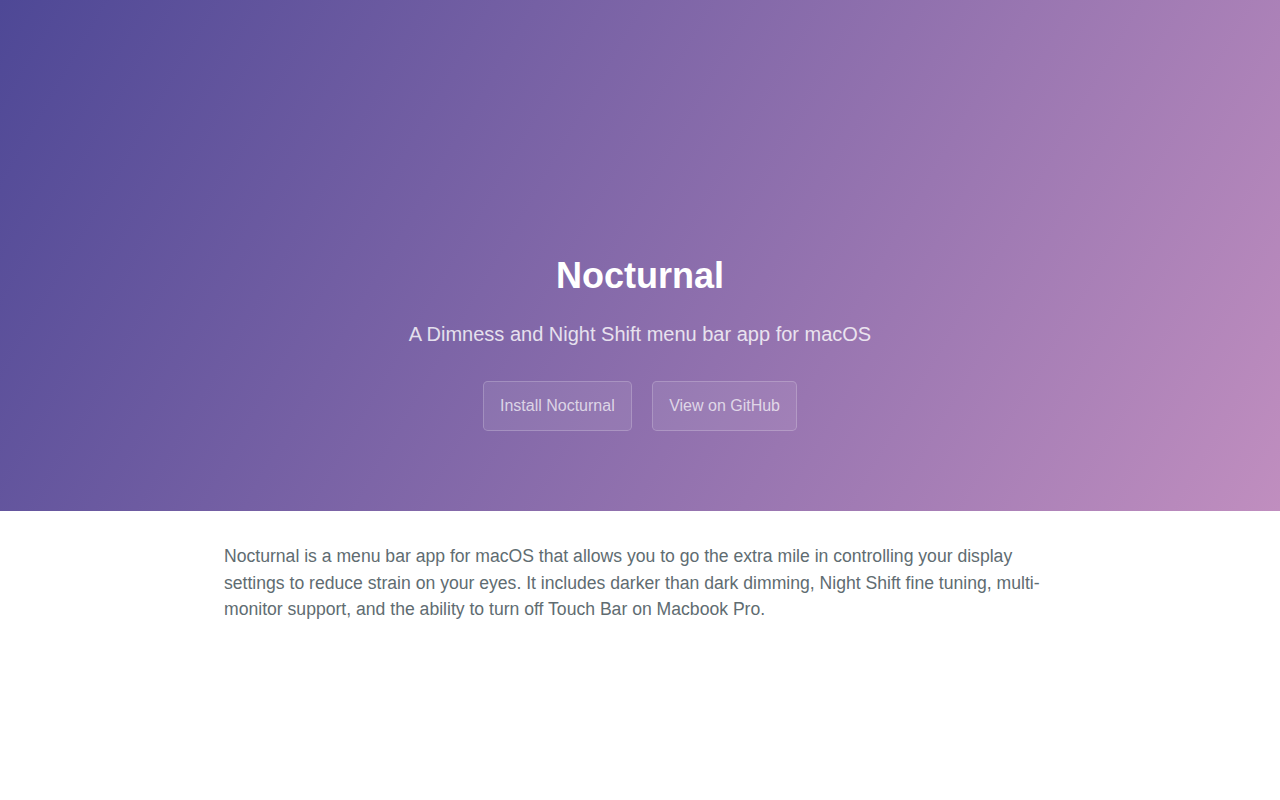
Nocturnal
Dimness and night shift menu bar app