
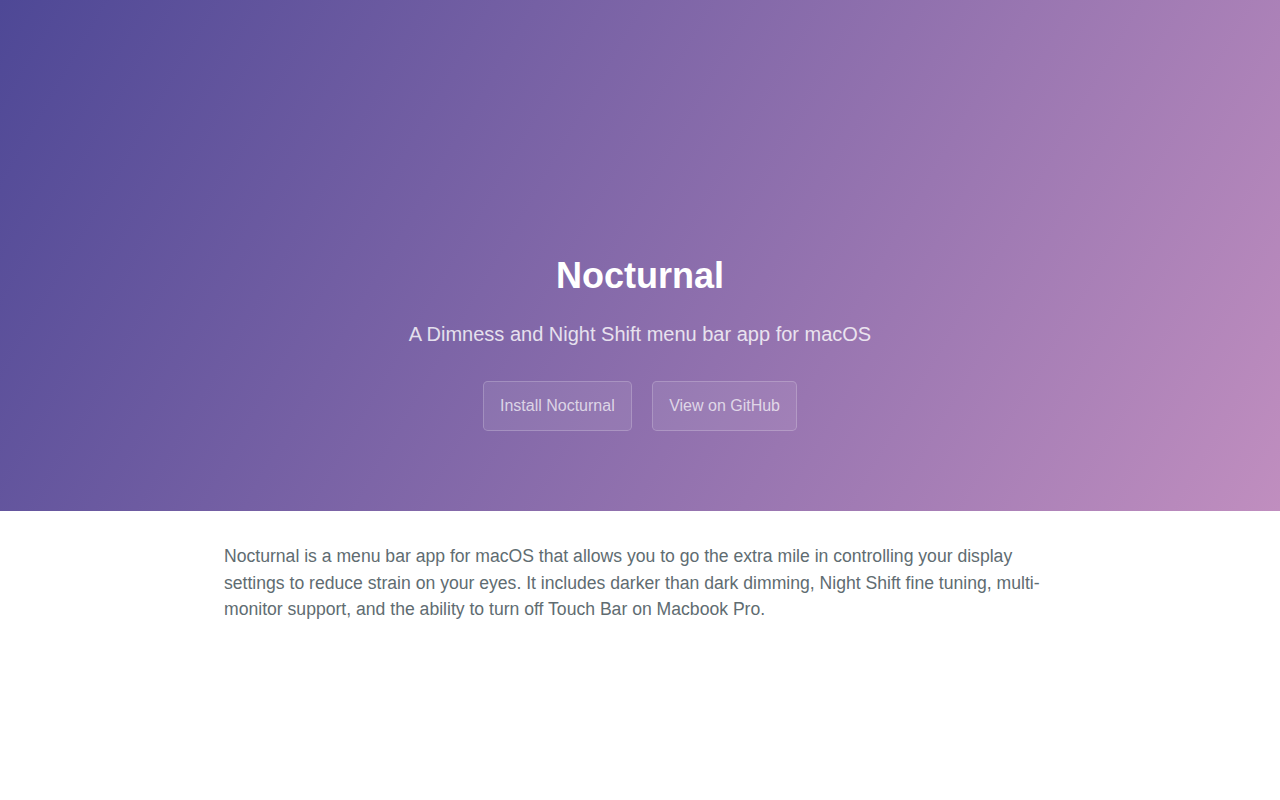
Nocturnal
Dimness and night shift menu bar app
The utility runs as a menu‑bar item on macOS and provides fine‑grained control of display settings for low‑light environments. It lets users apply a dimmer than usual screen dimming level, adjust Night Shift parameters, and enable or disable the Touch Bar on MacBook Pro models. Multi‑monitor setups are supported, allowing each display to be configured independently.
It is intended for macOS users who want to reduce eye strain after dark and who need more flexibility than the system‑provided Night Shift offers. The app works on macOS High Sierra (10.13) and newer, but requires hardware that supports Night Shift and does not currently run on Apple Silicon Macs.
Installation is available through Homebrew cask or by downloading a signed release. The project is open source under GPL v3, built with Swift 5.0, and uses Carthage for dependency management.
Reviews
Loading reviews…
Similar apps
Task & Project Management
Nocturnal
Simple app to toggle dark mode with one click
Display & Accessibility
Nightfall
Menu bar utility for toggling dark mode
Display & Accessibility
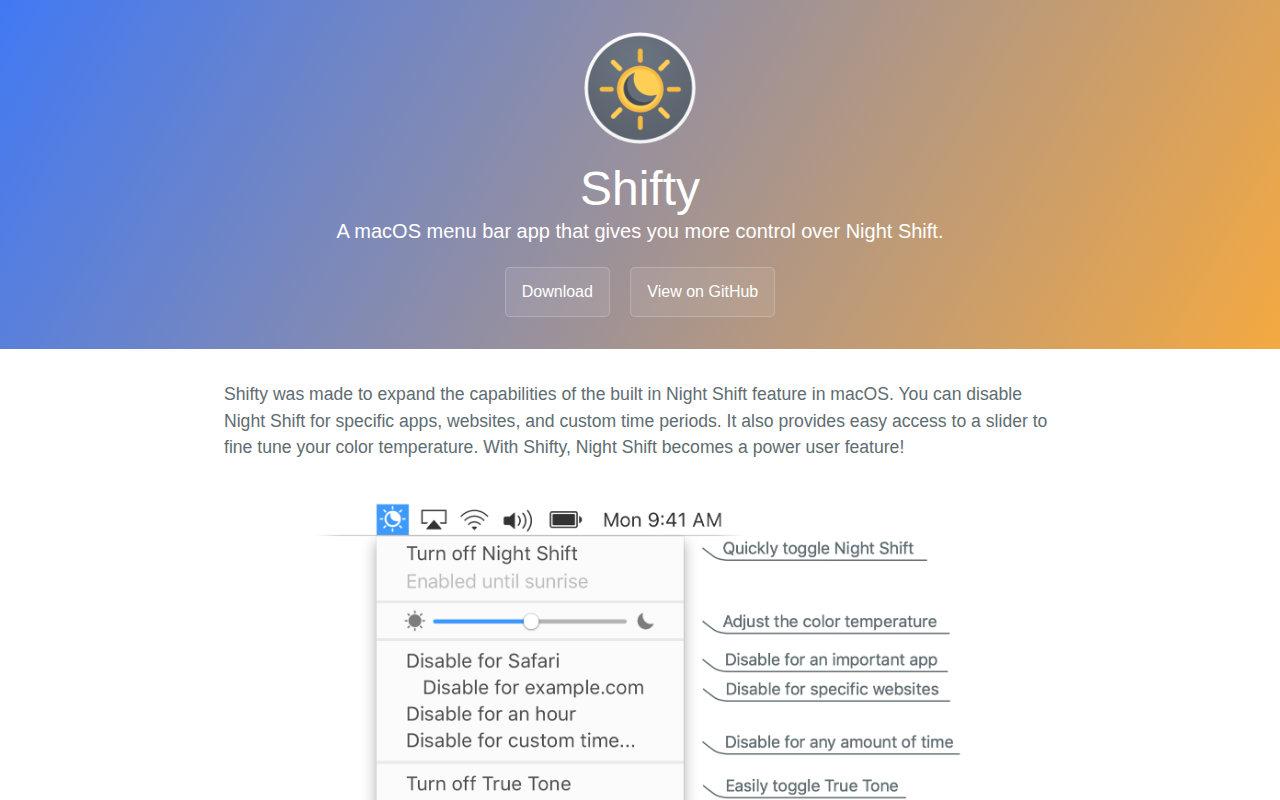
Shifty
A macOS menu bar app that gives you more control over Night Shift.
Display & Accessibility
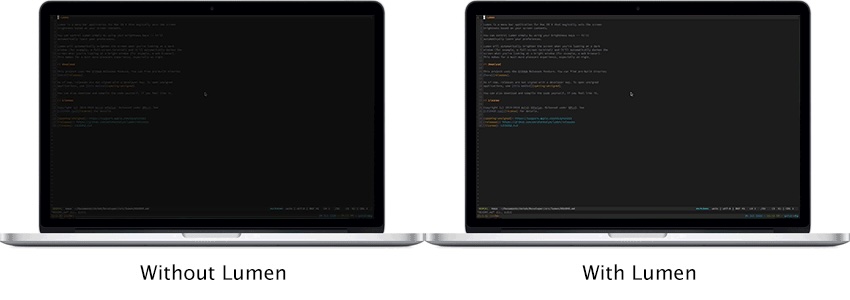
Lumen
Magic auto brightness based on screen contents
Display & Accessibility
Blurred
Utility to dim background/inactive content in the screen
Display & Accessibility
MonitorControl
Control external display brightness and volume directly.