
CapyParse
Convert your PDF and image documents to CSV and Excel with automatic table extraction. Extract data from complex tables in any language.
CapyParse converts PDF files, scanned images, and bank statements into structured CSV, Excel, or JSON files by automatically extracting tables, regardless of language or layout complexity. Users upload a document, the system applies AI‑driven extraction to identify rows, columns, and individual fields, then download the resulting spreadsheet or data file. The tool also offers a visual preview with confidence scores for each extracted element, allowing verification before export.
The service targets professionals who need to digitize tabular data from invoices, financial reports, or other documents without manual entry. It supports a wide range of file types and works with scanned or photographed sources that many converters reject, handling statements from banks worldwide.
CapyParse emphasizes secure, single‑user access to uploaded files and provides ready‑to‑use exports compatible with common spreadsheet applications and accounting software. The workflow is designed to be simple: drag‑and‑drop upload, AI extraction, and immediate download.
Reviews
Loading reviews…
Similar apps

File Management & Transfer
Statement Flowz
Parse bank statements. Tweak in seconds. AI Powered.

File Management & Transfer
fitforpdf
Upload any spreadsheet and get a structured, presentable PDF with sections, pagination, and column groupings. 3 free exports. No account…
Tax & Compliance
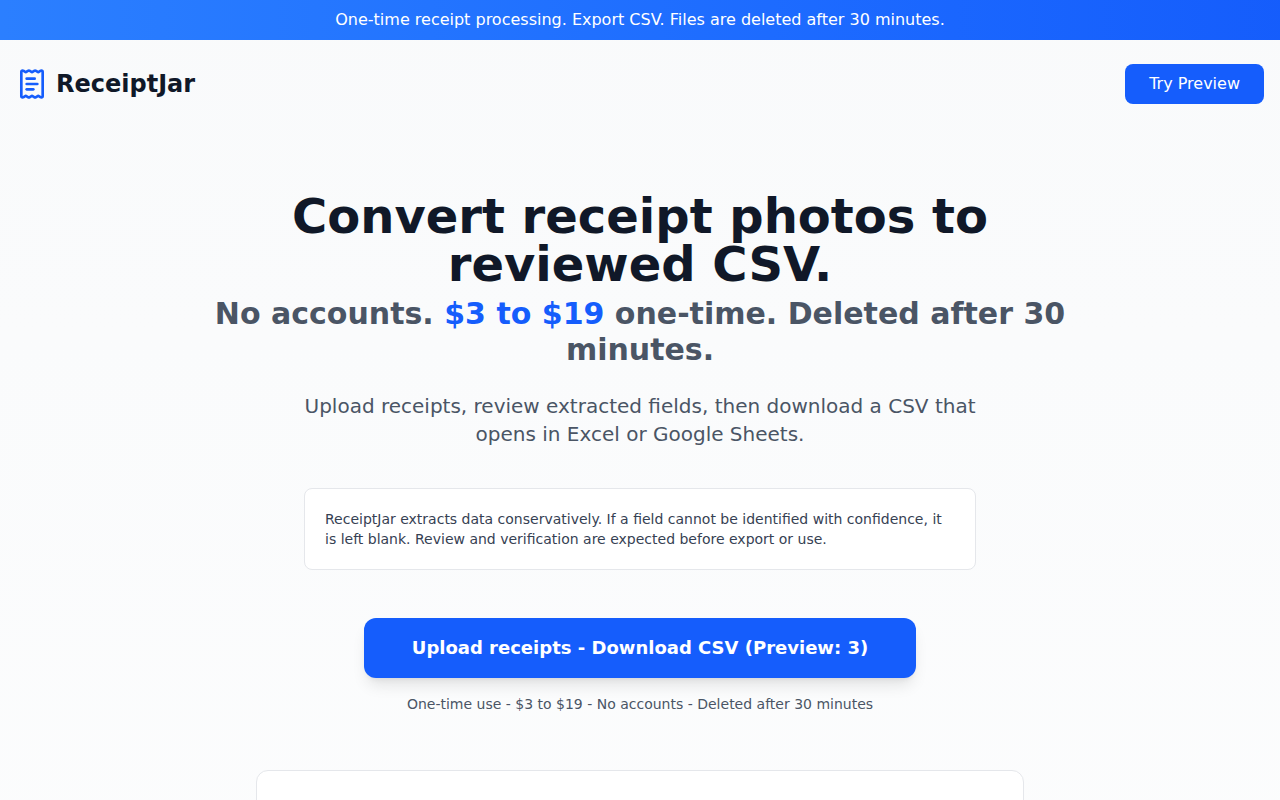
ReceiptJar
One-time receipt processing → export CSV
Tax & Compliance
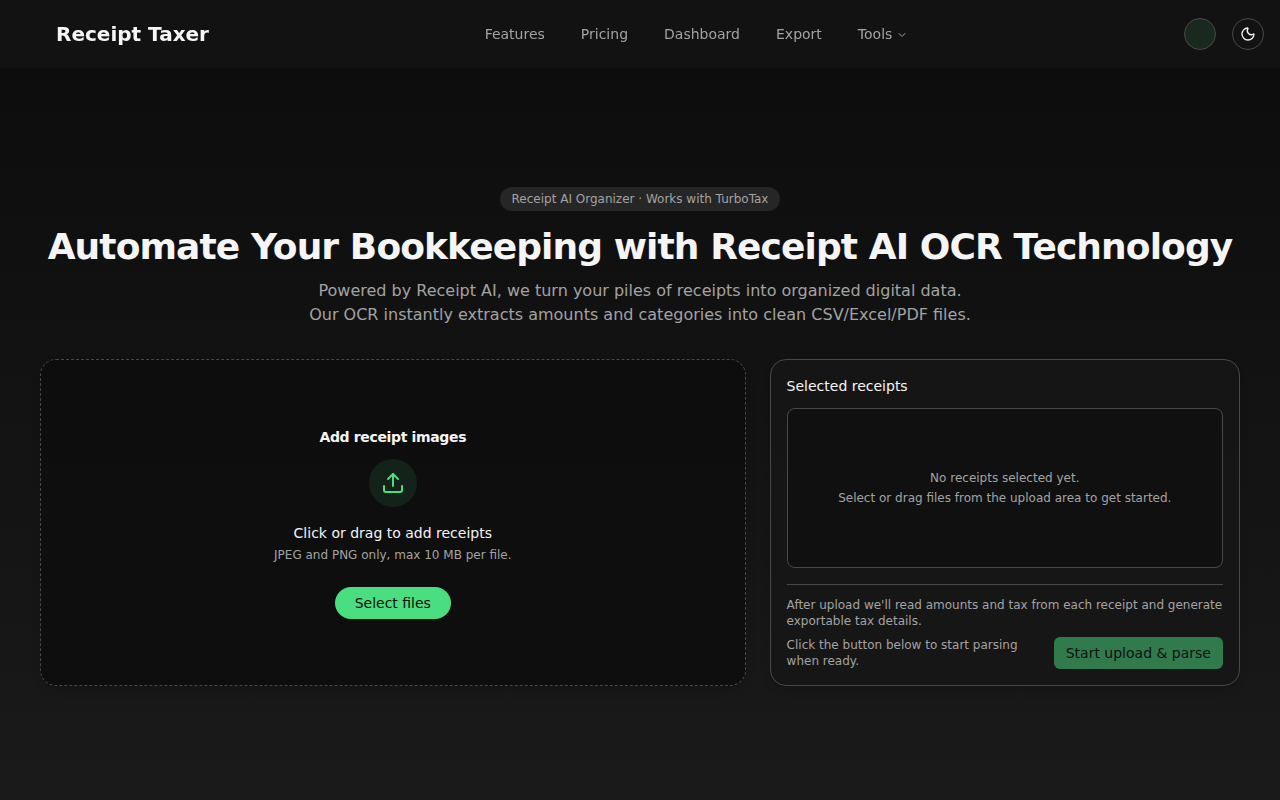
Receipt Taxer
Smart receipt scanning for modern entrepreneurs.
Task & Project Management
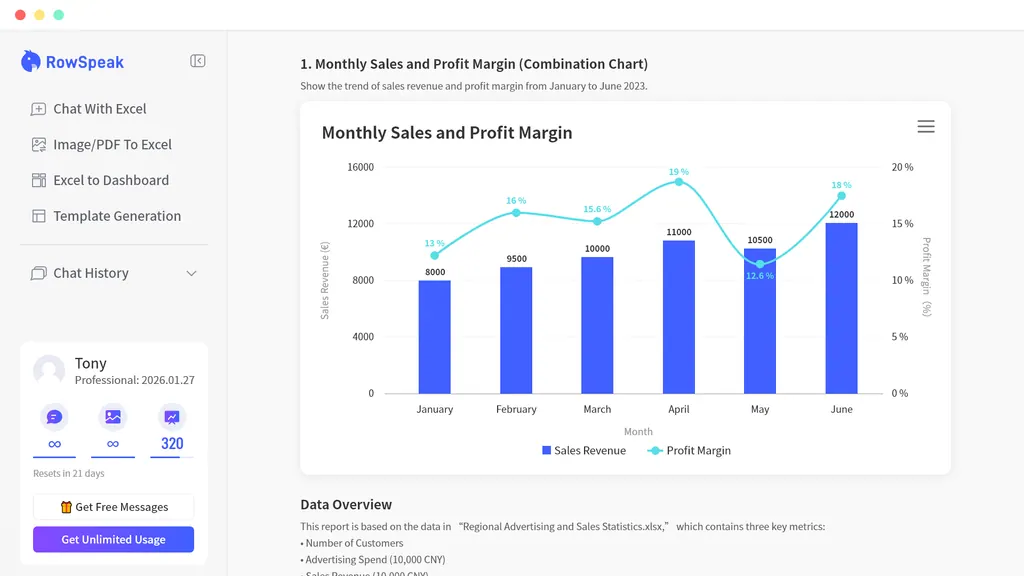
RowSpeak
Analyze Excel, CSV, PDF and exported business data in plain words. RowSpeak helps clean messy inputs, run repeatable analysis workflows…
File Management & Transfer
CleanMyCSV
Instantly fix US/EU CSV formats and encoding. No sign-up.