

fitforpdf
Upload any spreadsheet and get a structured, presentable PDF with sections, pagination, and column groupings. 3 free exports. No account needed.
The tool accepts Excel or CSV files and produces a PDF that is automatically organized into sections, with pagination, column groupings, and repeated key columns. It parses the tabular data, splits wide tables into readable chunks, generates section headings, and adds page numbers and row ranges so the resulting document is ready for client distribution without manual reformatting. Users receive three free exports per session and no account or file storage is required; uploaded files are not retained after processing.
It is aimed at professionals who regularly share spreadsheet outputs—such as finance teams, auditors, consultants, and SaaS reporting staff—who need to turn raw exports into polished, navigable PDFs quickly. The service runs on EU‑hosted infrastructure, does not rely on large language models, and is positioned for workflows where time‑consuming cleanup of Excel or CSV exports is a bottleneck.
The software is offered as an experimental utility, with a simple three‑step workflow: upload the file, let the system generate structured sections, and download the ready‑to‑send PDF. It supports typical sources like CRM exports, financial reports, analytics tables, and other SaaS data exports.
Reviews
Loading reviews…
Similar apps
File Management & Transfer
CapyParse
Convert your PDF and image documents to CSV and Excel with automatic table extraction. Extract data from complex tables in any language.
File Management & Transfer
PDFGen AI
Beautiful PDFs with a API call AI-powered templates included
File Management & Transfer
CleanMyCSV
Instantly fix US/EU CSV formats and encoding. No sign-up.
File Management & Transfer
ExportPanda
Airtable CSV JSON XML export URLs for Google Sheets & Excel.
Tax & Compliance
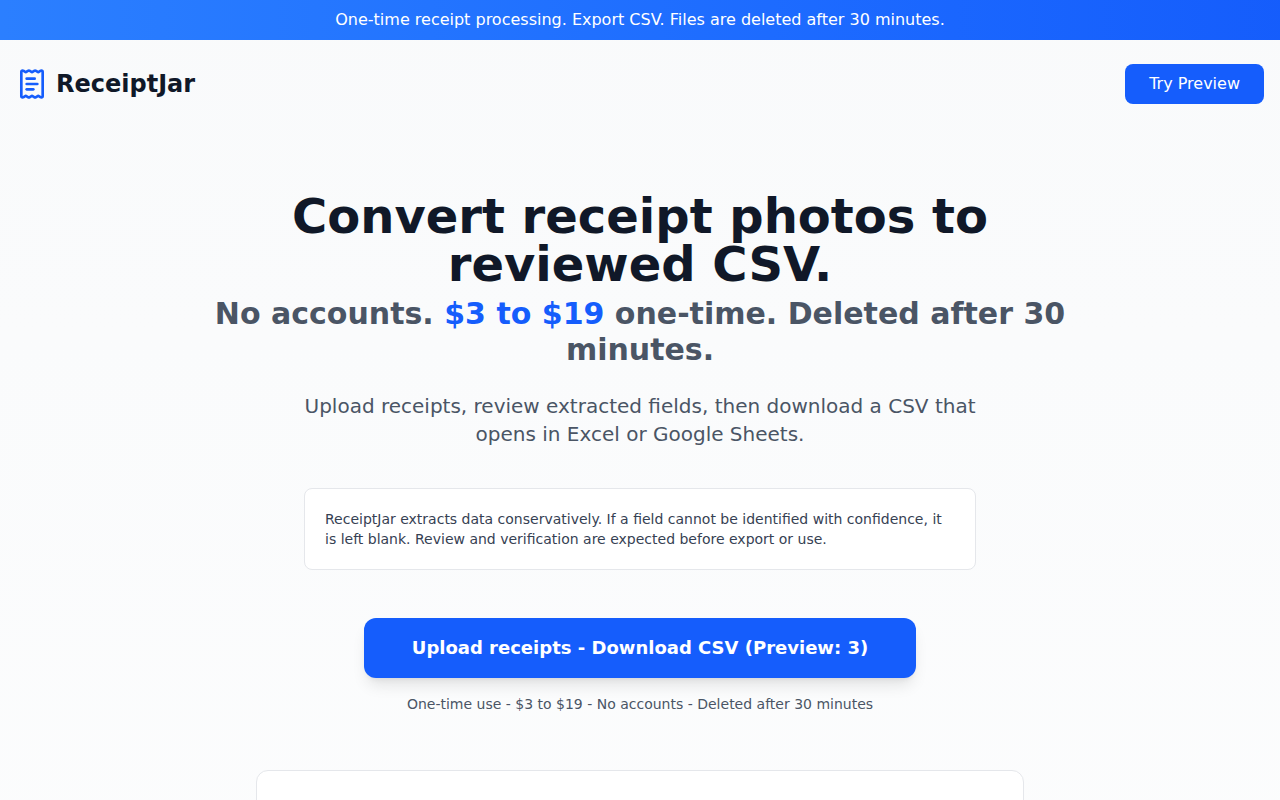
ReceiptJar
One-time receipt processing → export CSV
File Management & Transfer
PDF Tools by Renderlog
Free PDF tools that never upload your file