
ClipTools
Clipboard utility set for quick copy, paste, and text cleanup tasks. ![Freeware][Freeware Icon]
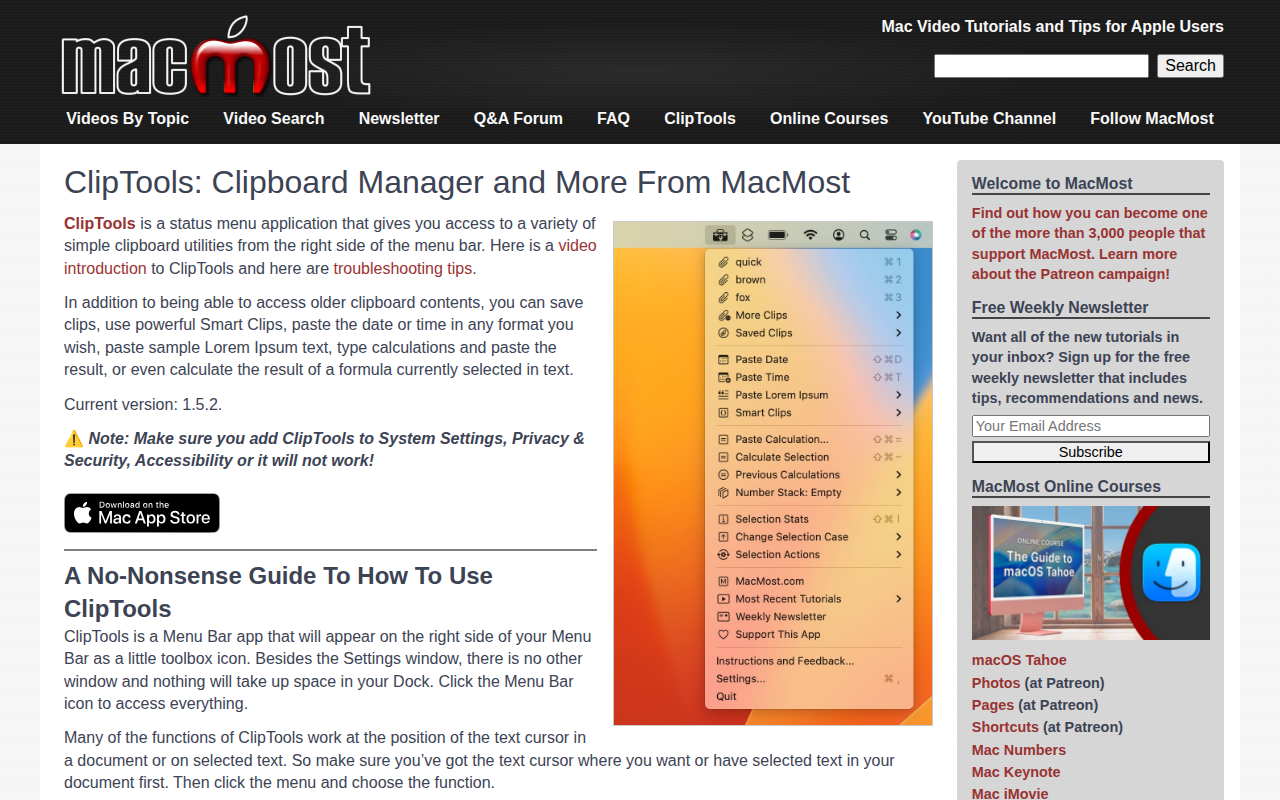
ClipTools is a menu‑bar utility that expands the macOS clipboard with a range of quick‑access functions. It records recent plain‑text and rich‑text entries, lets users save frequently used snippets, and provides a “More Clips” submenu for extended history. Users can paste items directly at the cursor position, and the app offers shortcuts for copying instead of pasting.
In addition to basic clipboard management, ClipTools includes a set of text‑processing tools. Users can insert the current date or time in custom formats, generate Lorem Ipsum filler text, perform calculations or evaluate selected formulas, and manipulate selected text through case changes, statistics, or stack operations. Smart Clips and Smart Files enable custom actions on stored snippets.
The interface is confined to a small toolbox icon on the right side of the menu bar, with settings and keyboard shortcuts accessible from the same dropdown. ClipTools requires accessibility permission in System Settings to function, and it operates without occupying Dock space or opening additional windows.
Reviews
Loading reviews…
Similar apps
Clipboard, Input & Automation
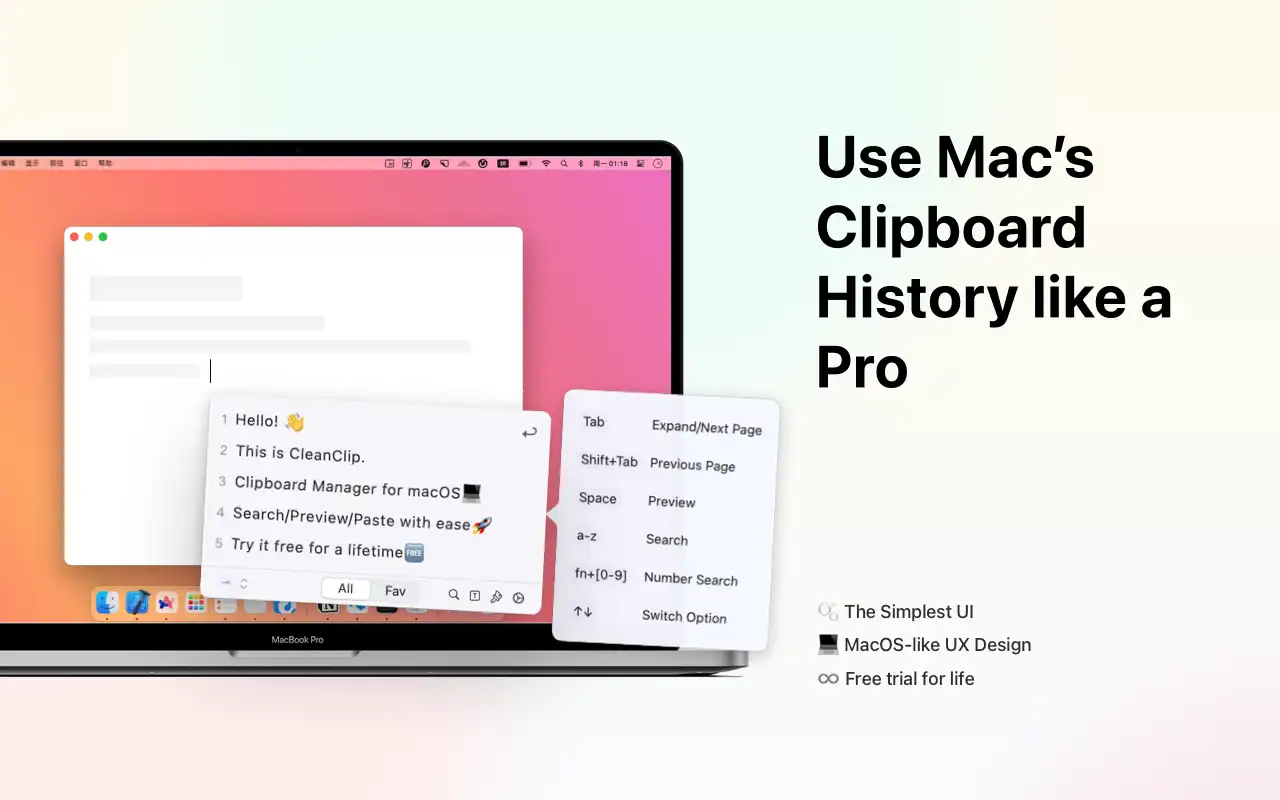
CleanClip
The cleanest Clipboard Manager on macOS, ever! ![Freeware][Freeware Icon]
Clipboard, Input & Automation
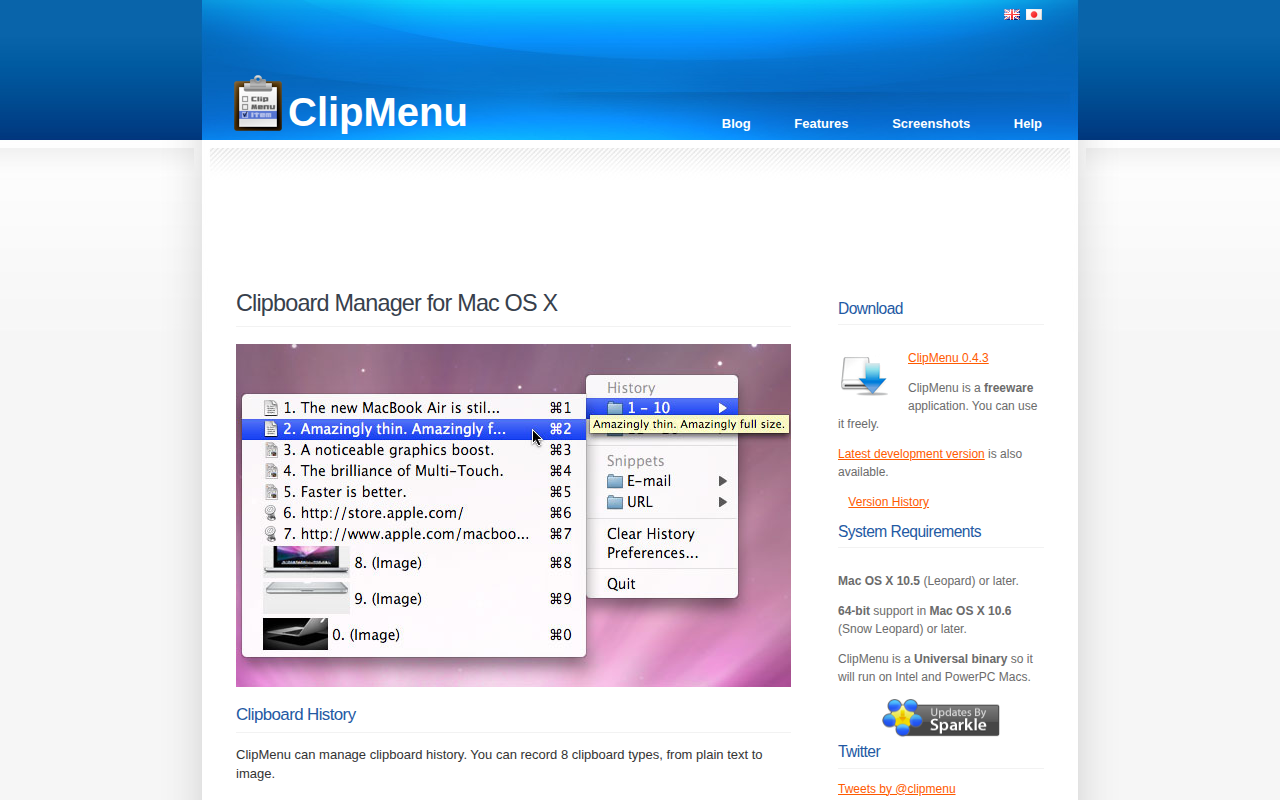
ClipMenu
Clipboard manager for Mac OS X.

Clipboard, Input & Automation
Clipy
Clipy is a Clipboard extension app for macOS. Based on ClipMenu.
Clipboard, Input & Automation
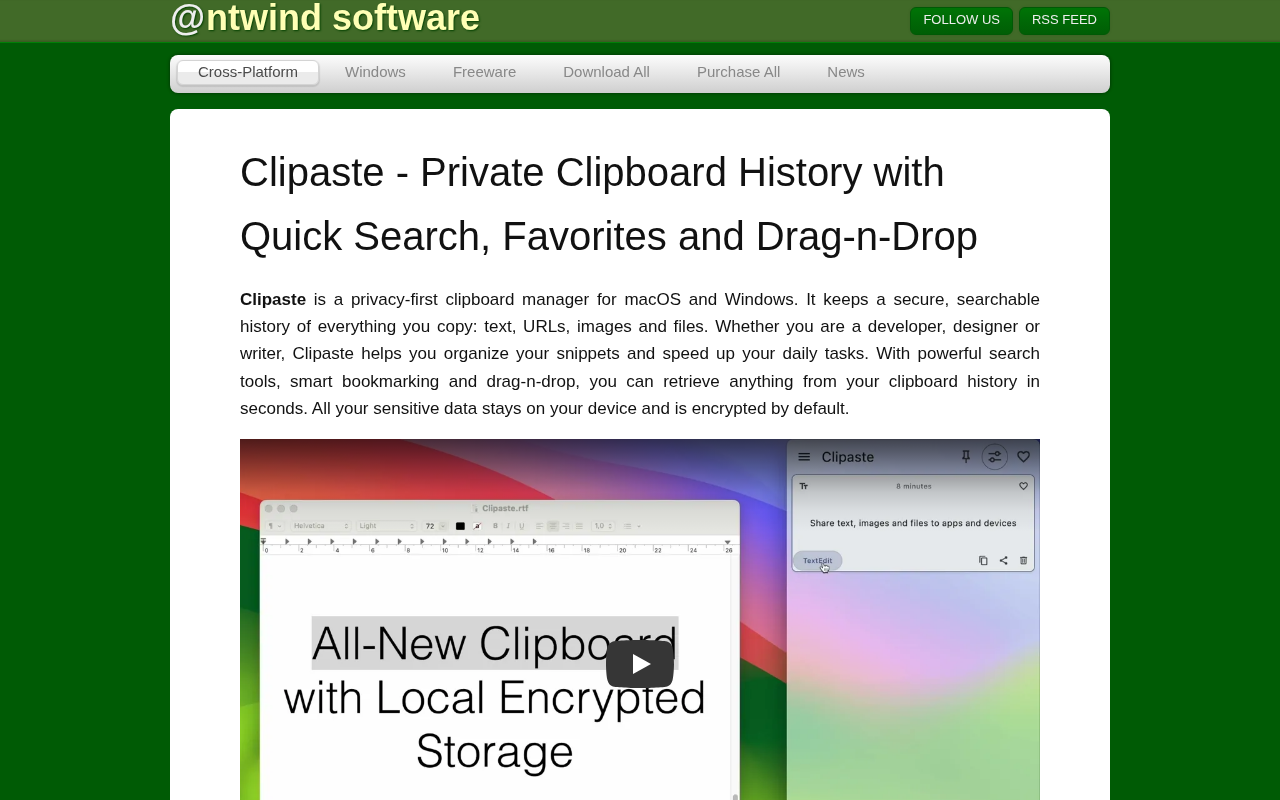
Clipaste
Clipboard history manager
Clipboard, Input & Automation
ClipFlow
Free clipboard history manager with terminal-style navigation.
Clipboard, Input & Automation
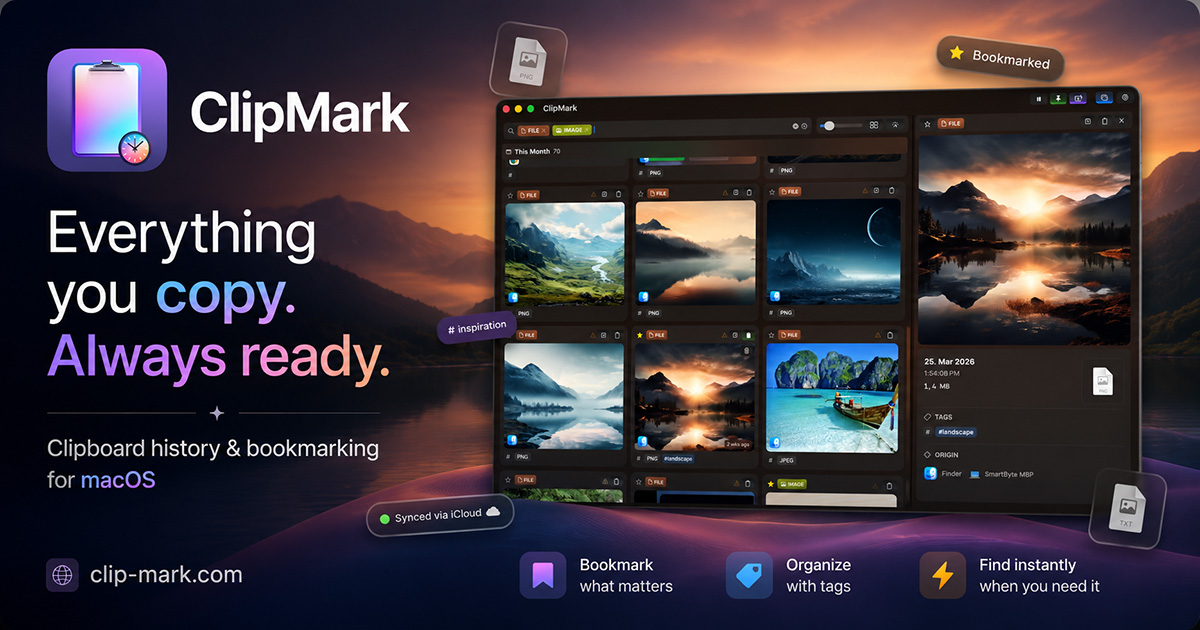
ClipMark
Never lose anything you copy again