
CloudyTabs
Menu bar application that lists iCloud Tabs
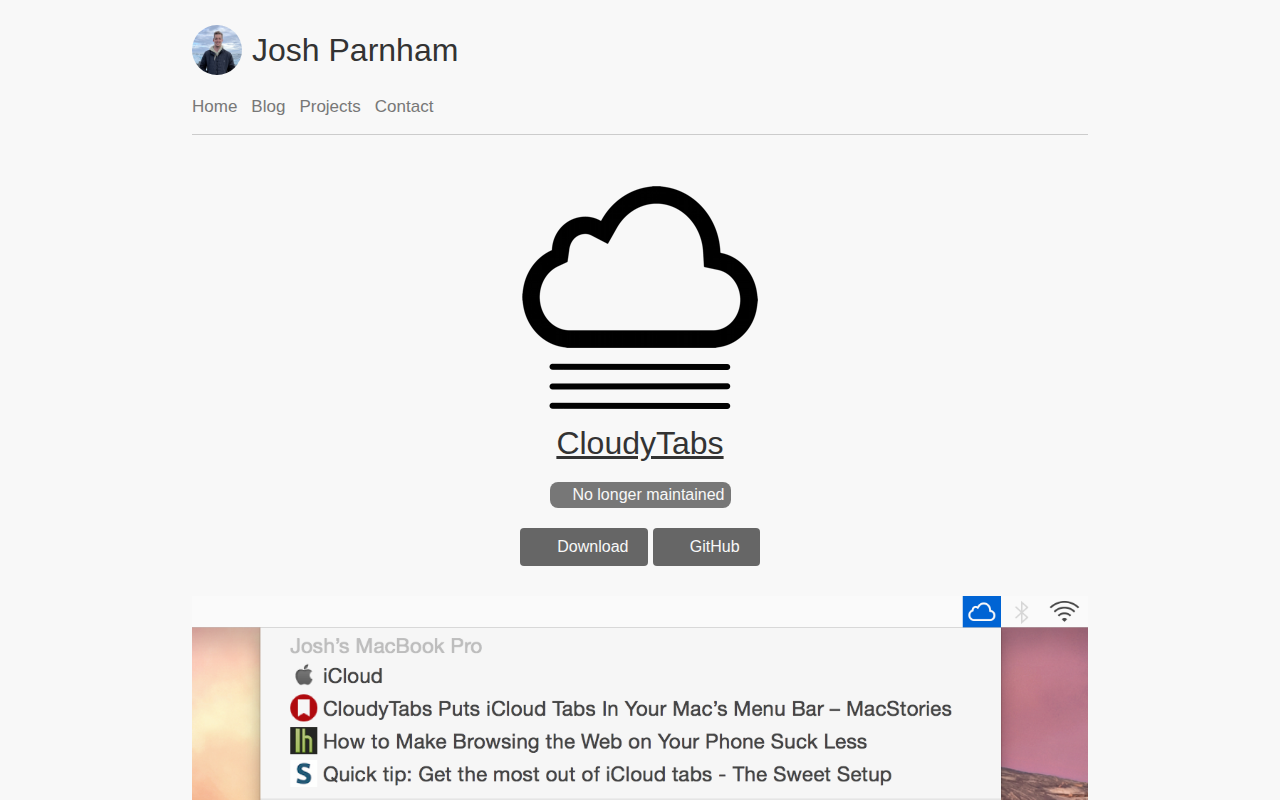
CloudyTabs runs in the macOS menu bar and presents a list of tabs and Reading List items that are stored in a user’s iCloud account. When the user selects a tab, the URL opens in the default browser; a command‑click opens the link in the background, while an option‑click copies the URL to the clipboard. The interface also supports incremental search by typing part of a title, and hovering over the menu bar icon shows the timestamp of the last iCloud sync.
The application is intended for macOS users who browse on multiple devices and want quick access to their synchronized tabs without leaving the desktop. It works with macOS 10.13 or later and requires an active iCloud account to read the synced tabs database and Bookmarks plist.
CloudyTabs is distributed as a stable, open‑source binary that can be installed manually or via Homebrew cask, and it is released under the MIT License.
Reviews
Loading reviews…
Similar apps
File Management & Transfer
iCloud Control
User-controlled selective sync for iCloud Drive
Network & Connectivity
PiBar
Pi-hole(s) management in the menu bar
Network & Connectivity
PingMenu
Utility that shows the current network latency in the menu bar
Network & Connectivity
Bluetility
Bluetooth Low Energy browser

System Monitoring & Maintenance
ClaudeBar
Menu bar app for monitoring AI coding assistant usage quotas
Network & Connectivity
HostsX
Local hosts update tool