
iCloud Control
User-controlled selective sync for iCloud Drive
iCloud Control adds a Finder toolbar menu that lets macOS users manage the local presence of files stored in iCloud Drive. Through the menu the can remove selected items from the local disk while keeping them in iCloud, download items that were previously removed, and generate a public link that is copied to the clipboard.
The tool is intended for users of macOS Sierra (10.12) through El Capitan (10.11) who want manual, per‑file control over selective synchronization, a capability that was not built into the OS at the time. It operates as a standard macOS application placed in the Applications folder and invoked via the Finder context menu.
iCloud Control is released under the MIT license, with a restriction against listing the software on certain catalogue sites. Development has been discontinued because newer macOS versions (starting with Catalina 10.15) provide equivalent “Download Now” and “Remove Download” options natively.
Reviews
Loading reviews…
Similar apps
File Management & Transfer
OpenCloud Desktop
Desktop syncing client for OpenCloud
Network & Connectivity
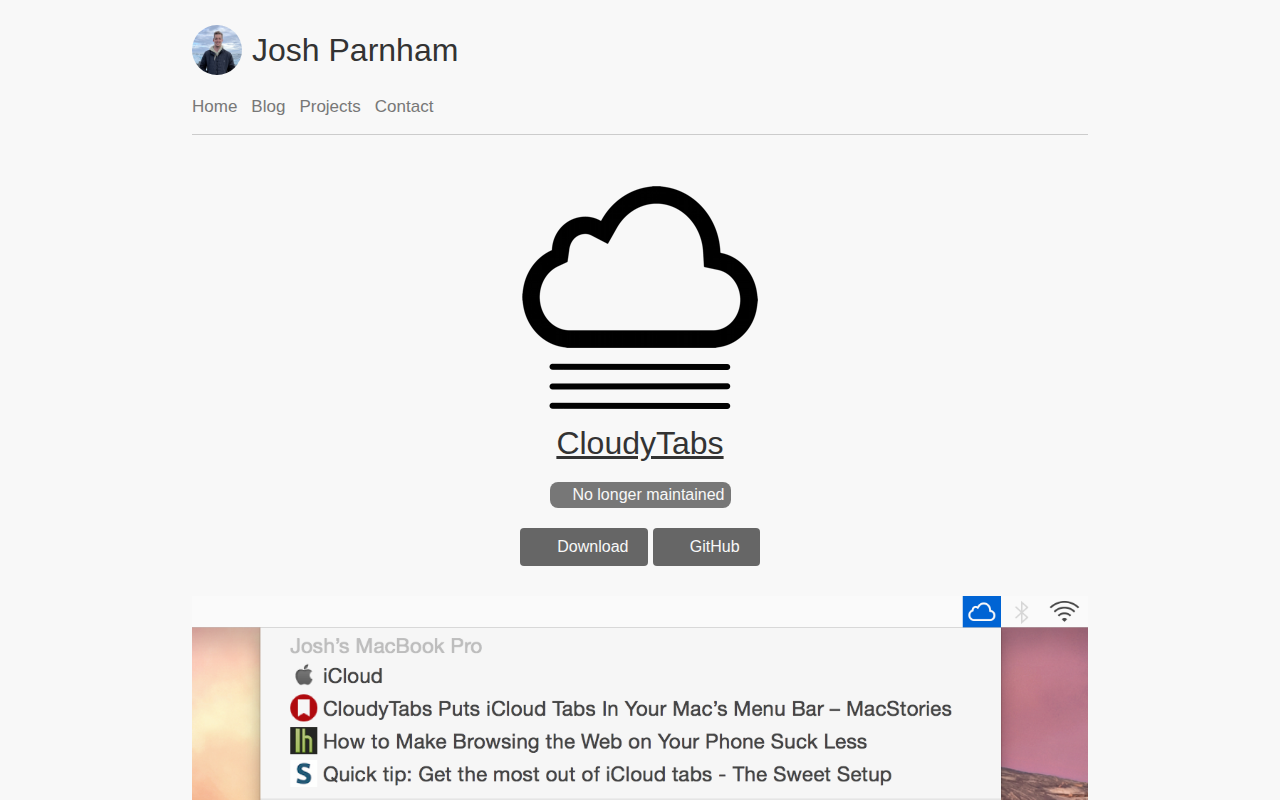
CloudyTabs
Menu bar application that lists iCloud Tabs

File Management & Transfer
Swisscom myCloud Desktop
Swiss cloud storage desktop app

File Management & Transfer
Insync
Manage your Google Drive and OneDrive files
File Management & Transfer
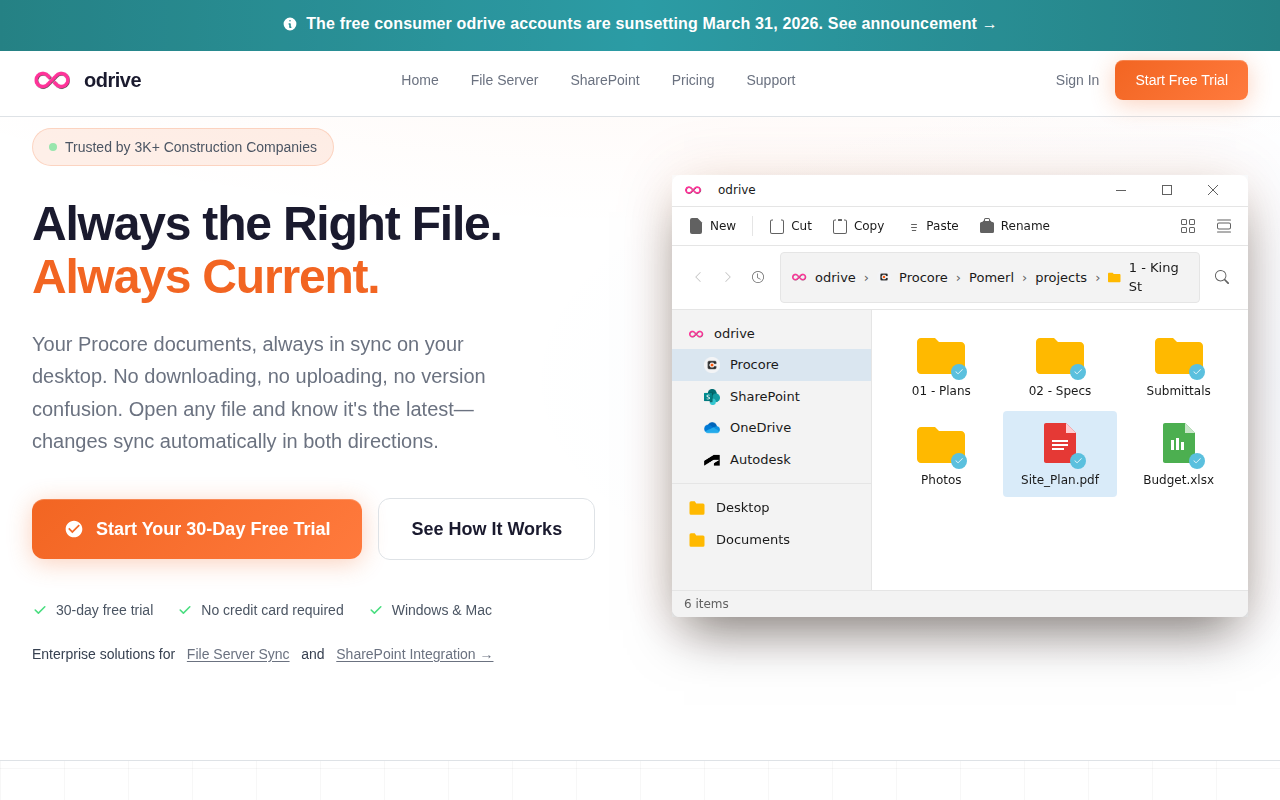
odrive
Tool to make any cloud storage unified, synchronised, shareable, and encrypted

File Management & Transfer
OneDrive
Cloud storage client