

CmdTap
Adds other functions to Task Switcher
CmdTap extends the native macOS Task Switcher (⌘‑Tab) with additional navigation and control options. Users can jump directly to an application by typing its initial letter, with automatic handling of Chinese pinyin initials, and can invoke the switcher using configurable shortcut keys or a long‑press of the mouse middle button. The tool also provides quick exit actions, allowing an app to be closed via a designated key, a middle‑click, or the backspace key.
The enhancements are designed for macOS 10.11 and later, integrating with the existing switcher UI without replacing it. CmdTap offers customizable trigger keys, optional mouse‑based activation, and right‑click activation of apps while keeping the switcher visible. It also supports middle‑click to quit an app, streamlining workflow for users who frequently switch or close applications.
Development updates address compatibility with macOS Sierra, external monitor handling, and various UI quirks, while allowing users to disable or change trigger keys to avoid conflicts with other shortcuts. The software is positioned as a stable, productivity‑focused utility for macOS power users.
Reviews
Loading reviews…
Similar apps
Window & Desktop Management
Command-Tab Plus
Keyboard-centric application and window switcher
Window & Desktop Management
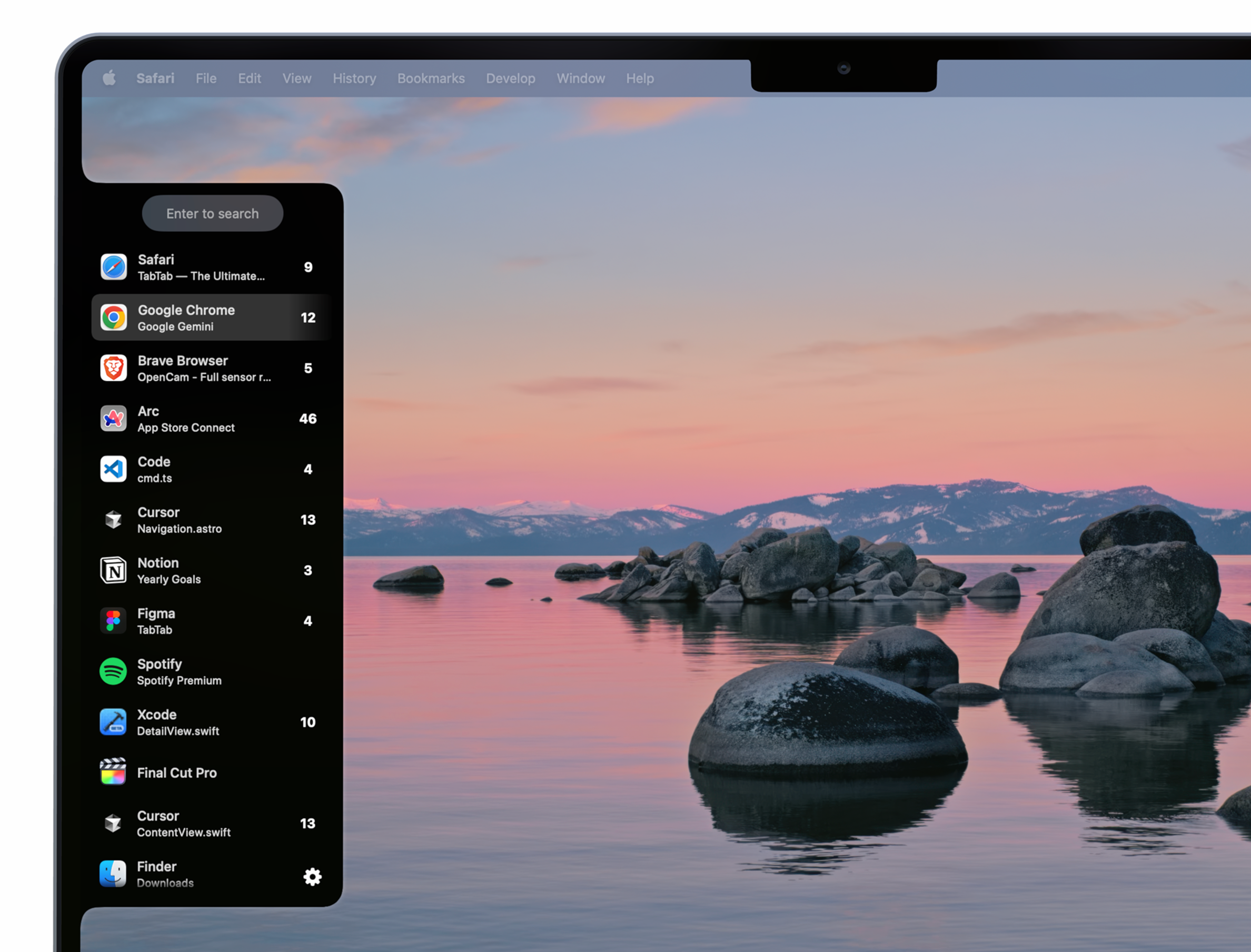
TabTab
Window and tab manager
Window & Desktop Management
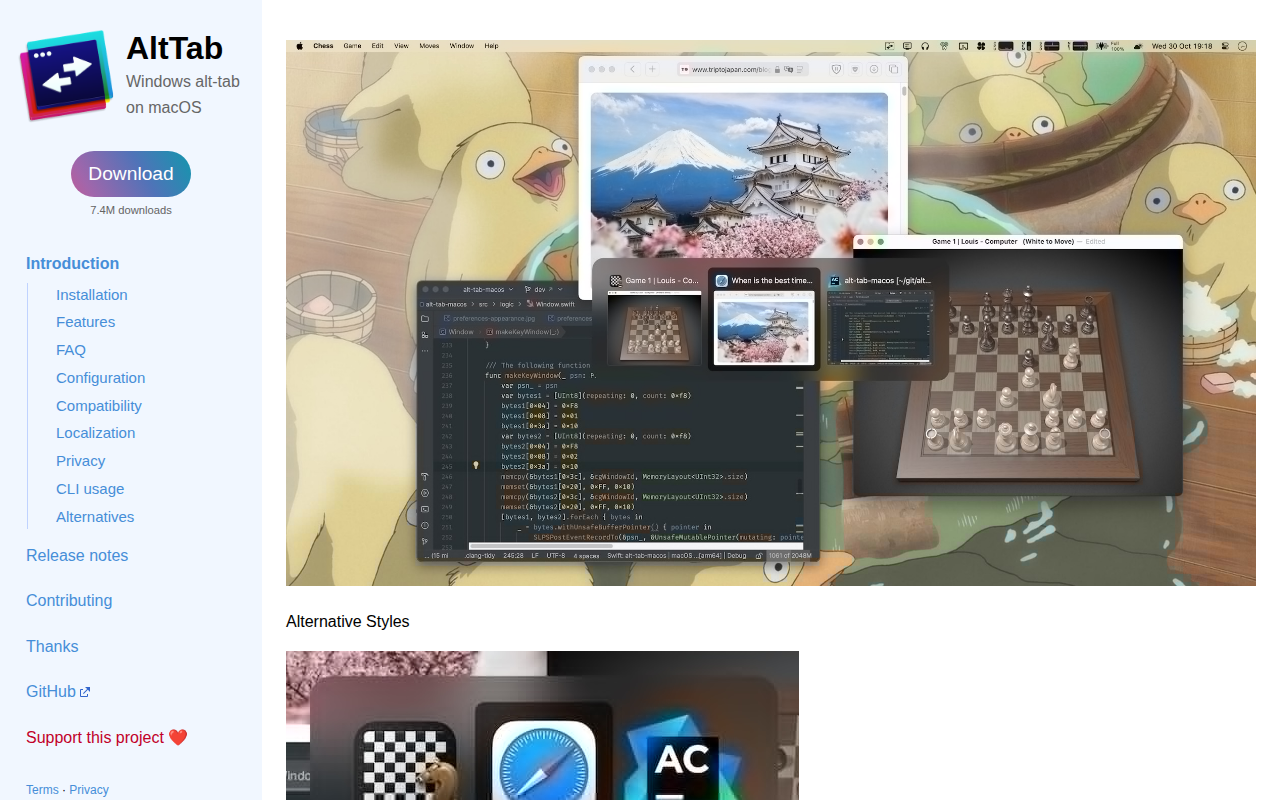
AltTab
Enable Windows-like alt-tab
Window & Desktop Management
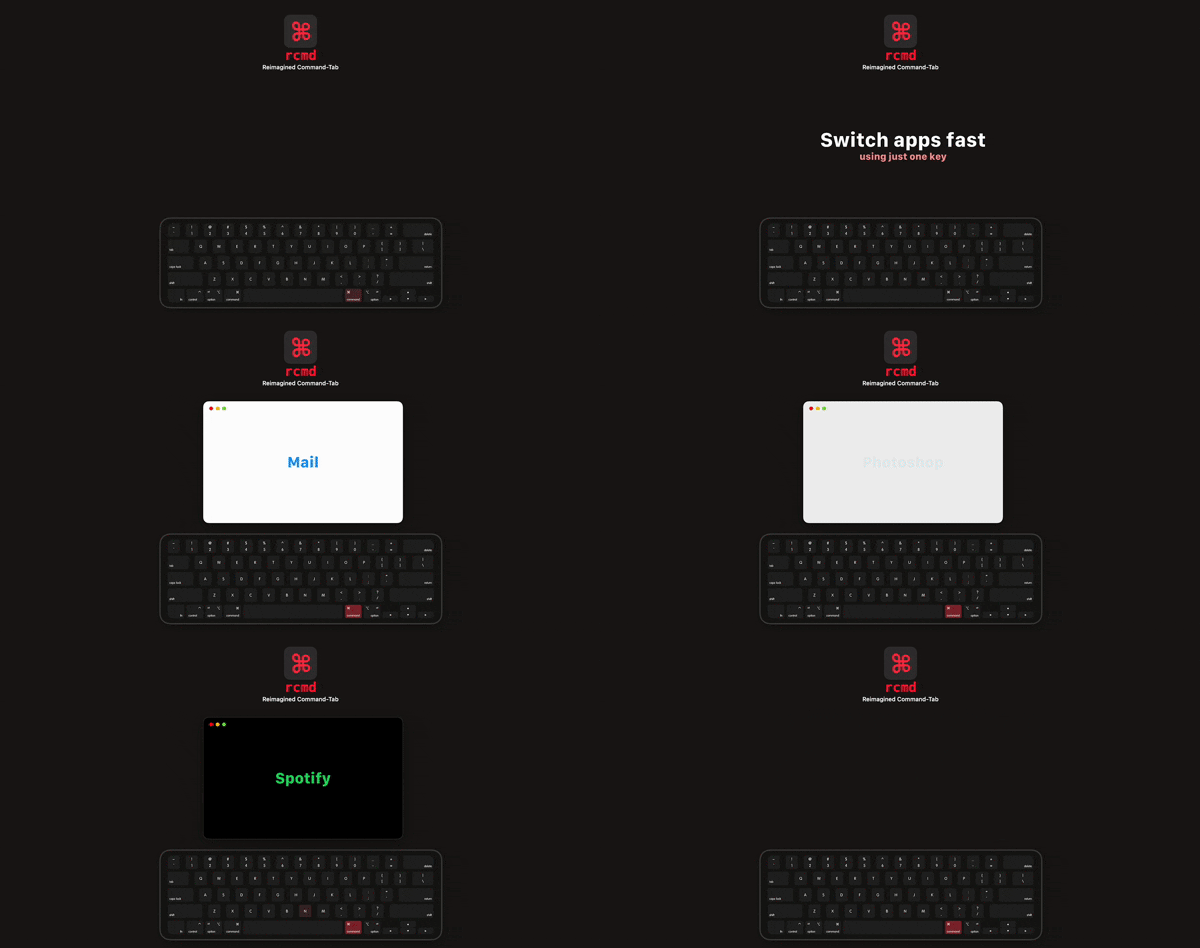
rcmd
Use the <kbd>⌘ Right Command</kbd> key to switch applications based on their name.

Window & Desktop Management
AltTab
Brings Windows-style alt-tab window switching to macOS. See thumbnails of every window across every app, switch to any of them with one…

Window & Desktop Management
emmetapp
Tiling and stacking window manager and window resizing tool