
Command-Tab Plus
Keyboard-centric application and window switcher
Command‑Tab Plus replaces the default macOS application switcher with a keyboard‑driven interface that lets users move quickly between open programs and their individual windows. It presents a compact list of icons, allowing selection with a single shortcut and offering additional keys (such as Z or ~) to jump among windows of the chosen app. The tool can restrict the view to the current display or space, hiding icons of inactive or hidden applications to reduce visual clutter.
The utility is aimed at Mac users who keep many applications open and need faster, more controllable navigation than the built‑in ⌘‑Tab mechanism provides. It supports both Intel and Apple Silicon processors and runs on macOS 11 (Big Sur) or newer, including the latest releases. Appearance can be altered through built‑in skins or custom designs, and hotkeys and application filters are fully configurable to match personal workflows.
Key distinguishing aspects include isolated workspaces that show only apps in the active space, the ability to hide unused applications, and extensive customization of shortcuts and visual themes, all delivered as a stable, long‑standing macOS utility.
Reviews
Loading reviews…
Similar apps
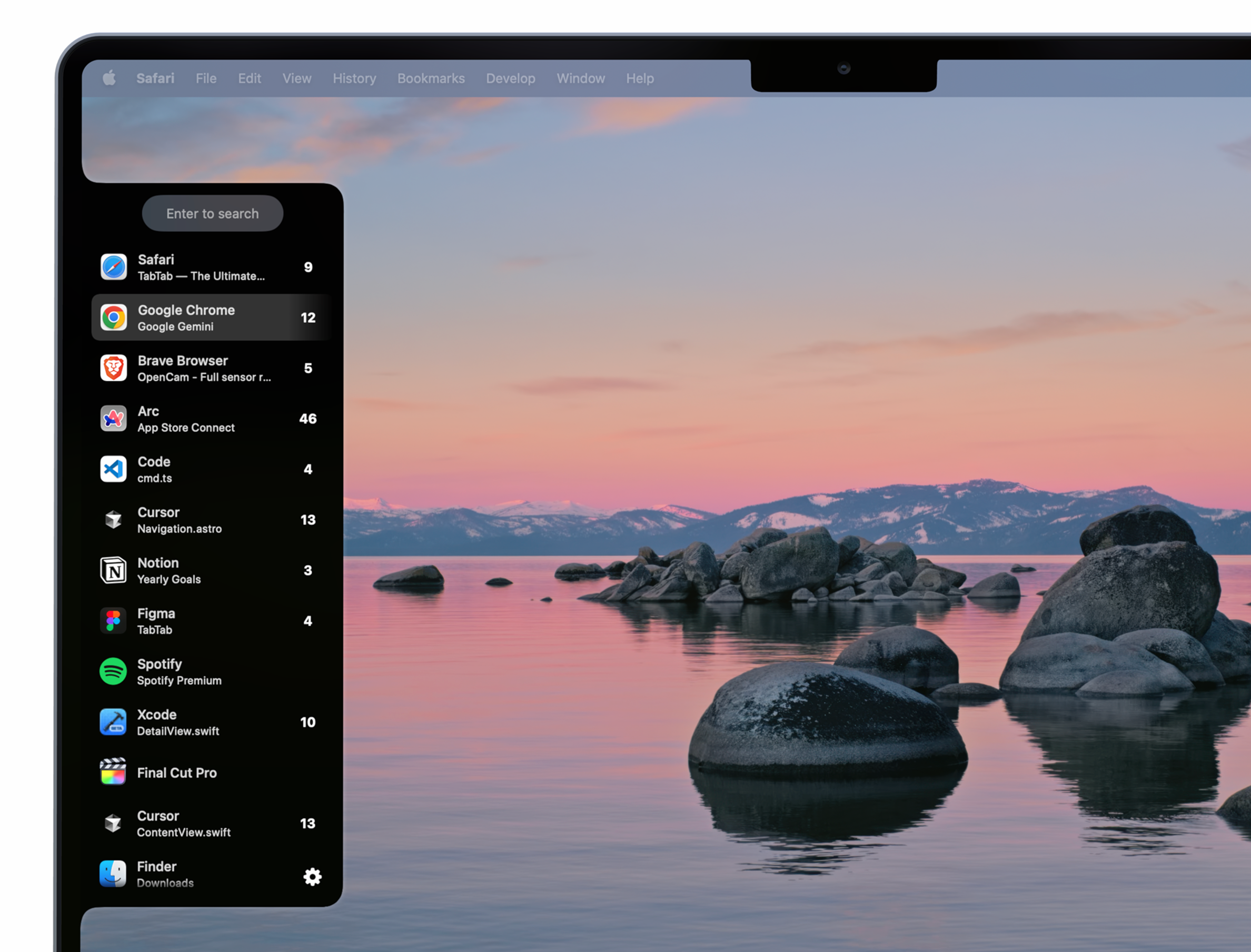
Window & Desktop Management
TabTab
Window and tab manager
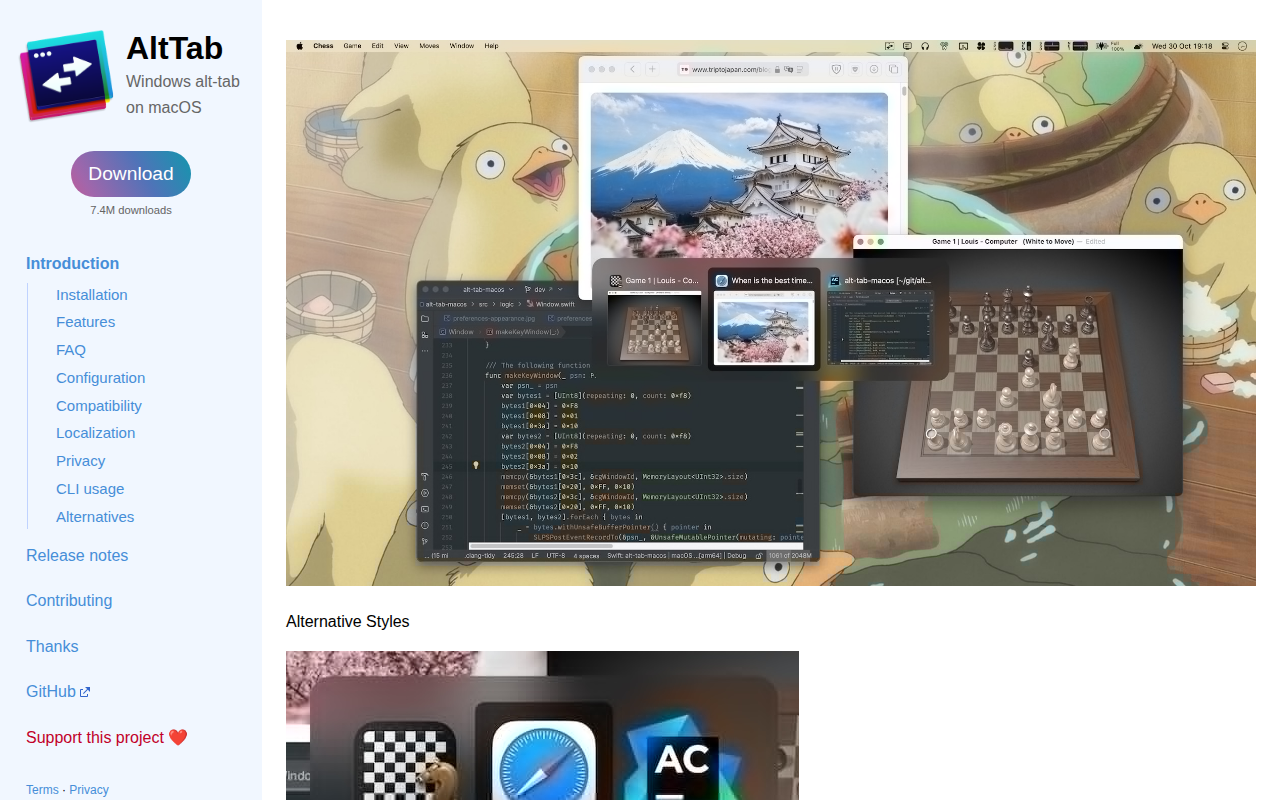
Window & Desktop Management
AltTab
Enable Windows-like alt-tab

Window & Desktop Management
CmdTap
Adds other functions to Task Switcher

Window & Desktop Management
AltTab
Brings Windows-style alt-tab window switching to macOS. See thumbnails of every window across every app, switch to any of them with one…

Window & Desktop Management
Mission Control Plus
Manage your windows in Mission Control
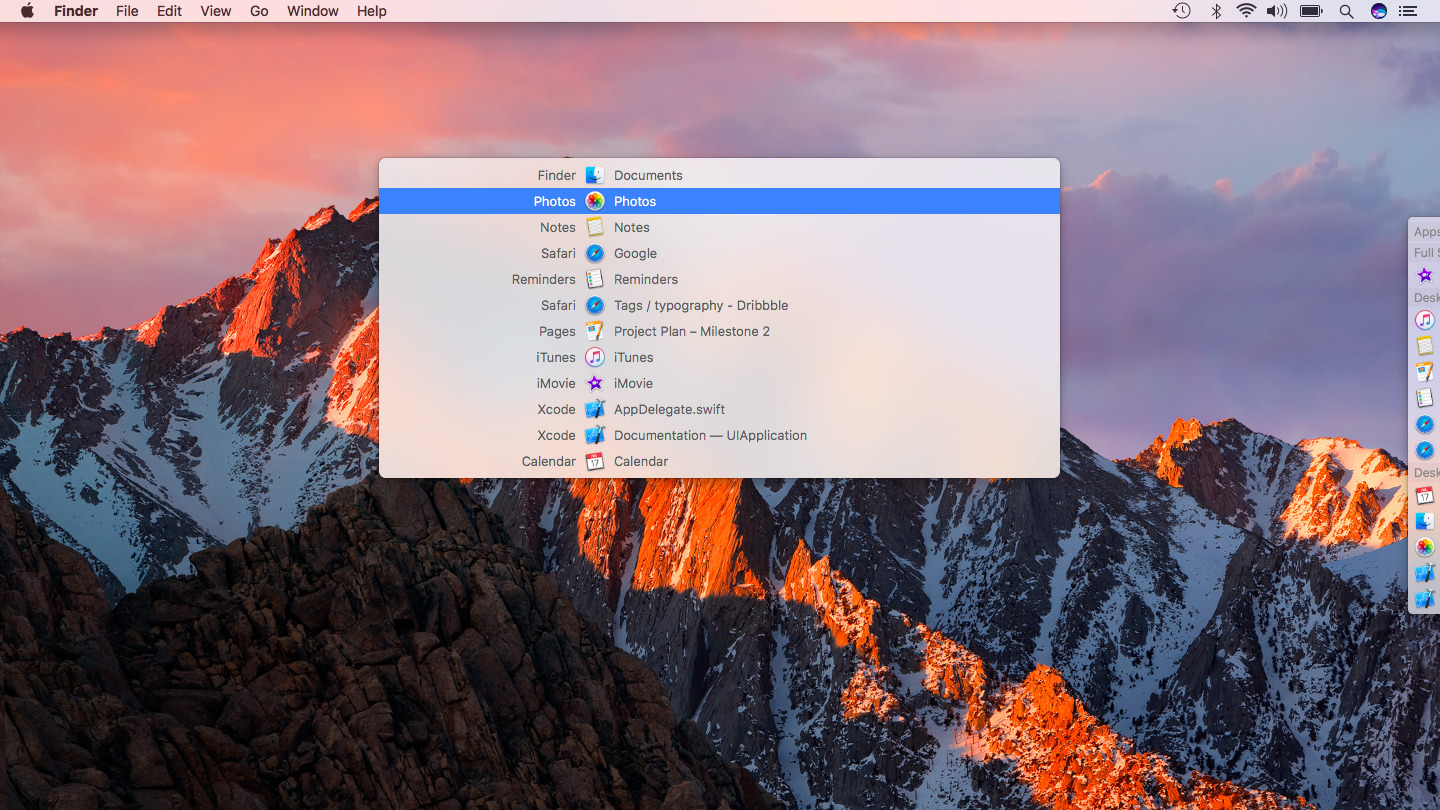
Window & Desktop Management
contexts
App switcher for faster window and app switching across multiple screens.