

Mission Control Plus
Manage your windows in Mission Control
Mission Control Plus extends macOS’s native Mission Control by adding direct window‑management actions within the overview. Users can close a window with a single click on a newly provided button, and they can also perform common tasks—such as minimizing, opening, or quitting an app—using configurable keyboard shortcuts (⌘W, ⌘M, ↵, ⌘Q). The tool integrates with the existing Mission Control interface, preserving the familiar layout while offering these additional controls.
The software is intended for macOS users who want faster navigation and manipulation of open windows without switching to individual applications. It is especially useful for people who rely heavily on Mission Control for multitasking and prefer keyboard‑centric workflows.
Mission Control Plus requires macOS 10.13 High Sierra or newer and needs Accessibility permissions enabled in System Preferences. Each purchased license may be activated on up to five computers. Support is available via email, and a press kit can be downloaded from the project’s website.
Reviews
Loading reviews…
Similar apps
Window & Desktop Management
Command-Tab Plus
Keyboard-centric application and window switcher
Window & Desktop Management
Wins
Window manager

Window & Desktop Management
Space Capsule
Spaces management tool
Window & Desktop Management
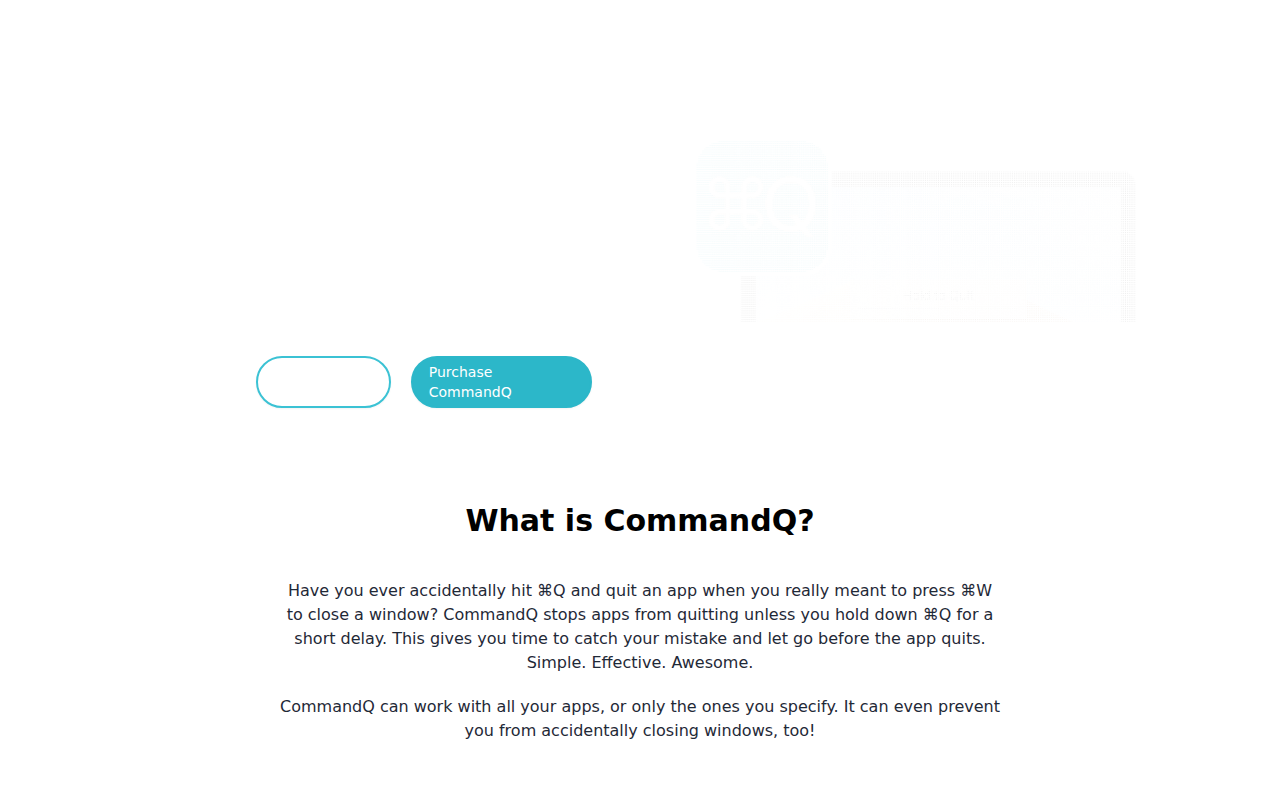
CommandQ
Never accidentally quit an app again
Window & Desktop Management
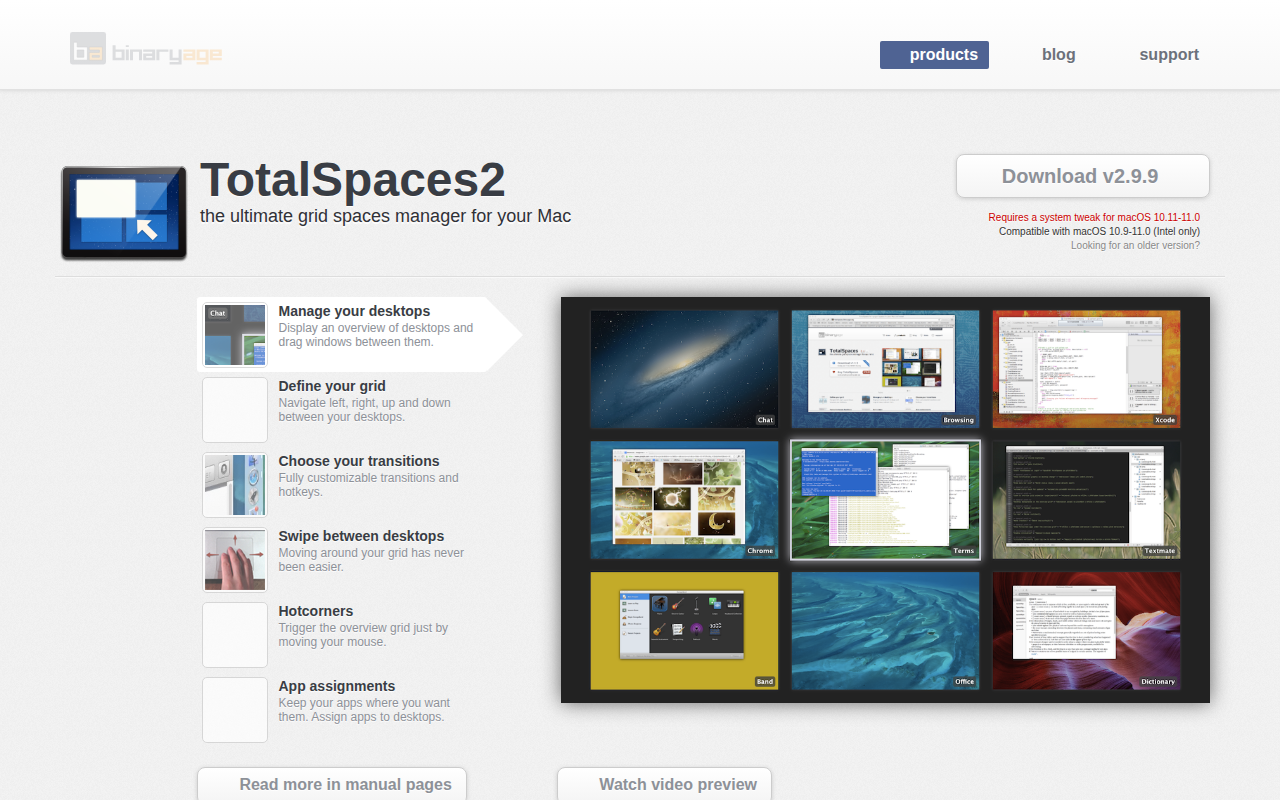
Total Spaces
Workspace manager with hotkeys and spatial overview.
Task & Project Management
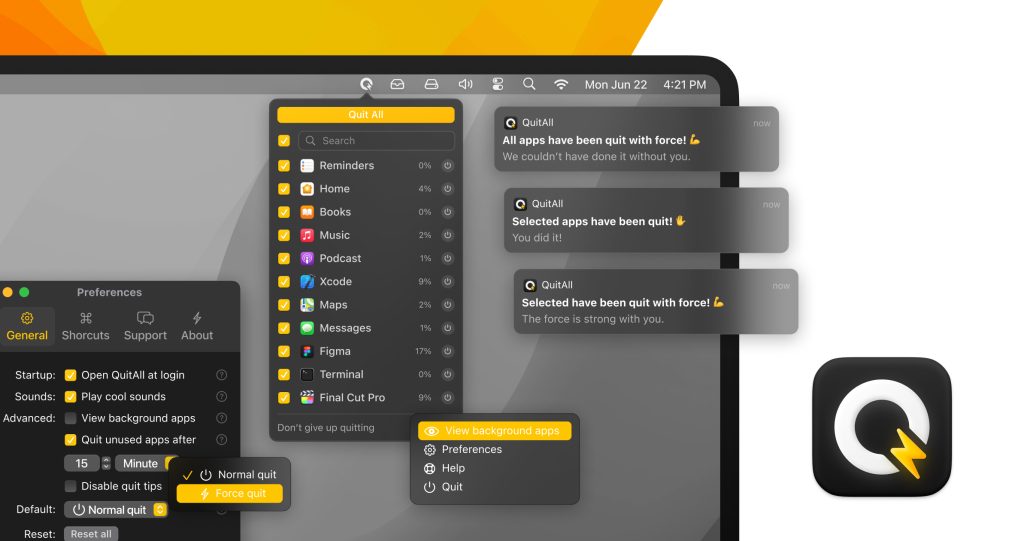
QuitAll
Quickly quit one, some, or all apps