
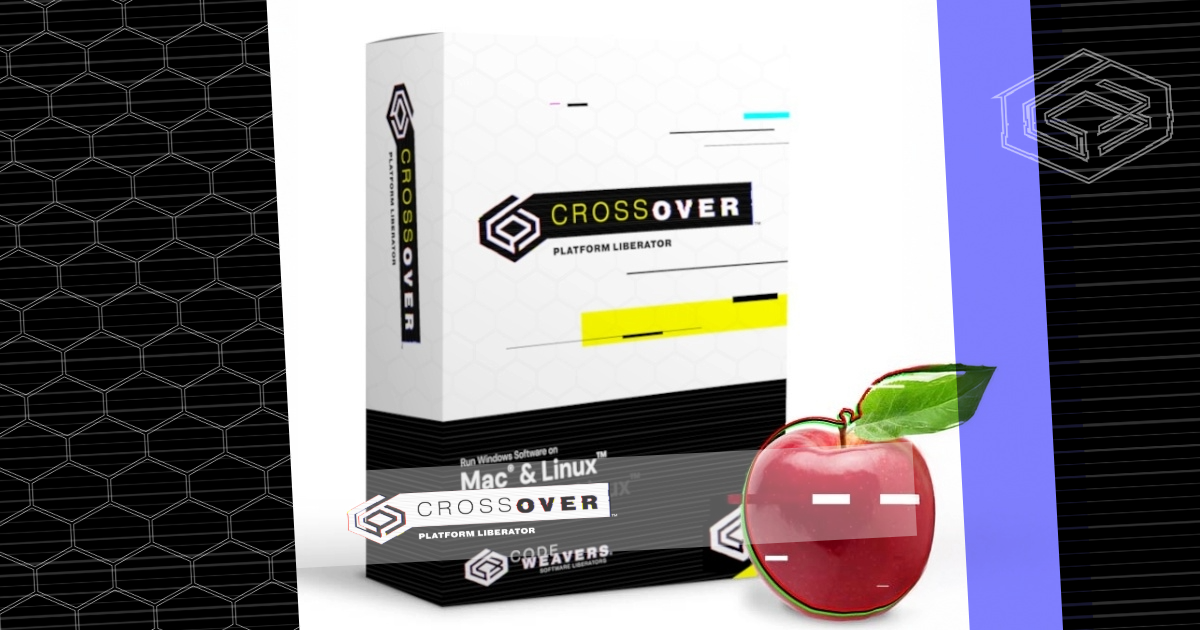
CrossOver
Tool to run Windows software
CrossOver enables users to run Microsoft Windows applications directly on macOS and Linux systems without installing a full Windows operating system or a virtual machine. It translates Windows system calls into native macOS or Linux commands, allowing programs ranging from productivity tools to games to launch as if they were built for the host platform. The software includes installers and compatibility checks for thousands of Windows titles, and it integrates with the desktop environment to provide a seamless user experience.
The target audience consists of macOS and Linux users who need occasional or regular access to Windows‑only software but prefer to avoid the overhead, licensing costs, or complexity of traditional emulators and virtual machines. By handling the translation layer internally, CrossOver aims to reduce performance penalties and simplify setup, making it suitable for both casual users and professionals who rely on specific Windows applications.
CrossOver is offered as a stable, mature product with a free 14‑day trial and a paid license thereafter. It supports a wide range of Linux distributions—including Ubuntu, Mint, Fedora, Debian, and RHEL—and macOS versions, providing documentation, tutorials, and community forums to assist with installation and troubleshooting.
Reviews
Loading reviews…
Similar apps

System Monitoring & Maintenance
WineHQ-stable
Compatibility layer to run Windows applications

System Monitoring & Maintenance
Parallels
Powerful, easy-to-use VM. No free upgrade for each new Mac OS.
Task & Project Management
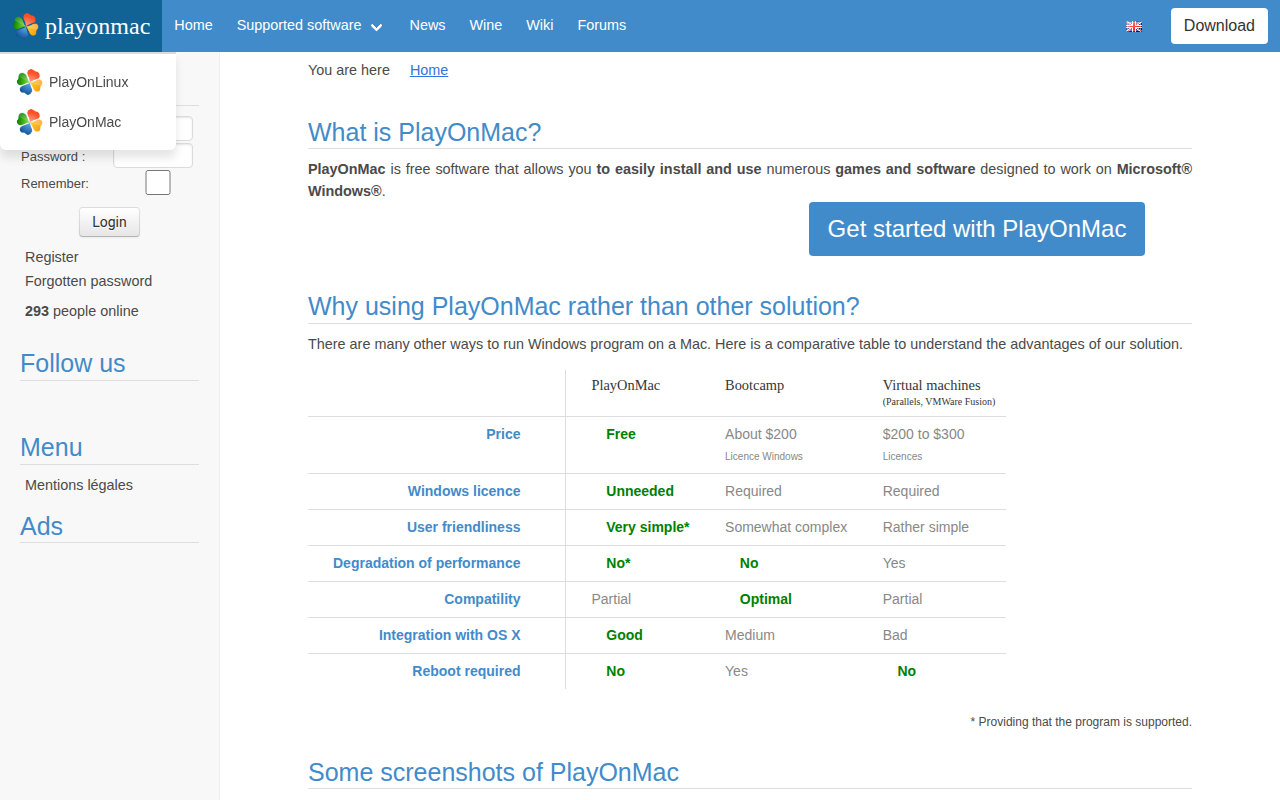
PlayOnMac
Allows installation and use of software designed for Windows
System Monitoring & Maintenance
Whisky
Wine wrapper that supports GPTK (Game Porting Toolkit)
System Monitoring & Maintenance
Geekbench
Tool to measure the computer system's performance
System Monitoring & Maintenance
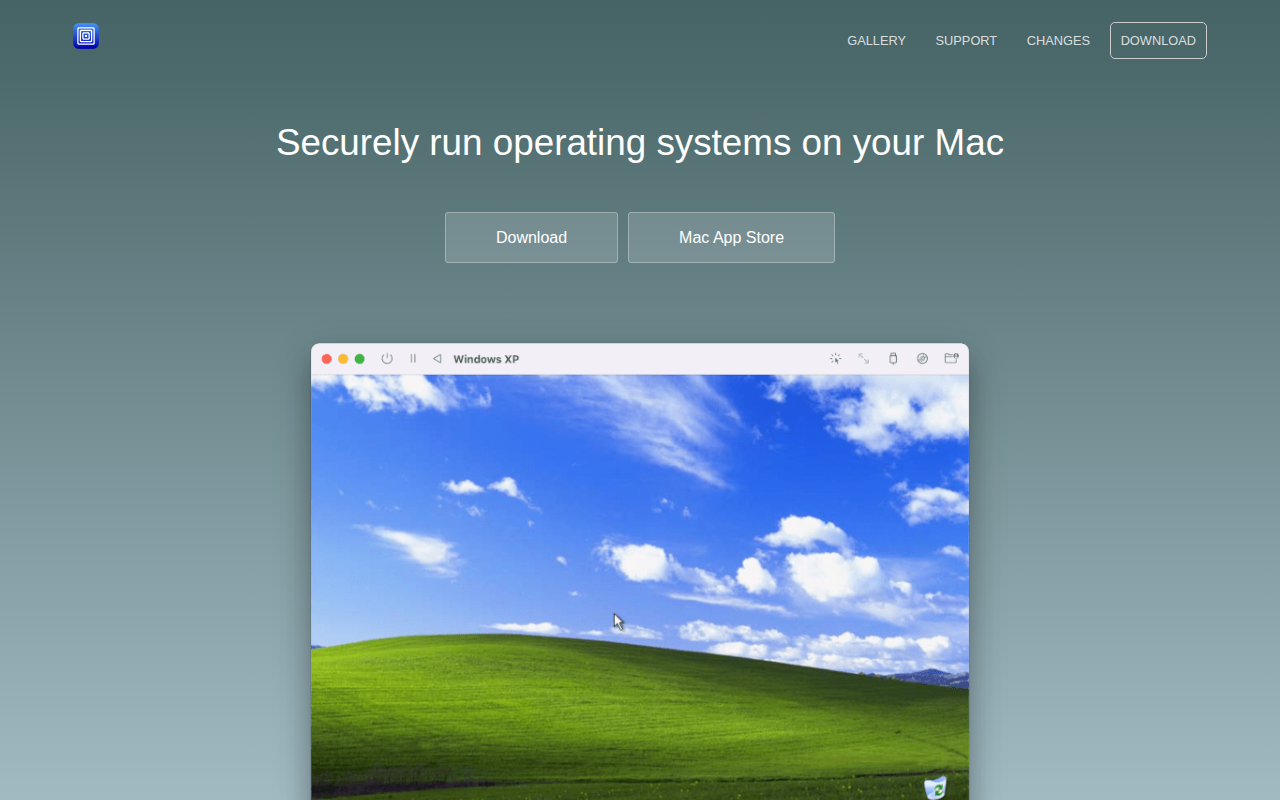
UTM
UTM is an easy-to-use GUI for QEMU and can run ARM64, x64 and other VMs on M1 Macs.