
CurrentKey
Add custom names and icons to Spaces and track app usage time.
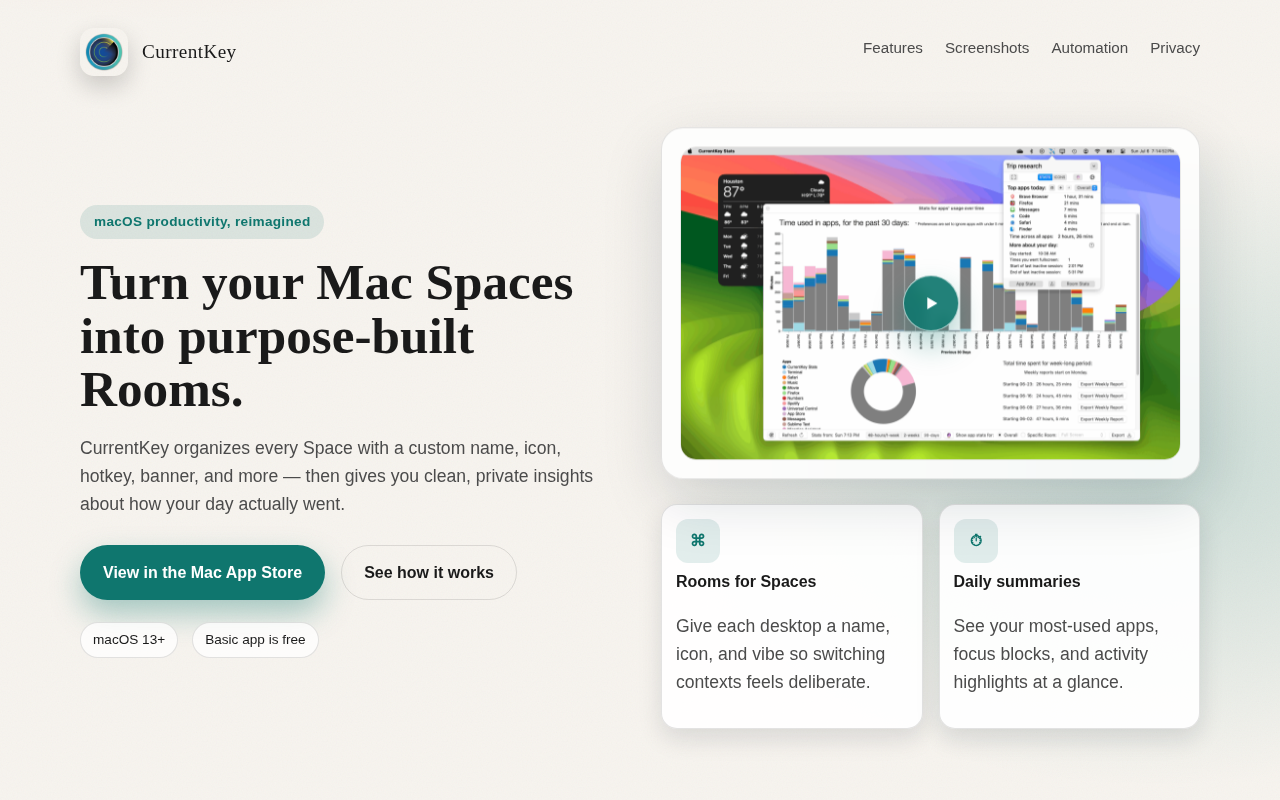
CurrentKey lets macOS users give each virtual desktop—called a Space—a custom name, icon, hotkey, and optional banner, turning the collection of Spaces into “Rooms” that are visually distinct and easy to switch between via the menu bar or keyboard shortcuts. It records how long each application is used within those Rooms and presents the data in daily summaries, weekly comparisons, and per‑app charts, all generated locally on the device.
The app includes AppleScript hooks so scripts can be run automatically when a Room is entered or when statistics are needed, enabling power users to integrate the tool with other workflows or dashboards. Users can also import and export custom icons and banner images, sharing visual configurations with others.
All usage information stays on the Mac unless the user explicitly exports it, providing private, on‑device analytics while offering a streamlined view of workspace activity without leaving full‑screen work.
Reviews
Loading reviews…
Similar apps
System Monitoring & Maintenance
KeyStats
Menu bar tracker for daily keystrokes, clicks, movement, and scrolling.
Window & Desktop Management
FlashSpace
Virtual workspace manager
Window & Desktop Management
WhichSpace
Active space menu bar icon

Clipboard, Input & Automation
KeyClu
Find shortcuts for any installed application

Window & Desktop Management
Space Capsule
Spaces management tool
Window & Desktop Management
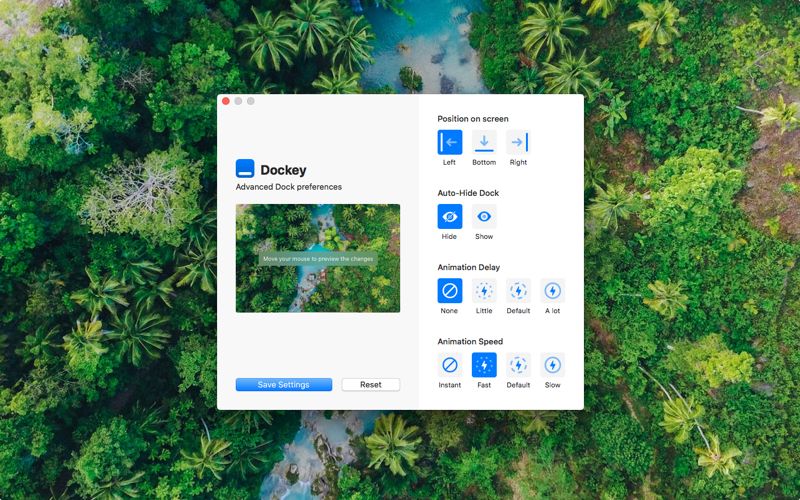
dockey
Advanced Dock preferences