

KeyClu
Find shortcuts for any installed application
KeyClu provides a quick visual reference to the keyboard shortcuts of any macOS application. By pressing the Command key twice and holding, a panel appears that lists the shortcuts defined in the app’s menu, allowing users to learn and recall them without leaving the current workflow. The view can be adjusted in size, column count, and placement, and shortcuts may be filtered, highlighted, or bookmarked for easy access.
The tool supports persistent panels that stay on screen, a pause function to hide the list when not needed, and the ability to register custom shortcuts manually. It also includes features such as zebra‑mode highlighting, support for third‑party shortcut schemes, and customizable appearance for both light and dark environments.
KeyClu is distributed under the BSD‑3‑Clause‑Clear license, runs on macOS 11 or later, and can be installed via Homebrew. It is intended for users who want a simple, on‑demand overview of application shortcuts to improve productivity.
Reviews
Loading reviews…
Similar apps

Clipboard, Input & Automation
KeyCue
Finds, learns and remembers keyboard shortcuts

Clipboard, Input & Automation
KeyCombiner
Instant shortcut lookup
Clipboard, Input & Automation
ShowMeYourHotKeys
Show applications menu items hotkeys

Clipboard, Input & Automation
Keytty
App to keep your hands on the keyboard. Move, click, scroll, drag and more with a few strokes.
Clipboard, Input & Automation
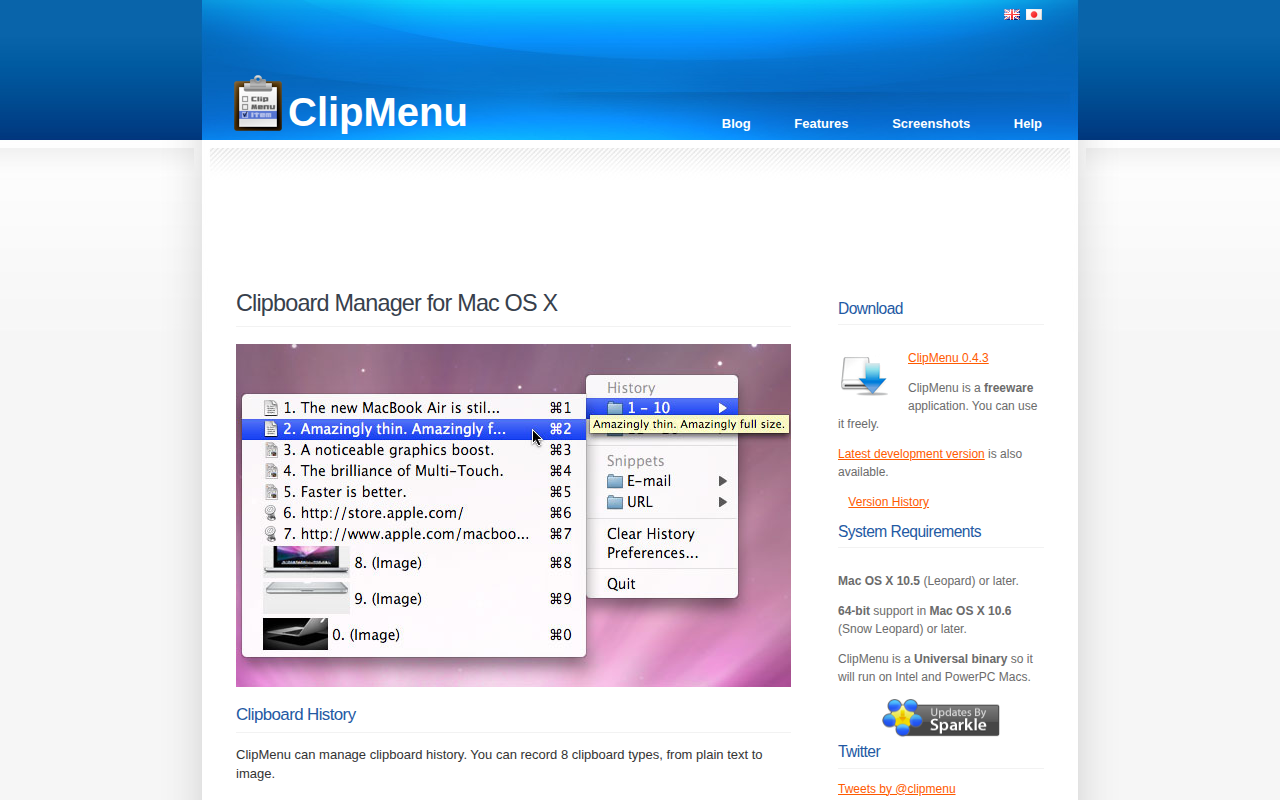
ClipMenu
Clipboard manager for Mac OS X.

Clipboard, Input & Automation
ClipBook
Clipboard history app