
dark-mode
Toggle dark mode.
The tool provides a command‑line interface for toggling macOS’s dark appearance setting. It works on macOS 10.10 or newer; older versions require the Swift runtime support libraries. Users can invoke the binary with no arguments to switch the system theme, or use explicit commands to enable, disable, or query the current dark‑mode status.
Installation is supported through Homebrew, npm, or manual download of the pre‑built binary, which can be placed in /usr/local/bin. The source includes a simple build script that produces the executable in ./bin/dark-mode, and the same functionality can be compiled from Xcode, though that does not generate a binary directly.
The utility is targeted at developers or power users who need to script or automate dark‑mode changes, for example in testing or workflow automation. It is a stable, core CLI component with no additional runtime dependencies beyond the operating system.
Reviews
Loading reviews…
Similar apps
Task & Project Management
Nocturnal
Simple app to toggle dark mode with one click
Display & Accessibility
Nightfall
Menu bar utility for toggling dark mode
Display & Accessibility
Panda
Utility to switch from light to dark mode
Display & Accessibility
DarkModeBuddy
Automatically switch between light and dark modes based on ambient light sensor
Terminals & CLI
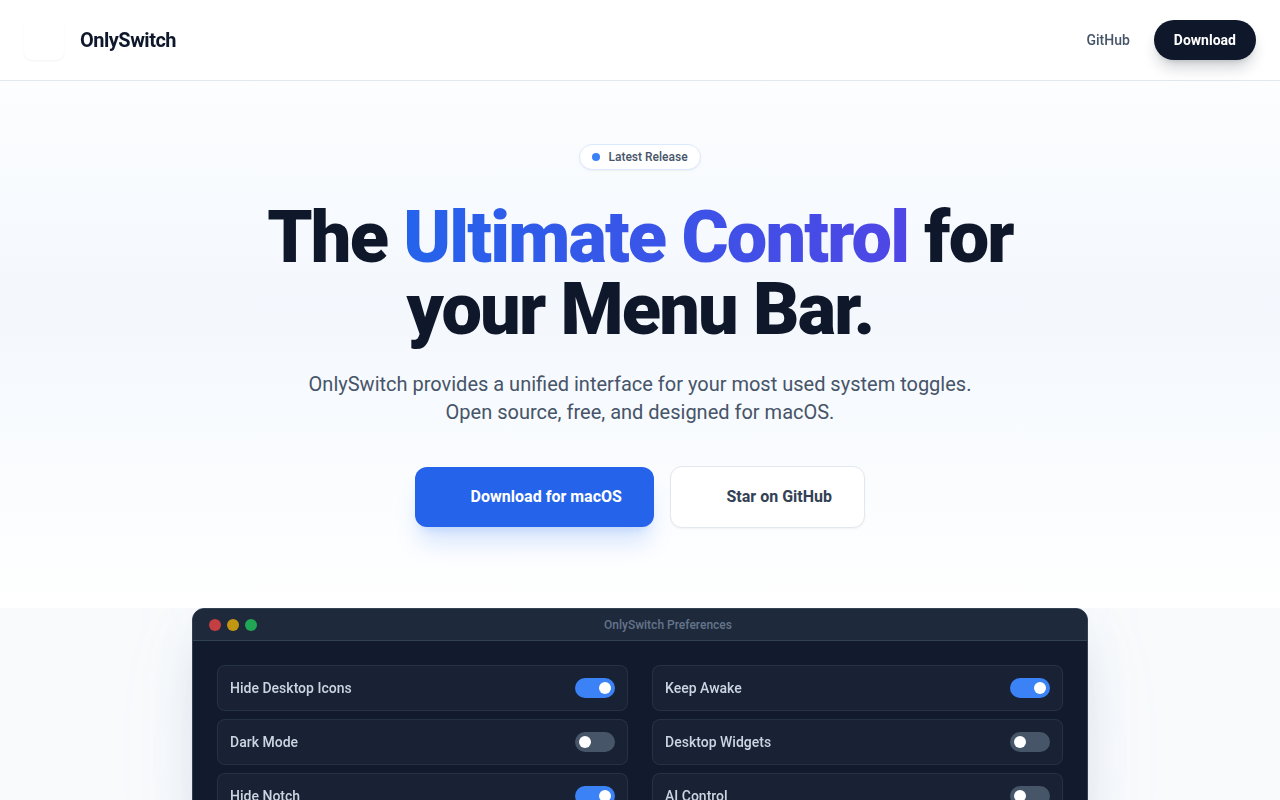
OnlySwitch
⚙️ All-in-One menu bar app, hide 💻MacBook Pro's notch, dark mode, AirPods, Shortcuts
Terminals & CLI
fig
Reimagine your terminal