
dmenu-mac
Keyboard-only application launcher
The program provides a keyboard‑driven launcher for macOS that lets users open applications by typing their names and pressing Enter. It presents a simple prompt triggered by a global hotkey (default cmd‑Space) and supports fuzzy matching, allowing quick selection without navigating menus or using the mouse.
Designed for users who prefer a minimal, Spotlight‑free workflow, it works on macOS 10.12 and later and operates across multiple displays. The launcher can also be used in scripts by reading options from standard input, enabling custom prompts such as “Are you sure?” with a single command.
Installation is possible via Homebrew or by downloading a release package, though the binaries are currently unsigned. The project is stable, open‑source, and accepts contributions through pull requests.
Reviews
Loading reviews…
Similar apps
Clipboard, Input & Automation
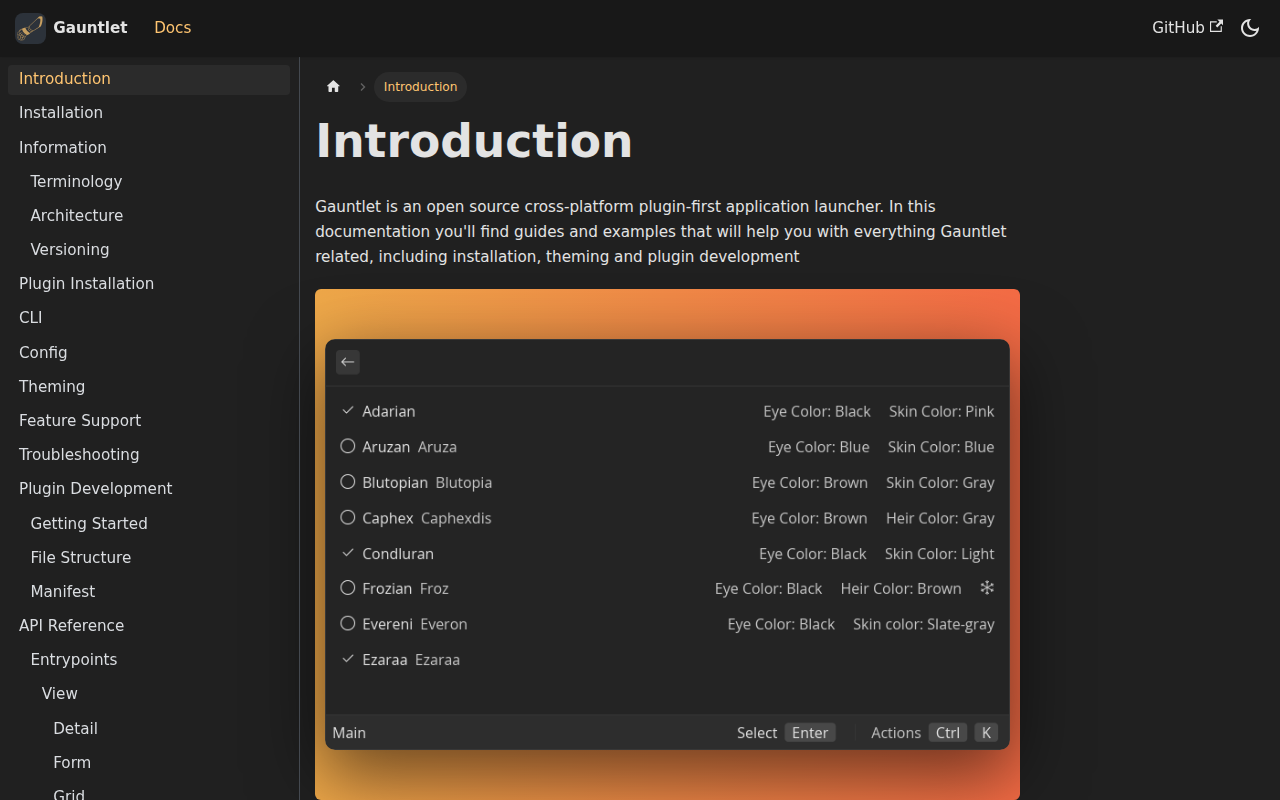
Gauntlet
Open-source cross-platform application launcher
Clipboard, Input & Automation
Wox
Launcher tool
Clipboard, Input & Automation
Sol
Launcher & command palette
Clipboard, Input & Automation
ClipFlow
Free clipboard history manager with terminal-style navigation.
Clipboard, Input & Automation
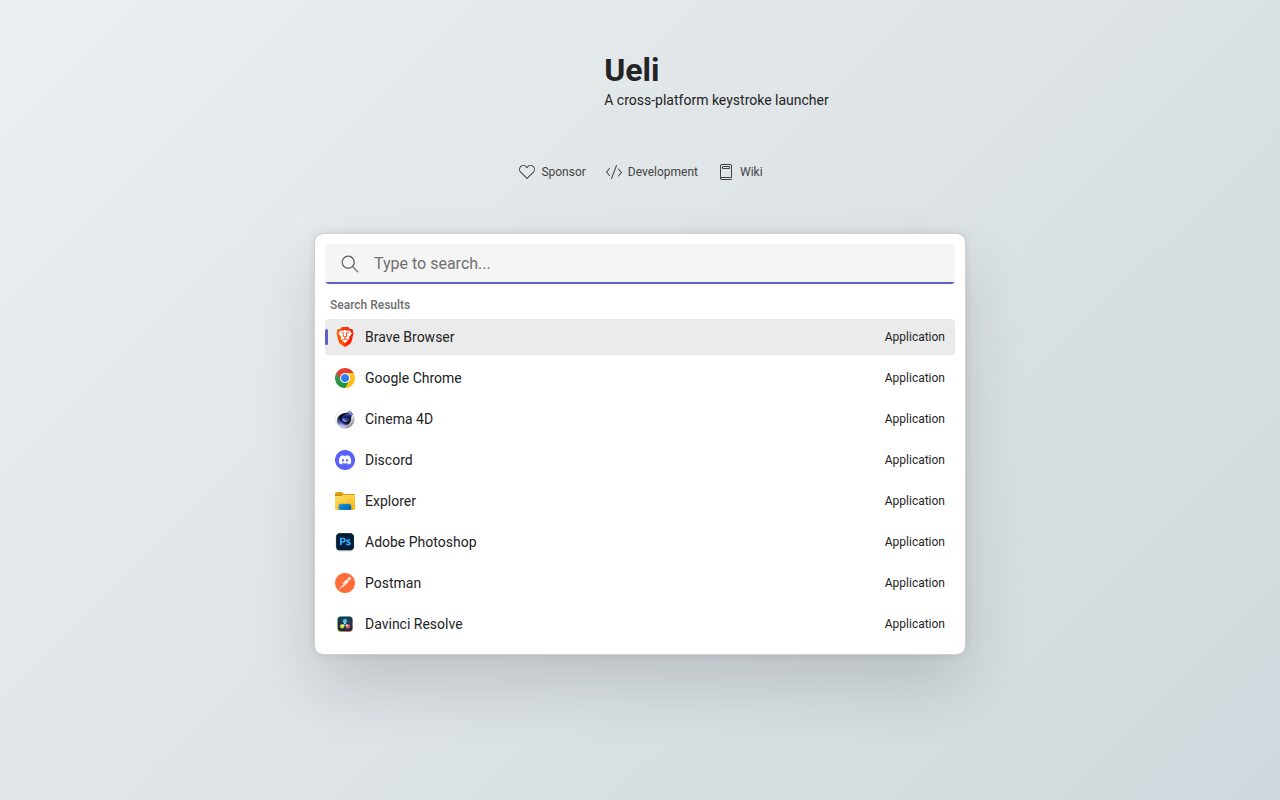
Ueli
Keystroke launcher
Clipboard, Input & Automation
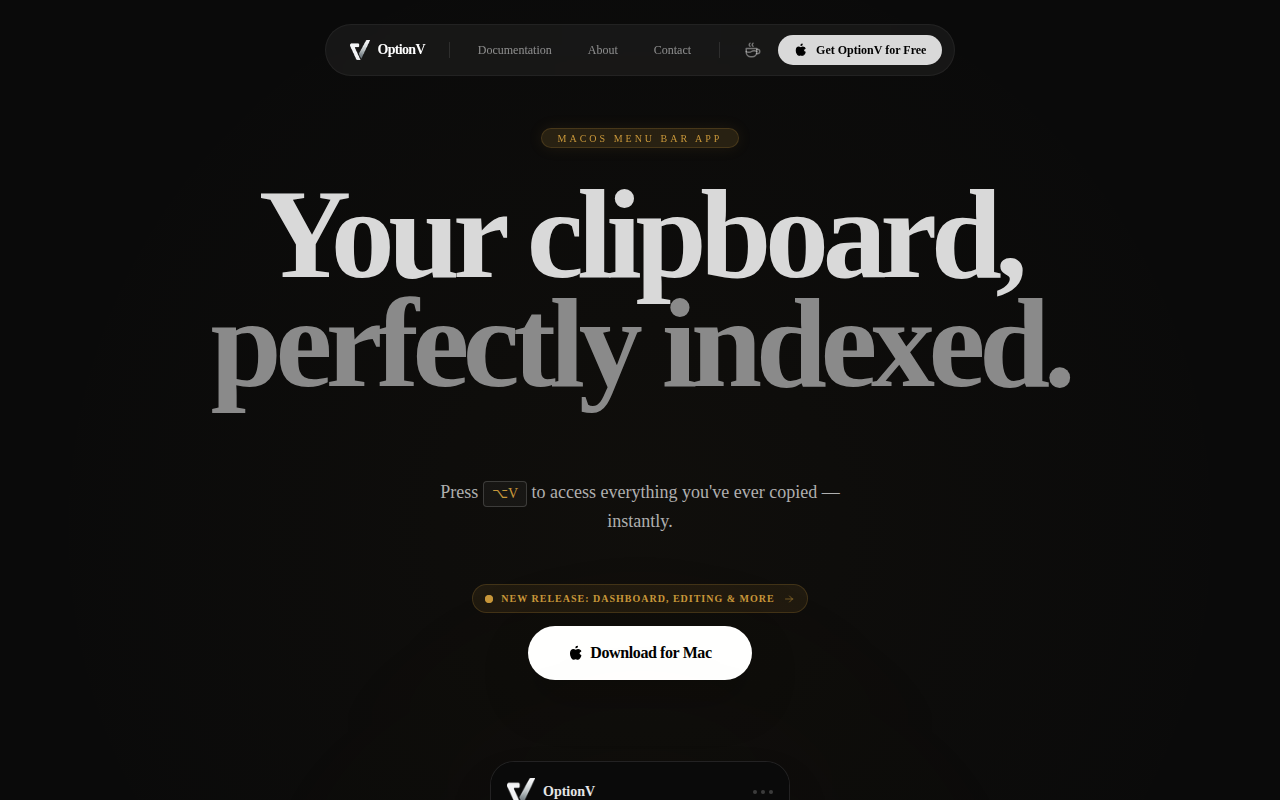
OptionV
MacOS menubar clipboard manager