
Dropover
Temporary shelf for collecting and moving dragged files, text, and links.
Dropover provides a temporary floating shelf on macOS that collects files, folders, images, links, and text snippets as they are dragged onto it. The shelf appears on demand—by shaking the pointer, using a shortcut, or dropping onto the menu bar or notch—and stays hidden when not in use. Users can preview, rename, reorder, or remove items directly on the shelf, then move, share, or process everything in a single action.
The utility integrates with macOS sharing and services, allowing items to be sent via Mail, Messages, AirDrop, or any app in the Share menu. Built‑in actions include image resizing, text extraction, and ZIP creation, while Dropover Cloud and other cloud services enable one‑click uploads and public link generation. Custom actions, scripts, and keyboard shortcuts let power users automate repetitive workflows.
Additional features such as watched folders, Siri Shortcuts, desktop widgets, and extensions for Alfred or Raycast extend the shelf’s reach across the system, making it a flexible hub for managing drag‑and‑drop tasks without leaving the current workflow.
Reviews
Loading reviews…
Similar apps
File Management & Transfer
Dropshare
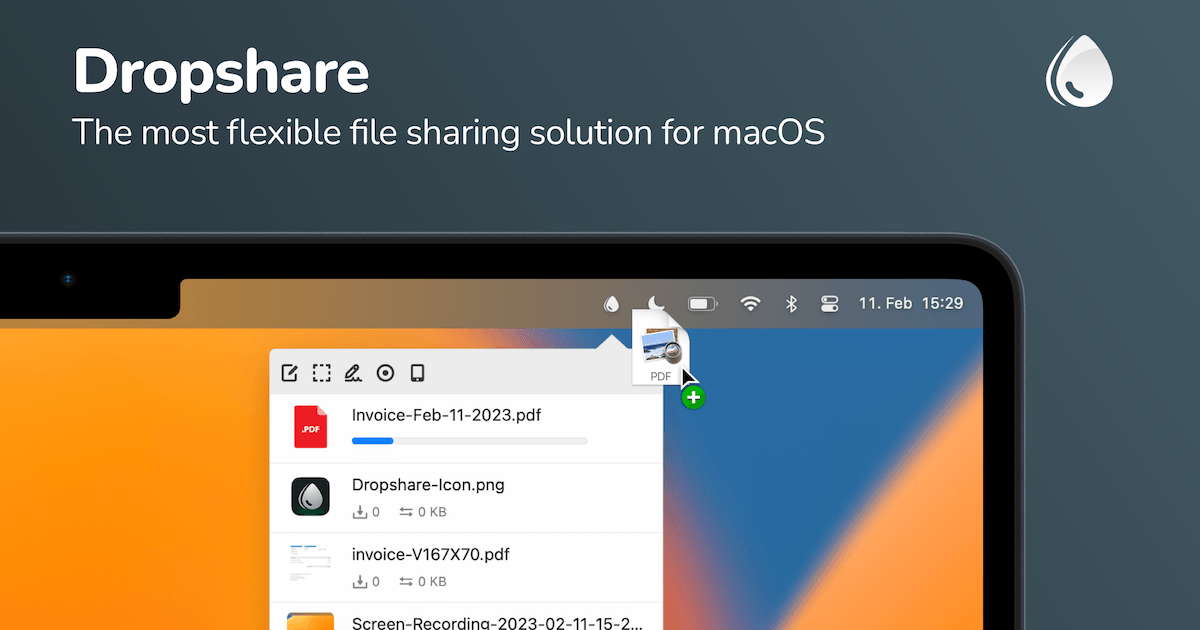
File sharing tool for screenshots, screen recordings, and other files.
File Management & Transfer
Dropshelf
A drag and drop helper app for macOS. ![Freeware][Freeware Icon]

File Management & Transfer
Dropzone
Create a popup grid of customizable actions. Scriptable in Ruby & Python.
Clipboard, Input & Automation
Unclutter
Desktop storage area for notes, files and pasteboard clips
File Management & Transfer
DropDMG
Create DMGs and other archives

File Management & Transfer
Jumpshare
File sharing, screen recording, and screenshot capture app