

Espresso
The web editor for Mac is back. For people who make delightful, innovative and fast websites.
Espresso provides a macOS‑focused environment for building, designing, and publishing websites. It combines a code editor with live preview capabilities, allowing developers to see HTML, CSS, and JavaScript changes instantly in browsers such as Chrome, Firefox, and Safari. The Xray tool overlays layout information on the rendered page, while the CSSEdit suite offers visual controls for colors, gradients, shadows, and other style properties, supporting standard CSS as well as SCSS and LESS.
The editor includes productivity features like Zen snippets for tag‑based expansions, customizable toolbar actions, automatic indentation, and multi‑cursor editing. Its workspace supports tabbed navigation, quick document switching, and a Navigator panel for easy file access. Built‑in templates and the Dynamo auto‑builder streamline project setup and static‑site generation, and Server Sync keeps local changes reflected on live sites without manual reloads.
Espresso targets web developers who prefer a native Mac application and need an integrated workflow for coding, styling, and previewing web projects with real‑time feedback and visual styling tools.
Reviews
Loading reviews…
Similar apps
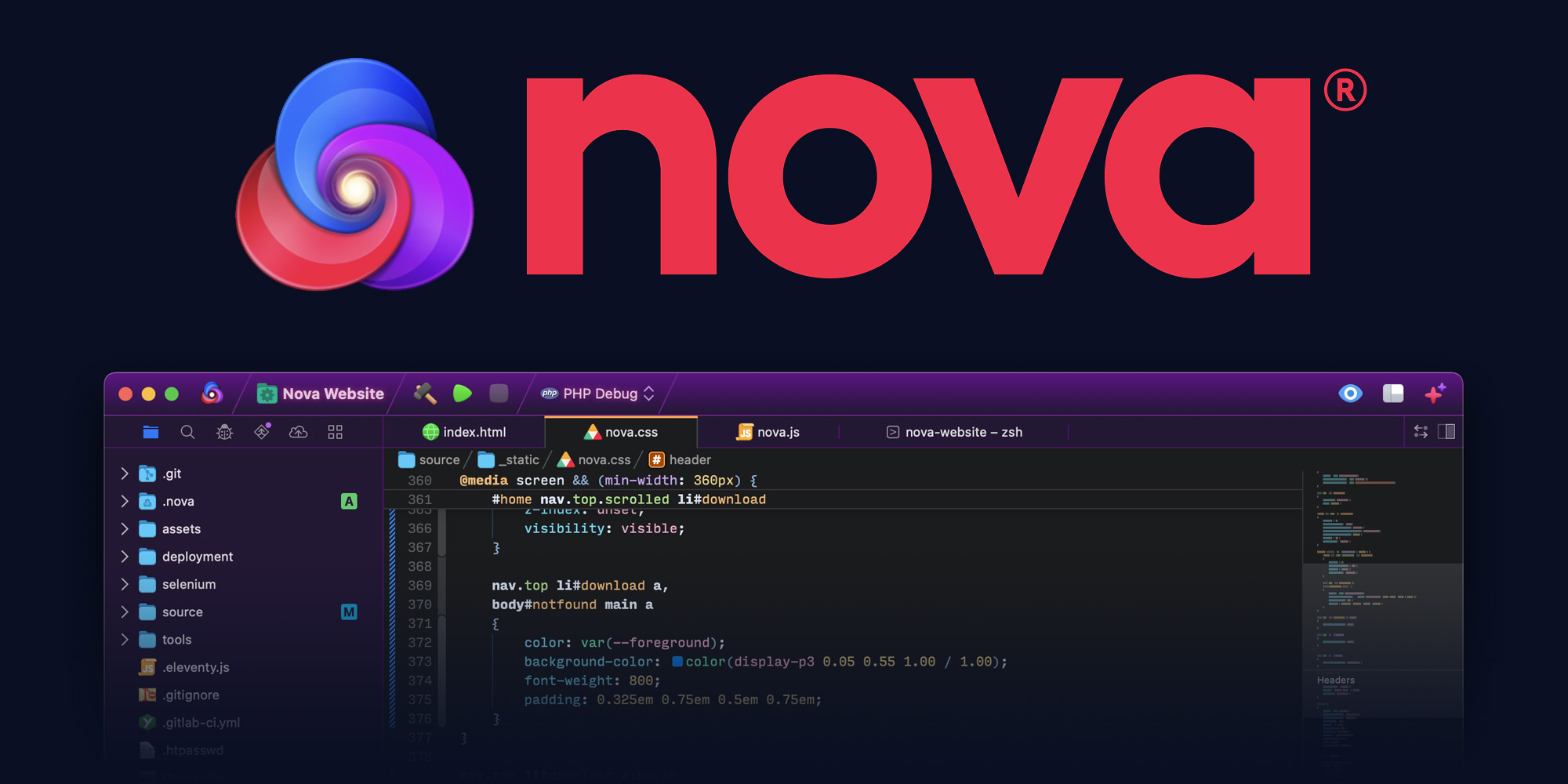
Code Editors & IDEs
Nova
The beautiful, fast, flexible, native Mac code editor from Panic.
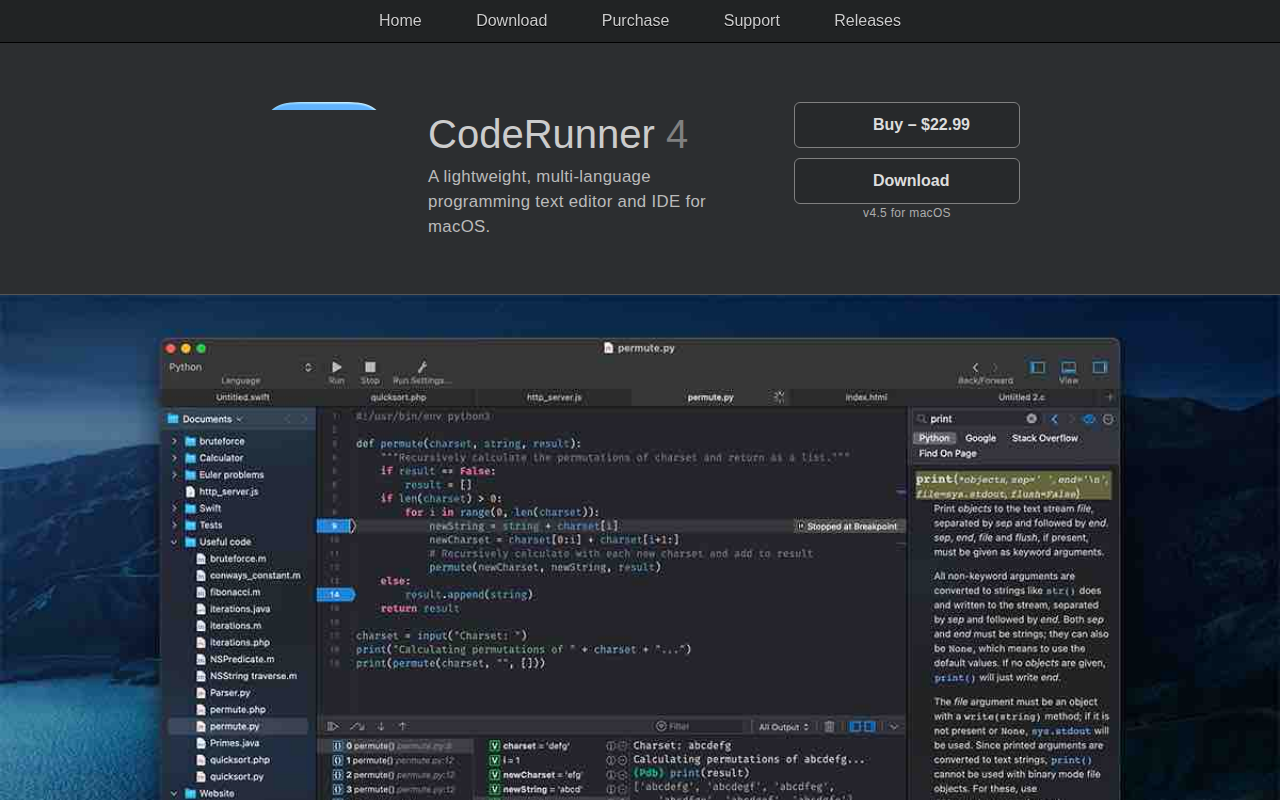
Code Editors & IDEs
CodeRunner
Lightweight, multi-language programming text editor and IDE.
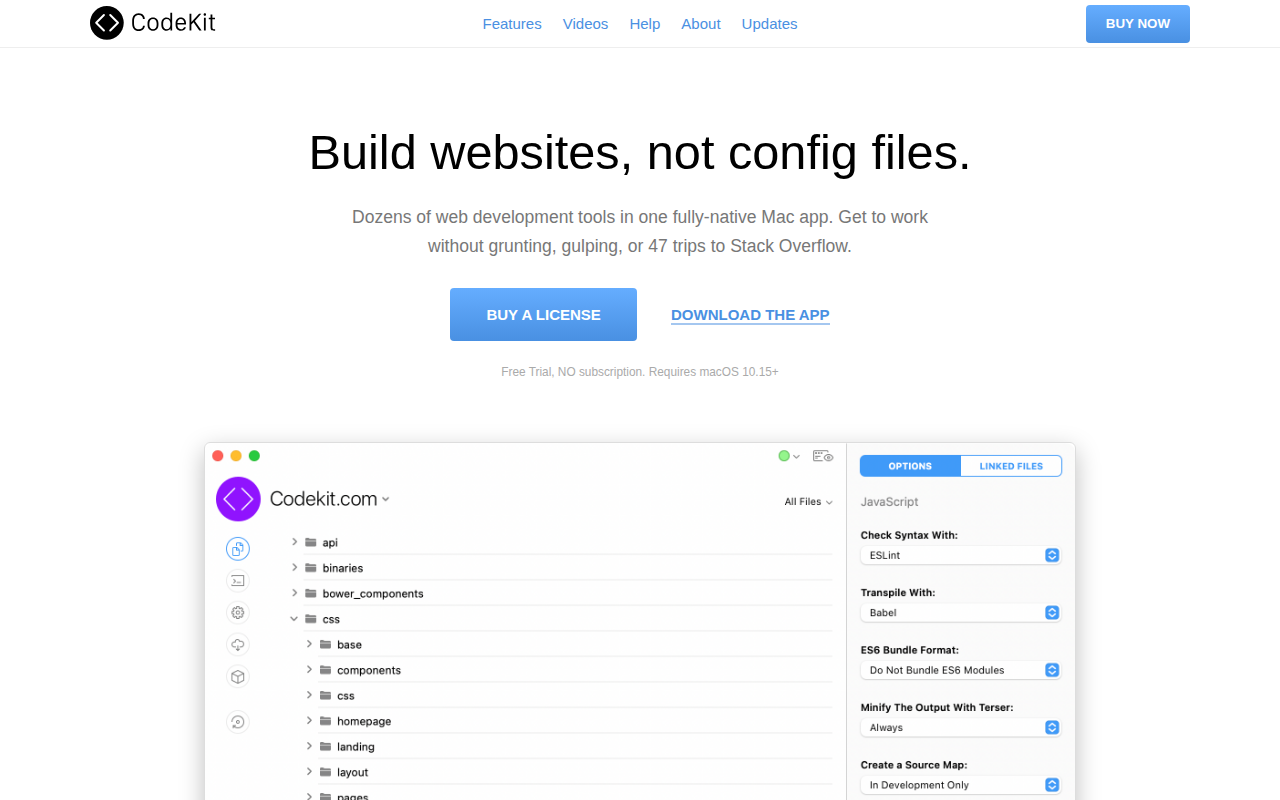
DevOps & Infrastructure
CodeKit
Web development tool for compiling and auto-refreshing.

Wikis & Collaborative Docs
SubEthaEdit
Powerful editor for writing, coding, and collaboration anytime, anywhere!

Code Editors & IDEs
Pinegrow
Web editor

Code Editors & IDEs
Fuse Studio
Visual desktop tool suite for working with the Fuse framework