
ffWorks
Comprehensive Media Tool for macOS. Making High Quality Video Encoding Accessible for Everyone.
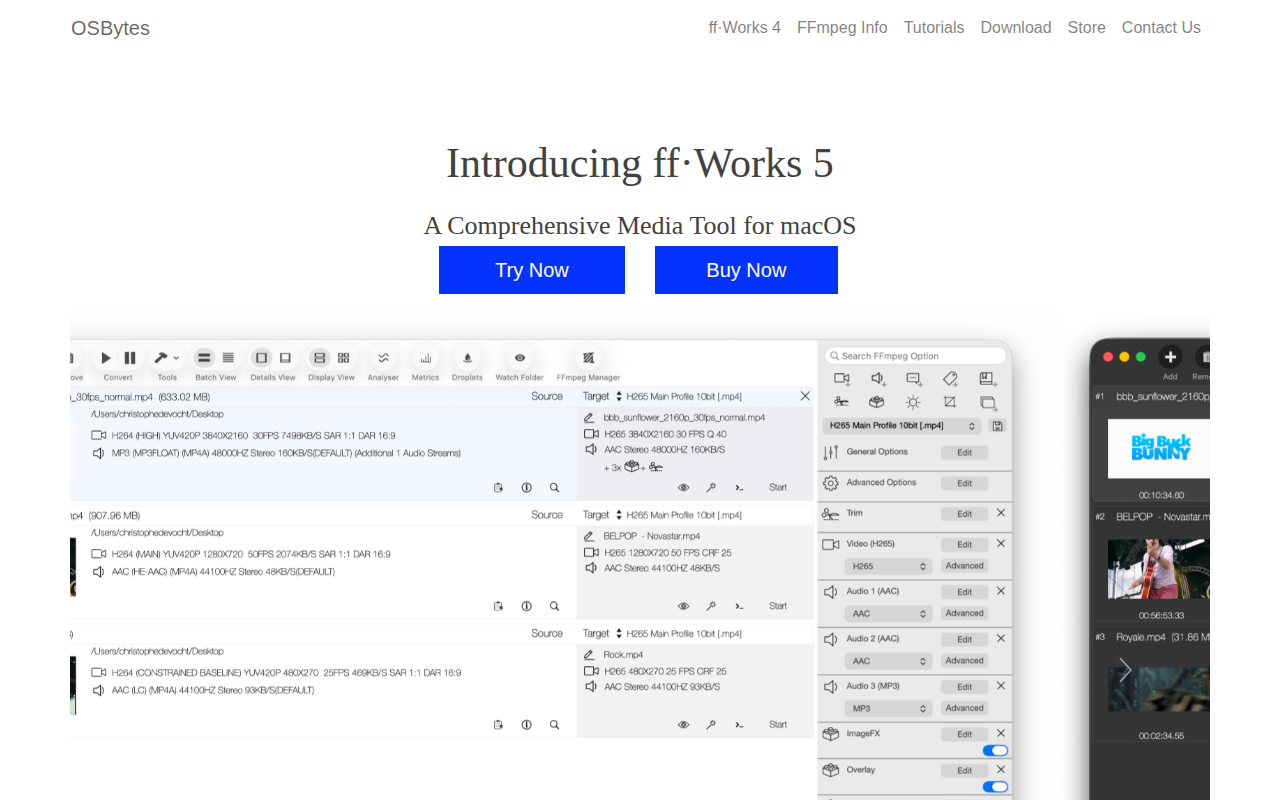
ffWorks provides a graphical interface to FFmpeg on macOS, allowing users to convert videos, merge media files, and apply subtitles without writing command‑line instructions. It supports batch processing of multiple files and includes preset configurations for common output formats, enabling quick creation of high‑quality movies and other video assets.
In addition to conversion, the application offers a suite of editing tools such as color adjustments (exposure, contrast, saturation, gamma, LUT presets), cropping (manual, auto, border removal), and unlimited overlay placement for images or picture‑in‑picture video. Users can also generate contact‑sheet thumbnails that capture periodic frames across a video.
ffWorks includes analysis utilities that report video quality metrics (VMAF, PSNR, SSIM, CAMBI), display bitrate variation over time, and create visual overviews through thumbnail sheets. These features aim to give creators detailed feedback on encoding results while keeping the workflow within a simple, drag‑and‑drop macOS environment.
Reviews
Loading reviews…
Similar apps
Media Conversion
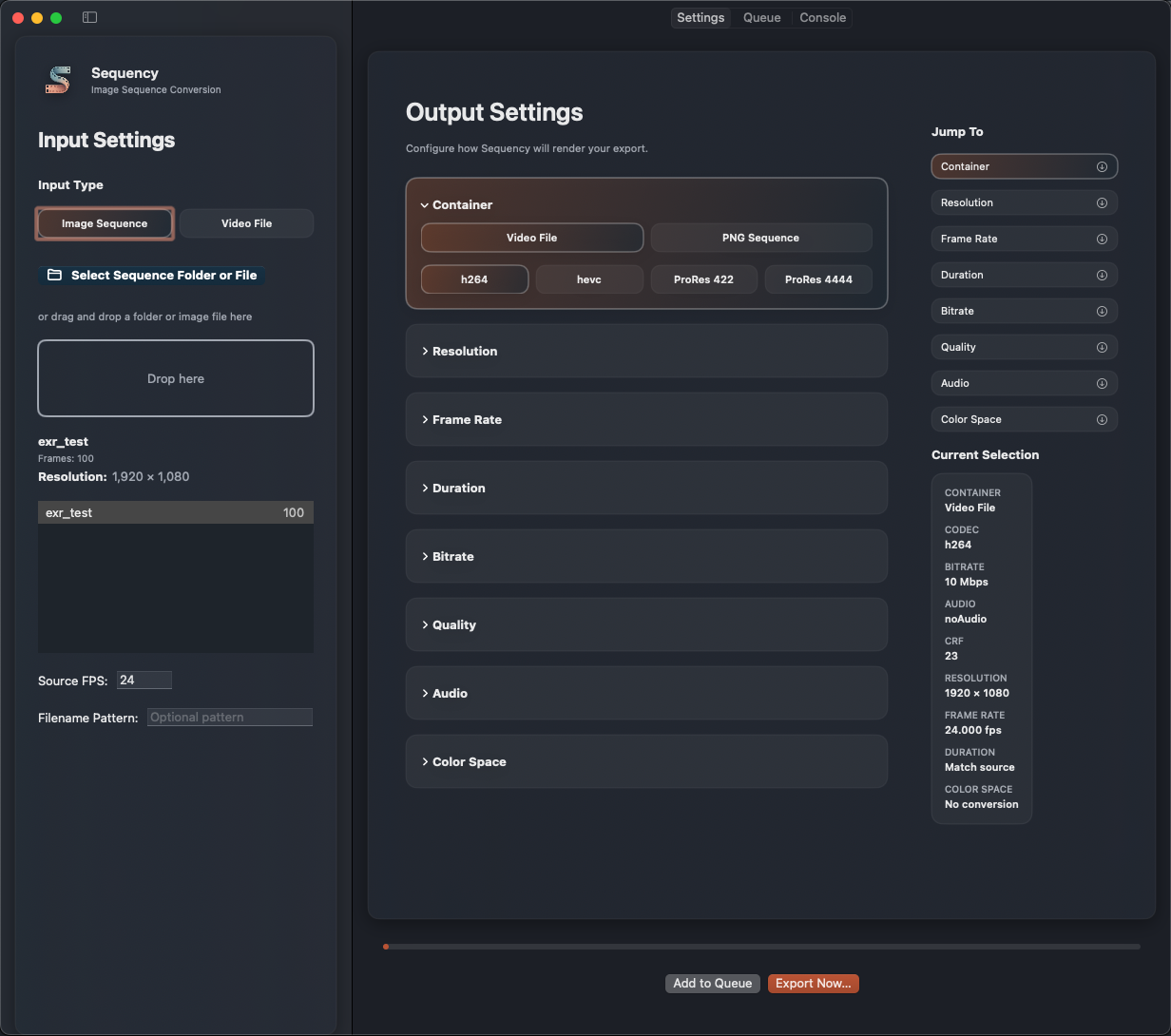
Sequency
Sequency converts EXR image sequences to H.264/ProRes and BRAW/MXF to linear EXRs on macOS. Hardware-accelerated, ACES-native, one-click…
Video Editing
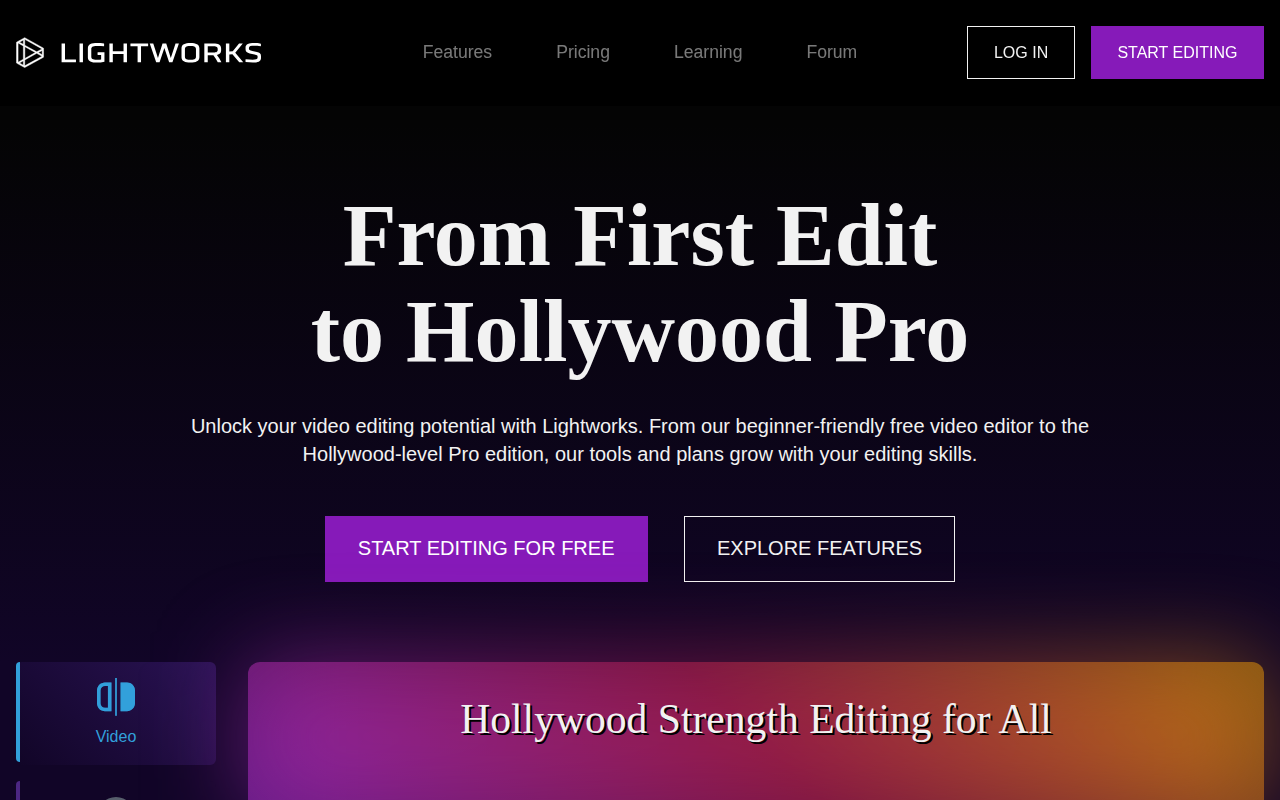
Lightworks
Complete video creation package
Live Streaming & Broadcast
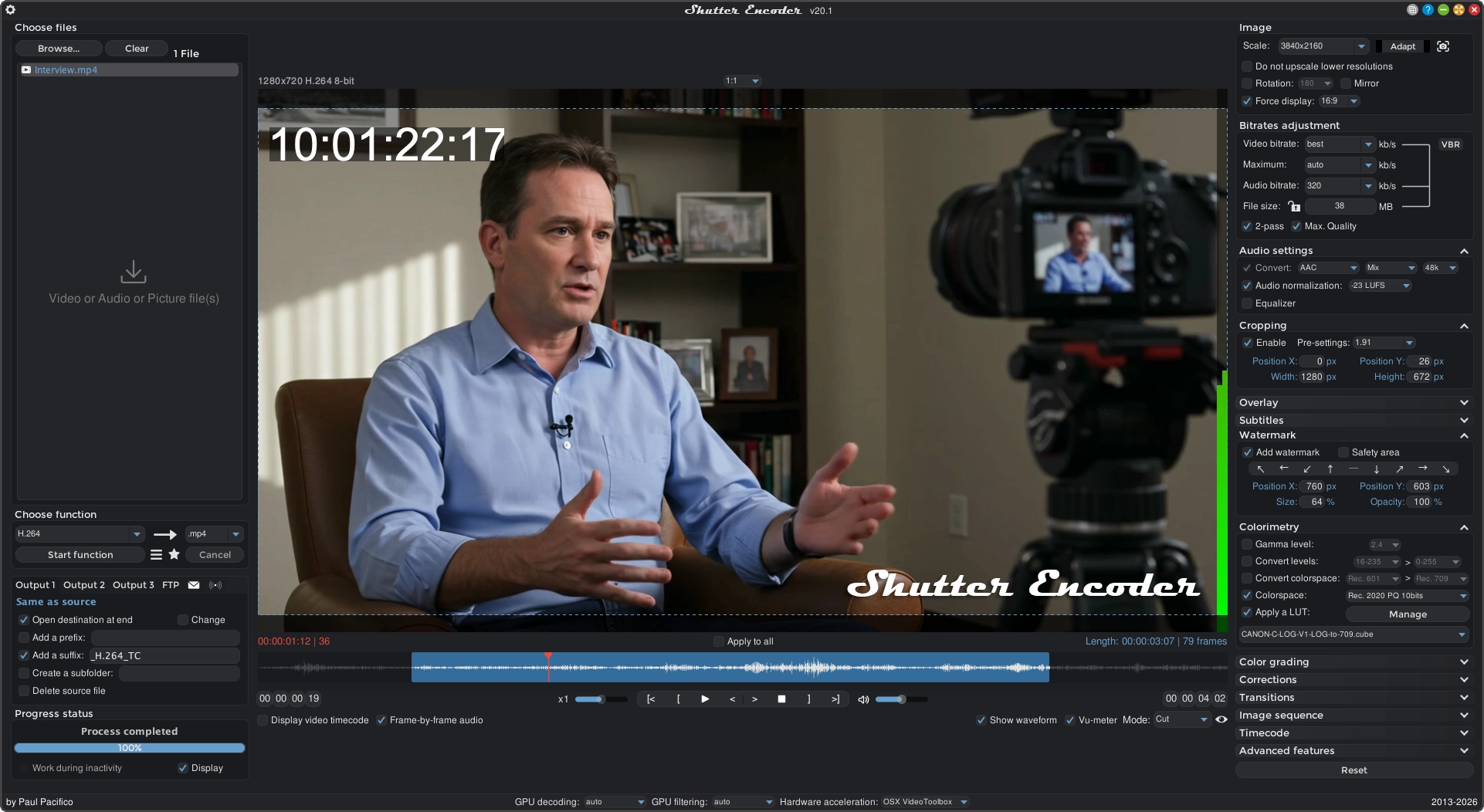
Shutter Encoder
Video, audio and image converter

Video Editing
iSubtitle
Inject subtitle tracks, chapter markers and metadata into your media
Video Editing
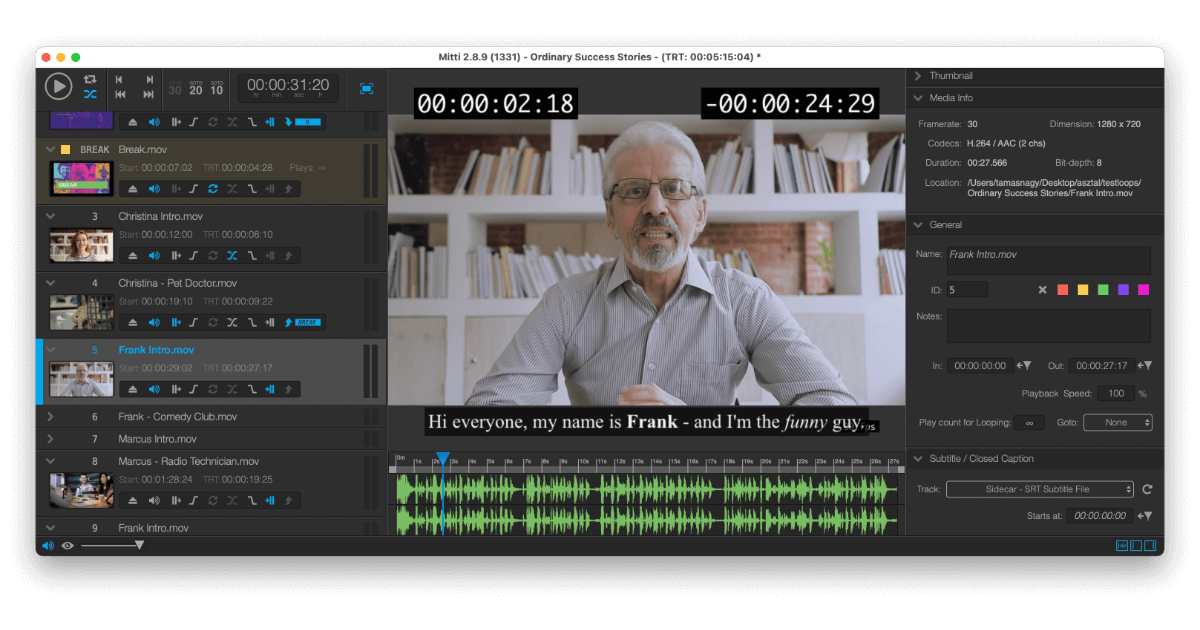
Mitti
Video playback software
Video Editing
AVItools
Graphical interface for a variety of video file processing tools