
AVItools
Graphical interface for a variety of video file processing tools
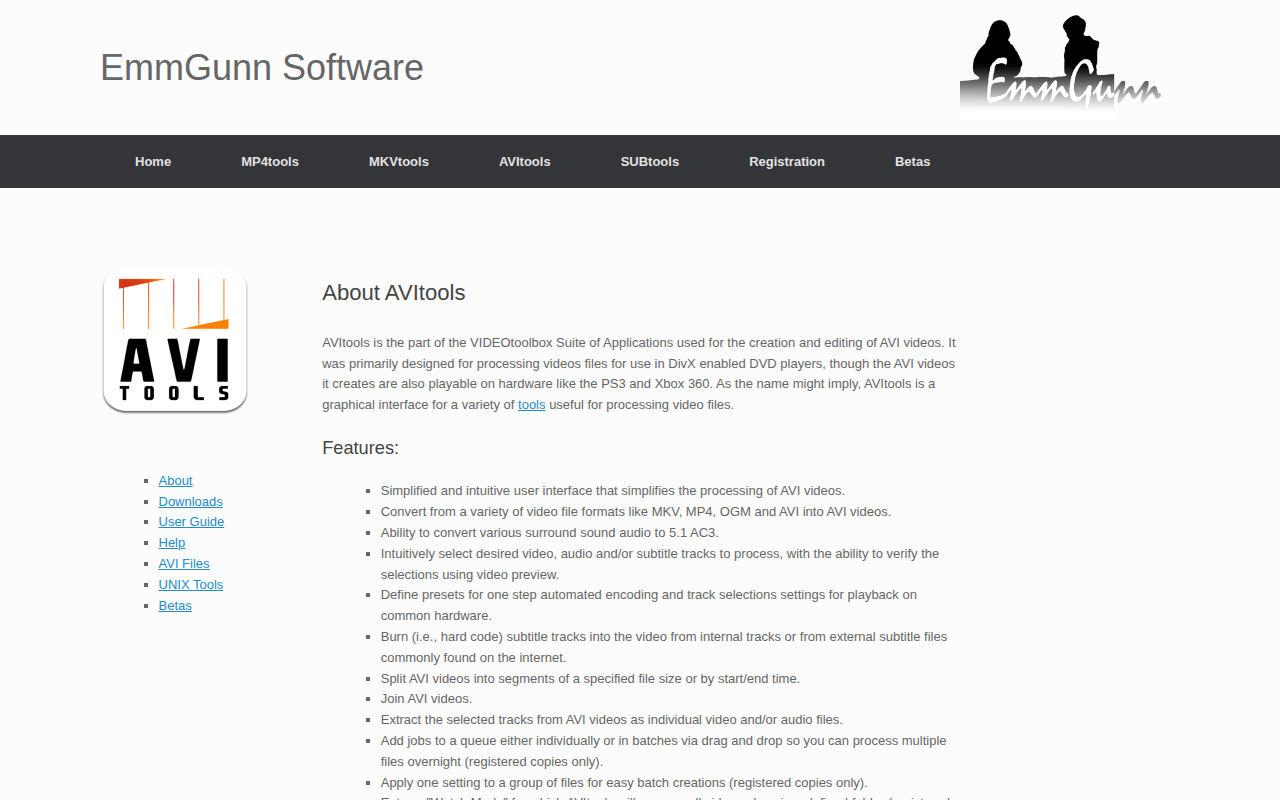
AVItools provides a graphical front‑end for a collection of video processing utilities focused on the AVI format. It lets users convert source files such as MKV, MP4, OGM and existing AVI into AVI, with optional handling of surround‑sound audio to 5.1 AC‑3. Users can pick video, audio and subtitle tracks, preview selections, and embed subtitles directly into the video stream. The interface supports common tasks like splitting AVI files by size or time, joining multiple AVIs, and extracting individual tracks as separate files.
The application includes batch‑processing features: jobs can be queued via drag‑and‑drop, presets can be defined for one‑click encoding, and a “Watch Mode” can automatically handle new files placed in a designated folder. These capabilities are limited to registered copies of the software.
AVItools runs on 64‑bit Intel Macs with macOS 10.9 or later and is part of the VIDEOtoolbox Suite. It is positioned for users who need a simplified, visual workflow for preparing AVI videos for playback on devices such as DivX‑enabled DVD players, PlayStation 3, or Xbox 360.
Reviews
Loading reviews…
Similar apps

Video Editing
Avidemux
Video editor

Video Editing
iSubtitle
Inject subtitle tracks, chapter markers and metadata into your media

Remote Access & VPN
Air Video Server HD
Tool to stream videos to Apple devices
Media Conversion
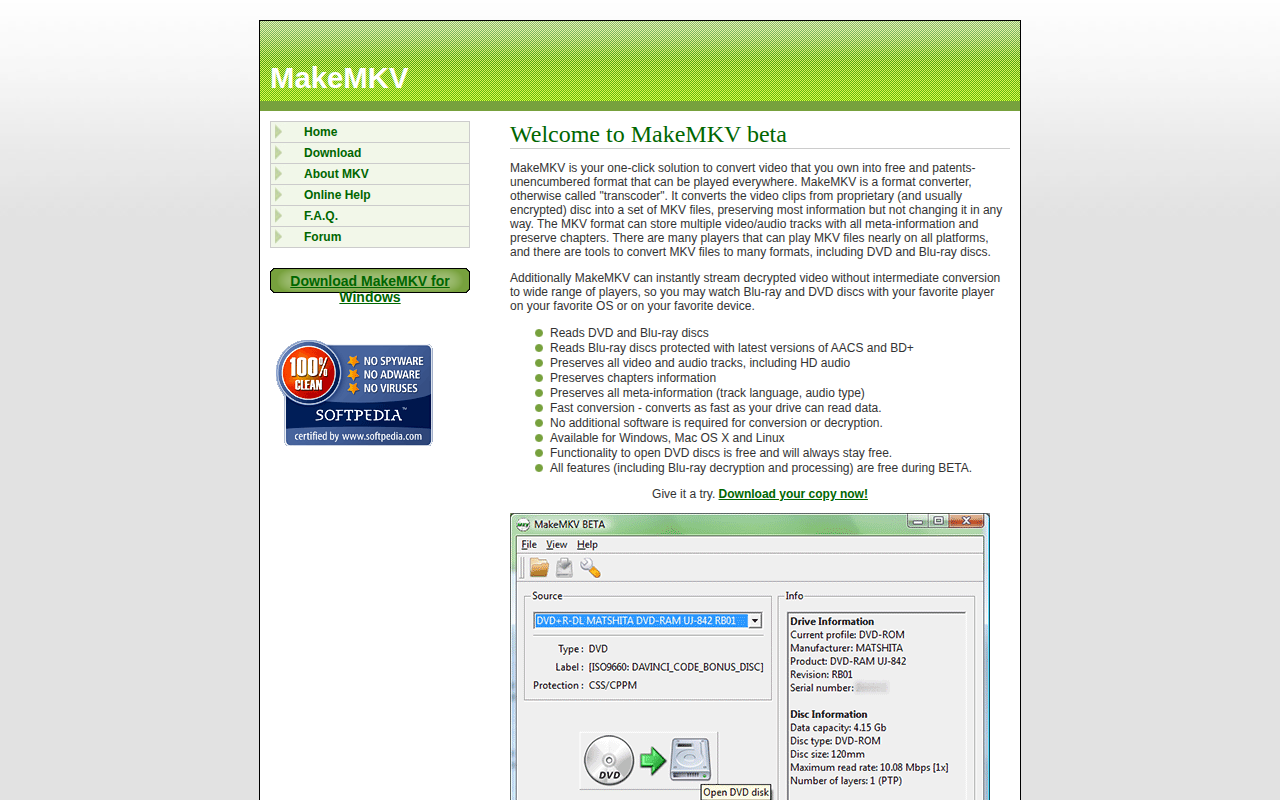
MakeMKV
Video format converter (transcoder)
Video Editing
Video Commander
The IDE for video engineers

Network & Connectivity
OpenSubtitles FlixTools Lite
Downloads subtitles for movies