
Flameshot
Screenshot software with built-in annotation tools
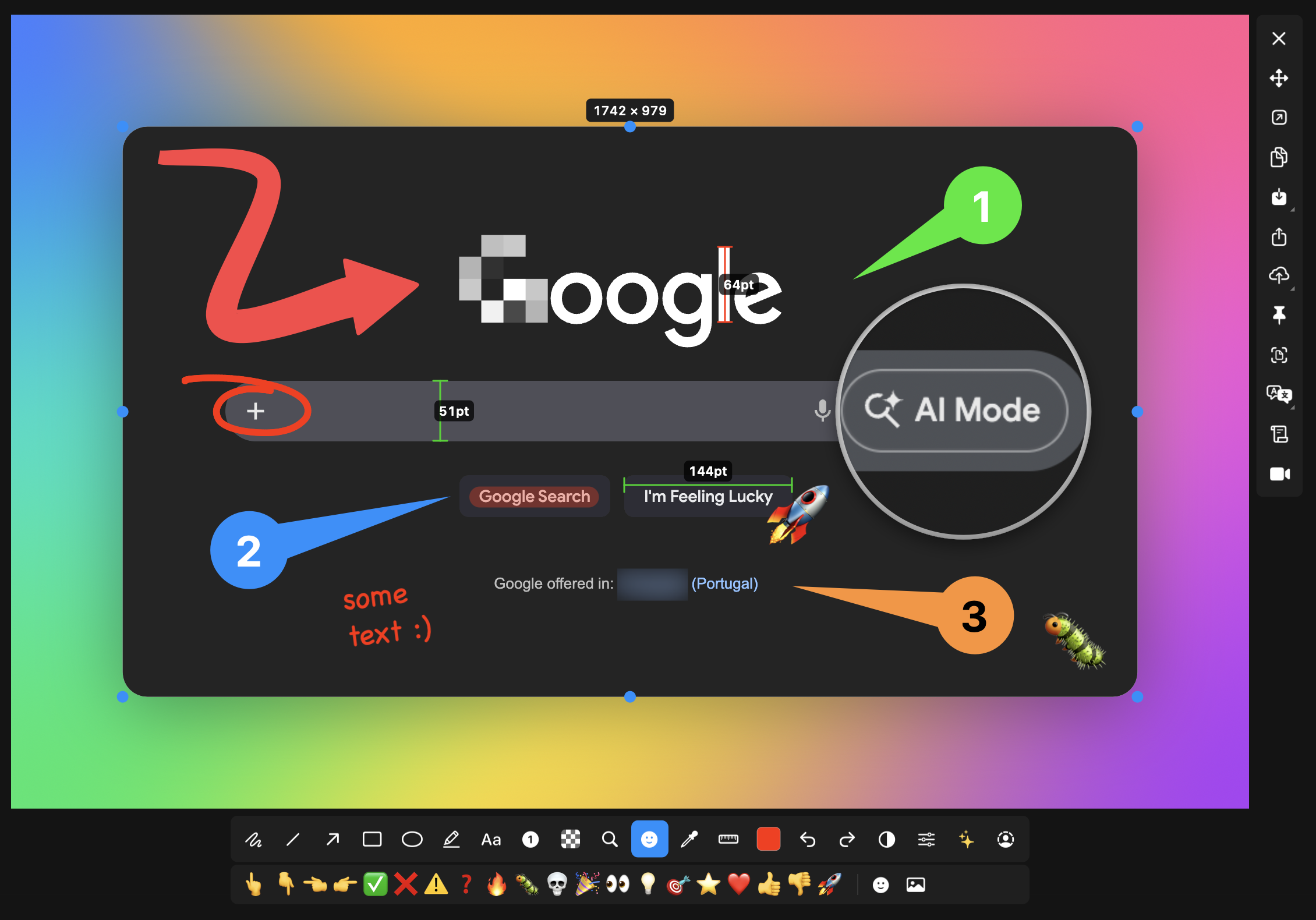
Flameshot is a free, open‑source screenshot utility that runs on macOS, Windows and Linux. It lets users capture a selected screen region and immediately edit the image with built‑in tools such as arrows, text, highlights, blur or pixelation, shapes, counters and solid‑color boxes. The interface is designed to be straightforward: launch, drag a selection, annotate, and save or share the result.
The program offers extensive customization through a configuration dialog, allowing changes to interface colors, button layout, keyboard shortcuts and default save locations. Users can also upload screenshots directly to Imgur with a single click, receiving a shareable URL. For automation, Flameshot provides a command‑line interface that can be invoked from scripts or bound to hotkeys, enabling capture without opening the graphical UI.
Flameshot is positioned for anyone needing quick, annotated screenshots—developers, technical writers, support staff and general desktop users—who prefer a lightweight, configurable tool that integrates with common workflows and cloud sharing.
Reviews
Loading reviews…
Similar apps
Screenshot & Screen Recording
Flameshot
Powerful yet simple to use screenshot software. ![Open-Source Software][OSS Icon] ![Freeware][Freeware Icon]
Screenshot & Screen Recording
ksnip
Screenshot and annotation tool
Screenshot & Screen Recording
macshot
Screenshot and annotation tool with screen recording, scrolling capture, and OCR.
Screenshot & Screen Recording
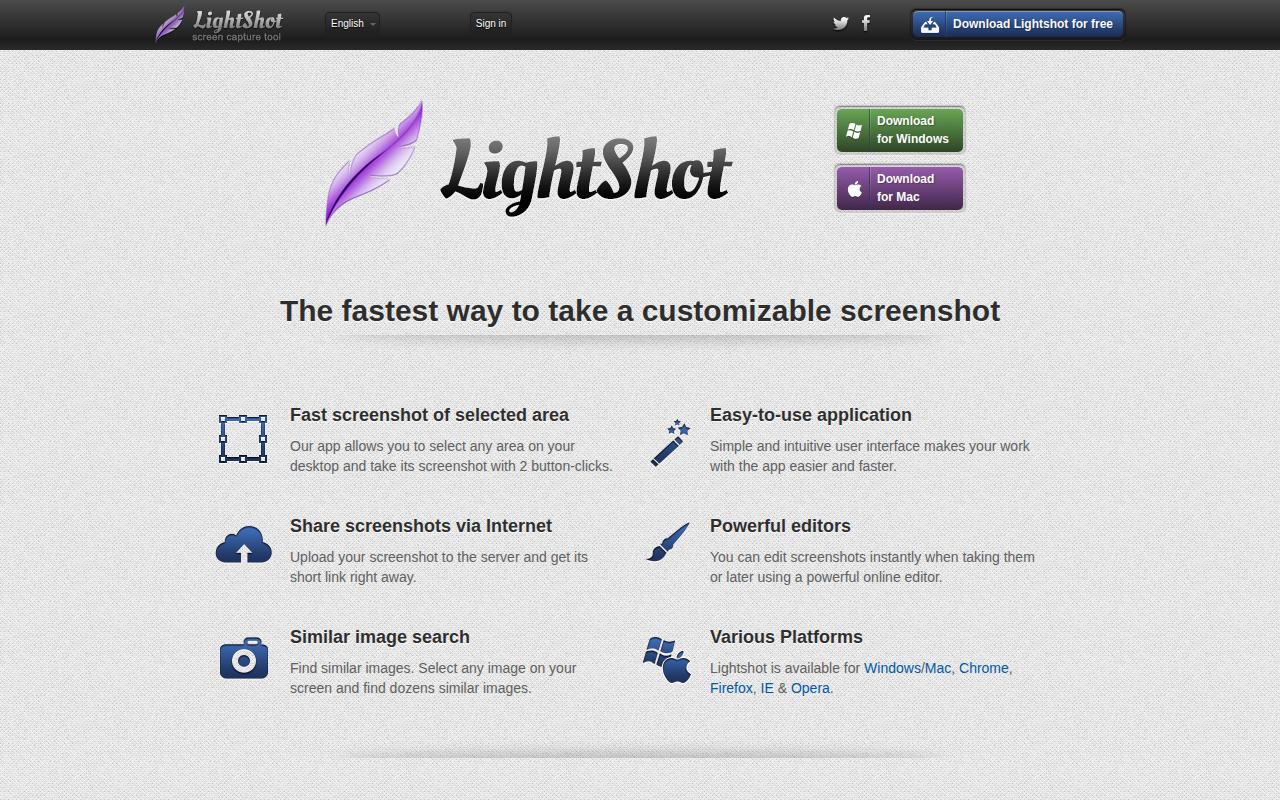
Lightshot
The fastest way to take a customizable screenshot. ![Freeware][Freeware Icon]
Screenshot & Screen Recording
PixPin
Screenshot tool

Photo & Video Management
CleanShot X
Discover a superior way to capture your Mac's screen.