
macshot
Screenshot and annotation tool with screen recording, scrolling capture, and OCR.
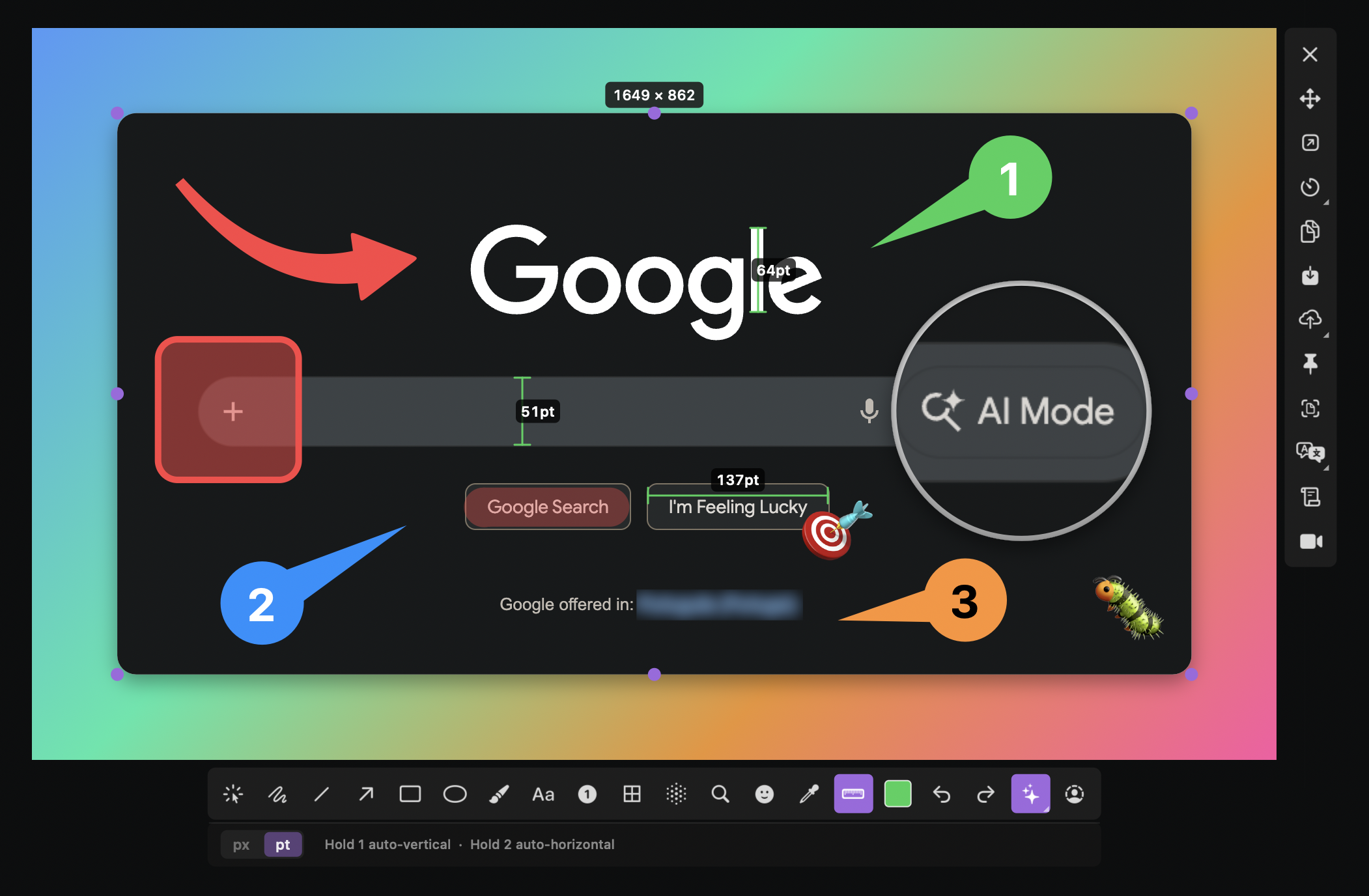
The tool captures screenshots on macOS with a global hotkey, allowing region, window, or multi‑monitor selection, and offers scroll capture that automatically stitches vertically or horizontally scrolling content into a single image. Captured media can be copied to the clipboard, saved, or uploaded with a single click to services such as Google Drive, imgbb, or any S3‑compatible storage.
A built‑in editor provides more than eighteen annotation options—including arrows, shapes, rich‑text boxes, freehand drawing, measurement rulers, and a censor suite that can pixelate, blur, or erase content and auto‑redact personal data. Screen recordings are supported with system audio and microphone tracks, and a timeline editor enables trimming, speed changes, freezing frames, and zoom or censor effects without leaving the application.
The application runs natively in the menu bar, consumes roughly eight megabytes of memory at idle, and supports forty languages, auto‑detecting the system locale. It is distributed as an open‑source, free‑tier macOS app installable via Homebrew or a downloadable DMG.
Reviews
Loading reviews…
Similar apps
Screenshot & Screen Recording
Capso
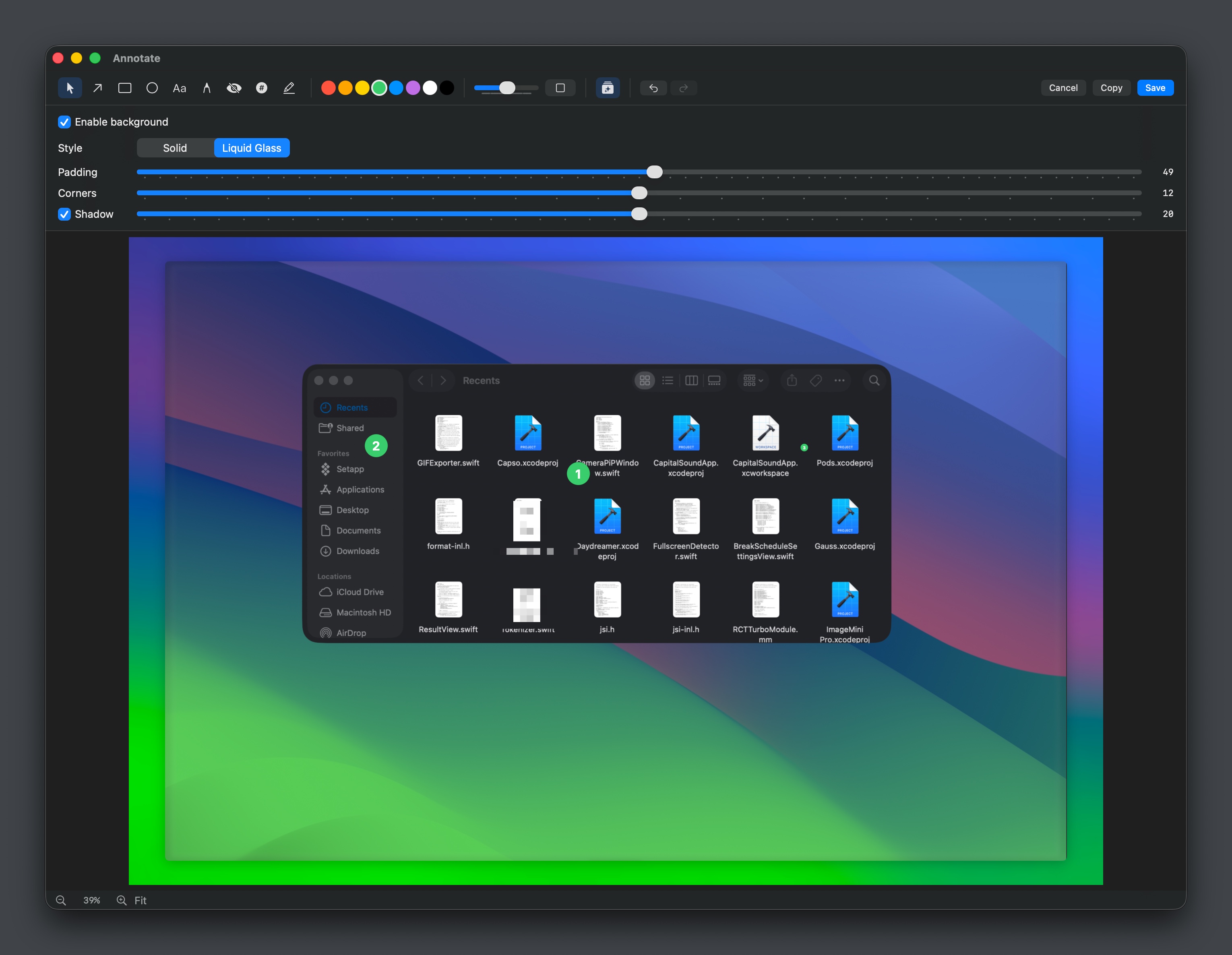
Open-source screenshot and screen recording tool with annotations, OCR, and webcam overlays.
Screenshot & Screen Recording
Shottr
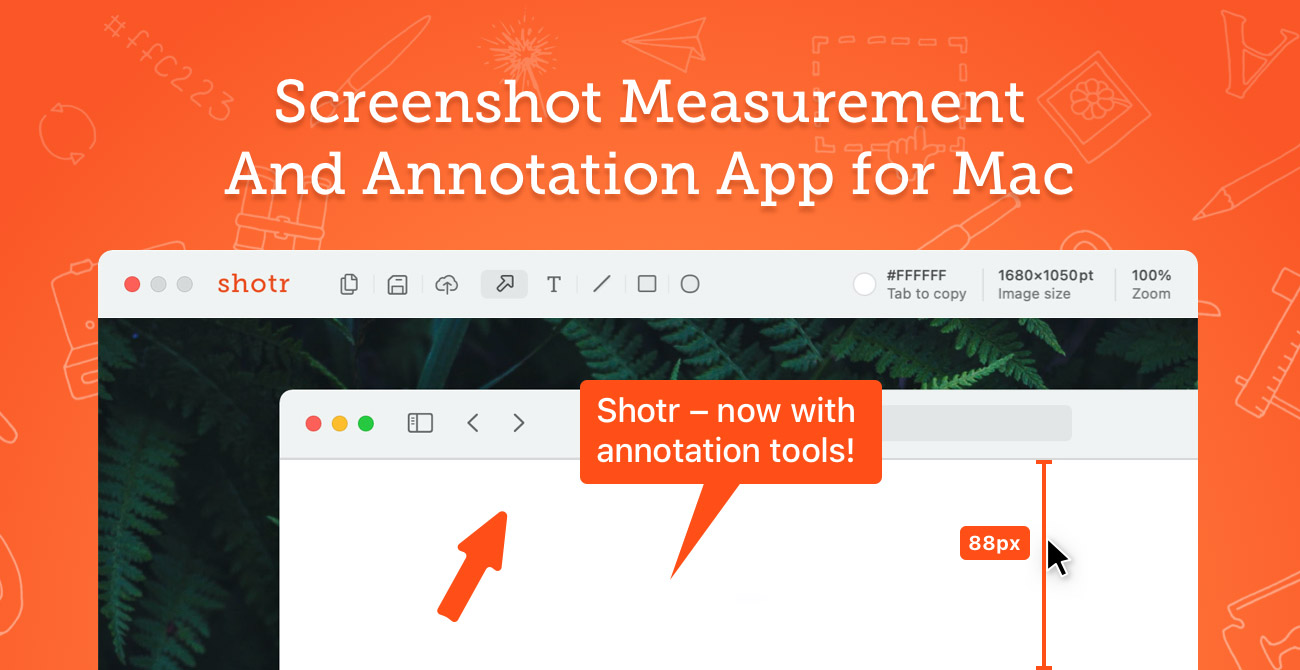
Screen capture application with features like Scrolling capture, OCR and markup.
Screenshot & Screen Recording
PixPin
Screenshot tool
Screenshot & Screen Recording
Flameshot
Screenshot software with built-in annotation tools
Clipboard, Input & Automation
LuxShot
Native and privacy-first menu bar OCR tool.
Screenshot & Screen Recording
Capso
Free open-source screenshot & screen recorder for Mac