
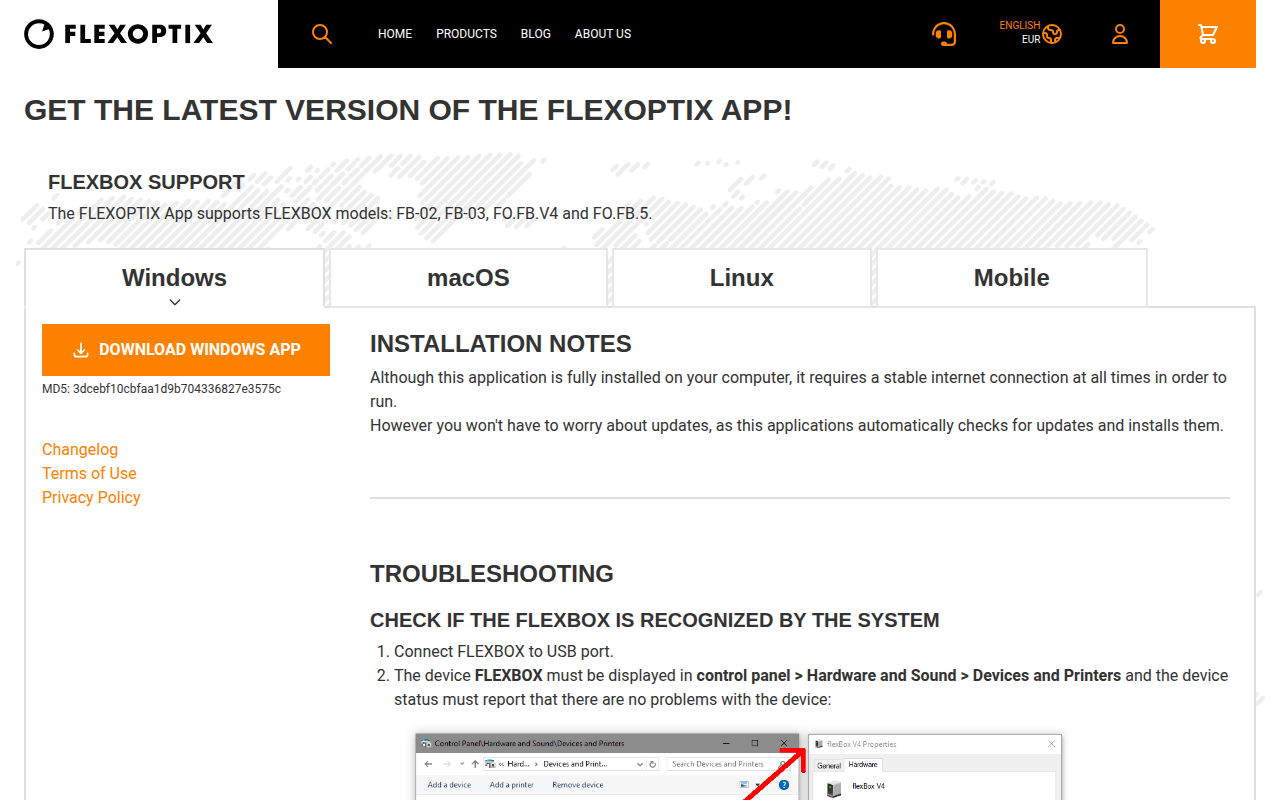
FLEXOPTIX App
Connect to your FLEXBOX without cables and configure transceivers
The application enables a computer running macOS to establish a wireless link with a FLEXBOX unit, allowing the user to configure attached transceiver modules without physical cables. It communicates with the FLEXBOX hardware to detect connected devices and apply settings for a range of transceiver types, including SFP+, QSFP+, SFP28, QSFP28, QSFP‑DD, OSFP, as well as optical and direct‑attach cables.
Target users are network technicians or system administrators who need to manage universal transceivers in environments where a FLEXBOX is deployed. The software provides tools to verify that the FLEXBOX is recognized, check driver status, and troubleshoot connectivity issues, all from the host operating system.
What sets the app apart is its focus on cable‑free interaction with the FLEXBOX and its support for a broad set of transceiver standards, allowing a single interface to configure many different hardware modules.
Reviews
Loading reviews…
Similar apps

Network & Connectivity
WinBox
Administration tool for MikroTik RouterOS
Network & Connectivity
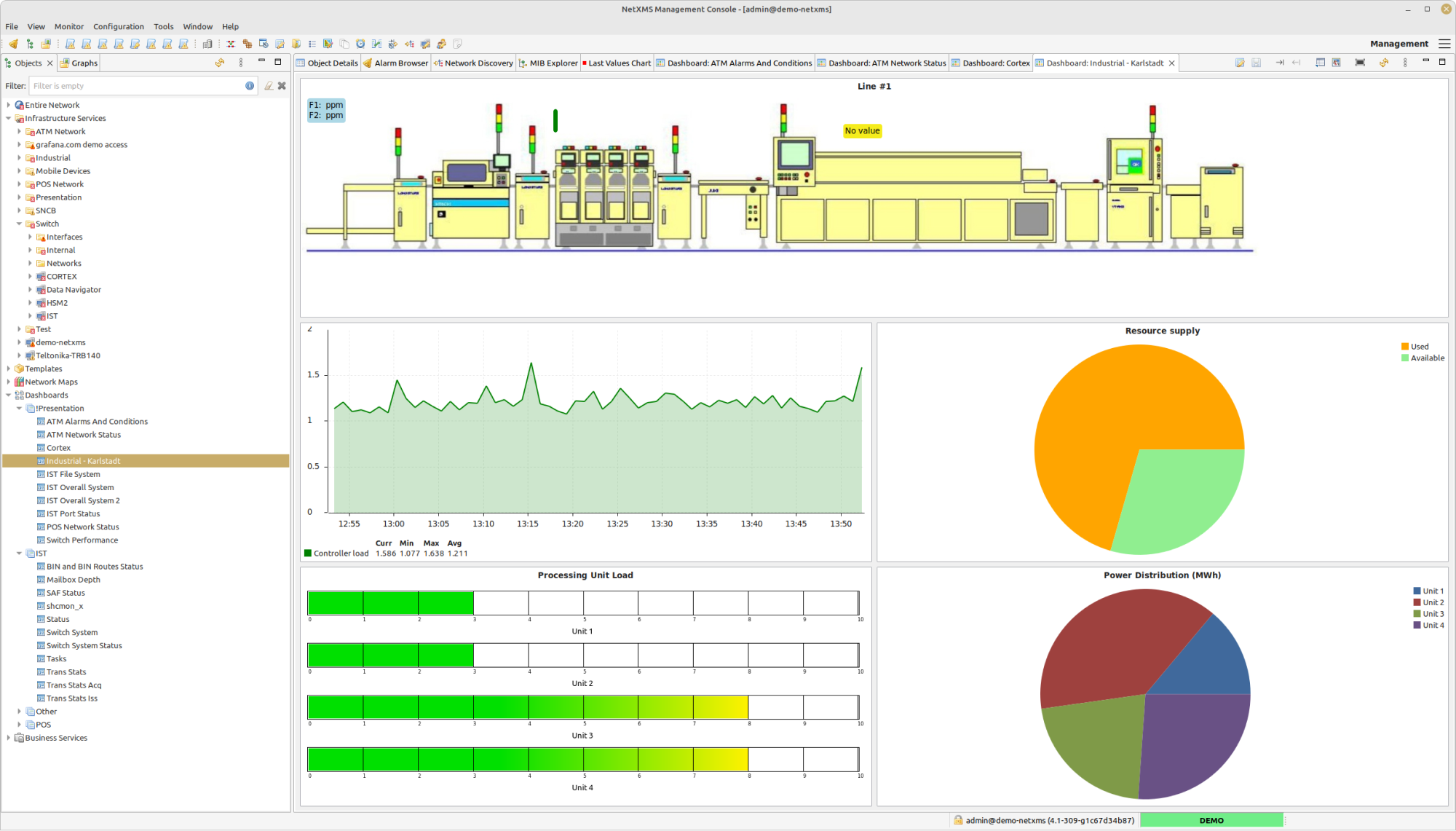
NetXMS Management Console
Network and infrastructure monitoring and management system

DevOps & Infrastructure
AppBox
iOS app distribution tool

DevOps & Infrastructure
FTDI VCP Driver
Virtual COM port driver
Task & Project Management
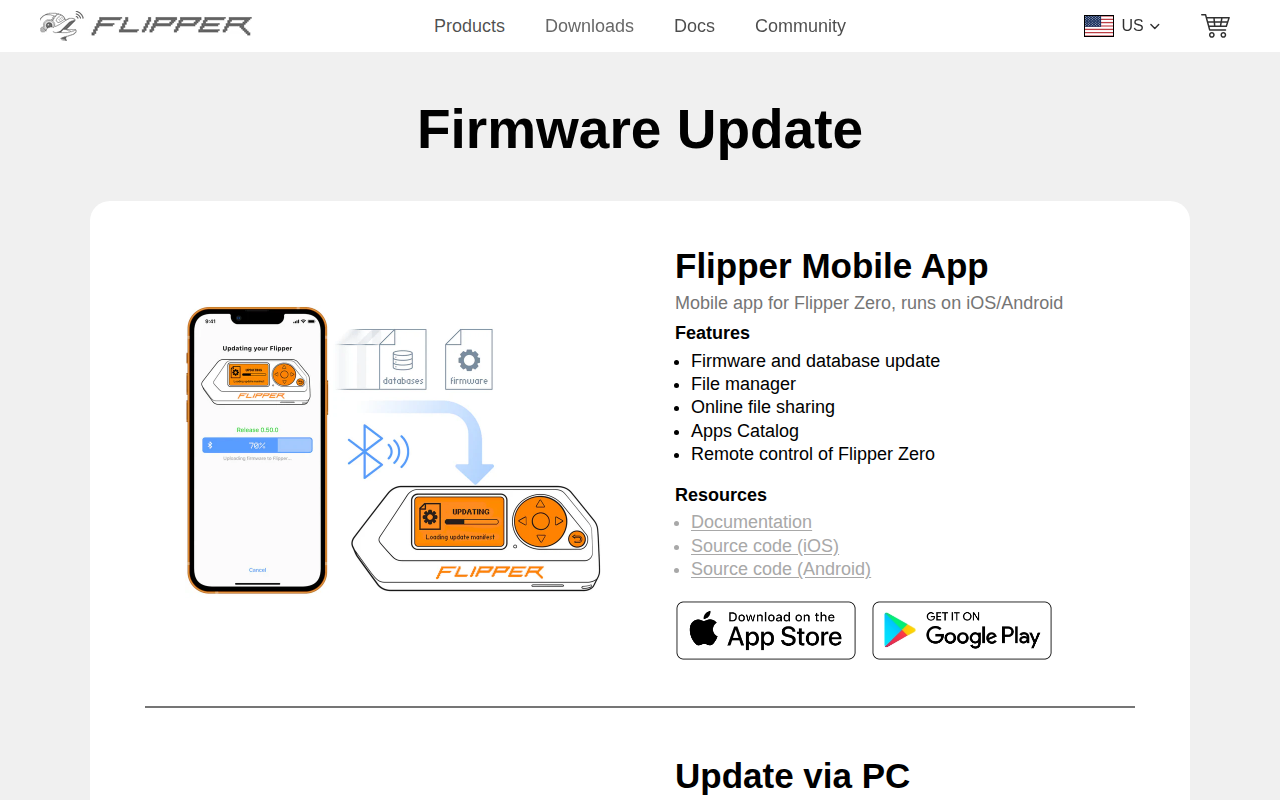
qFlipper
Companion app for Flipper Zero devices

Network & Connectivity
Ubiquiti UniFi Network Controller
Set up, configure, manage and analyze your UniFi network