
gfxCardStatus
Monitor graphics card usage and battery impact. ![Freeware][Freeware Icon]
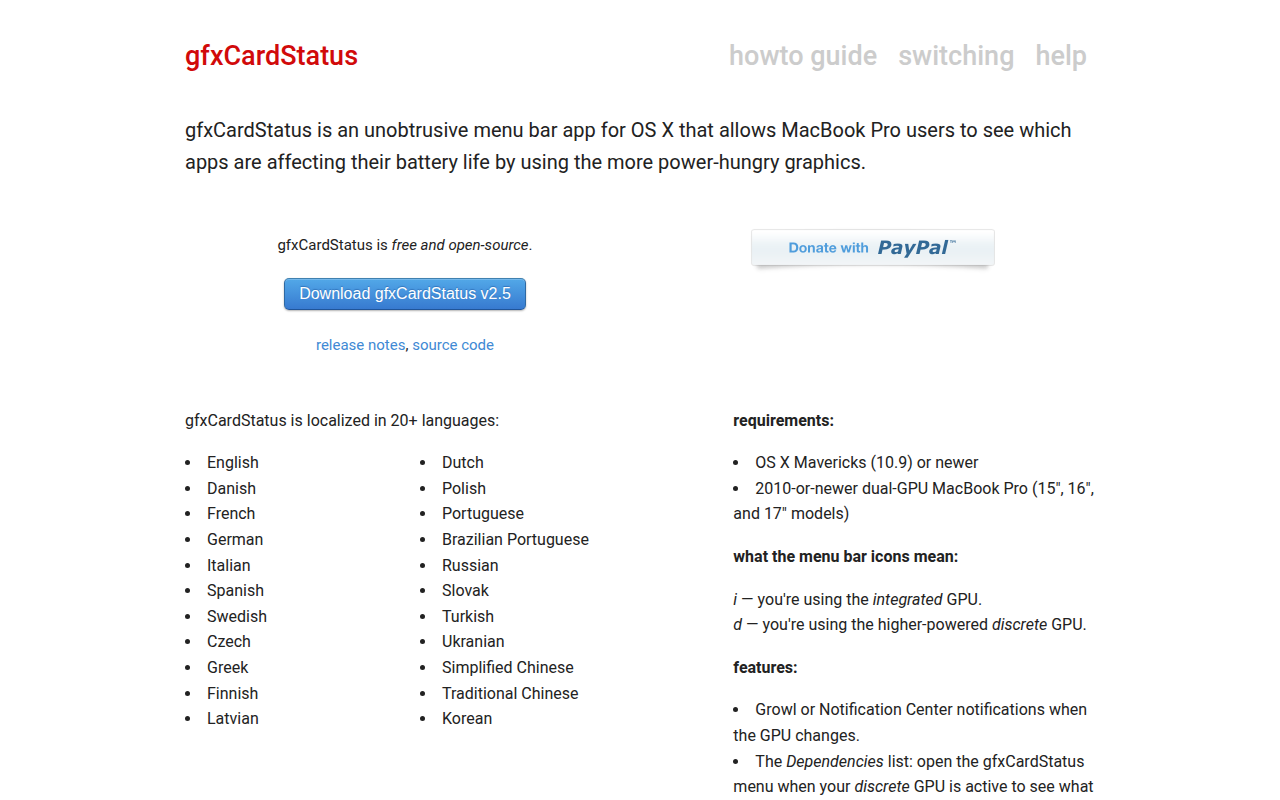
The application runs as a discreet menu‑bar item on macOS, showing which processes are causing the system to switch to the higher‑power discrete graphics processor. By indicating the current GPU—integrated or discrete—it lets users identify apps that increase power draw and affect battery life on dual‑GPU MacBook Pro models.
It offers manual control, allowing the user to force the machine into “Integrated Only” or “Discrete Only” mode, and can display notifications through Growl or Notification Center when the GPU changes. The interface is localized in more than twenty languages, supporting a broad range of users.
The software is free, open‑source, and compatible with OS X Mavericks (10.9) or newer on 2010‑or‑newer MacBook Pro hardware that includes both integrated and discrete graphics. It is maintained under a permissive copyright and is considered stable for everyday use.
Reviews
Loading reviews…
Similar apps
System Monitoring & Maintenance
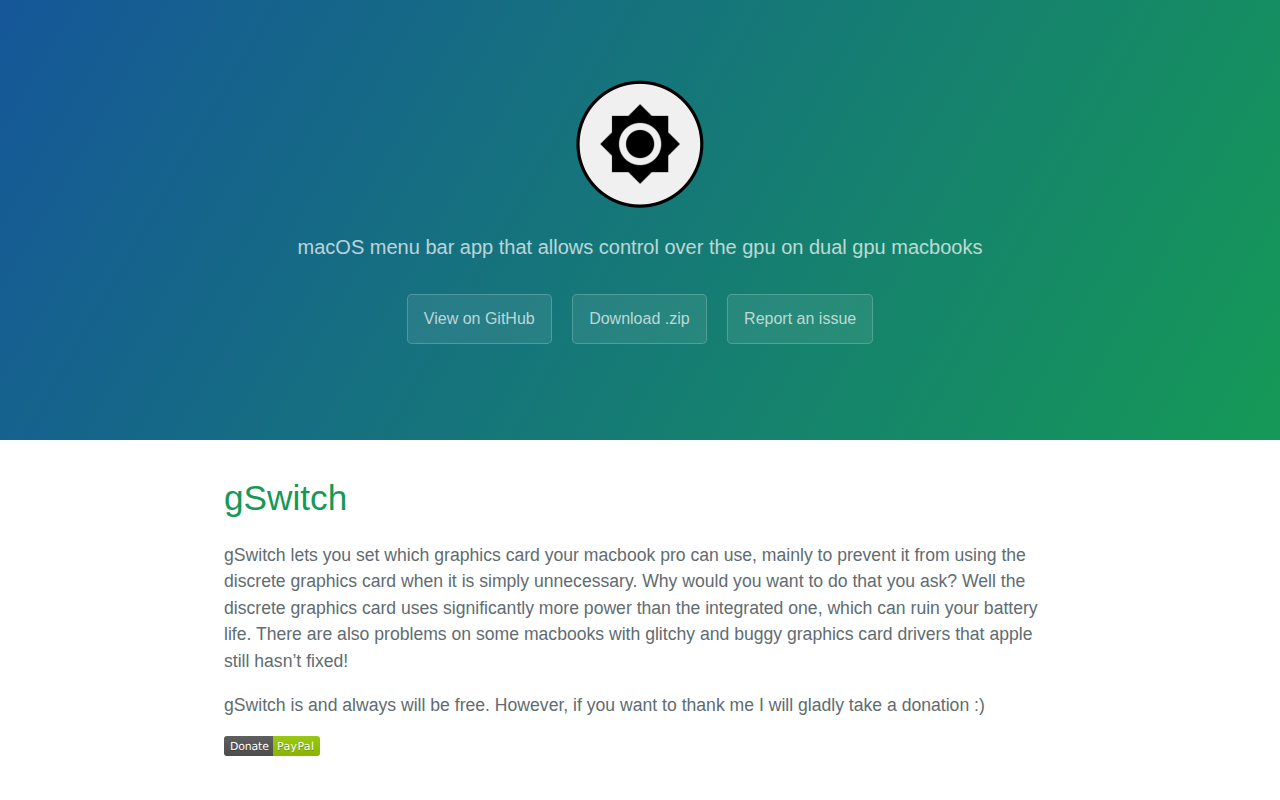
gSwitch
Set which graphics card to use
System Monitoring & Maintenance
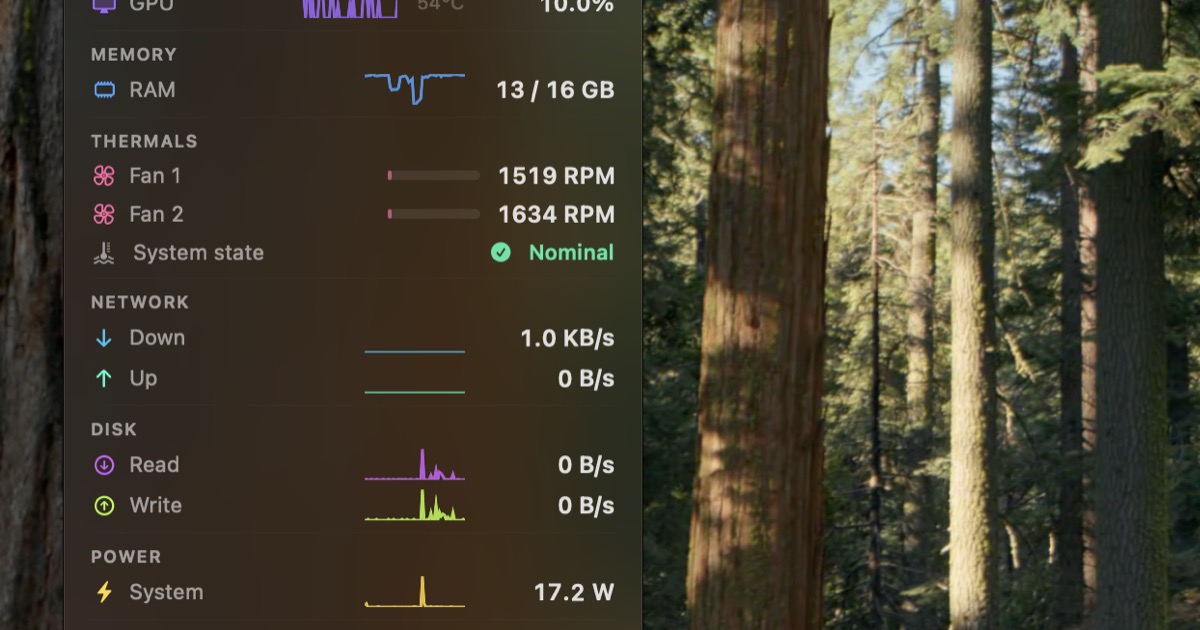
StatusStats
Mac Metrics In Your Menu Bar
System Monitoring & Maintenance
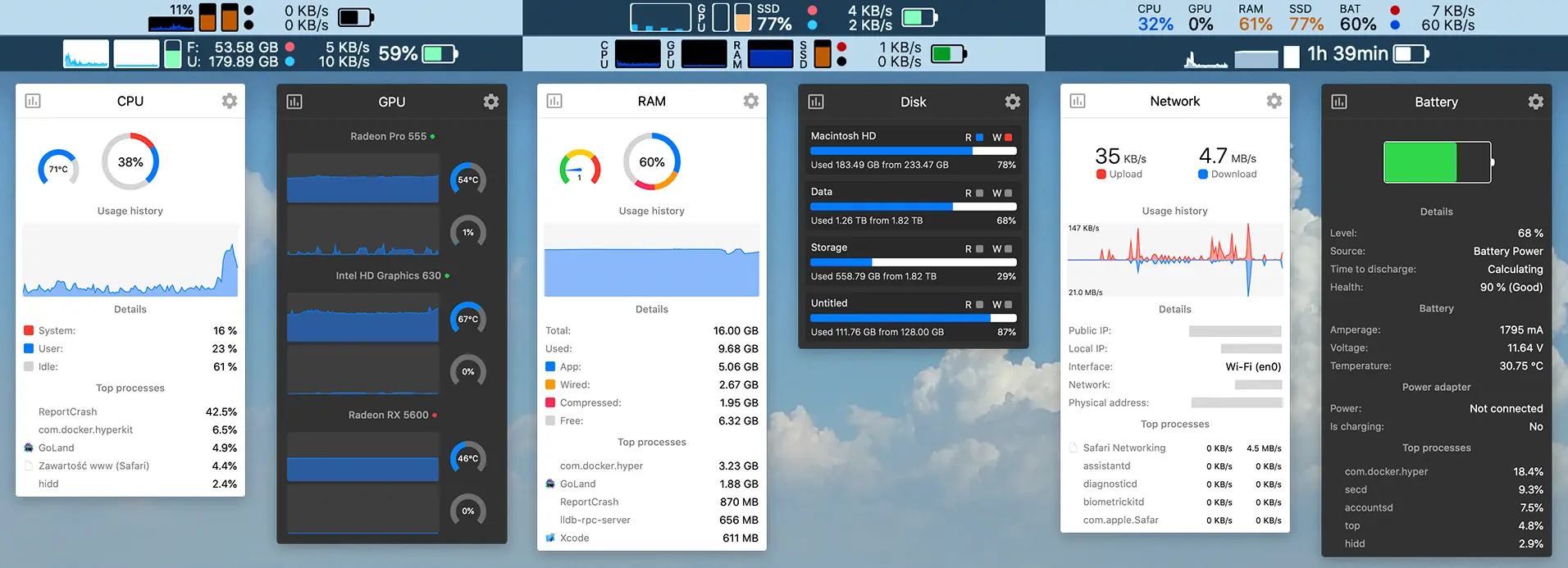
stats
free Mac system monitor for the menubar.
System Monitoring & Maintenance
ChargeMonitor
Menu bar battery monitor with real-time charging stats and energy impact insights. ![Freeware][Freeware Icon]
System Monitoring & Maintenance
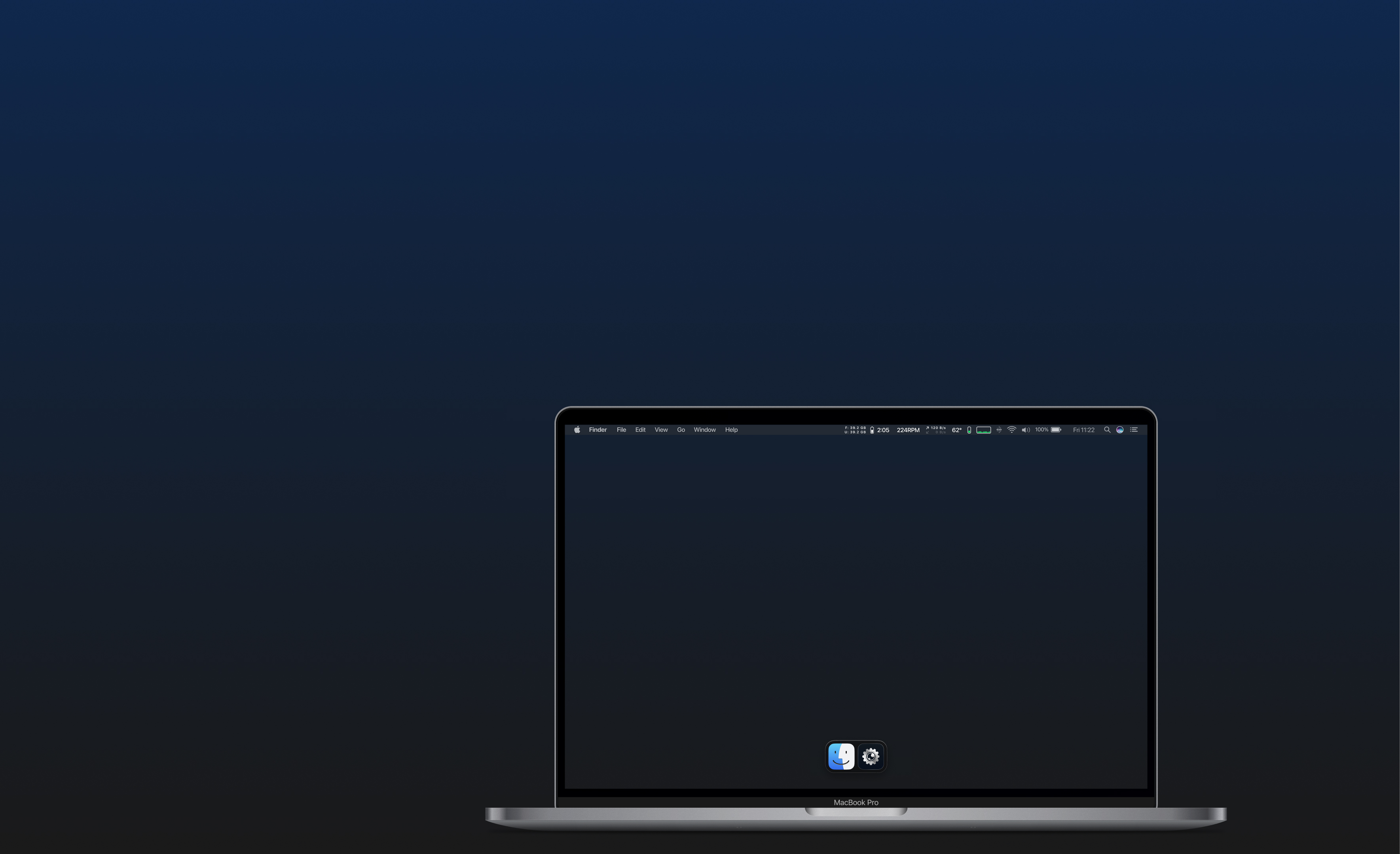
iGlance
System monitor for the status bar
System Monitoring & Maintenance
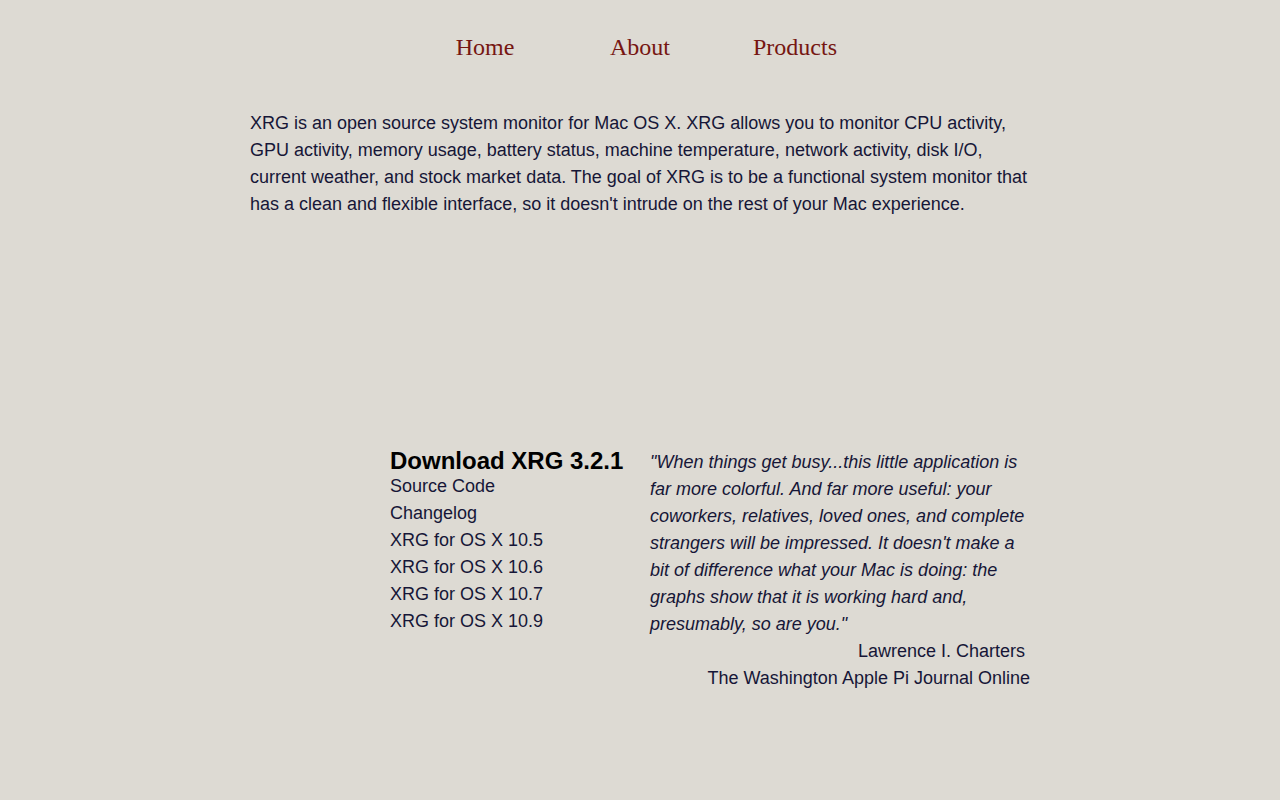
XRG
System monitor