

gSwitch
Set which graphics card to use
gSwitch is a macOS menu‑bar utility that lets users select which graphics processor a dual‑GPU MacBook Pro should use. It provides three modes—integrated only, discrete only, and dynamic switching—accessible from the menu or via command‑line flags. The app also offers optional notifications when the active GPU changes and displays the current GPU status with a gear icon indicator.
The tool is aimed at MacBook owners who want to reduce power consumption or avoid driver‑related graphics issues by keeping the high‑performance discrete GPU idle when it is not needed. It is especially useful for extending battery life on laptops that otherwise switch to the discrete chip automatically.
gSwitch runs on macOS, is distributed as a free application, and can be installed from a zip archive, Homebrew, or source. It requires standard macOS security permissions to launch and cannot force the discrete GPU off when an external display is connected.
Reviews
Loading reviews…
Similar apps
System Monitoring & Maintenance
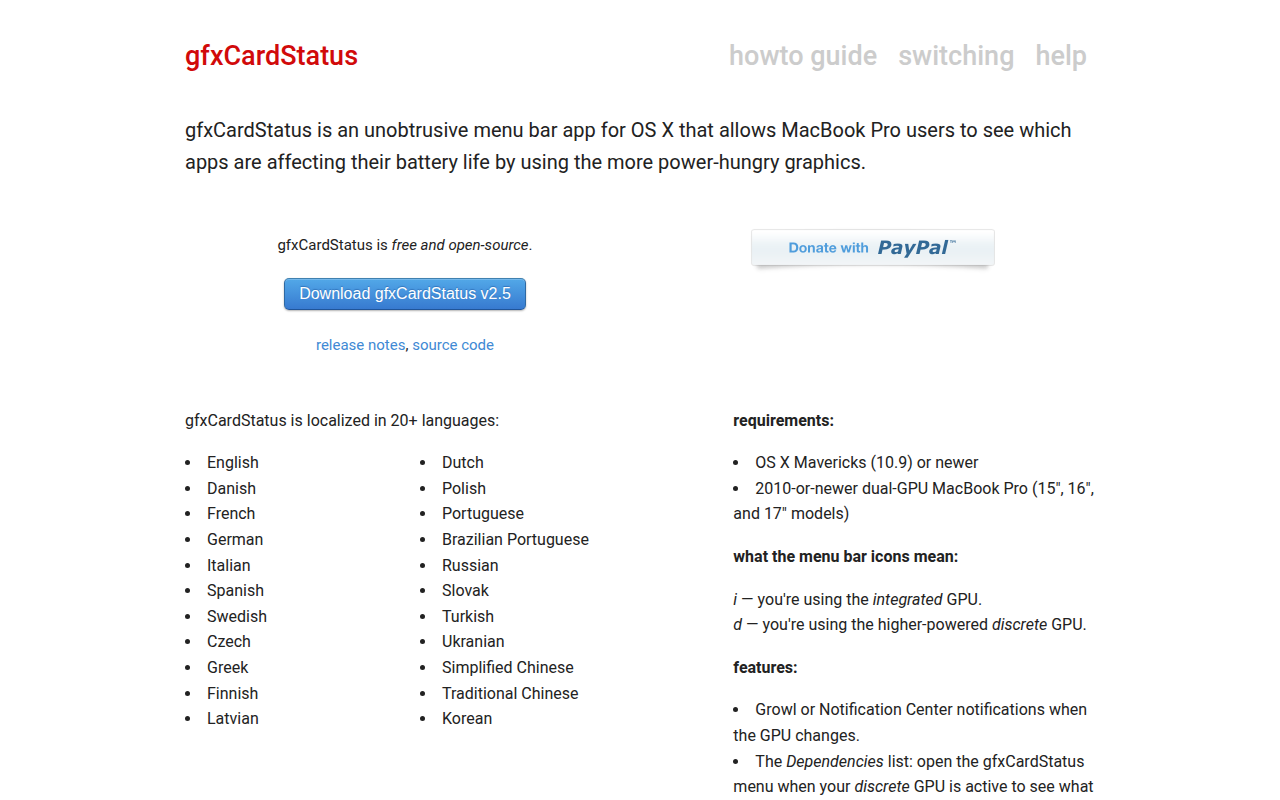
gfxCardStatus
Monitor graphics card usage and battery impact. ![Freeware][Freeware Icon]
System Monitoring & Maintenance
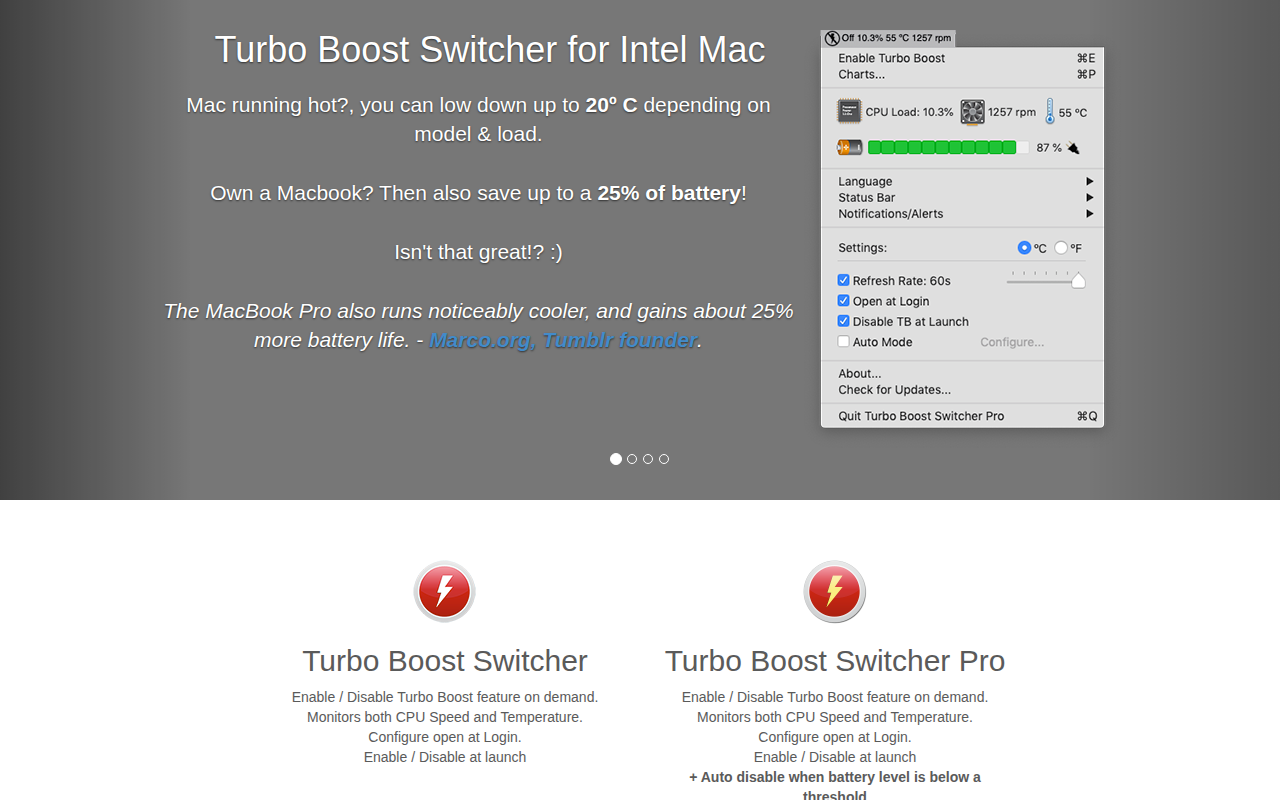
Turbo Boost Switcher
Enable and disable the Intel CPU Turbo Boost feature

System Monitoring & Maintenance
iGlance
System monitor for the status bar

System Monitoring & Maintenance
Logitech G HUB
Support for Logitech G gear

System Monitoring & Maintenance
Applite
User-friendly GUI app for Homebrew
System Monitoring & Maintenance
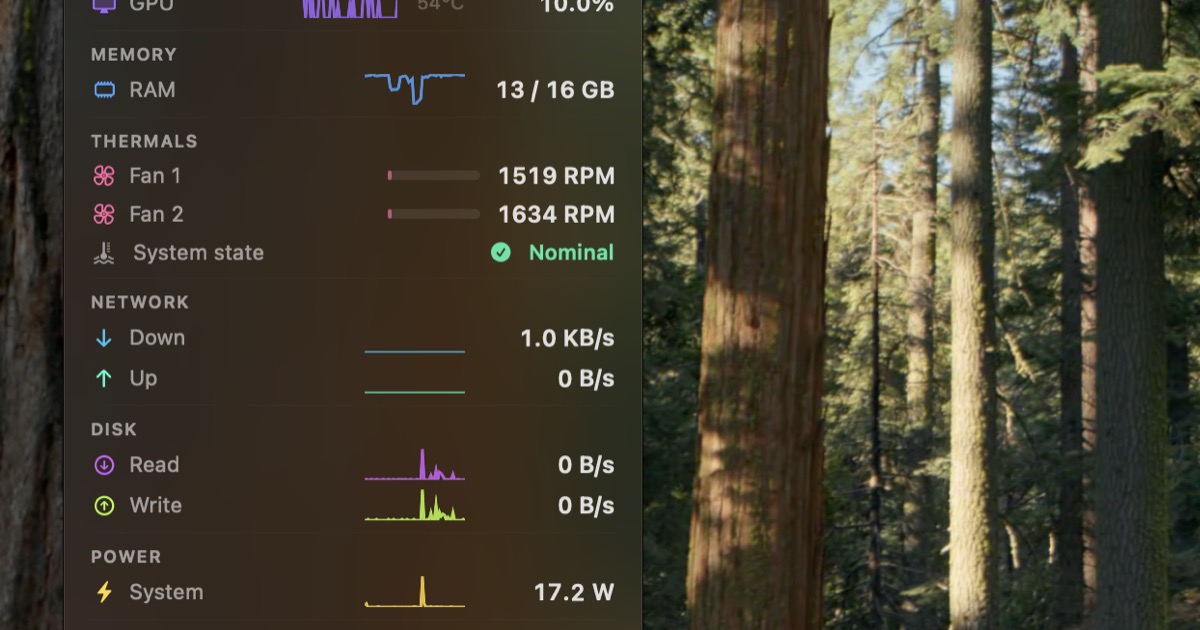
StatusStats
Mac Metrics In Your Menu Bar