
Turbo Boost Switcher
Enable and disable the Intel CPU Turbo Boost feature
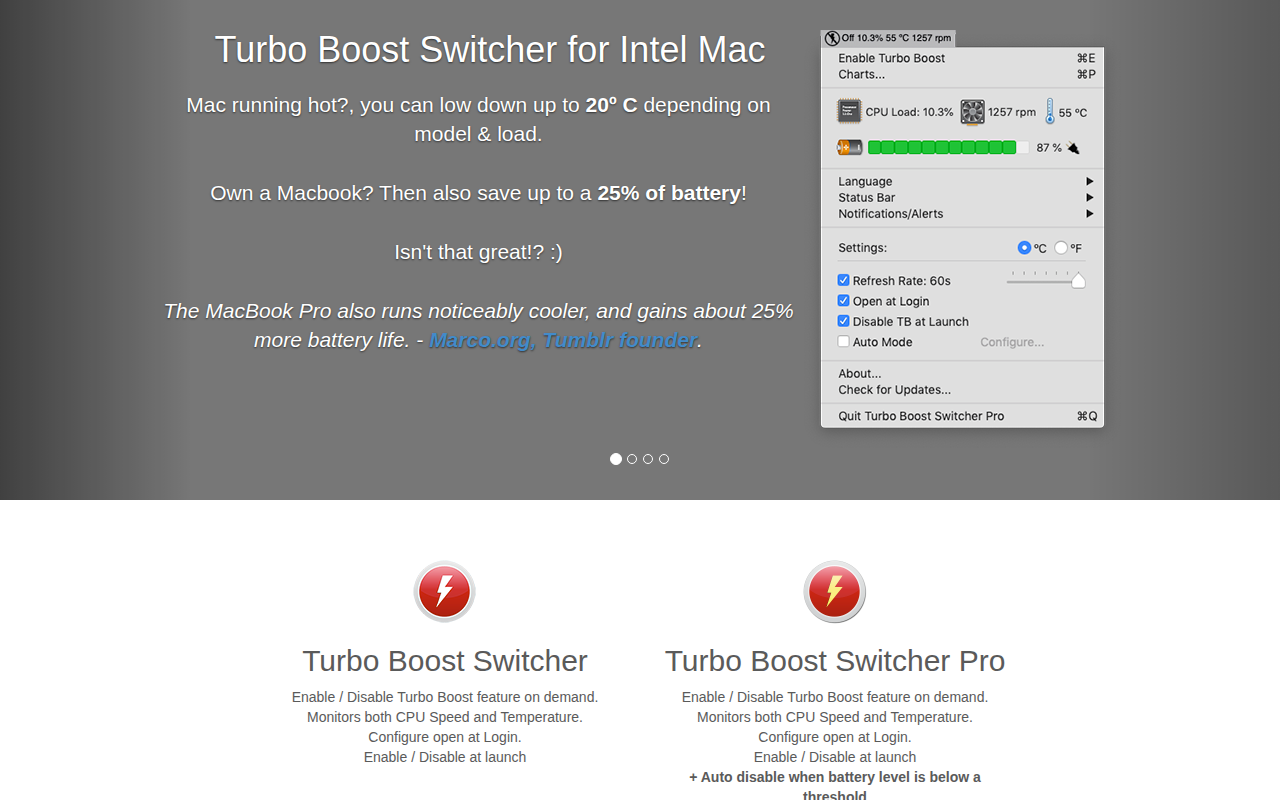
Turbo Boost Switcher is a macOS utility that lets users turn the Intel CPU Turbo Boost feature on or off. It monitors CPU speed and temperature, allowing manual control of Turbo Boost to reduce heat, fan noise, and power consumption. The application can be configured to start at login and to enable or disable Turbo Boost automatically when the system launches.
The tool is aimed at owners of Intel‑based Macs who want to manage performance and battery life, particularly on MacBook models that tend to run hot under load. By disabling Turbo Boost, users can lower CPU temperatures by up to 20 °C and extend battery runtime, while re‑enabling it restores full performance when needed.
A Pro version adds automation such as auto‑enabling or disabling based on running applications, battery level, CPU temperature, and fan speed, as well as customizable status‑bar indicators and notification integration. The software is stable, macOS‑only, and receives free updates.
Reviews
Loading reviews…
Similar apps
System Monitoring & Maintenance
smcFanControl
Sets a minimum speed for built-in fans

System Monitoring & Maintenance
gSwitch
Set which graphics card to use
System Monitoring & Maintenance
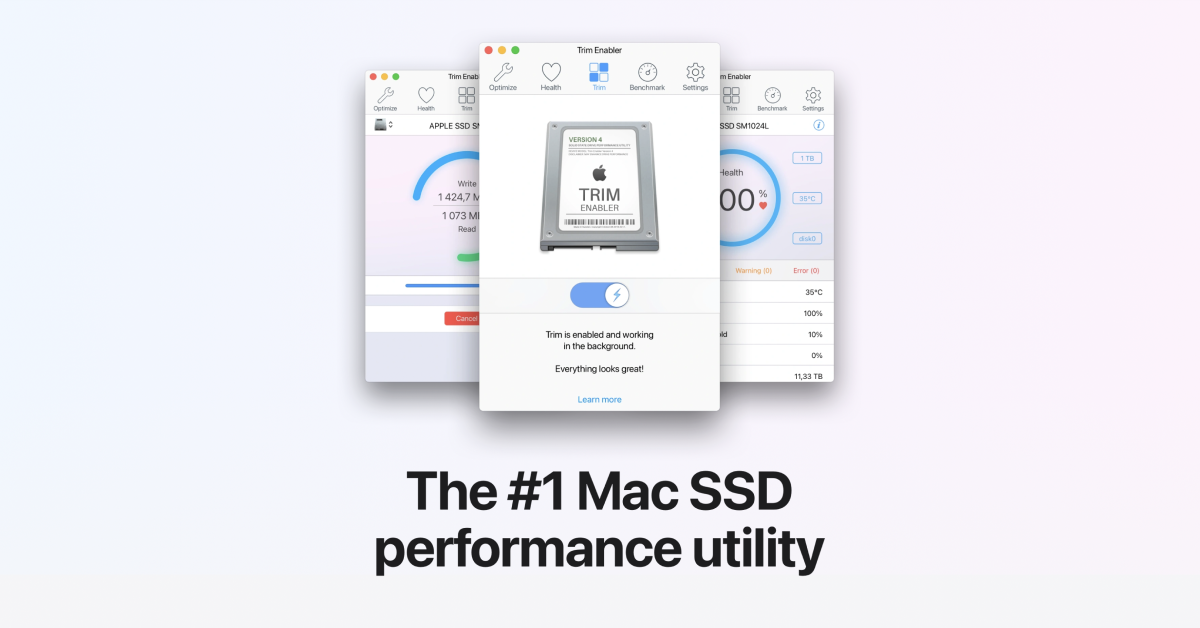
Trim Enabler
Enable trim for SSD performance
System Monitoring & Maintenance
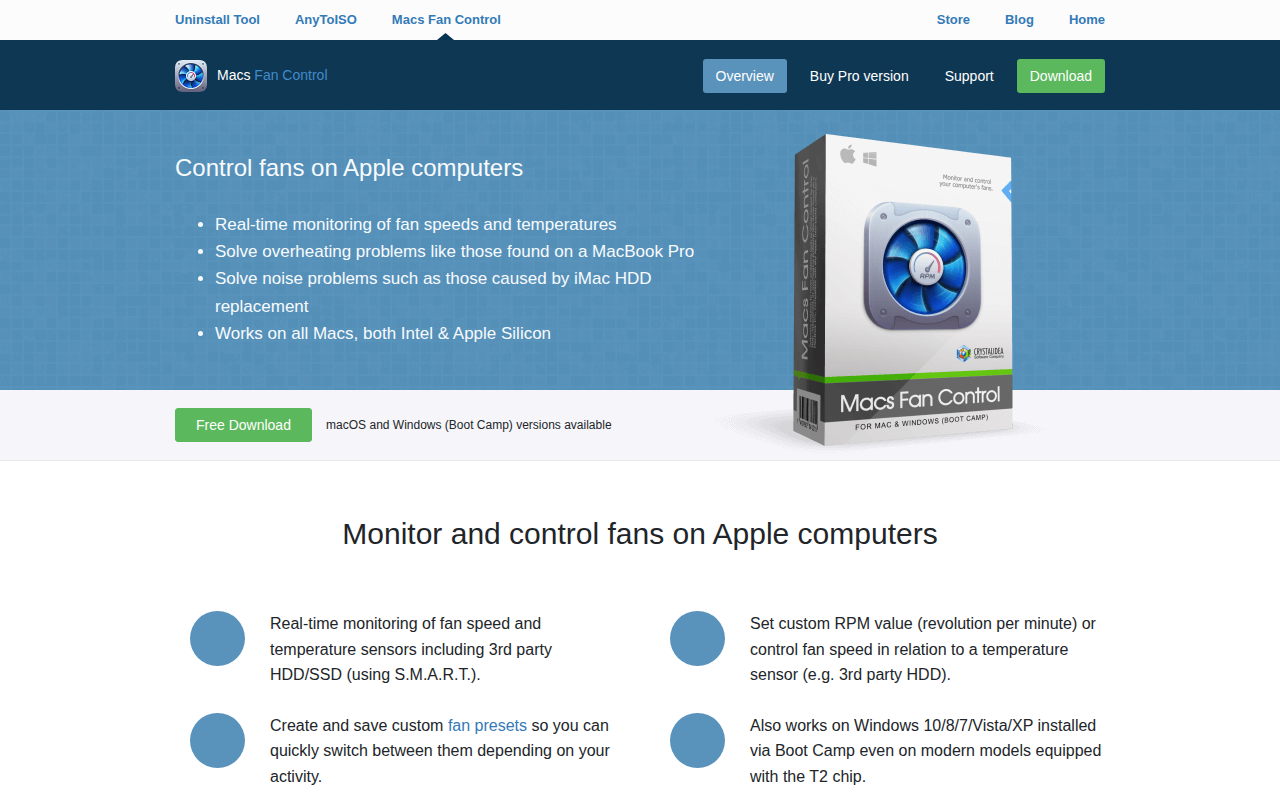
Macs Fan Control
Controls and monitors all fans on Apple computers

System Monitoring & Maintenance
BreezeKit
Your Mac, running cooler
System Monitoring & Maintenance
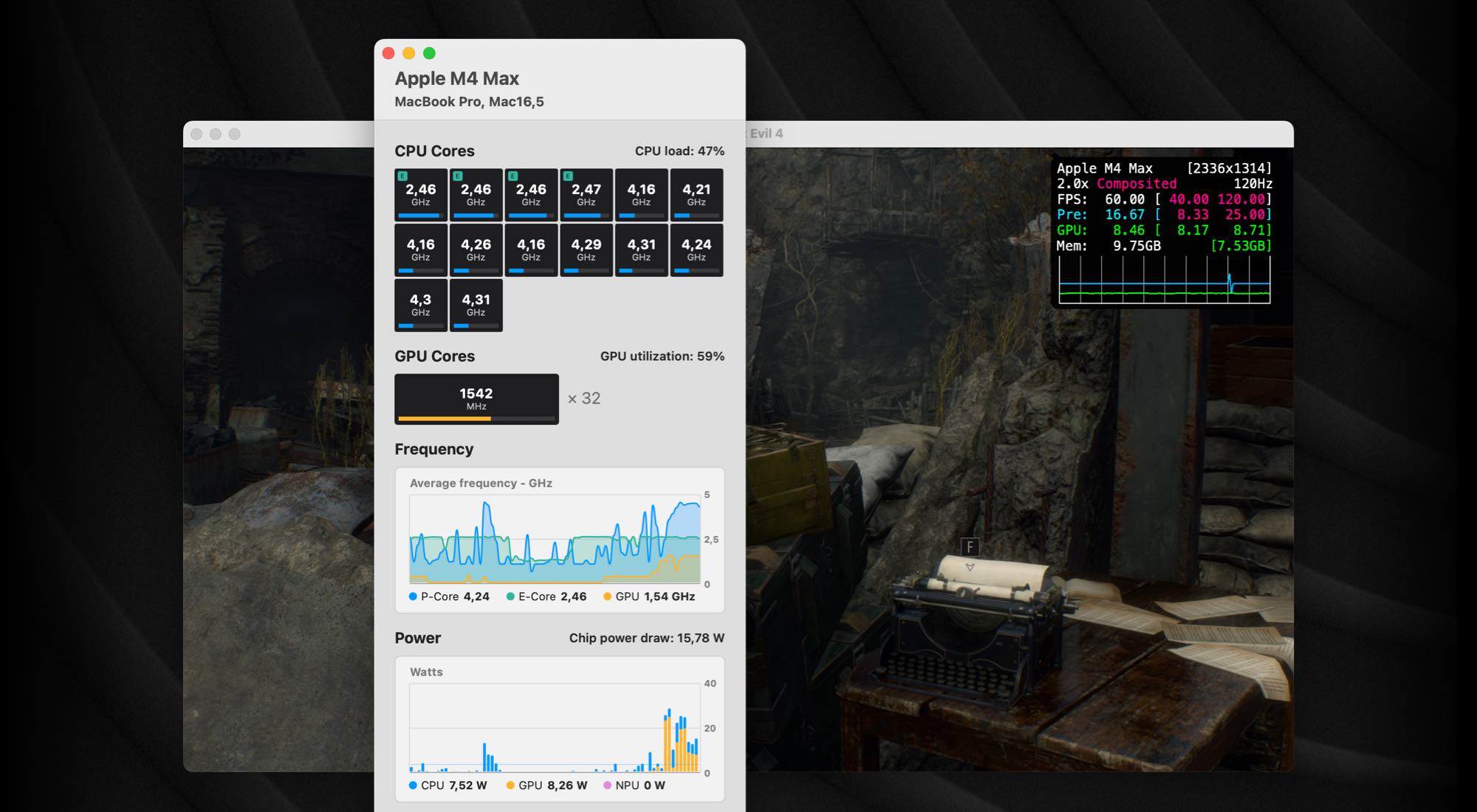
iStatistica Core
System monitoring for Apple Silicon