
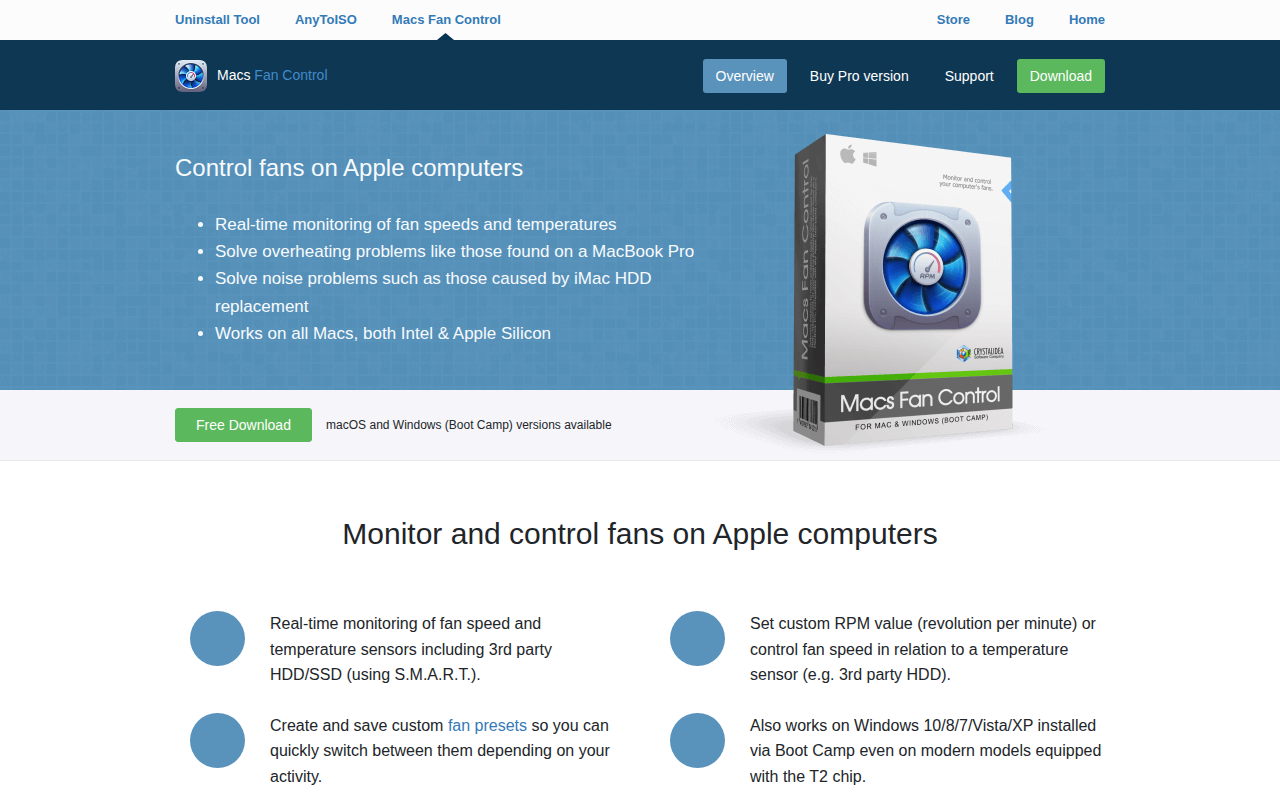
Macs Fan Control
Controls and monitors all fans on Apple computers
The application provides real‑time monitoring of fan speeds and temperature sensors on Apple computers, allowing users to address overheating or excessive noise. It displays fan and sensor data in a two‑table interface and offers a configurable menu‑bar or tray icon that can show current RPM values and temperatures.
Users can switch each fan between the system’s automatic control and a custom mode. In custom mode the fan can be set to a fixed RPM or linked to a specific temperature sensor, such as a CPU or third‑party HDD/SSD. The program also supports saving and loading preset configurations, enabling quick changes for different workloads.
The software runs on macOS for both Intel and Apple Silicon Macs, and a version is available for Windows when the machine is installed via Boot Camp, including models with the T2 chip. It restores all fans to automatic mode when it exits.
Reviews
Loading reviews…
Similar apps
System Monitoring & Maintenance
smcFanControl
Sets a minimum speed for built-in fans
Body & Symptom Monitoring
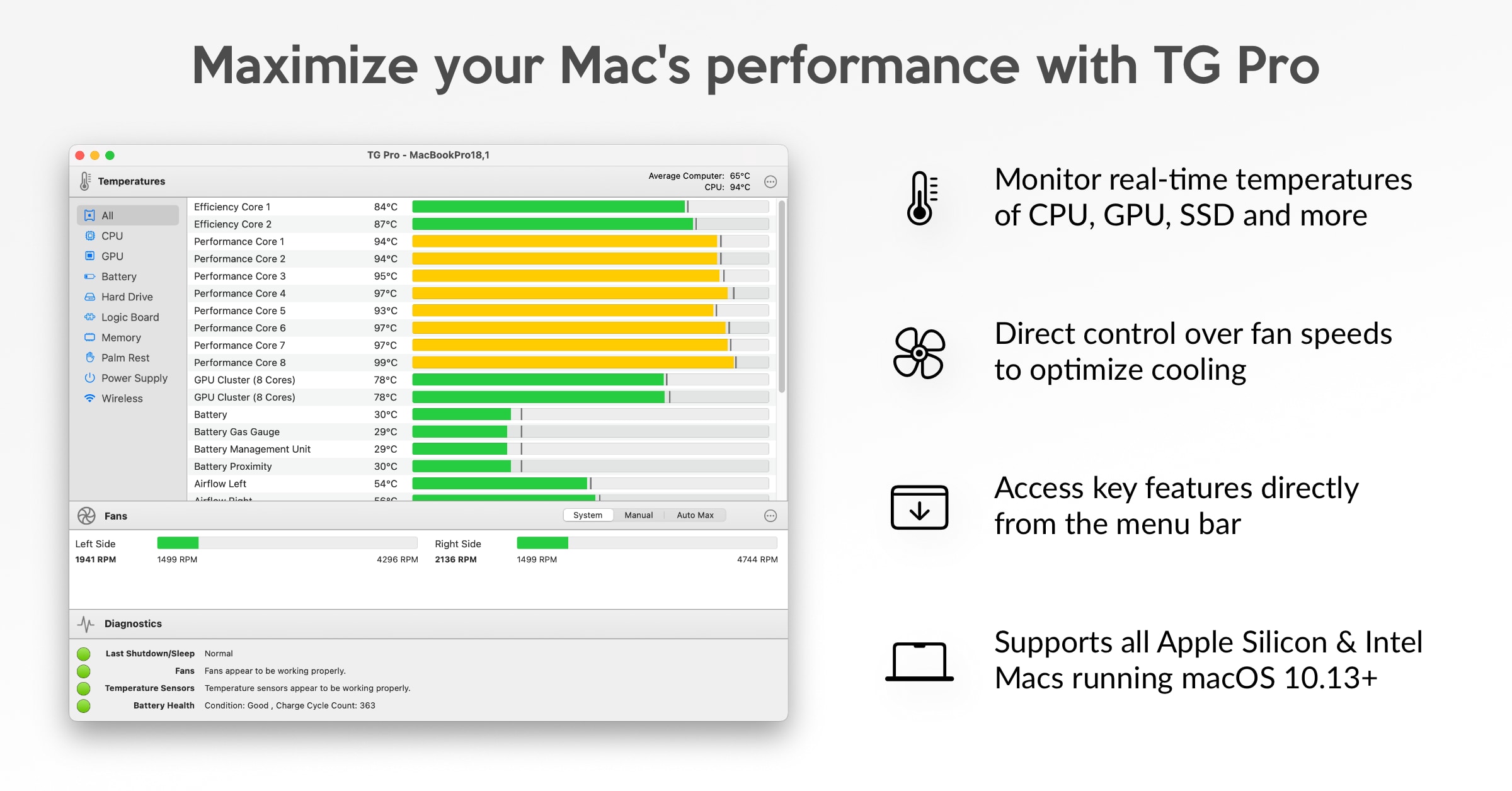
TG Pro
Temperature monitoring, fan control & hardware diagnostics to help keep your Mac cool and healthy.
System Monitoring & Maintenance
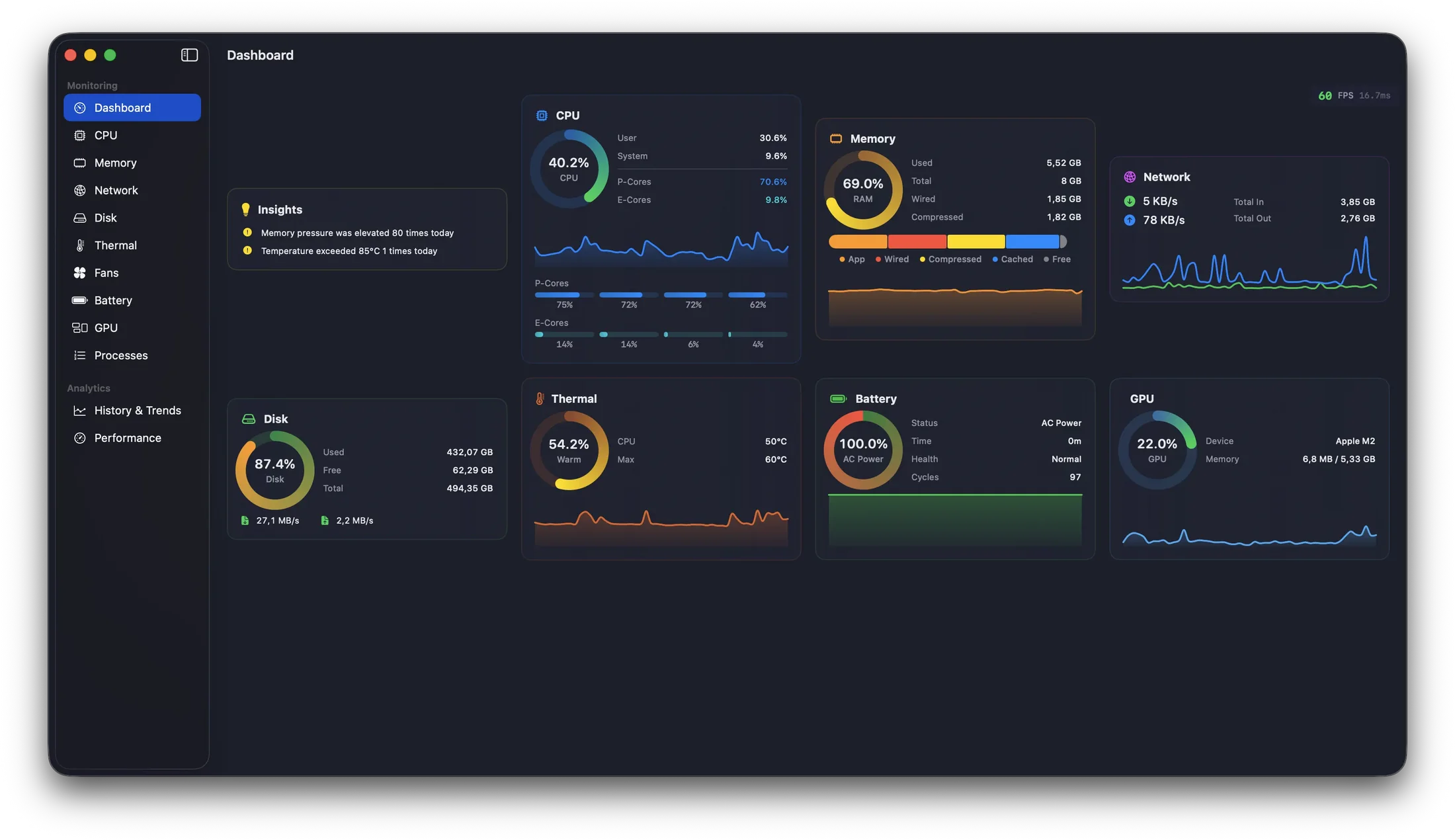
MacPulse
System monitoring dashboard with historical analytics
System Monitoring & Maintenance
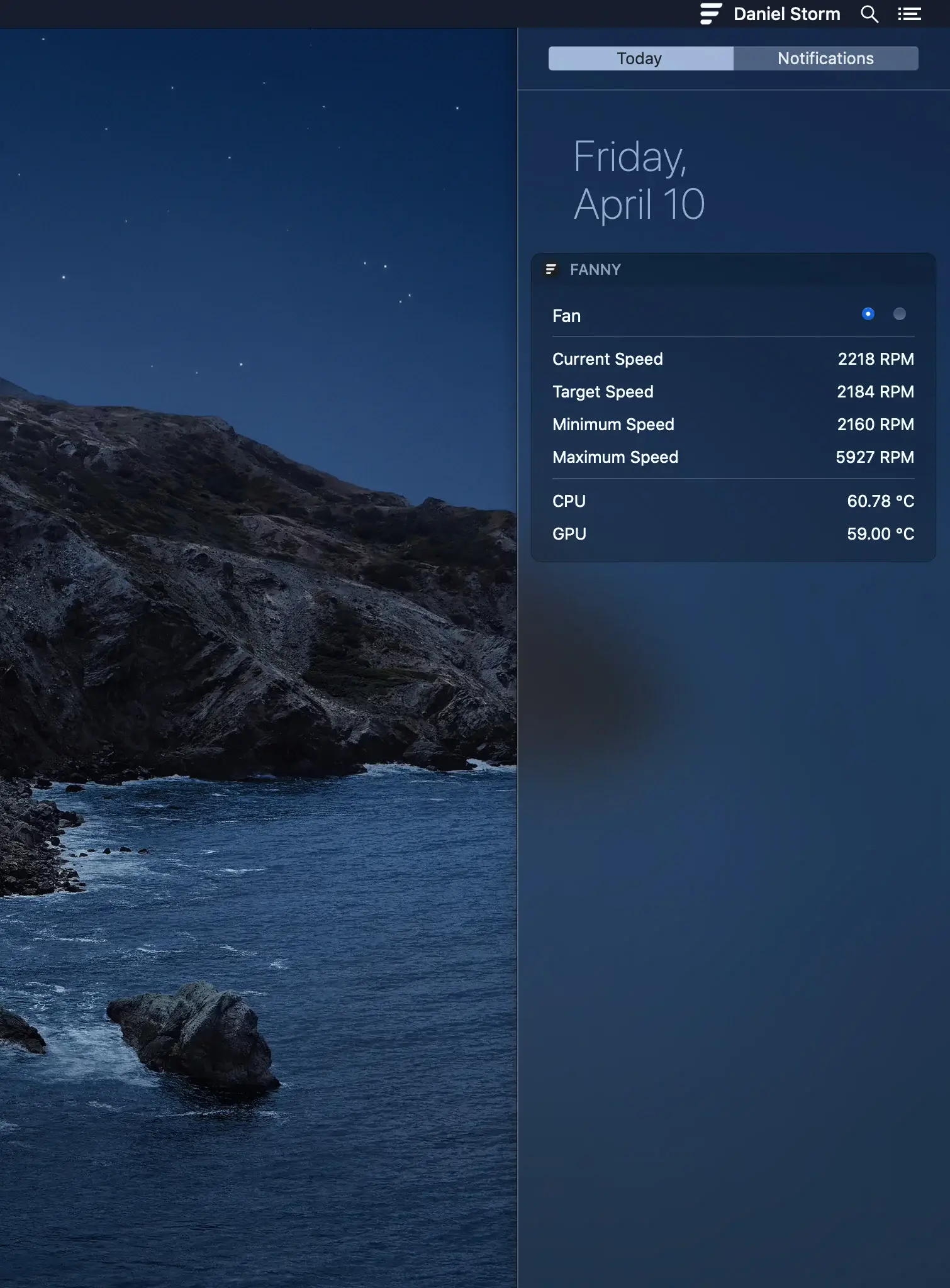
FannyWidget
Notification Center widget and menu bar application to monitor fans

System Monitoring & Maintenance
BreezeKit
Your Mac, running cooler
System Monitoring & Maintenance
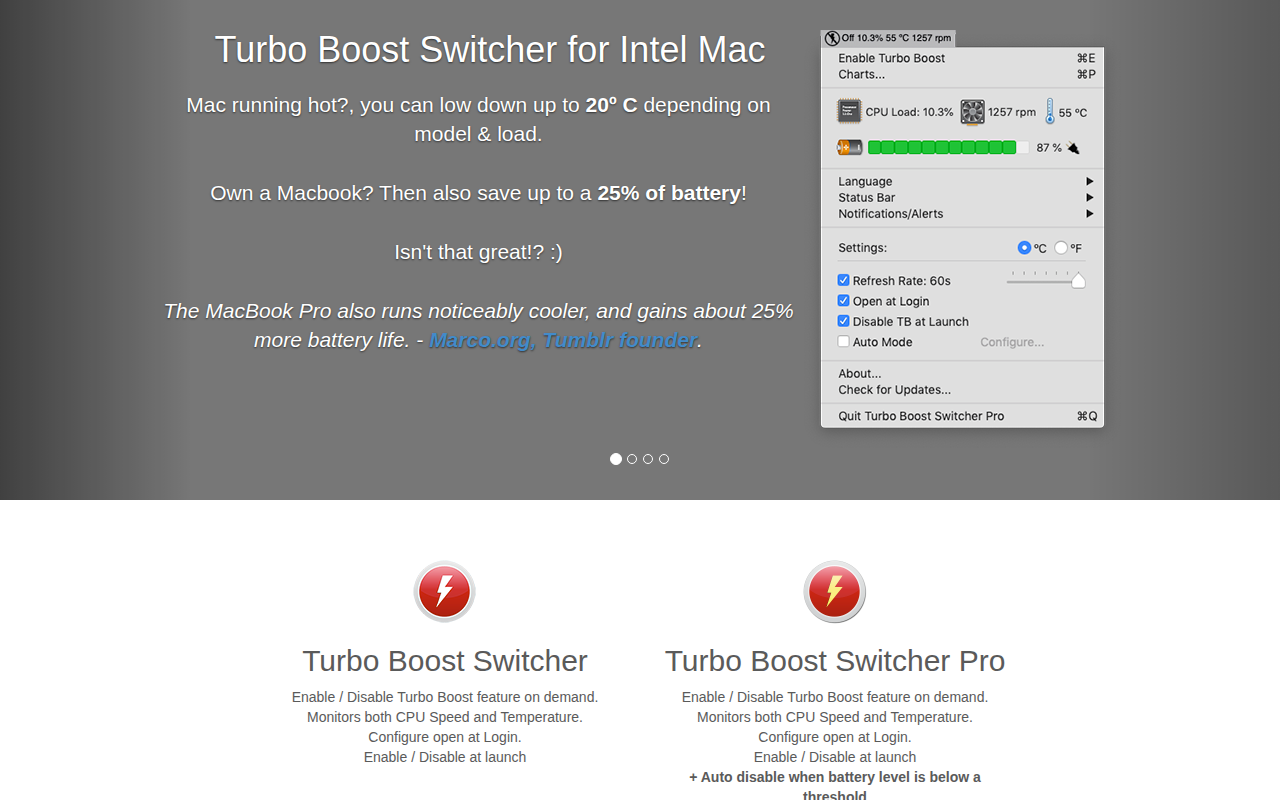
Turbo Boost Switcher
Enable and disable the Intel CPU Turbo Boost feature