
HuggingChat
Chat client for models on HuggingFace
HuggingChat macOS provides a native desktop chat interface that connects to open‑source language models hosted on HuggingFace. It runs on macOS 14.0 or later and is built with Swift 6.0, offering users a graphical window for interactive AI conversations directly on their Mac. The application can be installed by downloading a zip from the releases page or via Homebrew cask, and it supports a keyboard shortcut (⌘ + Shift + Return) for quick launch.
The client integrates with Visual Studio Code through a separate extension, allowing the chat window to access editor context and deliver responses that consider the surrounding code. This feature is optional and requires installing the VSIX package in VSCode. Development requires Xcode 16.0 or newer; the repository includes instructions for building the project, contributing code, and following Swift API design guidelines.
Feedback is collected through GitHub Issues, where users can report bugs, request features, or share experiences. The project is released under the Apache license and is considered stable for everyday use.
Reviews
Loading reviews…
Similar apps
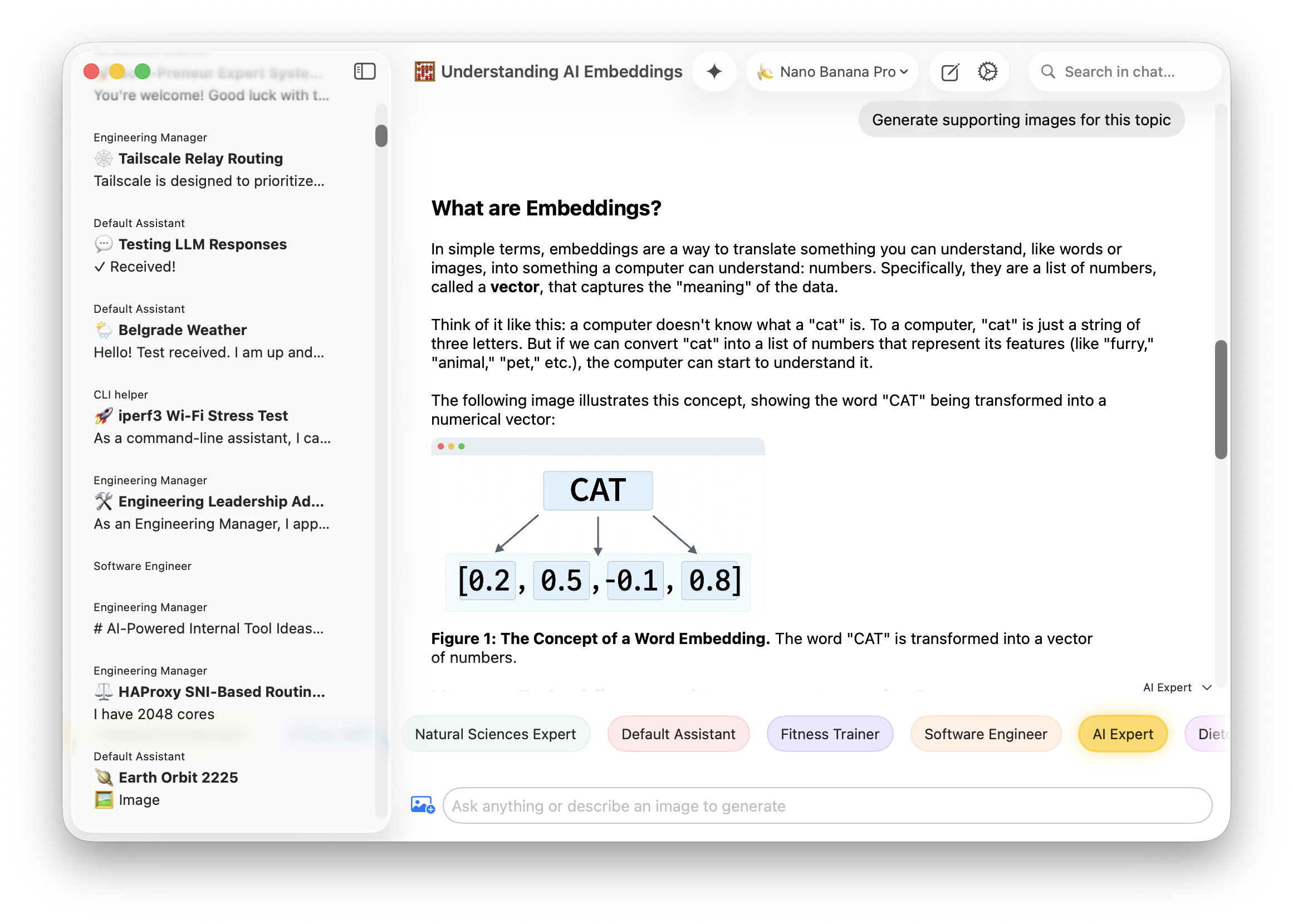
AI Chat & Voice Agents
macai
Native chat application for all major LLM APIs
AI Coding Agents
GitHub Copilot for Xcode
Xcode extension for GitHub Copilot
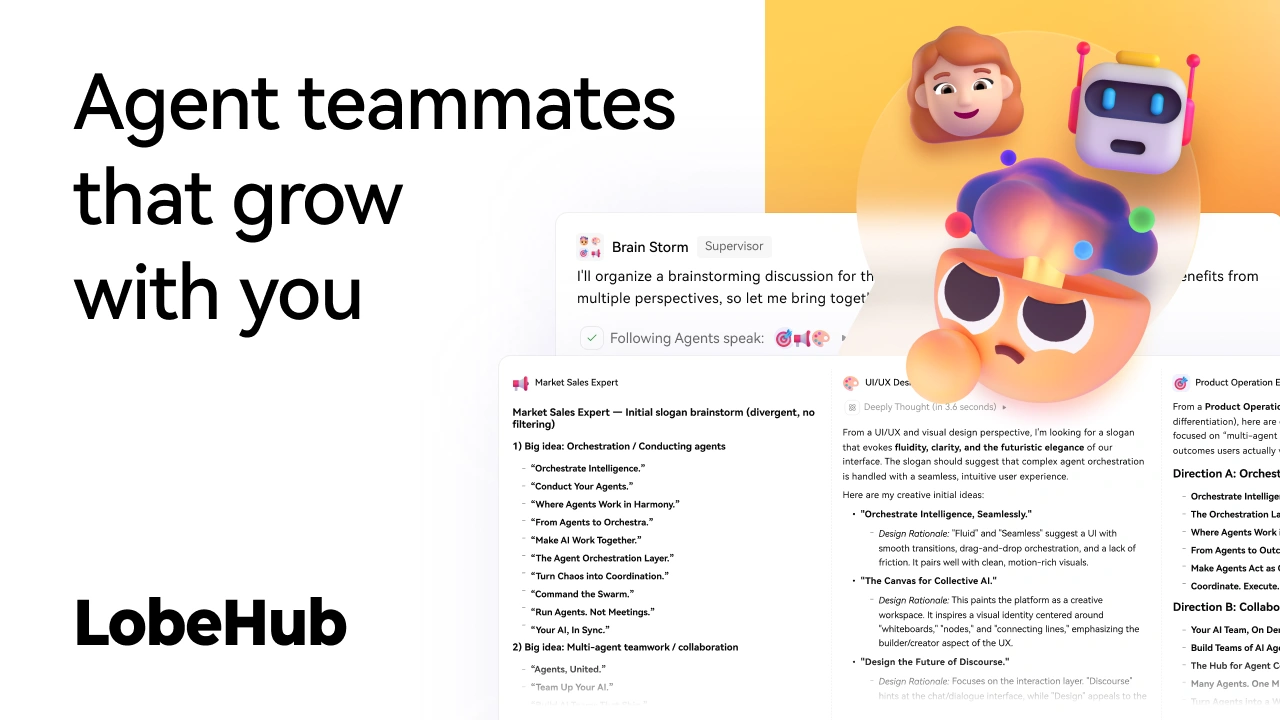
AI Coding Agents
LobeHub
AI chat framework
Window & Desktop Management
LlamaChat
Client for LLaMA models

AI Coding Agents
ChatGPT for Mac
Menu bar application for ChatGPT
AI Agents & Automation
Ollamac
Interact with Ollama models