
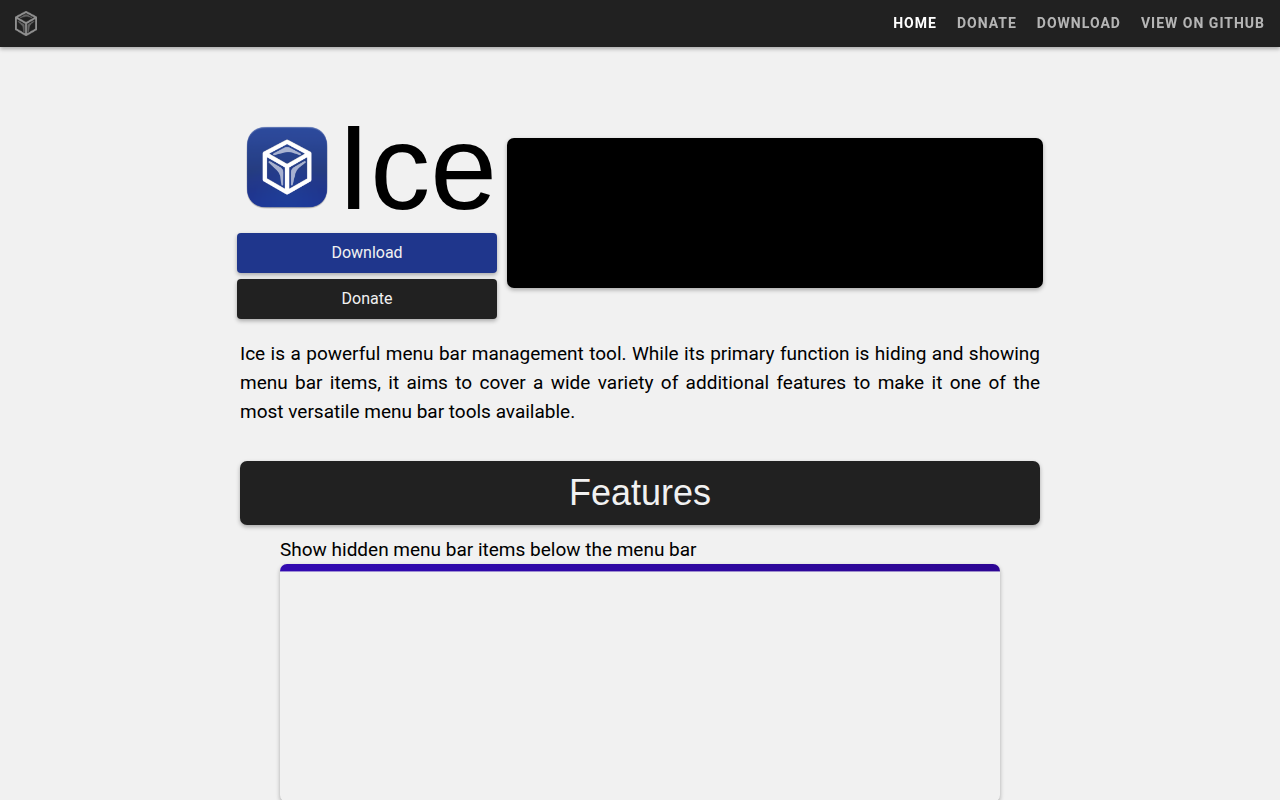
Ice
Menu bar manager for hiding icons and organizing layouts.
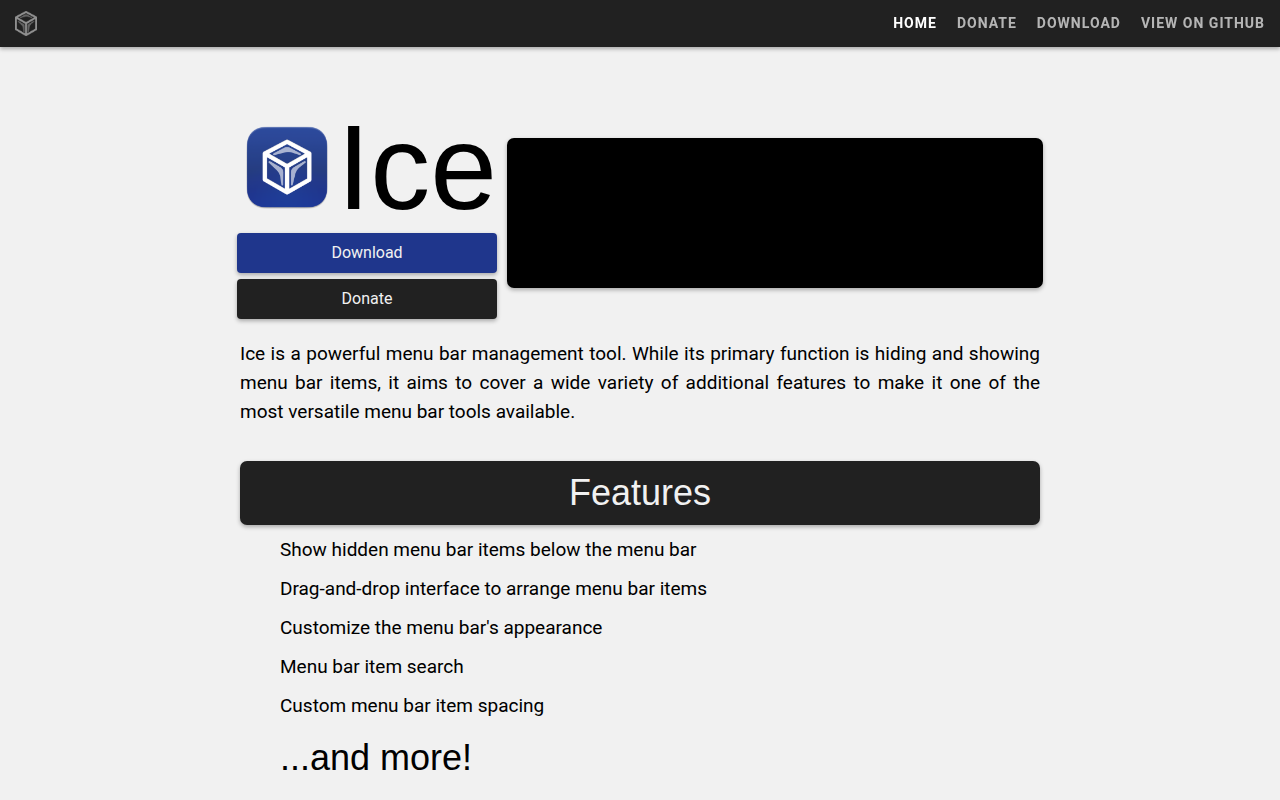
Ice is a macOS‑only utility that lets users control which icons appear in the system menu bar and how they are arranged. It provides a drag‑and‑drop interface for repositioning items, supports hiding icons permanently or temporarily, and can reveal hidden items on hover, click, or swipe. The tool also offers a separate “Ice Bar” for displaying hidden icons, useful on Macs with a notch, and includes a search function to locate specific menu bar items quickly.
In addition to layout management, Ice allows customization of the menu bar’s visual style. Users can apply solid or gradient tints, add shadows and borders, and choose rounded or split shapes for the bar. A beta feature lets users adjust spacing between items, and hotkeys enable toggling sections, showing the search panel, and enabling or disabling the Ice Bar without opening the UI.
The application is open‑source, released under GPL‑3.0, and distributed as a free tier for macOS 14 and newer. Installation is possible via a direct download or Homebrew cask, and the app includes automatic updates and an option to launch at login.
Reviews
Loading reviews…
Similar apps
Window & Desktop Management
Ice
Menu bar manager
Window & Desktop Management
Thaw
A powerful menu bar management tool for hiding and showing menu bar items.

Window & Desktop Management
SaneBar
Privacy-first menu bar manager with hidden zones and automation rules.
Window & Desktop Management
Dozer
Hide MacOS menubar items.
Window & Desktop Management
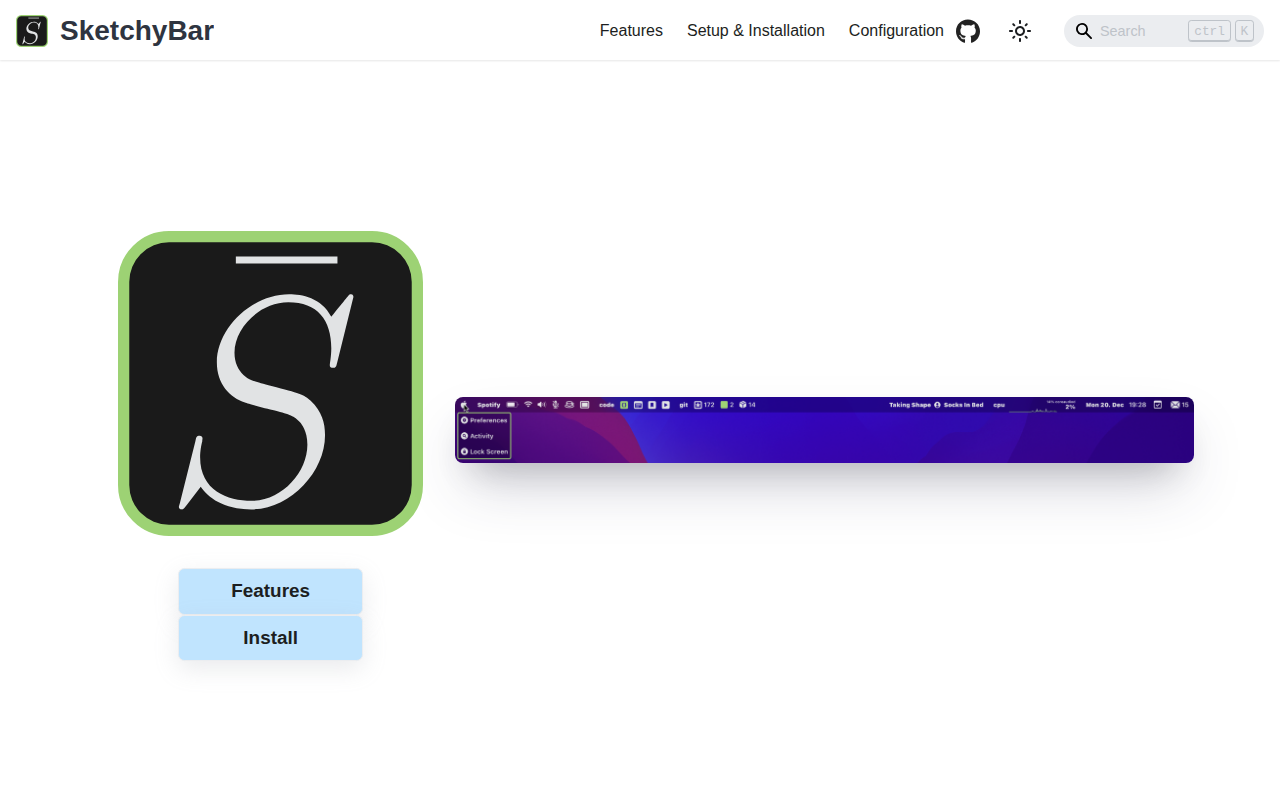
SketchyBar
A highly customizable macOS status bar replacement.

Window & Desktop Management
SwiftBar
Powerful macOS menu bar customization tool.