

SaneBar
Privacy-first menu bar manager with hidden zones and automation rules.
SaneBar lets macOS users hide menu‑bar icons and reveal them on demand, offering a simple one‑click hide/show toggle and a keyboard shortcut. Hidden icons can be accessed through a floating icon panel or a second menu bar, and the app supports importing existing configurations from Bartender or Ice. The free Basic tier provides these core functions without subscriptions, keeping all data on‑device and fully open source.
The optional Pro upgrade adds a Touch ID or password lock, per‑icon hotkeys, and a set of smart triggers that can automatically hide or show icons based on battery level, Wi‑Fi status, Focus mode, app launch, schedule, or custom scripts. Users can also define an “always‑hidden” zone, customize appearance with tints and borders, and arrange icons with drag‑and‑drop between zones.
Additional Pro features include profiles for exporting and importing settings, gesture‑based toggling, menu‑bar spacing controls, and integration with AppleScript and Shortcuts for deeper automation. The software is marketed as a privacy‑first utility with no recurring fees.
Reviews
Loading reviews…
Similar apps

Clipboard, Input & Automation
SaneClip
Clipboard manager with history, privacy protections, and sensitive data detection.
Window & Desktop Management
Ice
Menu bar manager for hiding icons and organizing layouts.

Security & Identity
SaneHosts
Hosts-based ad and tracker blocker.
Window & Desktop Management
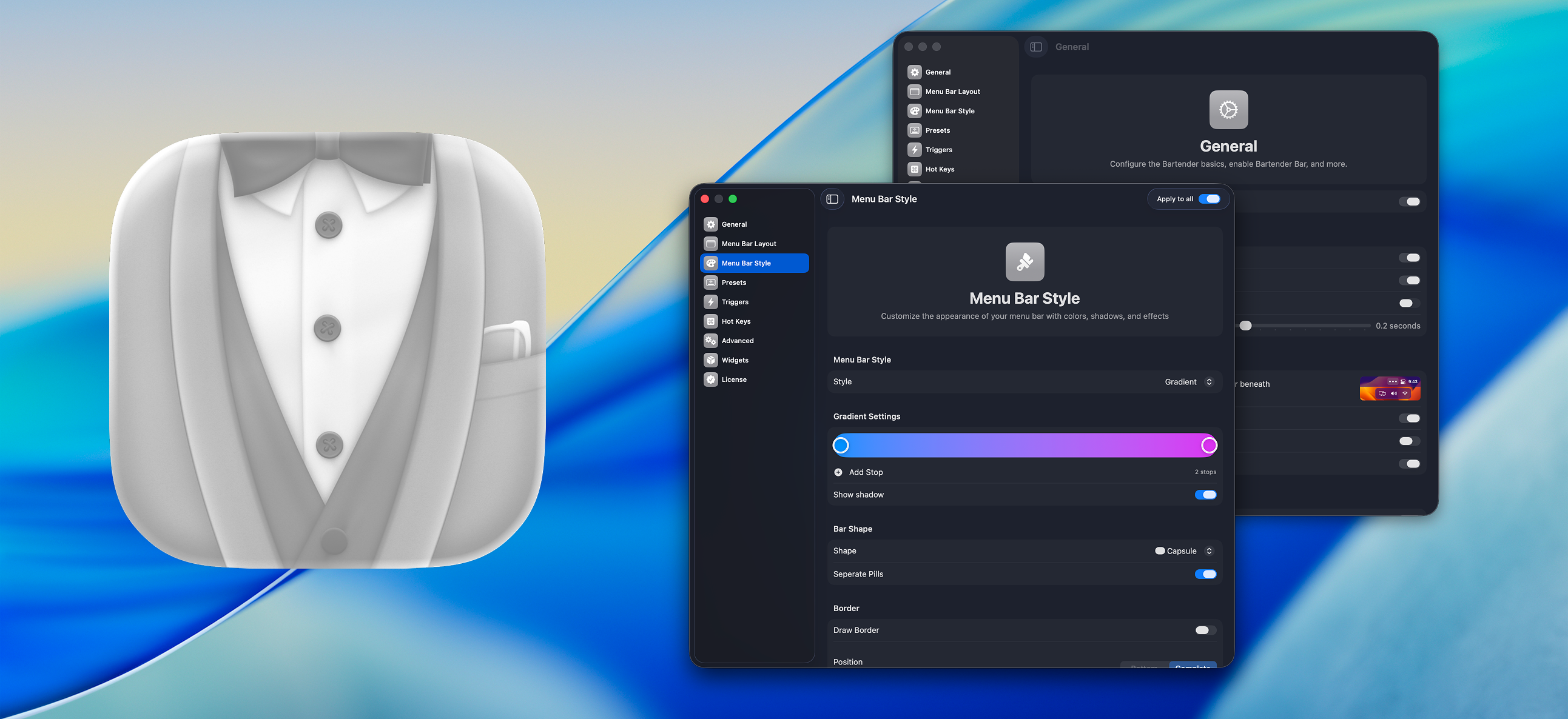
Bartender
Organize or hide menu bar icons on your Mac.

File Management & Transfer
SaneClick
Finder extension that adds right-click actions for file tasks, conversion, and developer tools.
Window & Desktop Management
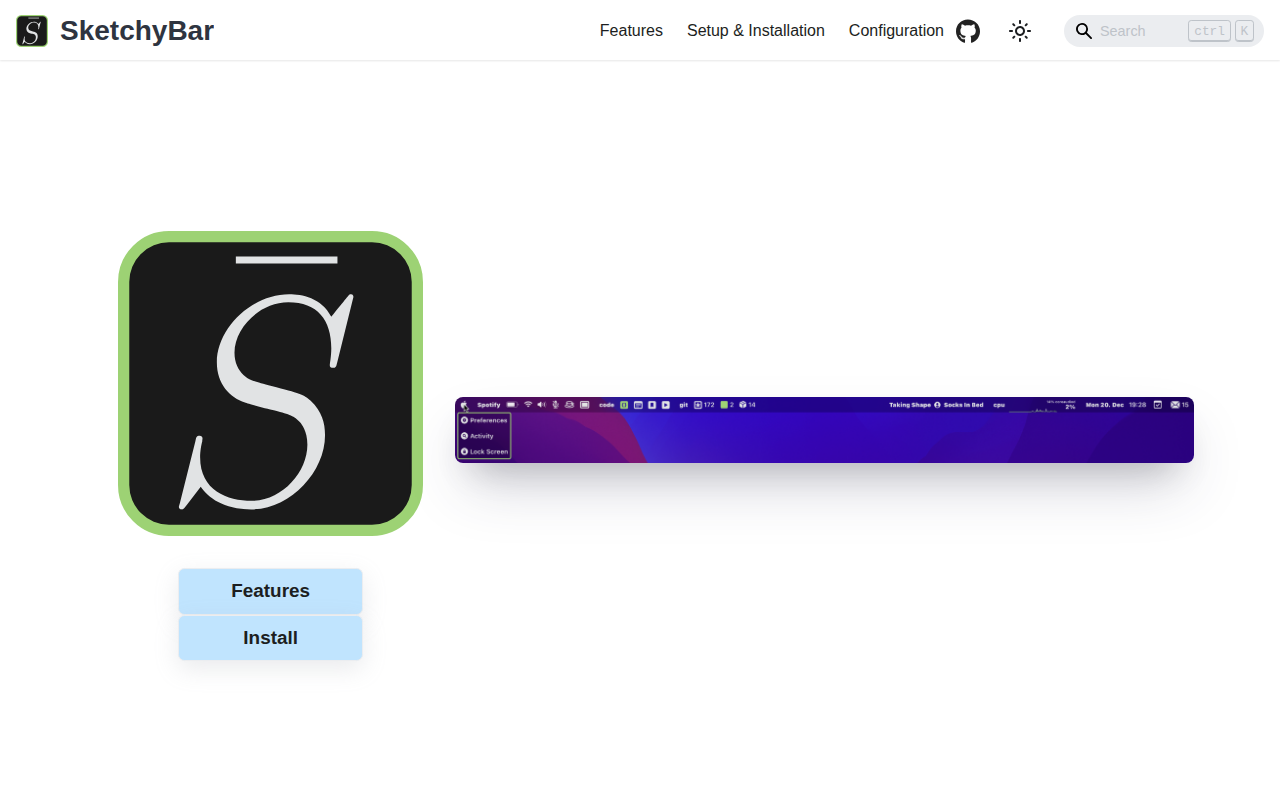
SketchyBar
A highly customizable macOS status bar replacement.