

Bartender
Organize or hide menu bar icons on your Mac.
It lets macOS users rearrange, hide, and reveal menu‑bar icons, providing a dedicated “Bartender Bar” beneath the system bar for overflow items. The app supports hotkeys for any icon, spacers to separate groups, and AppleScript hooks, allowing users to control visibility with swipes, scrolling, clicks, or hover actions. Styling options include color or gradient tints, rounded or pill‑shaped menus, borders, shadows, and rounded corners, letting the menu bar match personal aesthetic preferences.
Designed for macOS Sequoia, Sonoma, and the newer Tahoe release, it adapts to screen notches by automatically moving hidden icons to make space for those obscured by the notch. The redesign in version 6 emphasizes smoother, faster interaction and full access to items that would otherwise be hidden. A four‑week trial is included, after which a license is required for continued use.
Reviews
Loading reviews…
Similar apps
Window & Desktop Management
SaneBar
Privacy-first menu bar manager with hidden zones and automation rules.

Window & Desktop Management
Lounge
macOS Tahoe menu bar manager with notch-aware icon control
Window & Desktop Management
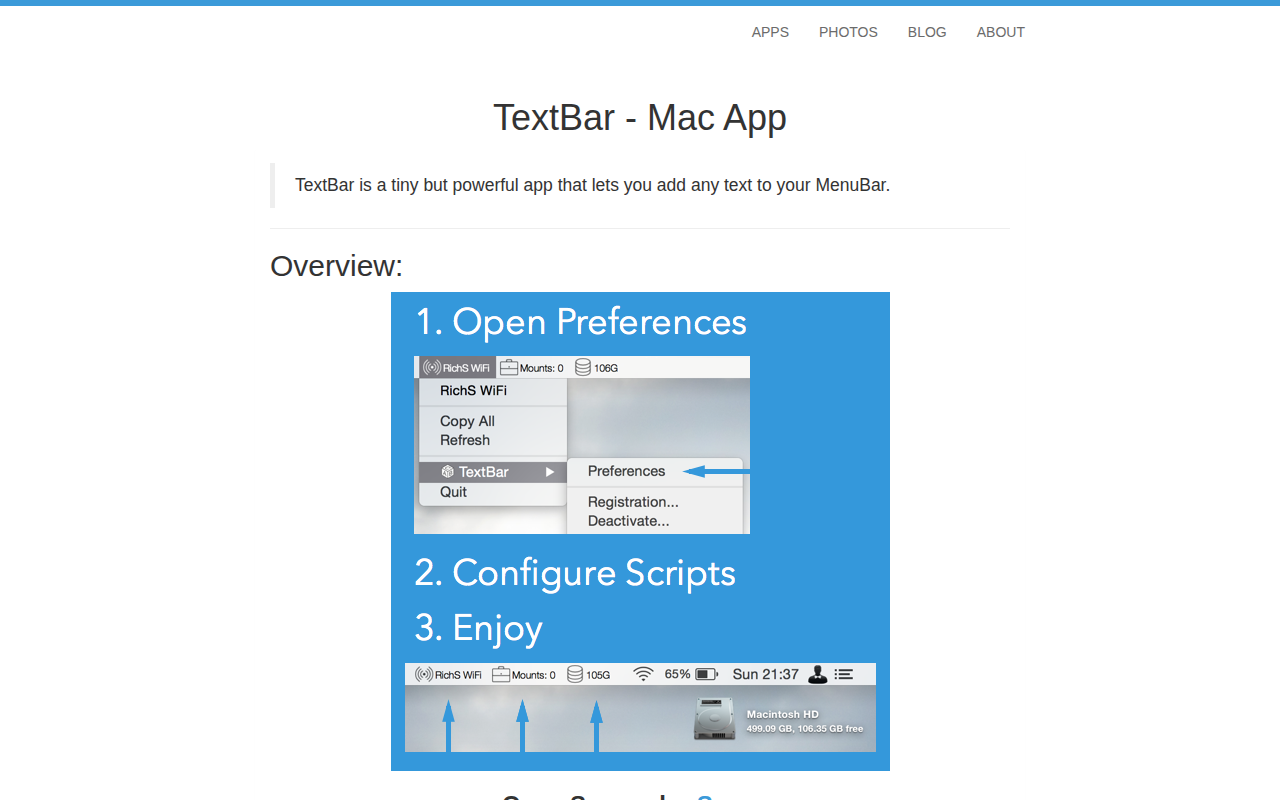
TextBar
Add any text to menu bar
Window & Desktop Management
Ice
Menu bar manager for hiding icons and organizing layouts.

Window & Desktop Management
Badgeify
Add apps to the menu bar

Window & Desktop Management
uBar
Window manager and productivity tool