
iDisplay
Use a tablet as an extra screen
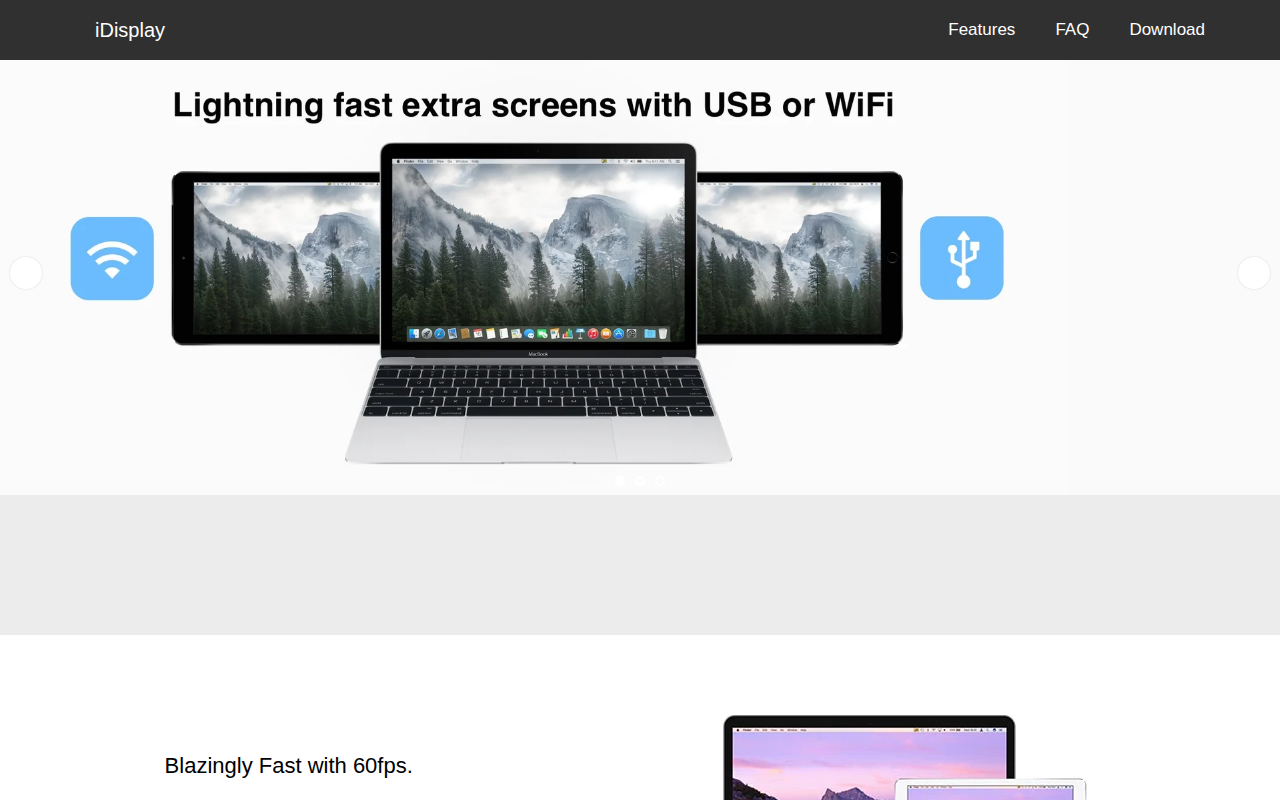
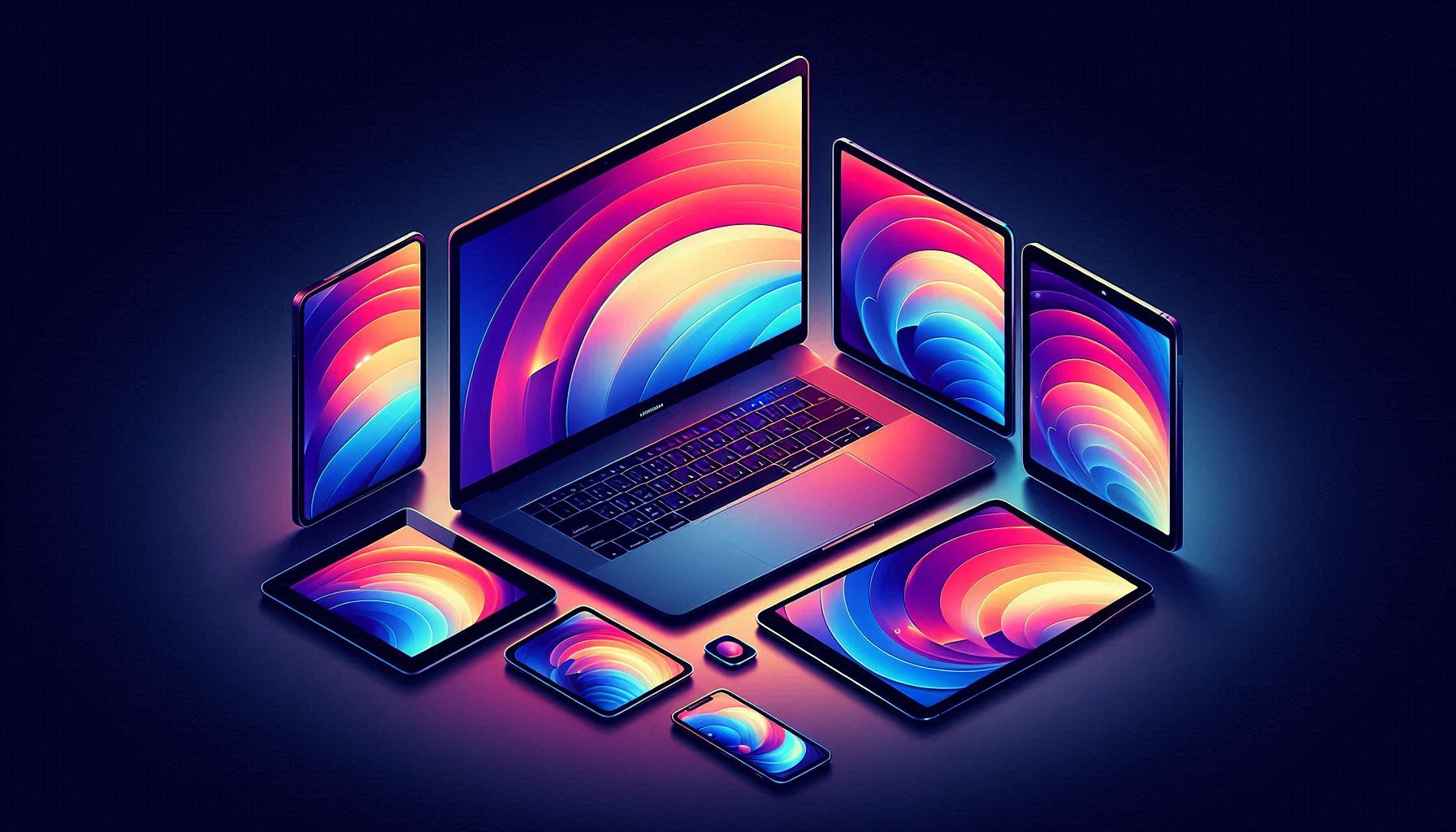
The software turns a tablet or smartphone into an additional monitor for a Mac or Windows computer. It supports iPhone, iPad, iPad Mini, and Android devices, allowing them to act as side screens that extend the desktop workspace. The connection can be made via USB (Lightning, 30‑Pin, USB‑C for iOS‑Mac) or over Wi‑Fi, with Android USB support planned for the future.
It delivers up to 60 fps refresh rates and multi‑touch input, aiming for responsive performance and full‑resolution use of the connected device’s screen. The application can handle multiple tablets simultaneously in mirroring mode, and it automatically adjusts resolution to match the host display.
The program runs on macOS 10.9 and later, Windows XP and newer, iOS 8 and later, and Android 4 and later. It is positioned for users who need extra screen real estate to improve productivity, as well as for organizations that may deploy it across many devices.
Reviews
Loading reviews…
Similar apps
Display & Accessibility
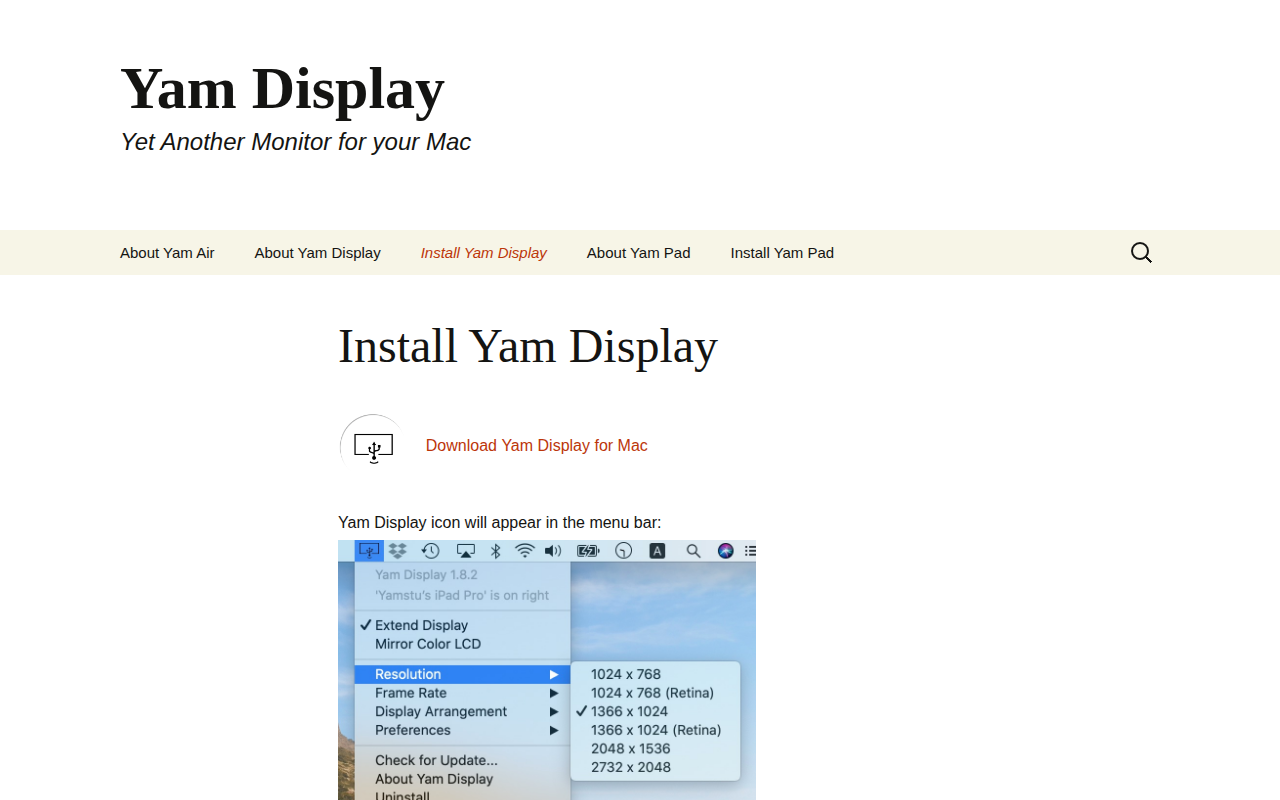
Yam Display
Yet another monitor
Remote Access & VPN
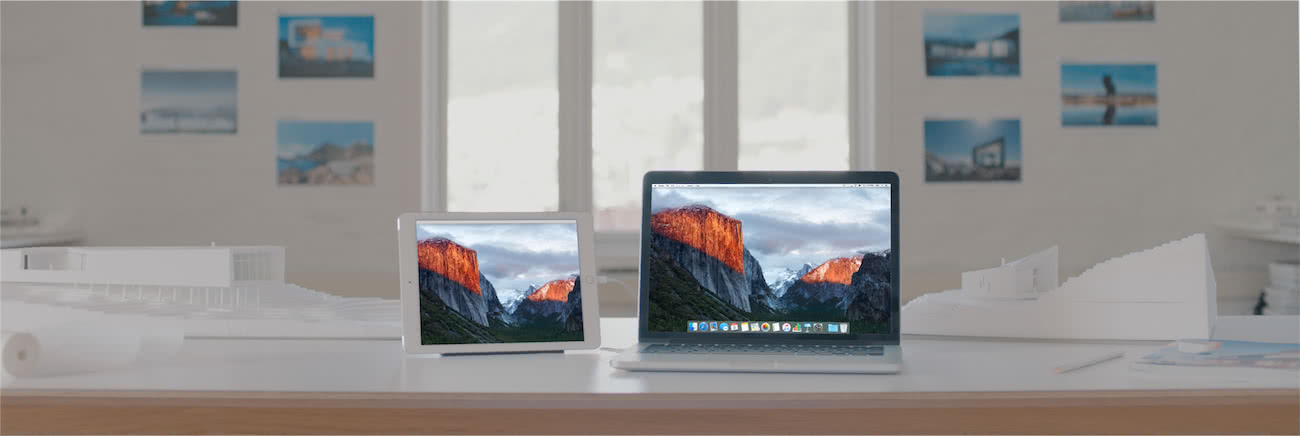
Duet
Remote desktop and second display tool
Display & Accessibility
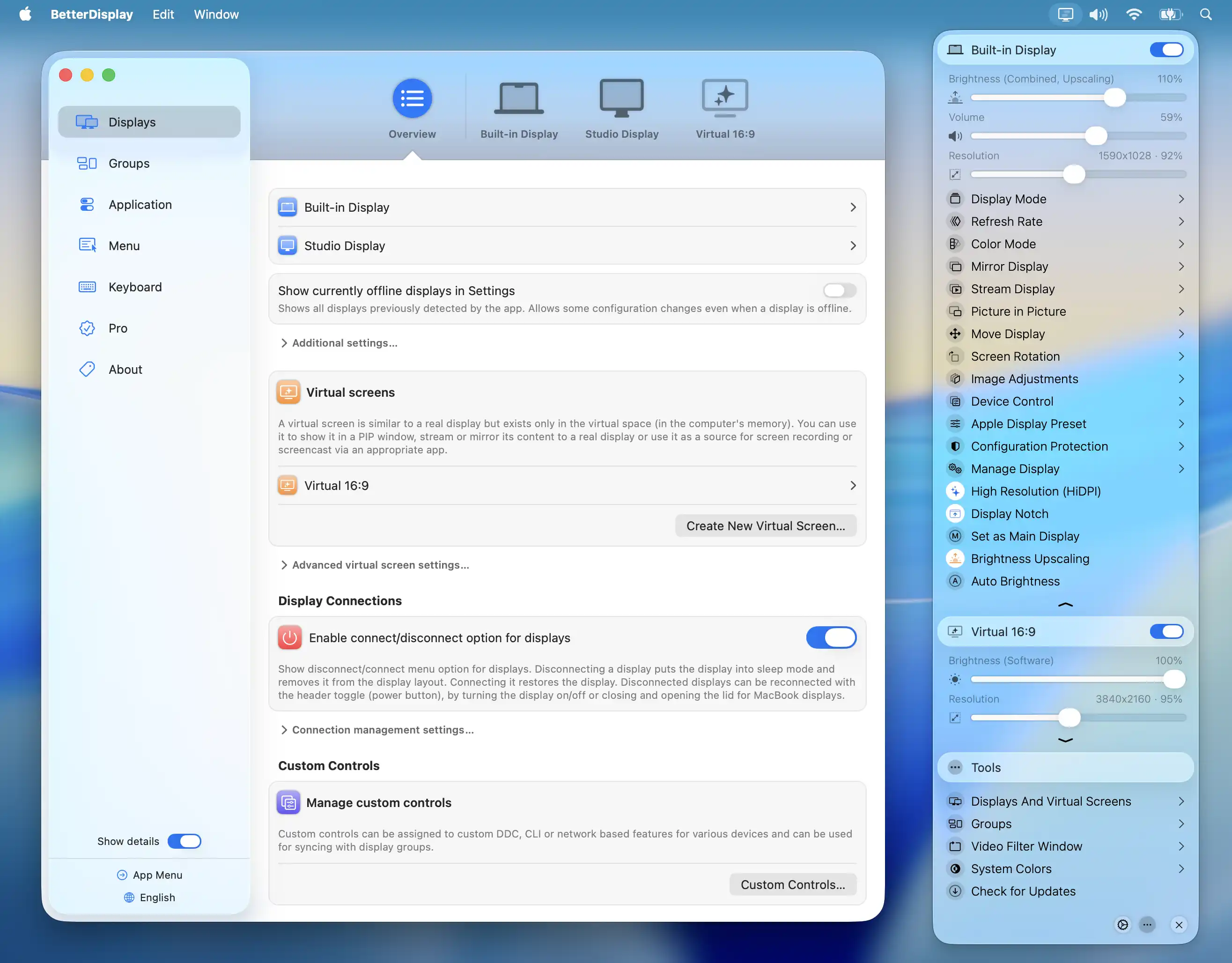
BetterDisplay
Display management tool

Display & Accessibility
DisplayLink USB Graphics Software
Drivers for DisplayLink docks, adapters and monitors
Display & Accessibility
Deskreen
Turns any device with a web browser into a secondary screen
Display & Accessibility
Displays
Monitor resolution and settings manager