
Yam Display
Yet another monitor
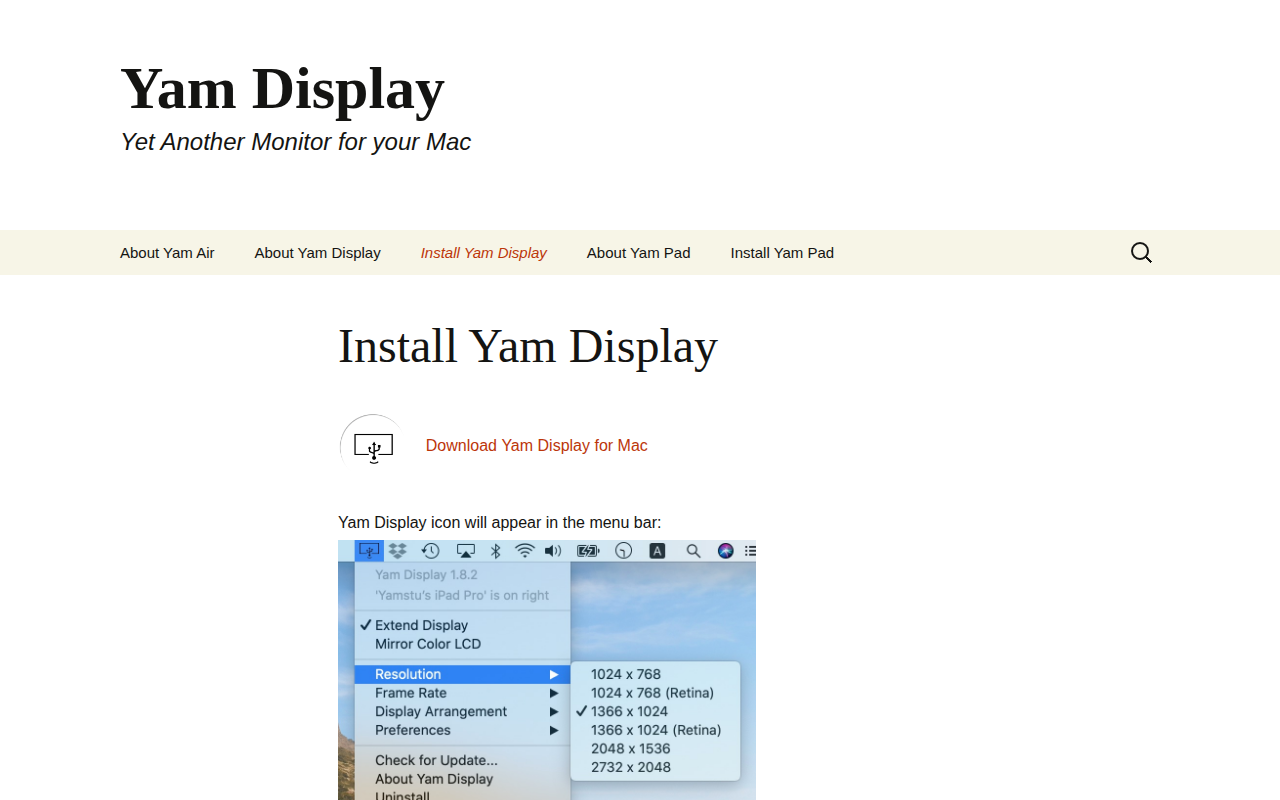
Yam Display enables a Mac computer to extend its desktop onto iOS devices, turning an iPad or iPhone into an additional screen. The Mac app places an icon in the menu bar, while the companion iOS app—available as Yam Display (USB) for wired connections or Yam Air for wireless use—receives the video stream. Users can also employ a second Mac as a display by installing Yam Air Desk on that machine.
The software is targeted at Mac users who need extra screen real‑estate without purchasing separate hardware monitors. It supports both wired USB and wireless Wi‑Fi connections, offering flexibility for different workflows and environments. The solution is distributed through the Mac App Store and the iOS App Store, and it provides a simple setup process guided by the menu‑bar icon and the iOS app.
Yam Display is listed as a stable, macOS‑only product in the productivity category. Support and feedback are handled via a dedicated email address, and a FAQ section is available on the project’s homepage.
Reviews
Loading reviews…
Similar apps
Display & Accessibility
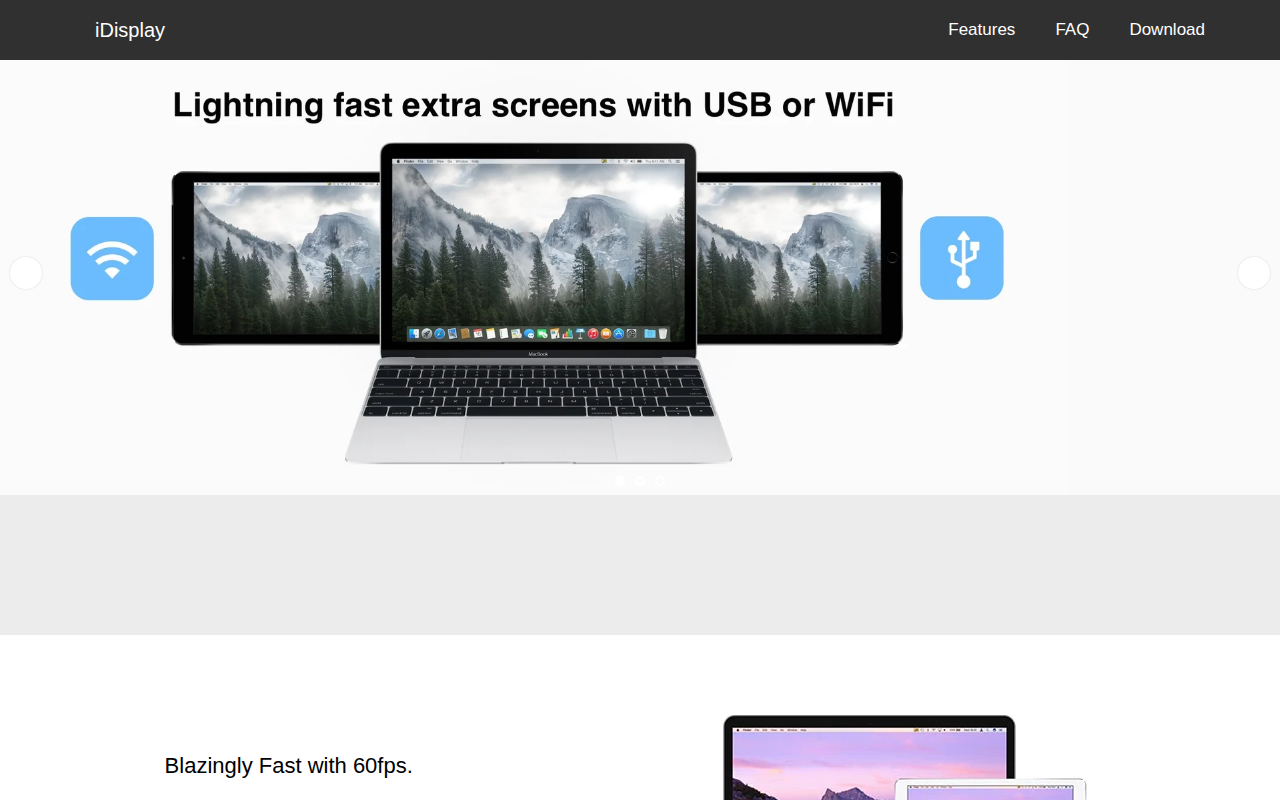
iDisplay
Use a tablet as an extra screen
Display & Accessibility
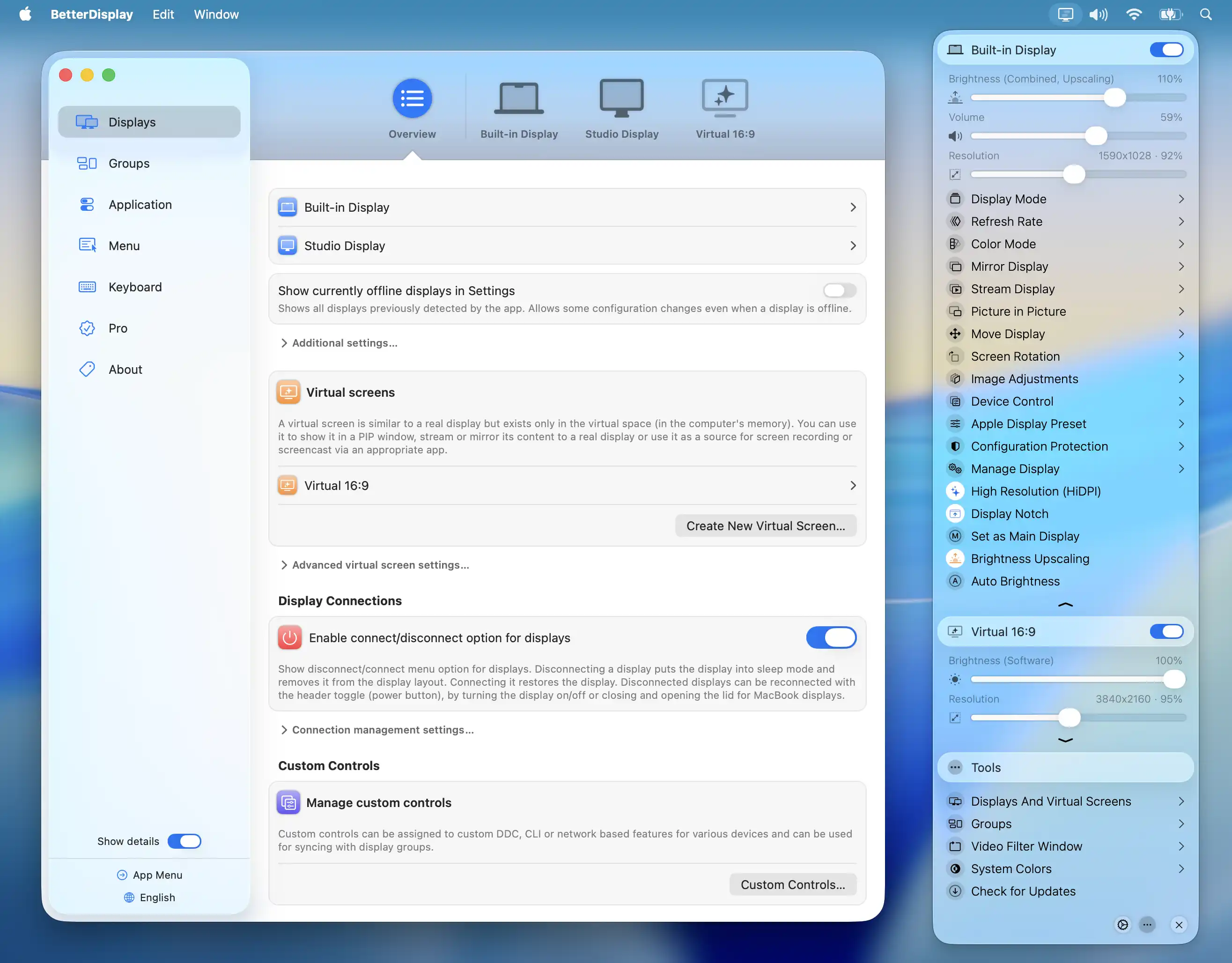
BetterDisplay
Display management tool
Display & Accessibility
DeskPad
Virtual monitor for screen sharing
Display & Accessibility
Deskreen
Turns any device with a web browser into a secondary screen
Remote Access & VPN
Vysor
Mirror and control your phone
Display & Accessibility
MonitorControl
Control external display brightness and volume directly.