
DeskPad
Virtual monitor for screen sharing
DeskPad creates a virtual monitor on macOS that mirrors its content inside an application window, allowing users to present a dedicated workspace without sharing their entire physical screen. When the app is launched, macOS treats it like a newly connected display, preserving existing window layouts and letting the user adjust the virtual screen’s resolution through system preferences. The window updates in real time, and moving the mouse onto the virtual display highlights its title bar and brings the window to the front, providing clear visual feedback.
The tool is aimed at anyone who needs to share screen content in video calls, webinars, or remote collaborations, especially when the presenter’s monitor is larger than the audience’s view. By confining the shared area to the virtual display, presenters can keep the shared view focused and avoid exposing unrelated applications or desktop clutter.
Installation is available via a downloadable binary or a Homebrew cask, and the app may require screen‑recording permission in macOS privacy settings to function correctly.
Reviews
Loading reviews…
Similar apps
Display & Accessibility
Deskreen
Turns any device with a web browser into a secondary screen
Display & Accessibility
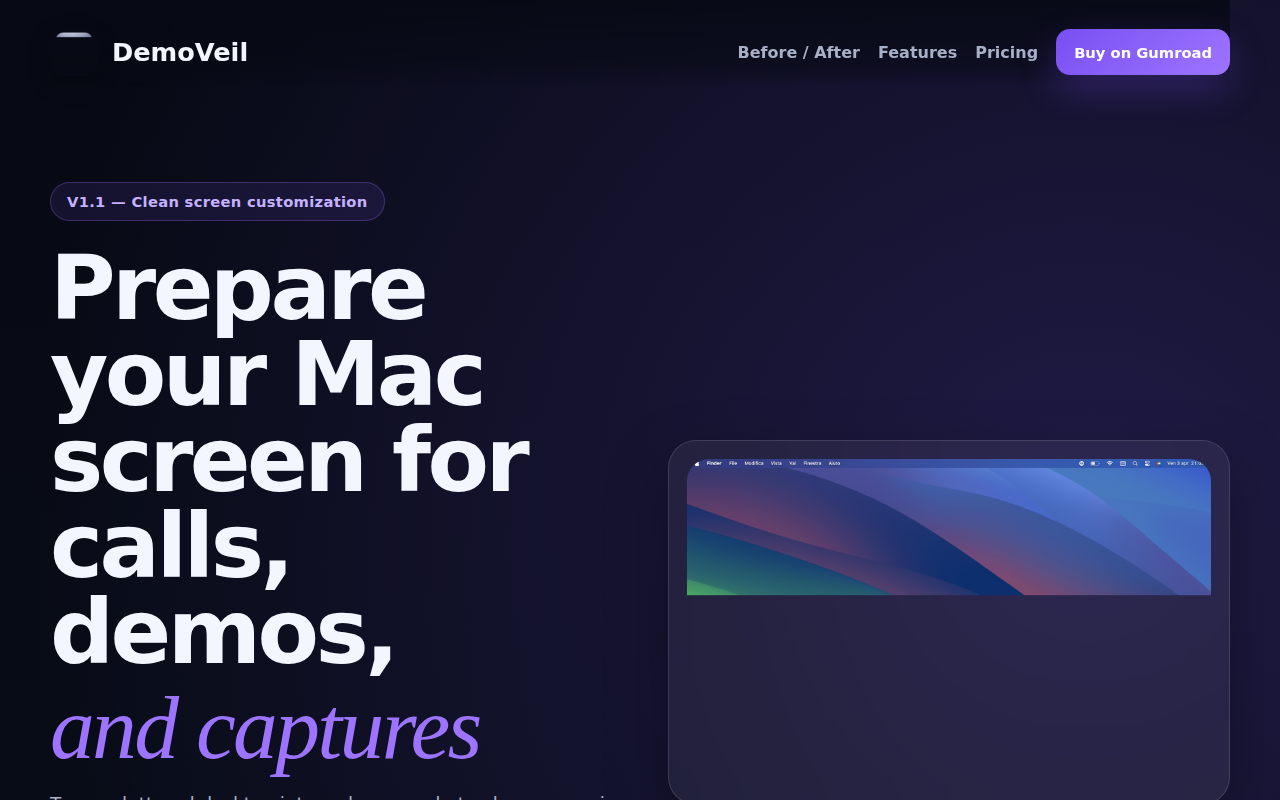
DemoVeil
Prepare your Mac screen for calls, demos, and captures
Display & Accessibility
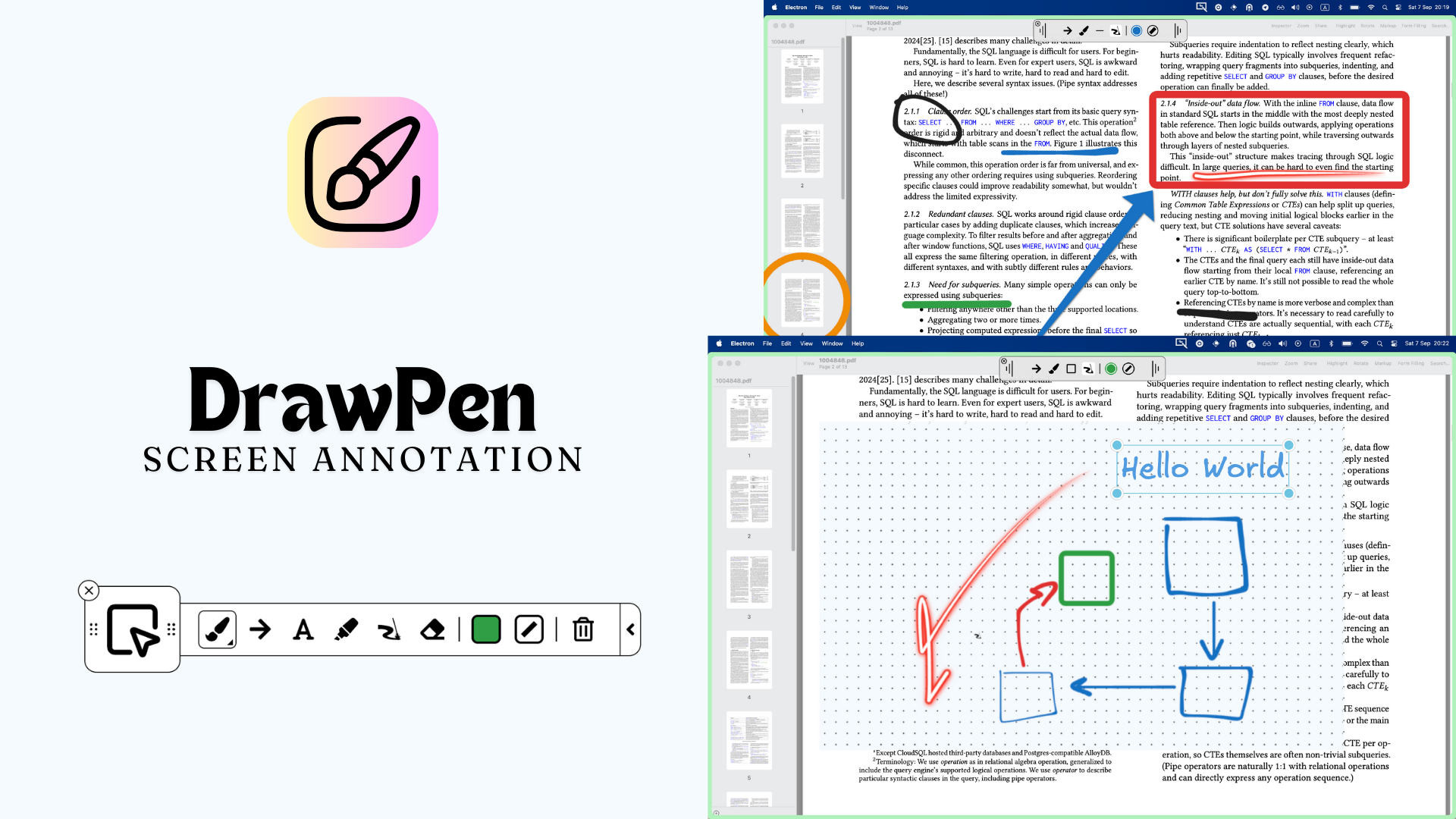
DrawPen
Screen annotation tool
Display & Accessibility
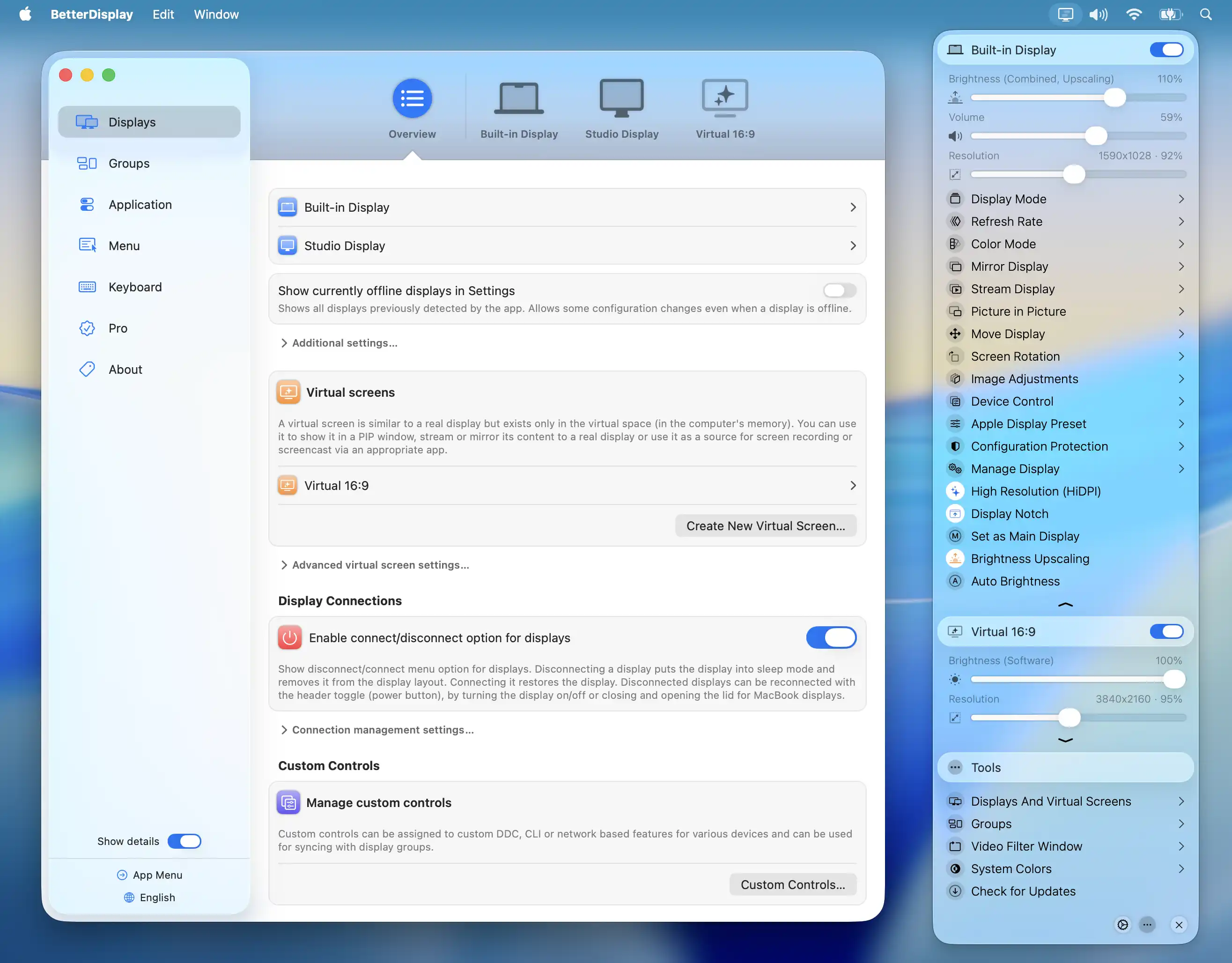
BetterDisplay
Display management tool
Display & Accessibility
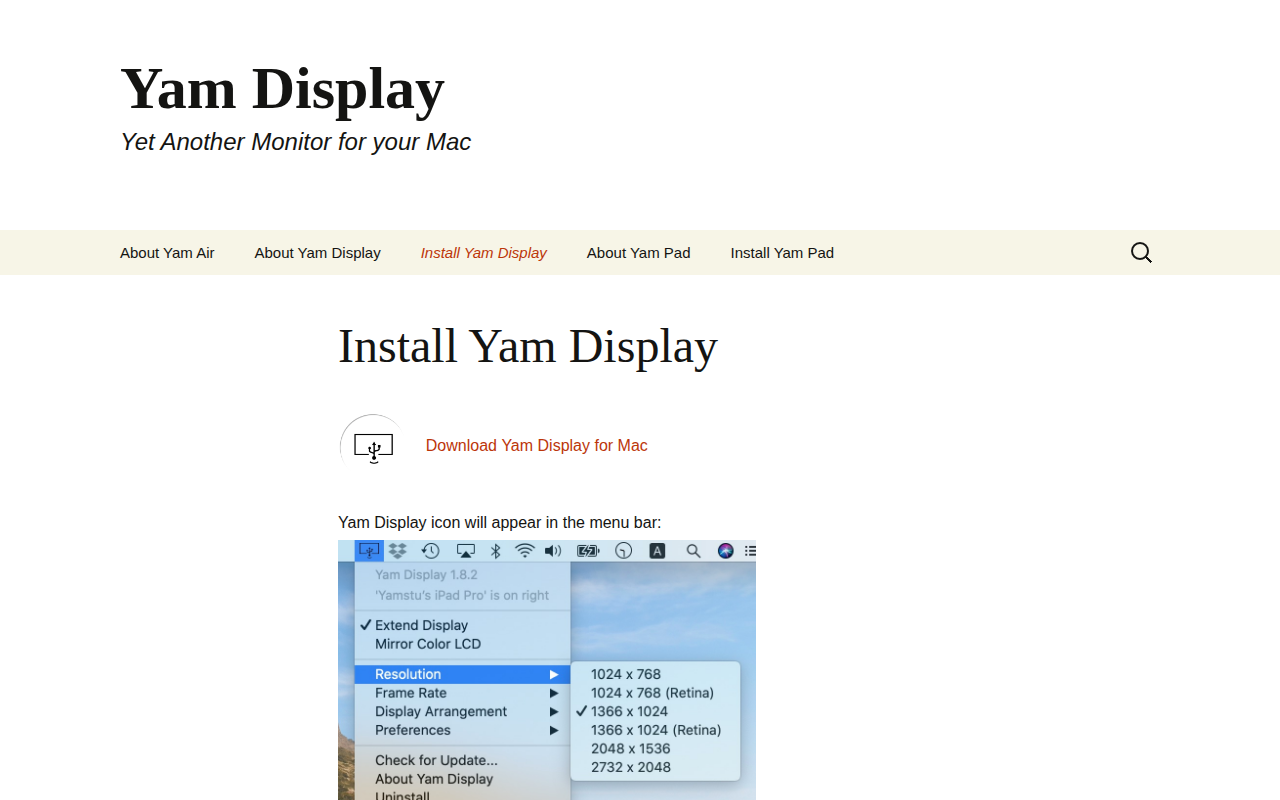
Yam Display
Yet another monitor
Display & Accessibility
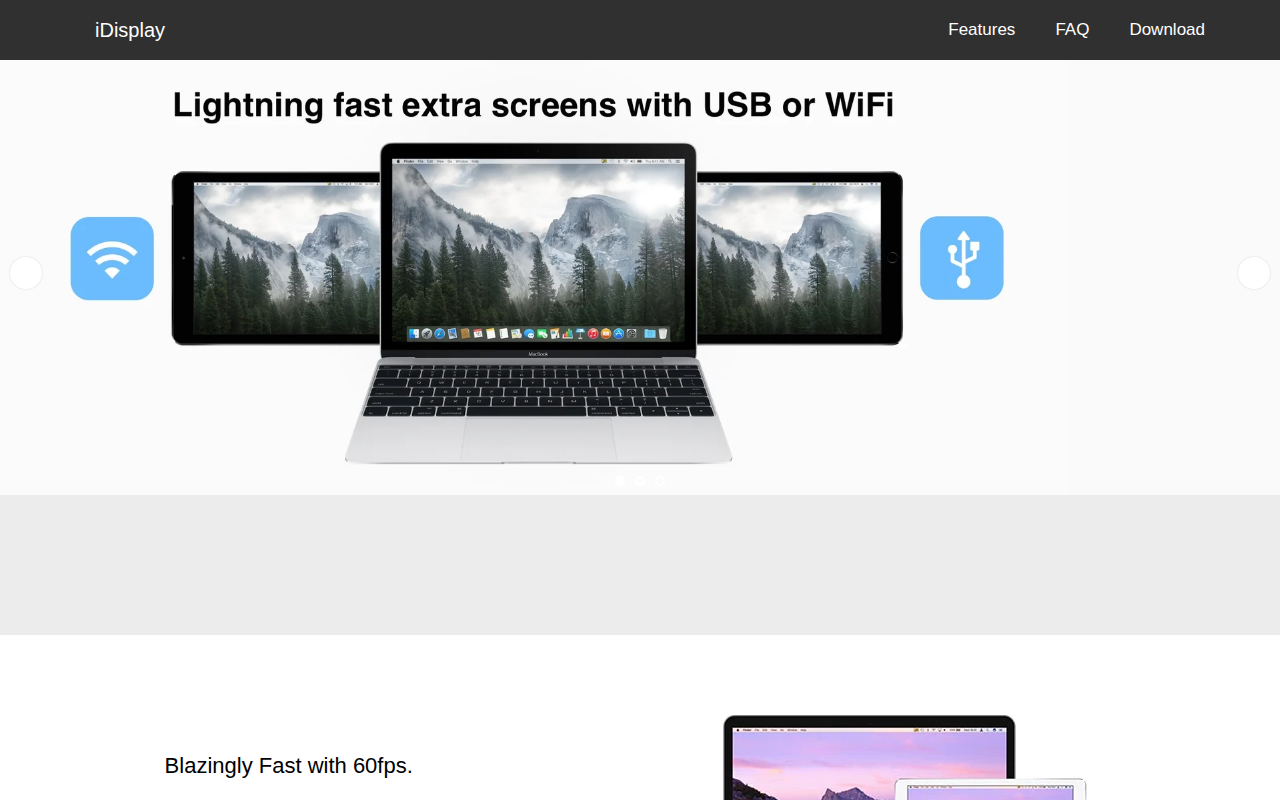
iDisplay
Use a tablet as an extra screen