
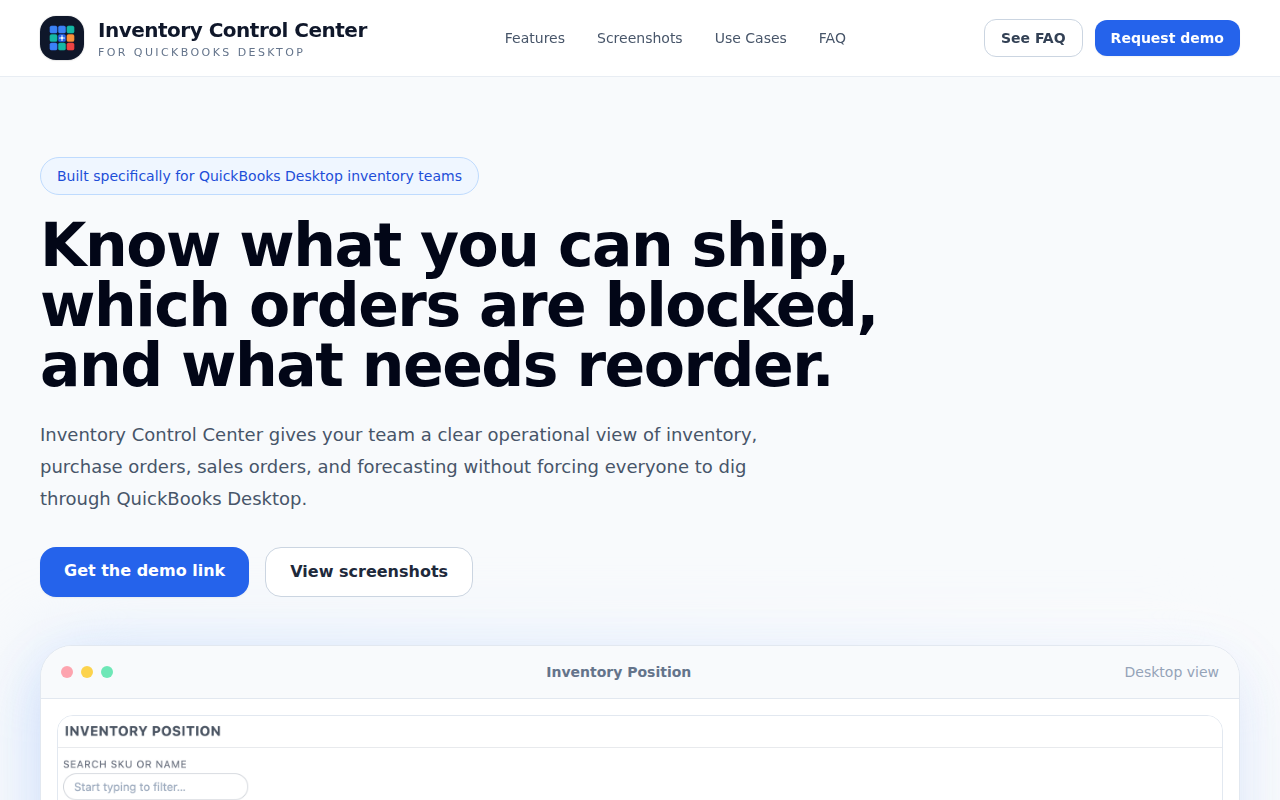
Inventory Control for QuickBooks Desktop
See what can actually ship in QuickBooks Desktop
The tool provides a single operational view for QuickBooks Desktop users, displaying real‑time inventory position, incoming purchase orders, and order status. It calculates the quantity available for shipping after accounting for committed sales orders, highlights orders that are blocked by missing stock, and shows which items fall below reorder thresholds. Users can search by SKU or product name and view forecasts based on 3‑, 6‑, and 12‑month planning windows.
Designed for inventory, purchasing, sales, and fulfillment teams, the interface consolidates key metrics such as “Ship Today,” “Blocked Orders,” and “Inventory Value” without requiring users to navigate through QuickBooks Desktop itself. It also tracks purchase order ETAs, open quantities, and the impact of incoming supply on stock coverage.
The solution aims to reduce guesswork in stock management, enabling faster decisions about shipping, reordering, and fulfillment while remaining compatible exclusively with QuickBooks Desktop.
Reviews
Loading reviews…
Similar apps
Accounting & Bookkeeping
QuickBooks Desktop
Accounting software
Task & Project Management
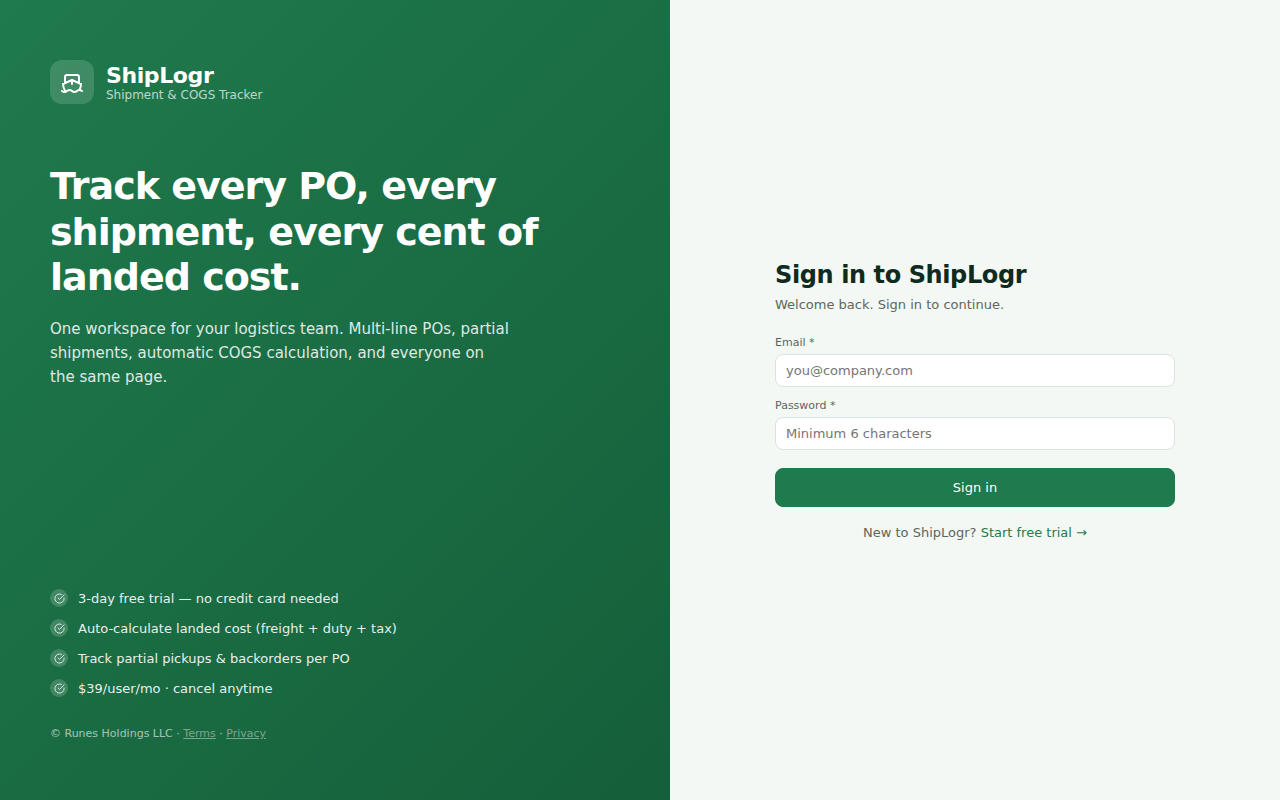
ShipLogr
Track POs, Shipments & Real Landed Cost Without Spreadsheets

File Management & Transfer
Key Space
Real-time inventory tracking and warehouse optimization software designed for small and mid-sized businesses.

Task & Project Management
Reactive
52-week demand forecasting, automated reorder alerts, promo planner, price elasticity modeling, size-level POs, and OTB budget control…

Accounting & Bookkeeping
Accounting Ketchup
Behind on your books? AI + human review catches up your QuickBooks in 3-7 days. From $69/month.

File Management & Transfer
FreightPOP
Intelligence that moves your supply chain