
Flanders IP Remote Utility
Management of Flanders Scientific hardware
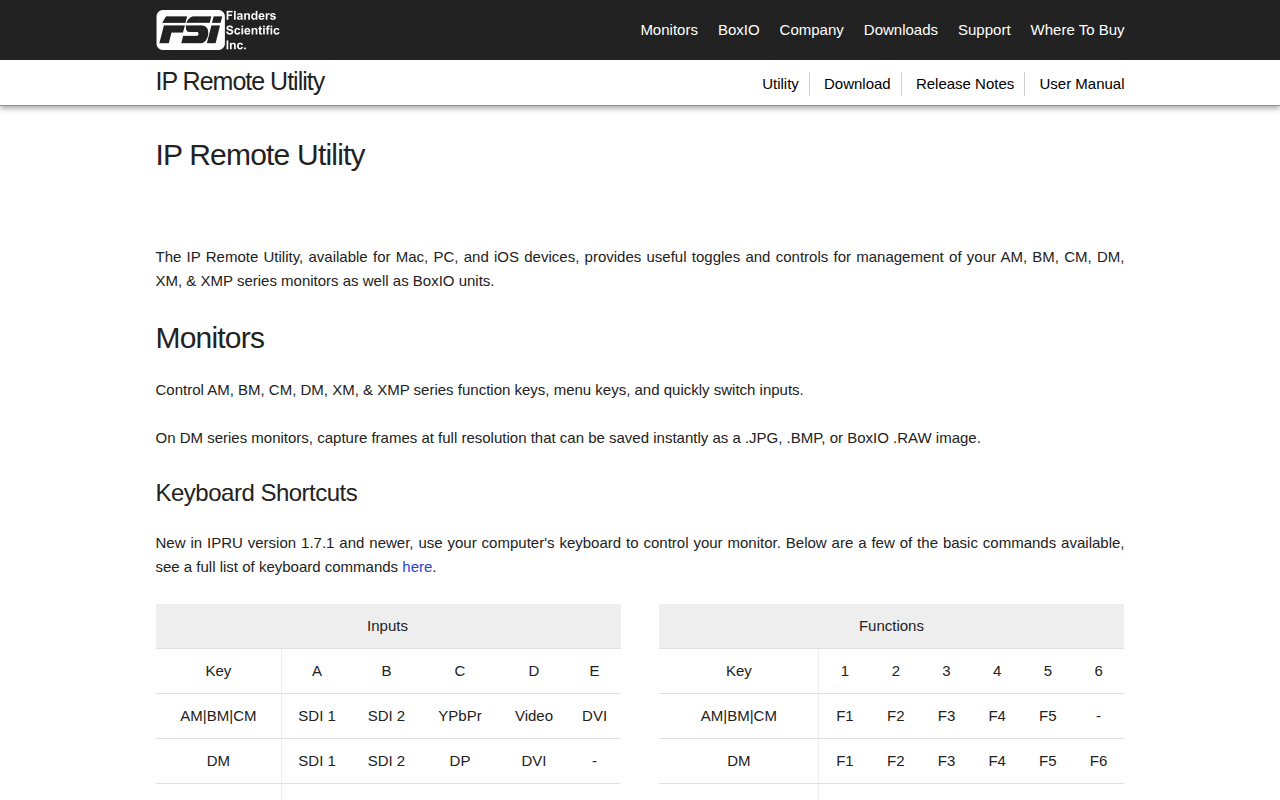
The IP Remote Utility enables users to control Flanders Scientific monitors and BoxIO units from a Mac, PC, or iOS device. It provides toggles for function keys, menu navigation, and input selection across the AM, BM, CM, DM, XM, and XMP series, allowing rapid switching among SDI, DVI, DP, and YPbPr sources. For DM series monitors it also captures full‑resolution frames and saves them as JPG, BMP, or BoxIO RAW files.
Keyboard shortcuts introduced in version 1.7.1 let operators issue common commands directly from the computer, streamlining workflow without needing to access the on‑screen monitor menus. The utility includes documentation and release notes for reference.
Designed for technicians and professionals who need to manage multiple Flanders Scientific displays, the software offers a unified interface for monitor configuration, input routing, and image capture, supporting both macOS and Windows environments.
Reviews
Loading reviews…
Similar apps

Remote Access & VPN
GLKVM
App for controlling GL.iNet KVM devices
HR & Business Ops
Bitfocus Buttons
Unified control and monitoring software
Remote Access & VPN
VirtualHere
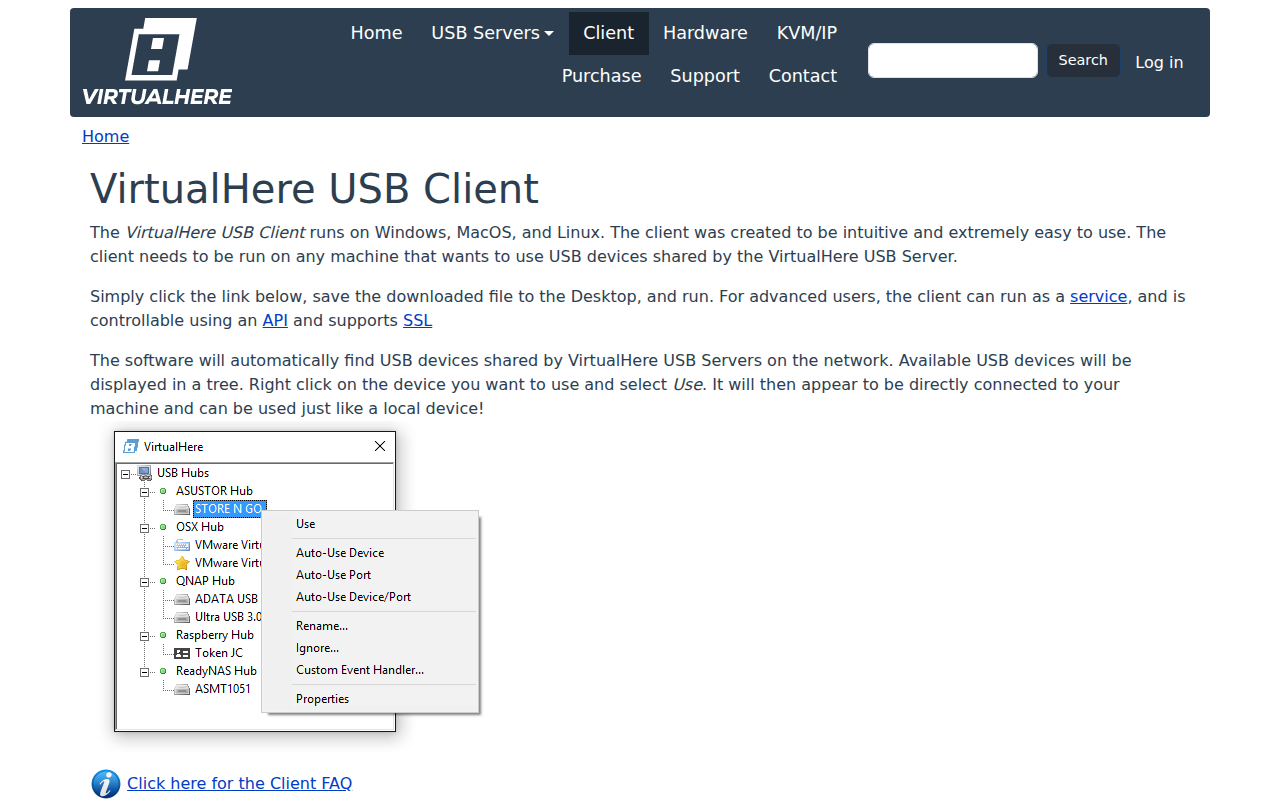
Use USB devices remotely over a network

Video Editing
CommandPost
Workflow enhancements for Final Cut Pro
Remote Access & VPN
Itsytv
Control your Apple TV from the menu bar.
Remote Access & VPN
Core Tunnel
Application for managing SSH connections.